Spatial Logic: How to Position Multiple Objects in An AI Image
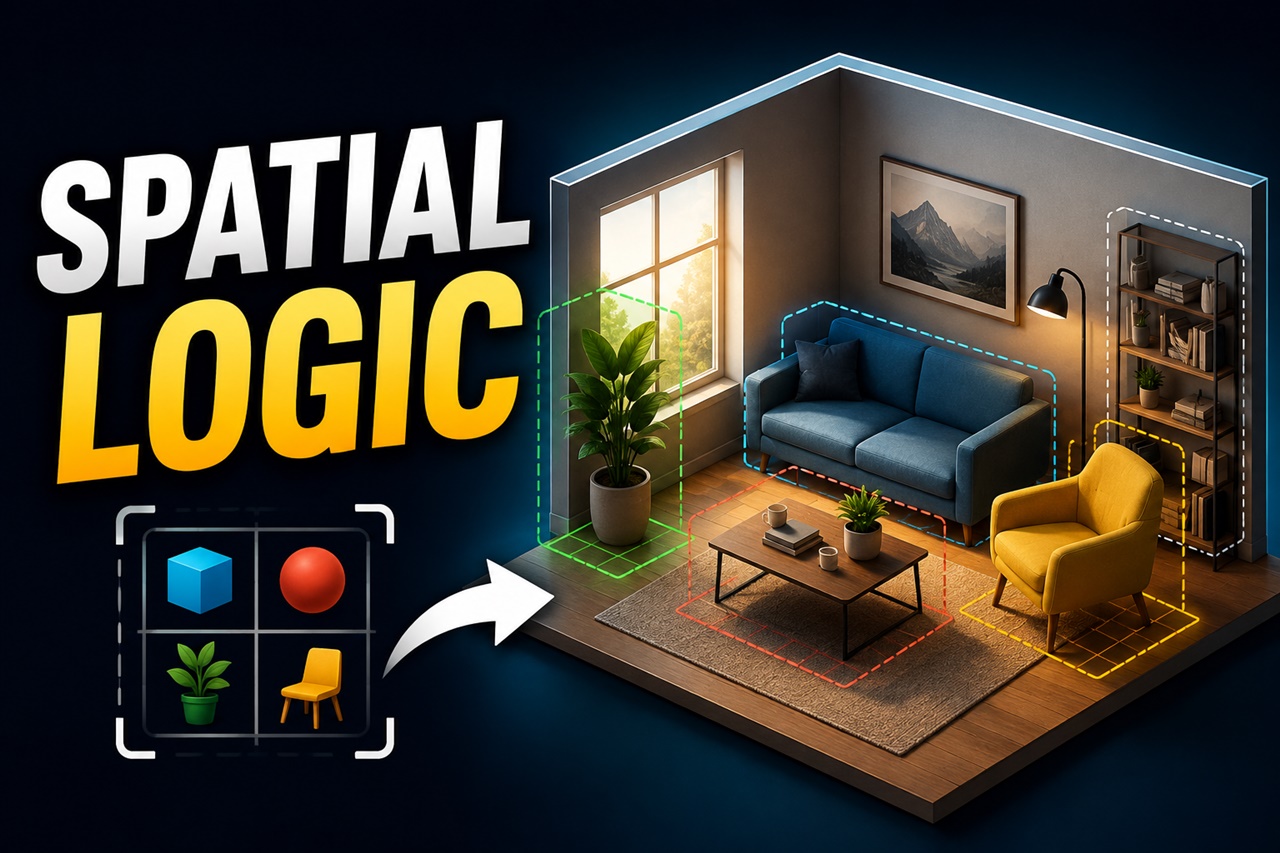
Have you ever tried generating an image with more than two distinct objects, only to end up with a chaotic visual soup? You ask for a blue vase on the left table, a cat under the chair, and a grandfather clock in the background and instead, the AI gives you a cat fused into the clock, floating inside a blue vase. Nothing is where it should be.
This isn't bad luck. It's one of the most common frustrations in text-to-image prompting: compositional chaos. The moment you introduce more than one subject and ask the model to arrange them in space, things start to fall apart.
The good news is that this isn't random it's predictable, and once you understand why it happens, you can write prompts that hold their structure. Let's break down how to think spatially when you prompt, so your scenes come out looking intentional instead of accidental.
Why AI Image Models Struggle With Spatial Relationships
Text-to-image models don't "understand" a scene the way you do. They don't build a 3D room in their head and place a cat on the left and a dog on the right. Instead, they read your prompt as a sequence of tokens and learn to associate certain words with certain visual patterns, based on how those words appeared together in training data.
This creates two core problems:
- Attention isn't perfectly localized. When you say "cat on the left, dog on the right," the model has to spread its attention across the whole canvas while trying to honor both descriptions at once. It often bleeds features from one subject into the other, especially when the subjects are visually similar or the prompt is vague.
- Prepositions are weak signals. Words like "behind," "above," "next to," and "in front of" are far less reliable than descriptive words like "red" or "wooden." Models see thousands of examples of "a red car" but comparatively fewer clean examples of consistent spatial relationships, so positional accuracy is inherently shakier than color or style accuracy.
Knowing this changes your strategy. Instead of treating spatial words as guaranteed instructions, treat them as strong suggestions that need to be reinforced through structure, repetition, and supporting details.
The Building Blocks of Spatial Language
Before structuring a full prompt, it helps to have a working vocabulary of spatial terms, grouped by what they actually communicate:
- Left/right positioning: "on the left side," "to the right of," "centered between"
- Depth positioning: "in the foreground," "in the background," "in the distance," "closer to the camera"
- Vertical positioning: "above," "below," "at the top of the frame," "resting on the ground"
- Proximity and contact: "next to," "touching," "leaning against," "a few feet away from"
- Containment and framing: "inside," "surrounded by," "framed by," "peeking out from behind"
A common beginner mistake is using only one of these categories and expecting the model to infer the rest. If you say "a lamp next to a chair," you haven't specified depth or scale, so the model is free to improvise sometimes badly. Layering two or three spatial cues per object dramatically increases the odds of an accurate result.
Order Matters: Structure Your Prompt Like a Camera Scan
Most diffusion models weight earlier tokens more heavily, and they also tend to interpret prompts loosely left-to-right, front-to-back, similar to how your eyes might scan a photograph. You can use this to your advantage by structuring your prompt the way a camera would build the shot, rather than listing objects randomly.
A reliable pattern looks like this:
- Establish the scene and setting first, this gives the model a spatial container to work within.
- Introduce the primary subject with its position relative to the scene.
- Introduce secondary subjects, each described relative to the primary subject or a fixed anchor point.
- Add atmosphere and lighting last, since these affect the whole frame rather than individual placement.
For example, instead of:
"a cat, a dog, a bird, a park, sunset"
Try:
"a quiet park at sunset, a large dog sitting in the center foreground, a small cat standing a few feet to the dog's left, a bird perched on a tree branch in the background above them, warm golden lighting"
Notice how each subject is anchored relative to something else, not floating in undefined space. This sequential, camera-like structure is one of the single biggest improvements you can make to spatial accuracy.
Use Explicit Counting and Grouping
Ambiguity multiplies chaos. If your prompt says "two cats and a dog," the model still has to guess how many of each animal to render, where the boundary between them is, and whether they should look identical or distinct. Vague quantity descriptions are one of the top causes of merged or duplicated subjects.
Instead, be explicit about count and grouping:
"two cats: one orange tabby sitting on the left, one gray cat lying down on the right, with a brown dog standing between them"
This does two things. First, it removes ambiguity about how many subjects should exist. Second, it gives each subject a distinguishing trait (color, pose) so the model has less reason to blend their features together. When two subjects are visually similar, differentiating them clearly is often more effective than the positional words alone.
Anchor Objects and Relational Framing
One of the most underused techniques in spatial prompting is anchoring, describing object placement relative to a fixed, stable element in the scene rather than relative to the frame itself. Frame-relative instructions ("on the left side of the image") work, but object-relative instructions ("resting on the table," "leaning against the wall," "tucked under the chair") tend to hold up better because they give the model a physical relationship to render, not just a coordinate.
Compare these two approaches:
- Frame-relative: "a vase on the left, a book on the right"
- Anchor-relative: "a wooden table in the center of the room, a ceramic vase sitting on the left edge of the table, an open book lying on the right side of the table"
The second version gives the model a shared surface to reason about, which naturally constrains scale and alignment. Anchoring is especially useful for still life, product shots, and interior scenes where objects need to visually "belong" to the same physical space.
Separate Objects Using Compositional Language
Borrowing vocabulary from photography and cinematography can reinforce spatial separation even further. Instead of only relying on prepositions, describe the composition itself:
- "split composition, subject on the left third, empty space on the right"
- "foreground, midground, and background clearly separated"
- "layered composition with depth of field, sharp subject in front, blurred elements behind"
This kind of language nudges the model toward treating the image as distinct visual planes rather than one flat cluster of objects, which reduces the tendency for subjects to visually merge.
When Words Aren't Enough: Structural Tools
Text alone has limits. If you need precise, repeatable positioning, like a specific pose, a fixed layout for a product shot, or exact placement across multiple generations, pure prompting will only get you so far. This is where structural tools come in:
- Pose and depth guidance (like ControlNet-style conditioning) lets you dictate exact positioning using a reference image or skeleton, rather than describing it in words.
- Regional prompting lets you assign different prompts to different areas of the canvas, so each subject is generated in its own defined space instead of competing for the same attention.
- Inpainting lets you fix one misplaced object without regenerating the whole scene.
Text prompting is best treated as the first and most flexible layer of control, structural tools are what you reach for when a scene needs pixel-level precision.
To Summarize
Compositional chaos isn't a sign that you're bad at prompting, it's a predictable side effect of how these models process space. Once you understand that spatial words are weaker signals than descriptive ones, you can compensate: layering multiple positional cues, structuring your prompt like a camera scan and anchoring objects to shared surfaces,. And when text alone isn't precise enough, structural tools like pose guidance and regional prompting give you the exact control that words can't.
The next time your subjects start merging into an unintended hybrid, strip the prompt down to its anchors, re-establish your coordinate framework, and build the scene back up layer by layer.