
Young woman in pink dress with tiara at decorated birthday celebration table
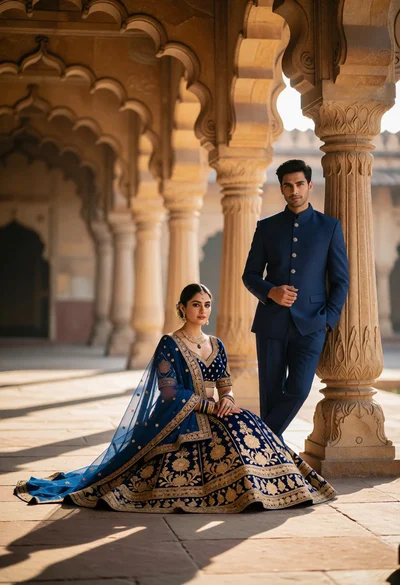
Couple posing elegantly in grand sandstone colonnade with ornate arches
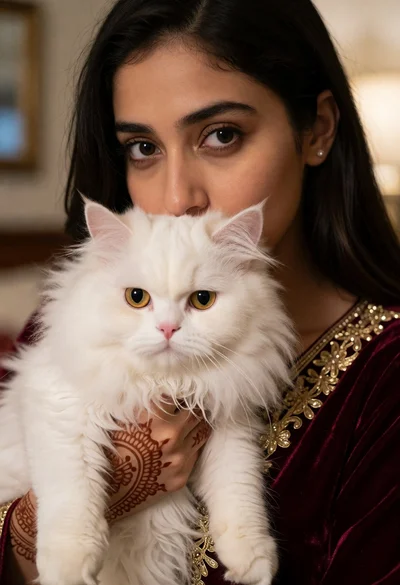
Close up portrait of woman holding fluffy white cat indoors

Young man crouching by an orange sports car on a gravel driveway

Young woman in black tank top with crocheted hat near frosted cake
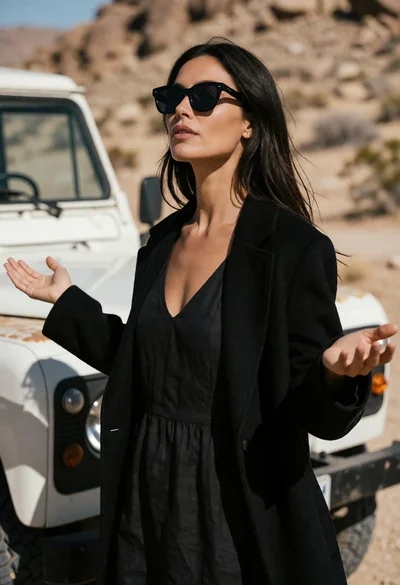
Woman standing in desert landscape with outstretched arms near vintage offroad vehicle
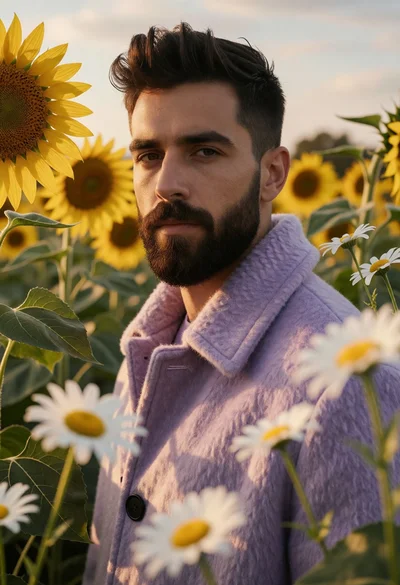
Man in purple coat standing among sunflowers and daisies field

Stylized portrait of bearded man with futuristic sunglasses against dark background
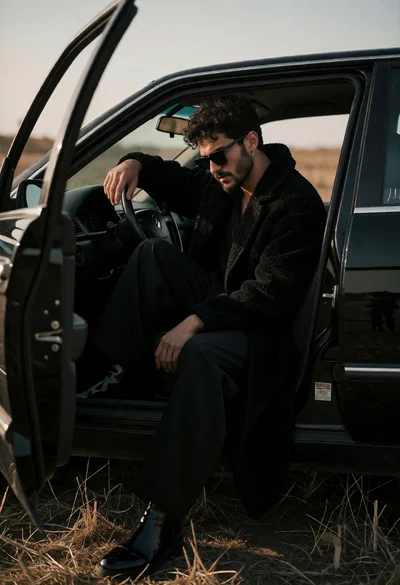
Man in black coat sitting in open car door field at low
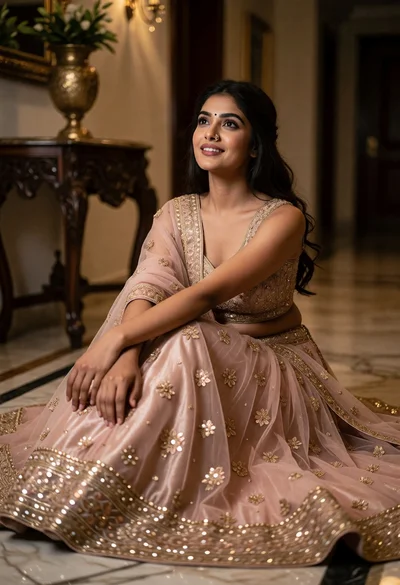
Young woman in blush lehenga on marble floor with gold embroidery details

Man with beard relaxing on brown leather sofa in modern living room
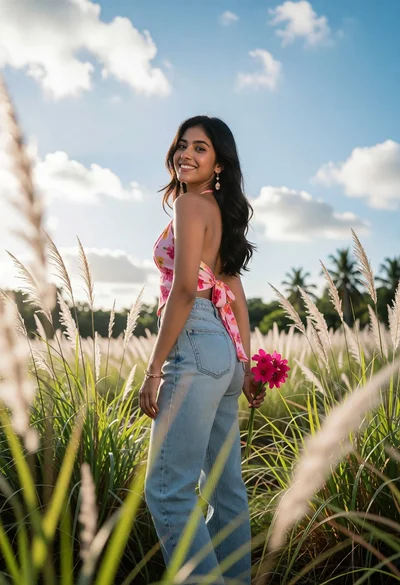
Young woman looking back over shoulder in tall green grass field
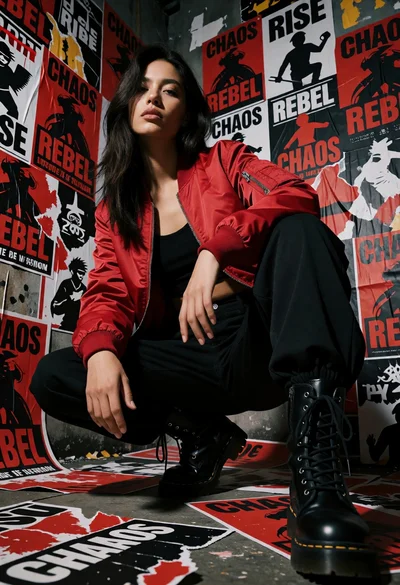
Woman crouching in an alley surrounded by red and black protest posters
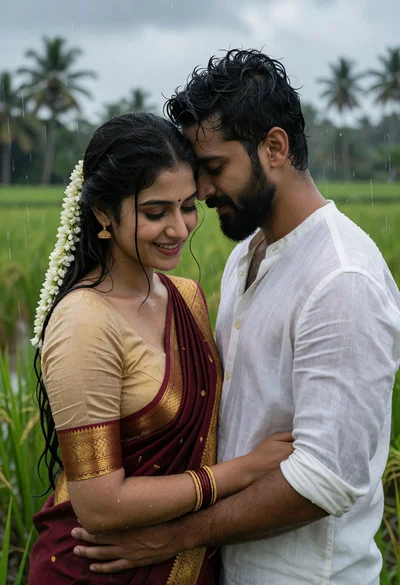
Romantic couple embracing in lush green rice paddy under rainy sky
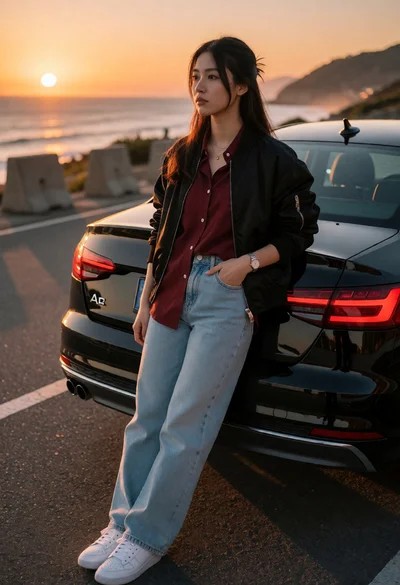
Young woman leaning against black audi a4 by ocean at sunset

Young man in boat on lake surrounded by green hills under blue
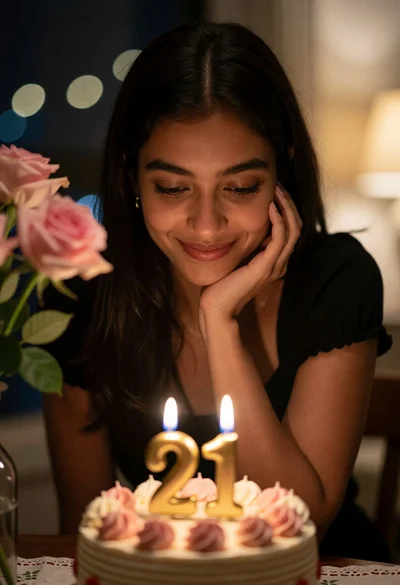
Young woman smiling at birthday cake with pink roses indoors at night

Confident woman in black blazer against dark background with red lighting
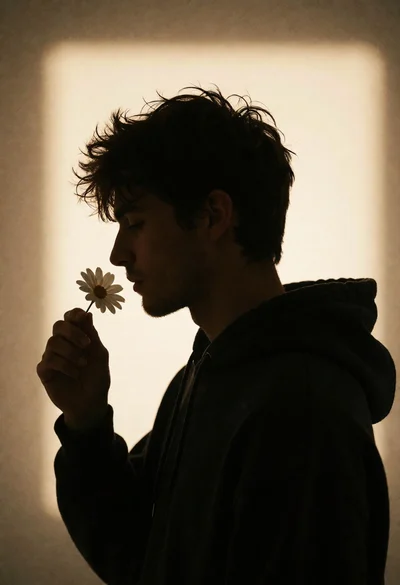
Silhouette of young man in profile holding white flower against sepia background
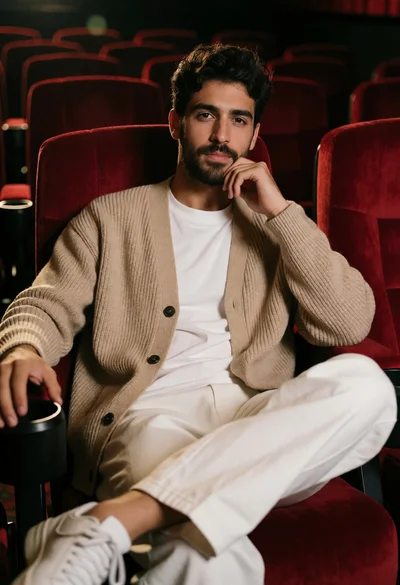
Young man sitting in plush red cinema seat with thoughtful pose
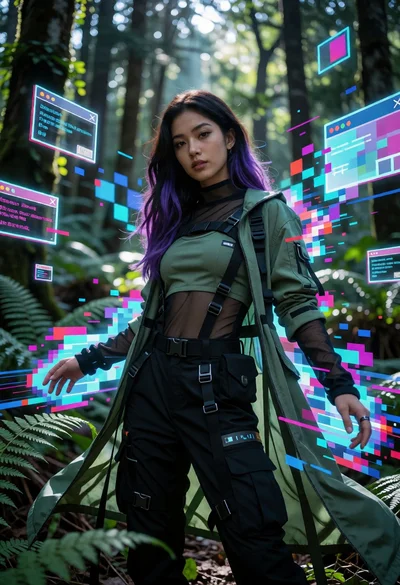
Woman in futuristic tactical outfit amidst glitching neon forest environment
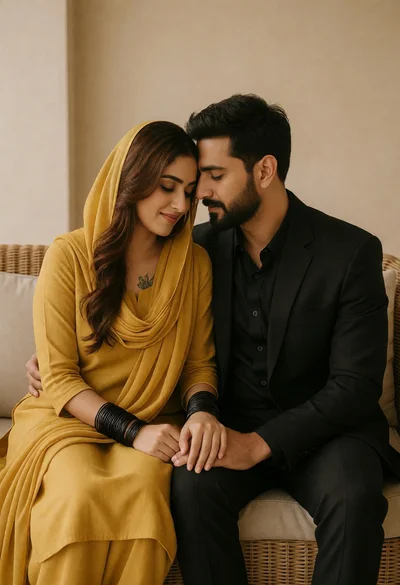
Romantic portrait of couple on wicker sofa with neutral beige walls
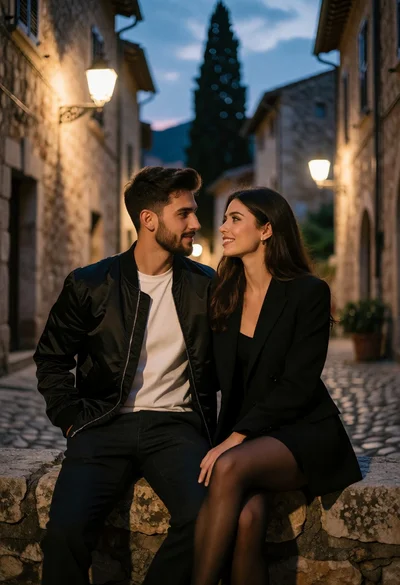
Romantic portrait of couple on stone ledge in narrow cobblestone alleyway at
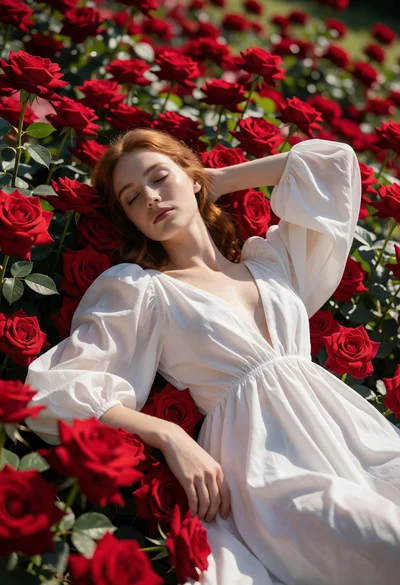
Fair skinned woman resting head on vibrant red roses in a floral
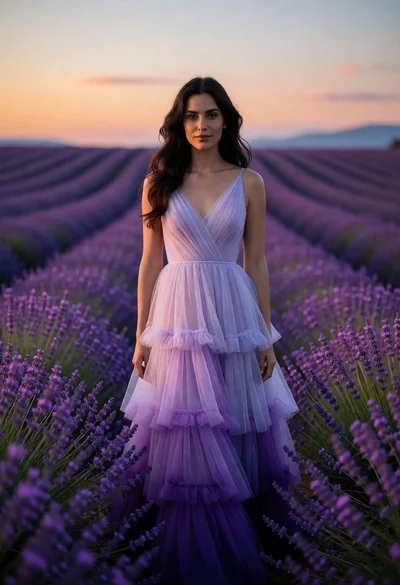
Woman in lilac and violet gown standing in vast lavender field at
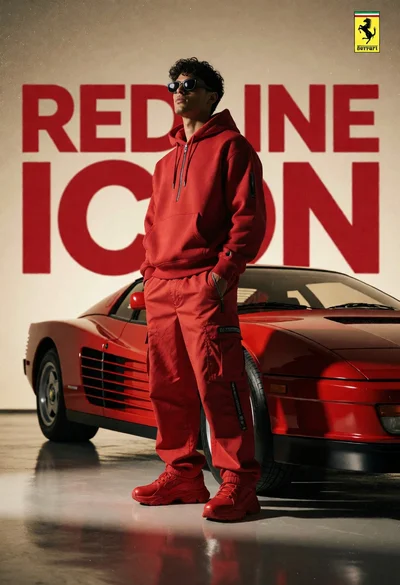
Man in red outfit beside classic ferrari testarossa in studio setting
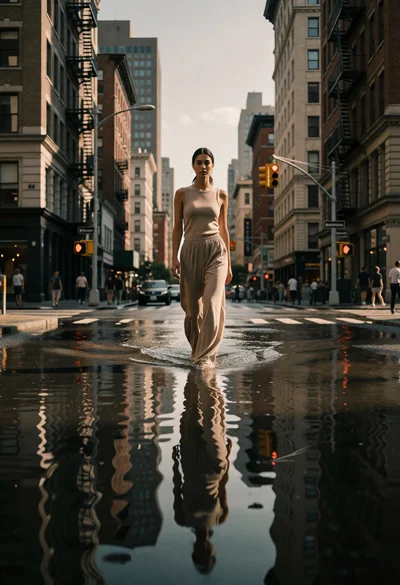
Woman walking through flooded city street reflecting in water at low angle

Young woman taking a selfie near skeleton prop on green lawn

Black man laughing in lime green outfit against solid backdrop
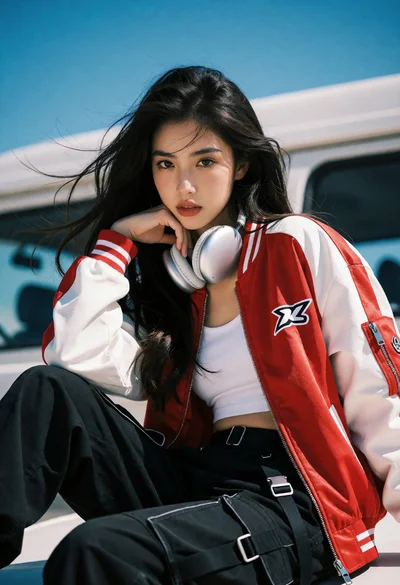
Young woman in bomber jacket leaning against white vehicle under blue sky
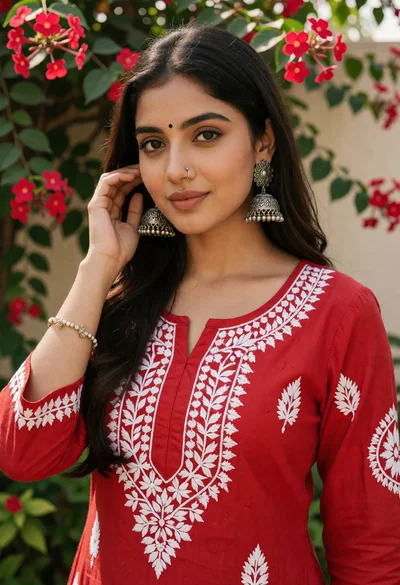
Young woman in red embroidered kurta standing in lush garden setting
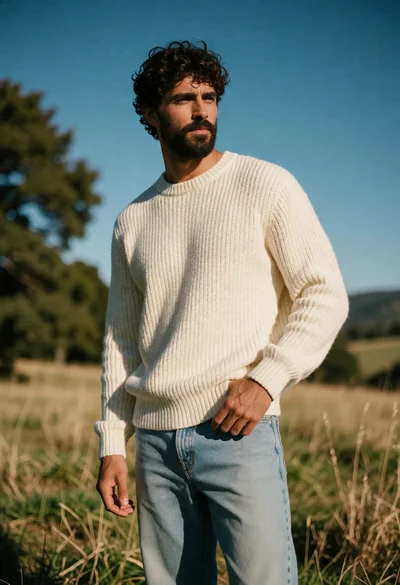
Man in cream knit sweater standing in sunlit grassy field with rolling

Woman dancing on mossy rock beneath floating inverted mountains in calm lake
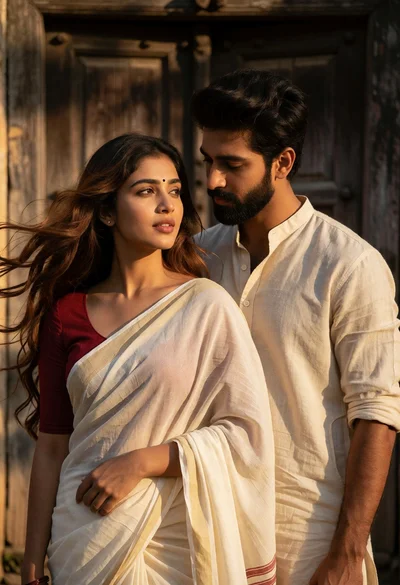
Romantic portrait of couple by weathered wooden door with golden sunlight
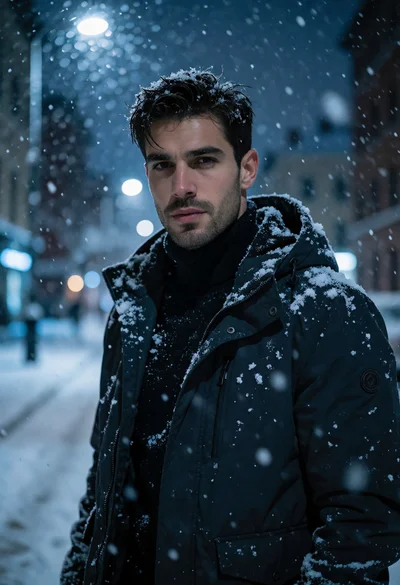
Handsome man in dark jacket standing on snowy urban street at night
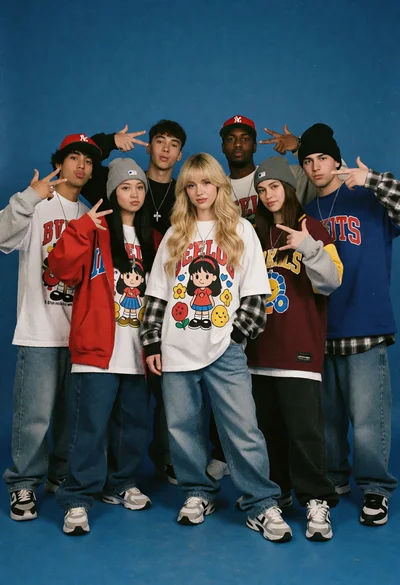
Group of seven young people in 90s streetwear against a solid blue
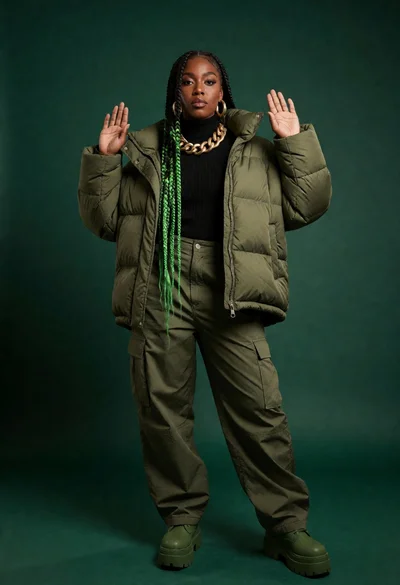
Full length portrait of black woman in olive green puffer jacket studio
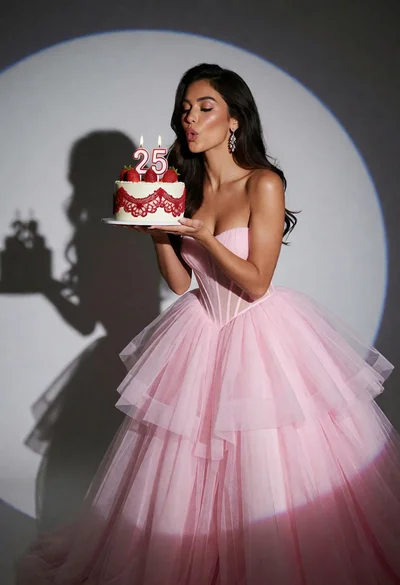
Woman in pink tulle gown blowing candles on number twenty five cake
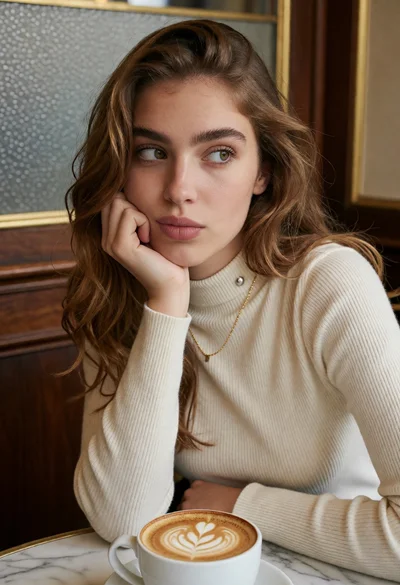
Close up portrait of woman at cafe table with latte art coffee

Stylish woman in black mini dress posing against seamless white studio background
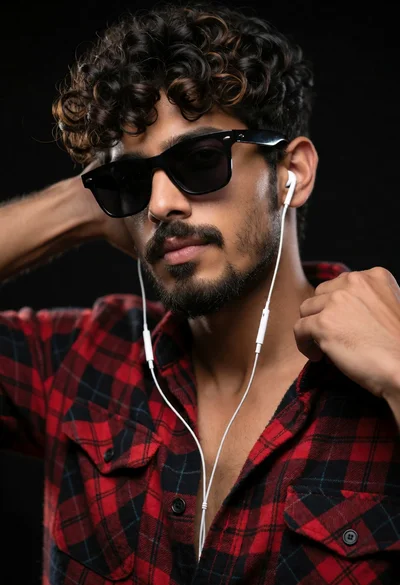
Medium close up portrait of young man in plaid shirt against black
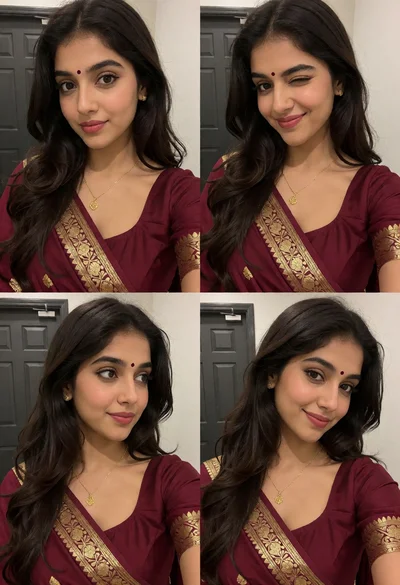
Collage of four portrait selfies featuring woman in maroon saree indoors

Man driving modern car at night with glowing dashboard details

Man in black suit adjusting red striped tie in dimly lit room

Muscular man in black suit holding vintage phone against red backdrop
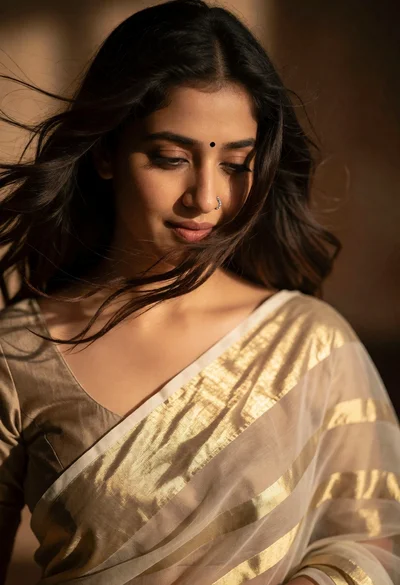
Close up portrait of woman with dark hair in sheer saree against

Collage of photographs featuring woman in pink saree on white grid background
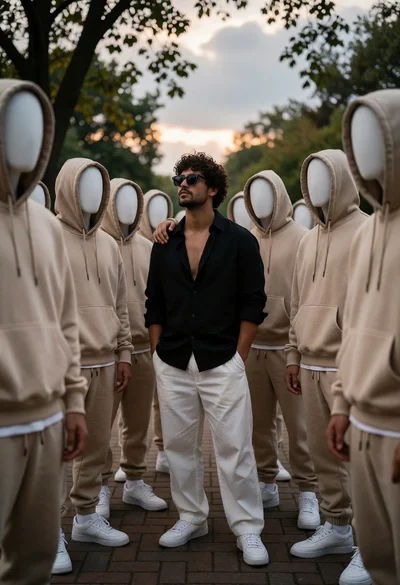
Man with curly hair surrounded by faceless figures on a brick walkway