
Close up portrait of man in denim jacket against newspaper collage background
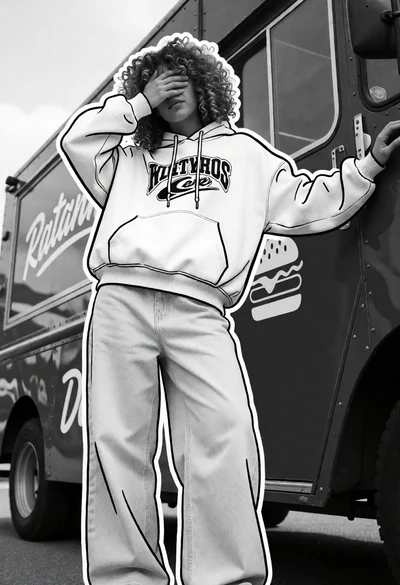
Person in hoodie and jeans against dark food truck with graphic overlay

Miniature felt doll sitting on soft blue hill next to white lamb

Miniature felt scene of figure rowing boat with rabbit under glowing moon

Vibrant magenta bougainvillea flowers in a lush garden under bright sunlight

Digital illustration portrait of young man in black suit jacket against neutral

Anime illustration of woman with purple hair in blue dress against gradient

Cheerful portrait of young woman with dark wavy hair against plain background

Stylized illustration of a glowing red raven against a solid black background

Cheerful chibi cartoon character riding a motorcycle with an orange cat

Miniature diorama of forest river scene with mouse on raft and rhino
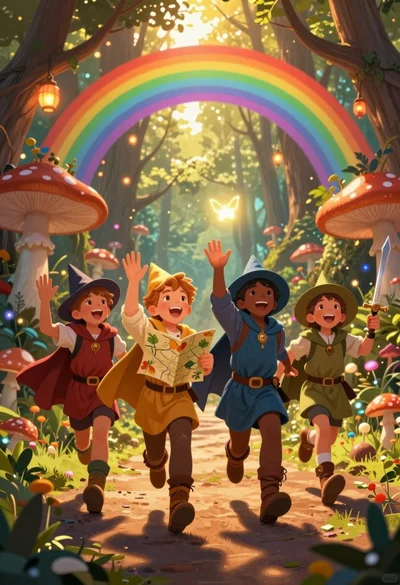
Four children adventurers running through magical forest path under rainbow archway
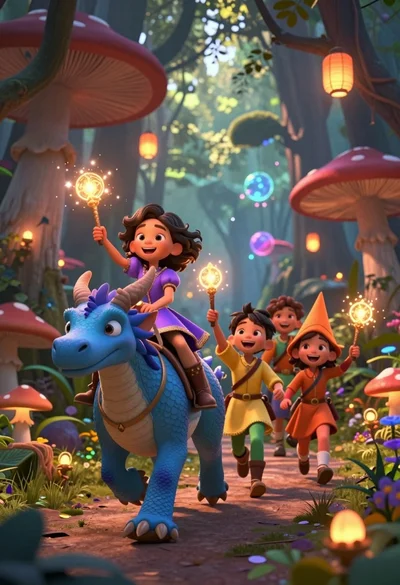
Diverse children riding fantasy creatures through a magical forest path

Woman typing on laptop at wooden desk in minimalist black and white
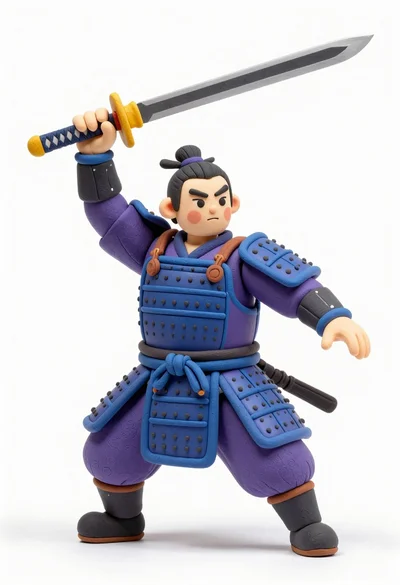
Stylized claymation samurai warrior in dynamic combat pose on white background
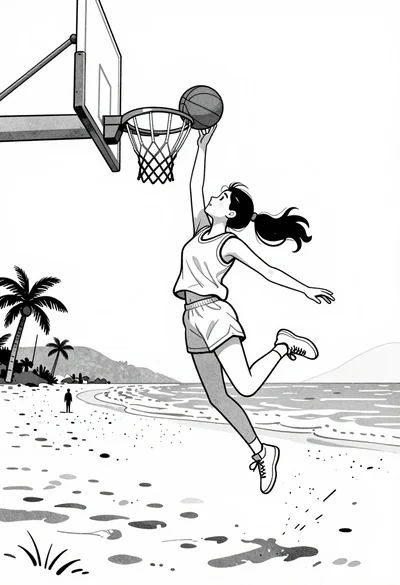
Girl jumping high to dunk basketball on a sandy beach near ocean
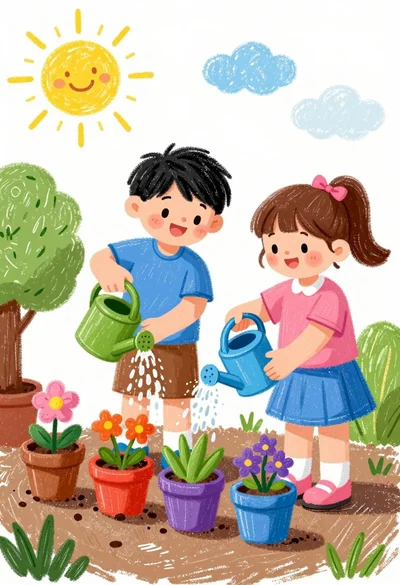
Two children watering potted plants in a sunny garden setting

Cheerful young boy running through grassy field flying colorful diamond kite

Chibi girl riding beige scooter with orange cat on her head
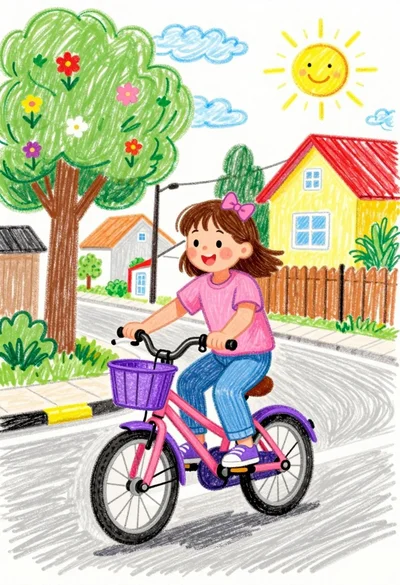
Cheerful young girl riding pink bicycle down sunny suburban street crayon drawing

Isometric view of ancient egyptian tomb diorama with mummy sarcophagus
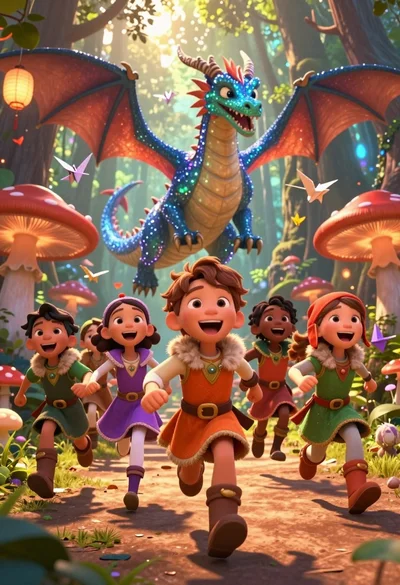
Diverse children running through magical forest near giant sparkling dragon
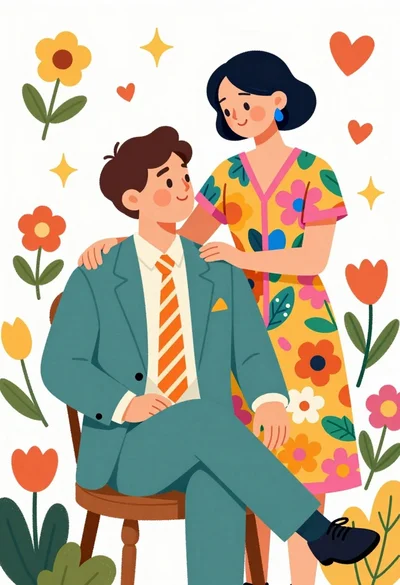
Illustration of loving couple in vibrant floral setting with patterned clothing

Young girl on soccer ball against mural background digital illustration

Young girl in argentina soccer uniform posing against blue white mural

Young woman in white top standing in lush garden with orange flowers

Cheerful woman taking selfie in front of yellow building with blue door
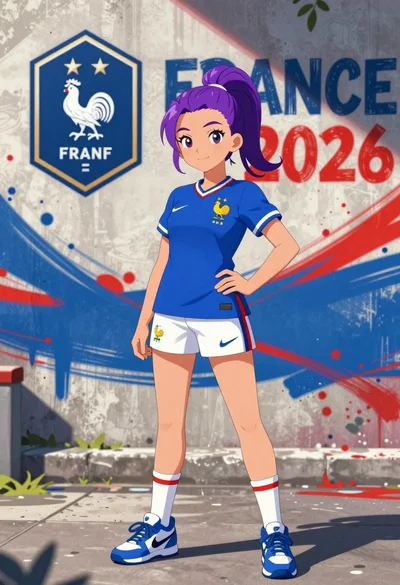
Anime girl in france jersey standing before graffiti wall art
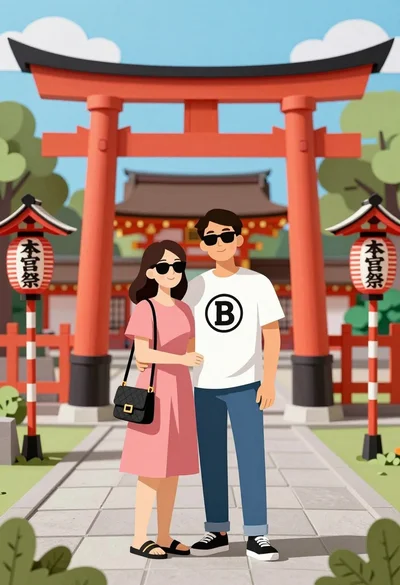
Couple embracing near large red torii gate at japanese shrine cutout style

Young woman in black jacket standing before japanese temple courtyard setting

Cheerful young boy sitting on vintage teal car under large decorated tree
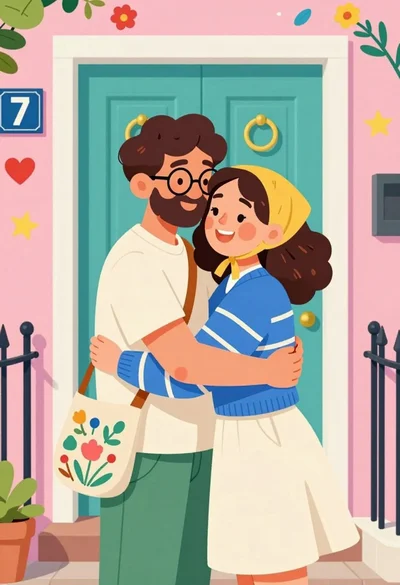
Joyful illustration of couple hugging warmly before colorful house entrance

Young woman cheering enthusiastically at crowded sports stadium illustration

Rugged man in mustard jacket with grey hair against textured background

Cheerful young woman walking in yellow skirt against abstract geometric background
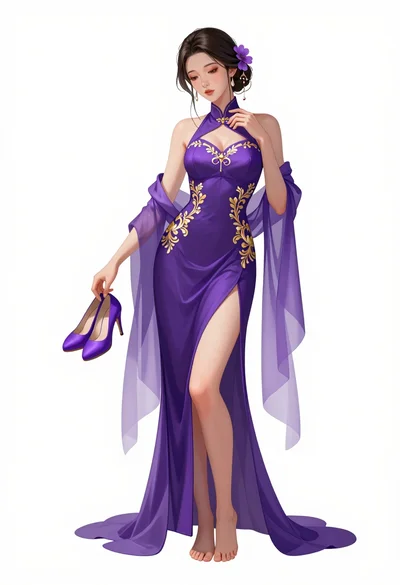
Full body digital illustration of woman in purple gown against white background

Woman looking over shoulder wearing black top and burgundy trousers against geometric

Graceful woman in purple gown under wisteria flowers ethereal portrait
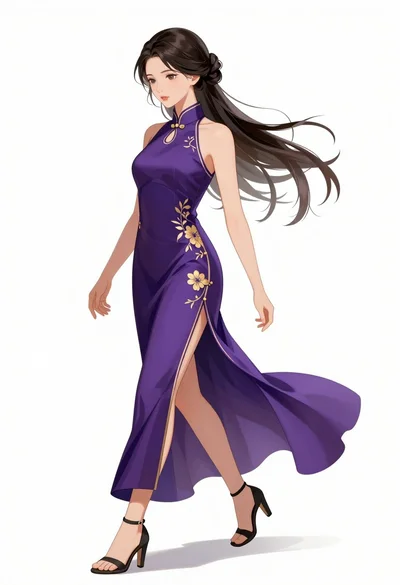
Graceful woman in purple gown walking against a plain white background

Illustration of woman reading book by window in minimalist interior space

Profile view of woman playing violin against white void digital illustration

Cheerful young woman in pink shirt holding flowers against abstract pastel background

Young woman with dark hair smiling holding flowers in minimalist white space

Poised woman in black tailored outfit against pink geometric background
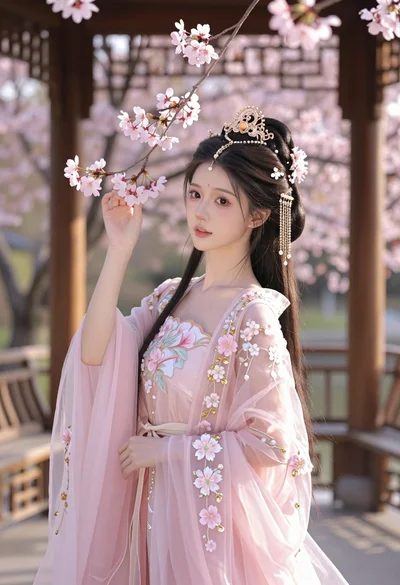
Young woman in pink gown standing in cherry blossom pavilion at golden

Young man typing on laptop at wooden desk in sunlit cozy room

Young female athlete in white tracksuit holding sunflowers and gold medal
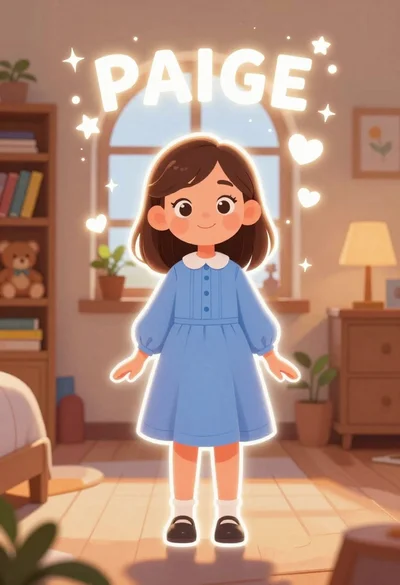
Young girl named paige standing in a cozy bedroom with magical sparkles