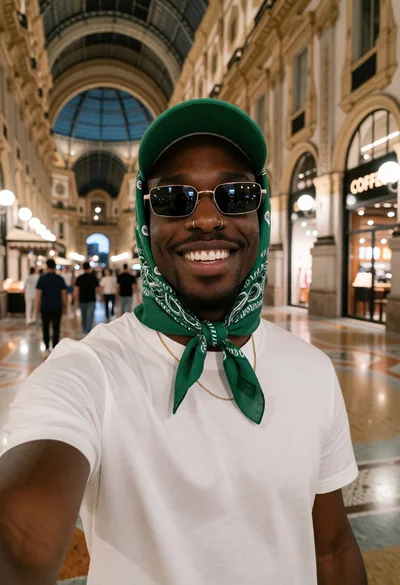
Black man taking a selfie in an elegant indoor arcade setting
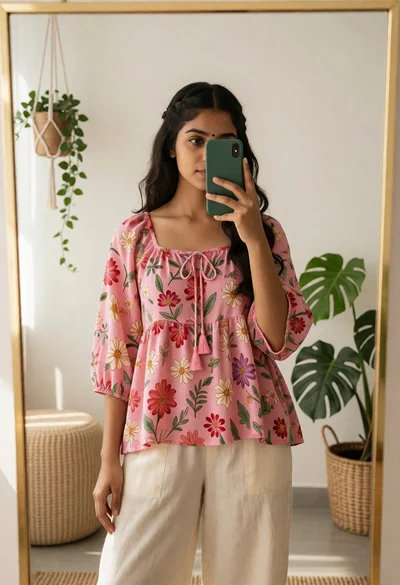
Young woman taking mirror selfie in pink floral top and trousers

Muscular man taking a mirror selfie with a fluffy white cat indoors
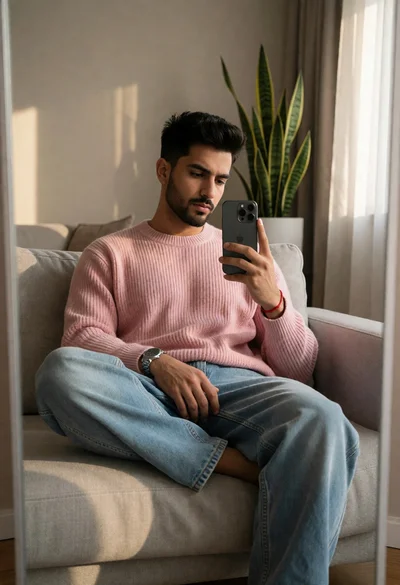
Young man taking mirror selfie in modern living room setting
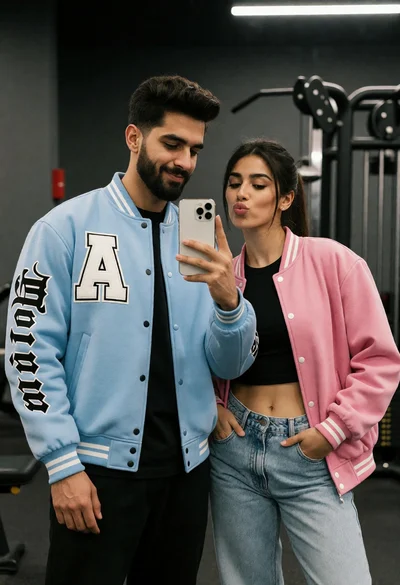
Couple taking a mirror selfie in a gym setting with varsity jackets
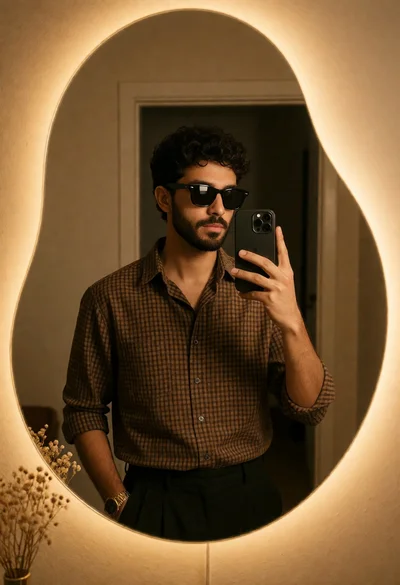
Man taking a mirror selfie in front of an irregularly shaped glowing

Young woman taking a mirror selfie in front of wooden door

Closeup selfie of smiling woman with freckles on sunny beach
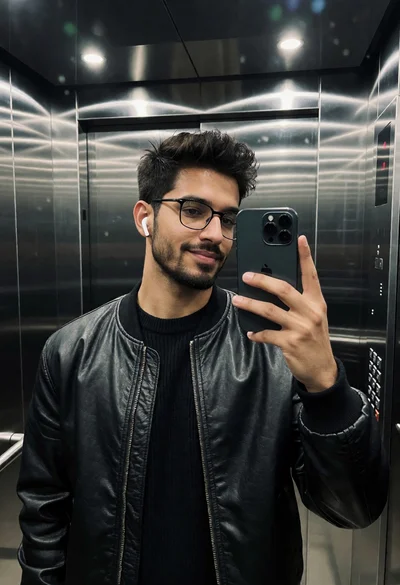
Medium shot mirror selfie of man in black bomber jacket inside elevator
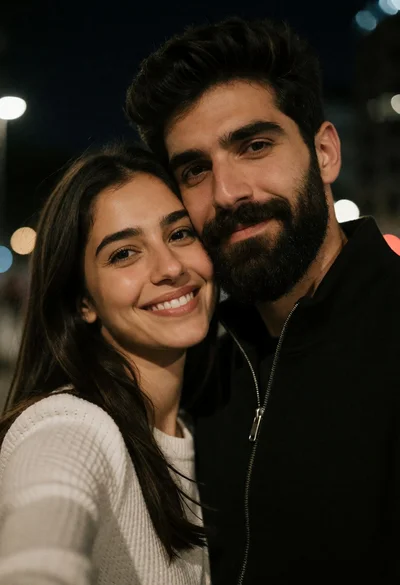
Close up selfie of smiling woman and bearded man at night

Young woman mirror selfie on cream staircase with black graffiti backdrop

Low angle selfie of couple outdoors under blue sky with golden sunlight

Close up selfie of young woman with ash blonde wavy hair indoors
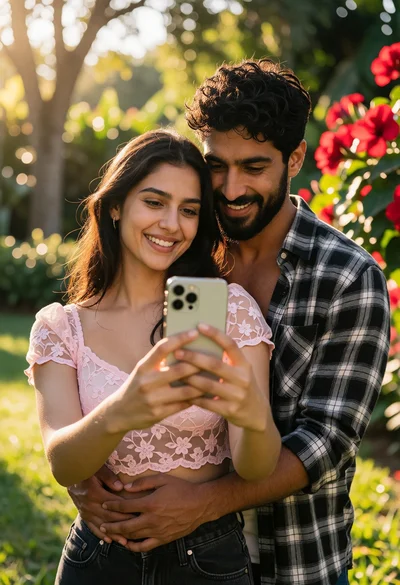
Romantic couple taking a selfie in a sunlit garden setting
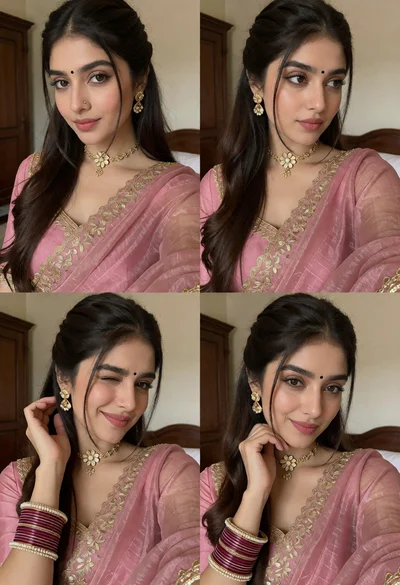
Young woman in dusty pink saree posing indoors with gold jewelry
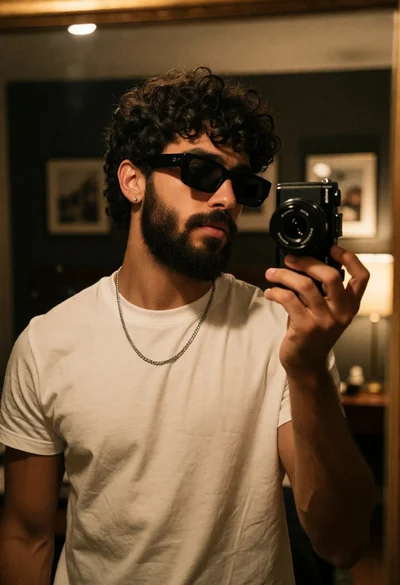
Young man taking mirror selfie in white tshirt against dark room

Man taking mirror selfie in black pinstriped suit against paneled wall

Close up mirror selfie of woman in pink tunic inside luxurious marble

Closeup mirror selfie of woman in black satin camisole in beige bathroom

Triptych portrait of young woman taking selfies against plain light grey wall
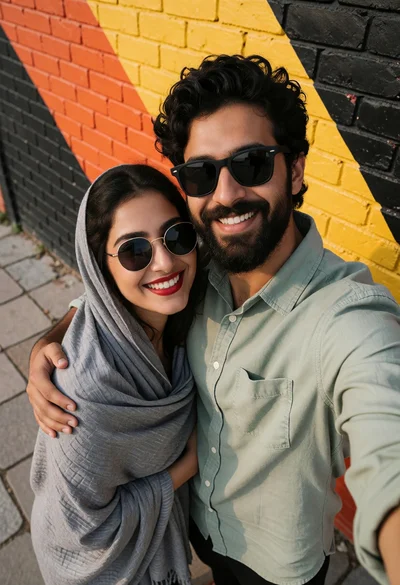
High angle selfie of smiling couple against painted brick wall backdrop

Woman taking mirror selfie with pink roses in an elegantly paneled room

Close up selfie of couple in traditional indian wedding attire indoors
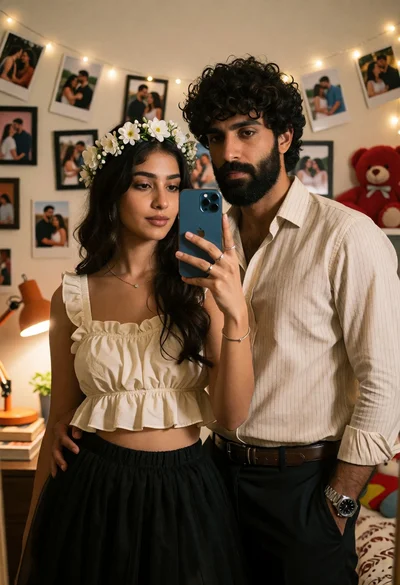
Couple taking a mirror selfie in warmly lit room with fairy lights
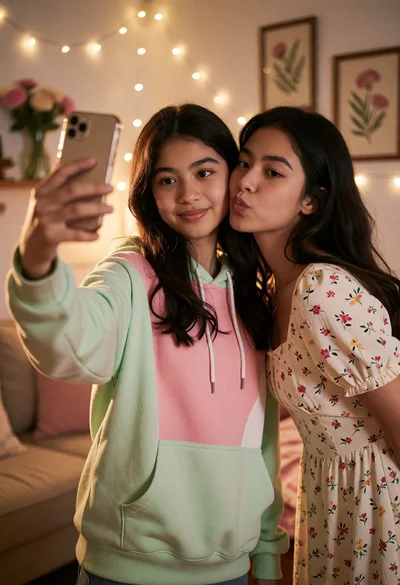
Two young women taking a mirror selfie in a cozy warmly lit

Young man taking mirror selfie in black suit against white wall

Young man taking mirror selfie in beige graphic tshirt against white wall

Close up selfie of smiling couple at outdoor restaurant patio at night
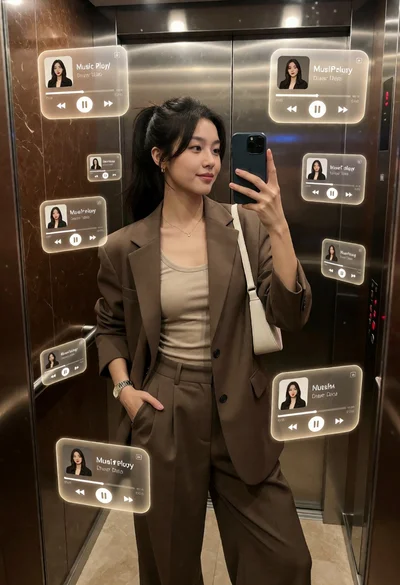
Young woman taking mirror selfie in modern elevator with holographic interfaces
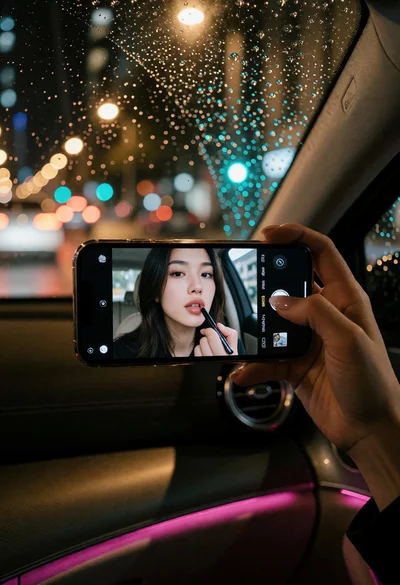
Smartphone screen showing lipstick application inside a car at night
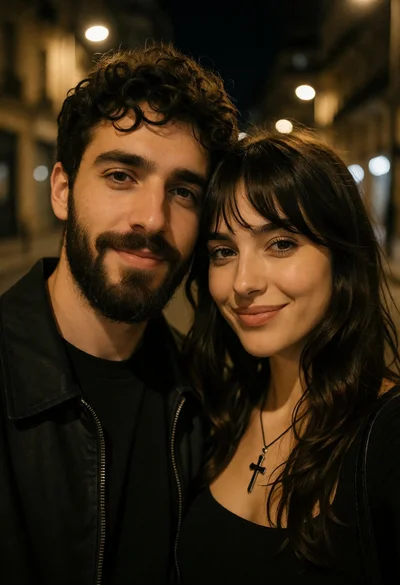
Closeup selfie of a couple on a dark urban street at night

Young woman taking a playful selfie on suburban street under bright sunlight
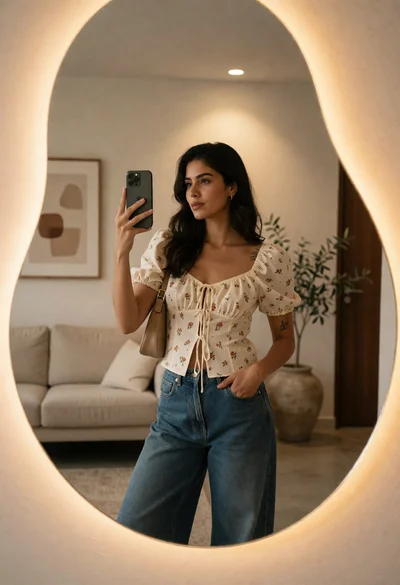
Woman taking a mirror selfie in a modern interior setting
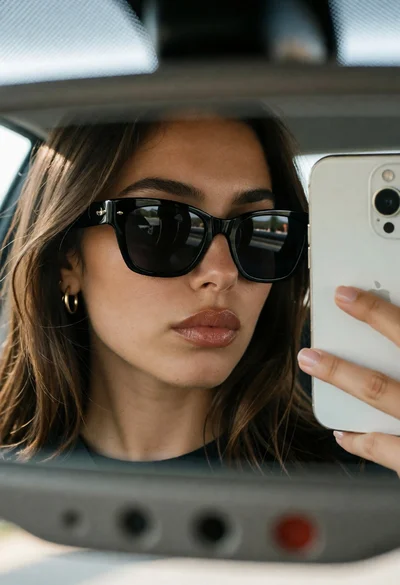
Closeup mirror selfie of woman in car rearview mirror with smartphone
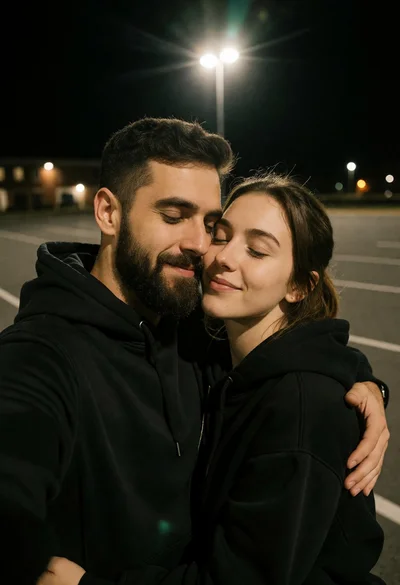
Intimate close up selfie of embracing couple in dark parking lot at

Woman taking mirror selfie in modern bathroom with black handbag

Young woman taking a selfie on an asphalt road with white painted
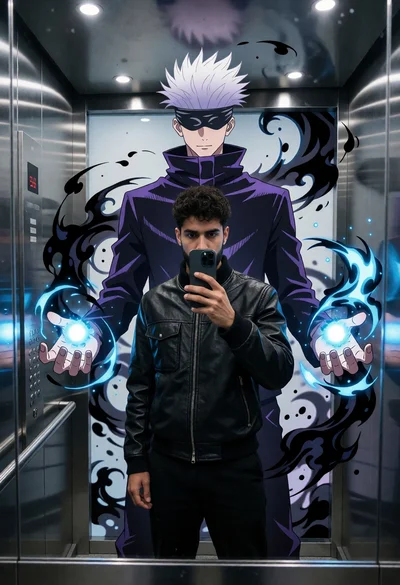
Man taking mirror selfie in modern elevator with anime mural projection
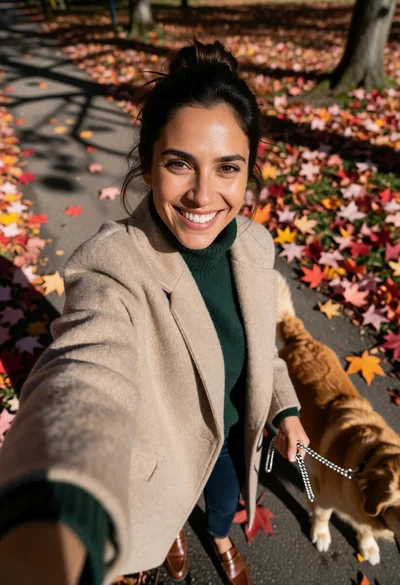
Woman taking high angle selfie with golden retriever on autumn leaf path
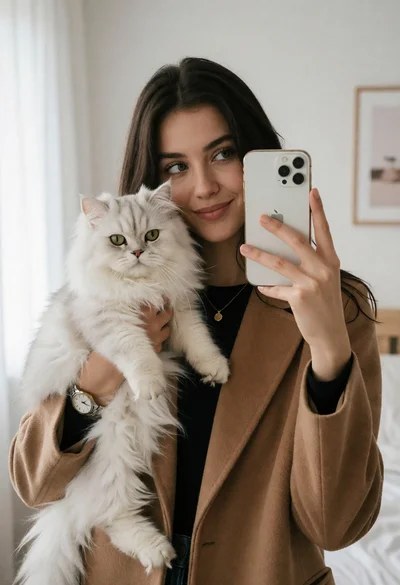
Young woman taking mirror selfie with white cat in bright bedroom

Woman reclining in hammock reading book outdoors with lush green foliage background

Close up selfie portrait of woman in keffiyeh against blue modern interior

Young woman mirror selfie in elevator wearing denim jeans and hoodie
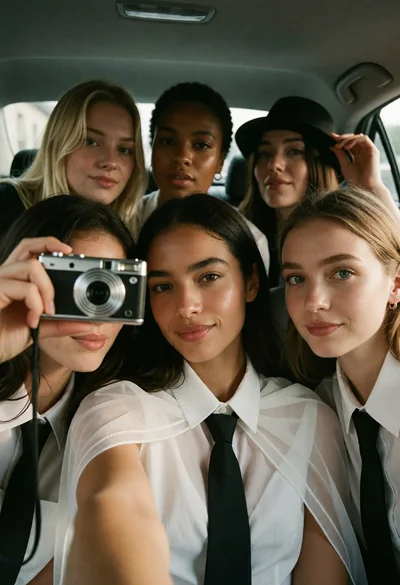
Five young women posing closely for a selfie inside a car backseat
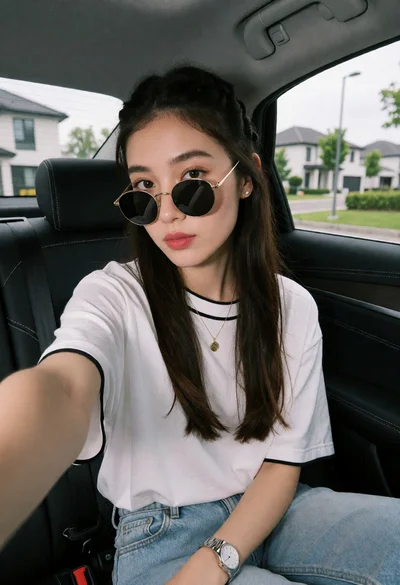
Young woman taking a selfie in car seat with suburban background view
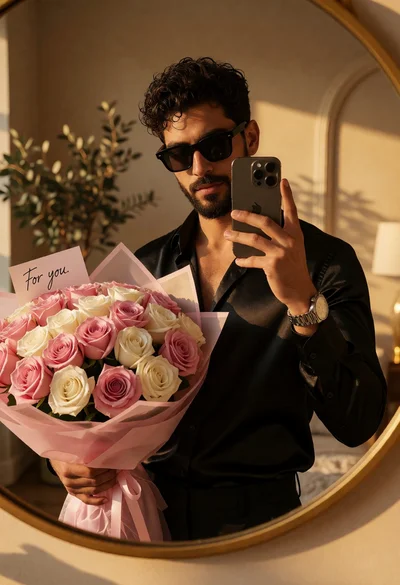
Handsome man taking mirror selfie with pink roses in warm interior

Young woman taking mirror selfie in bedroom with compact digital camera
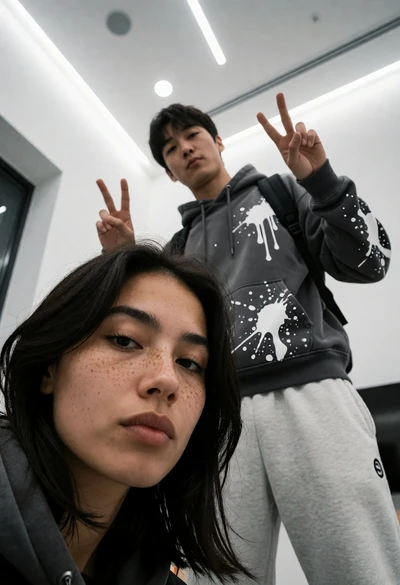
Low angle selfie of woman in foreground with man making peace signs