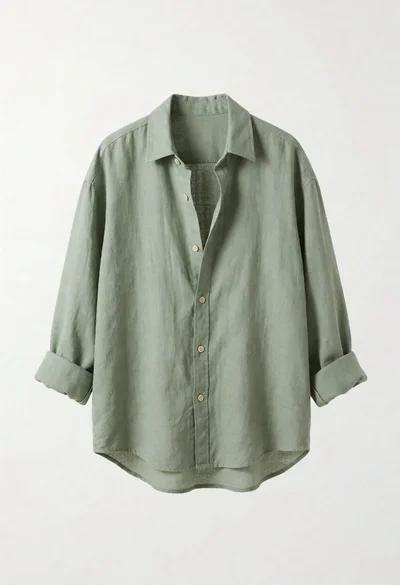
Sage green linen button up shirt displayed on white background for product
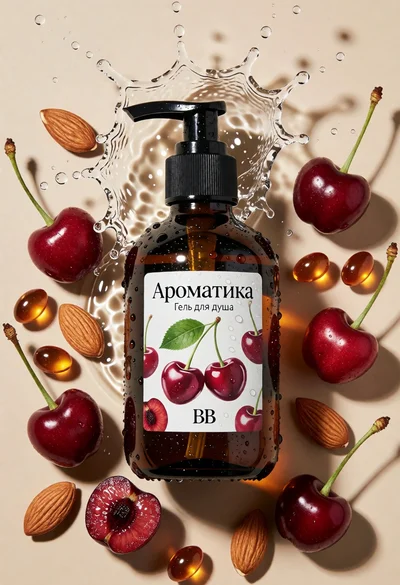
Topdown studio shot of amber pump bottle with cherries and almonds
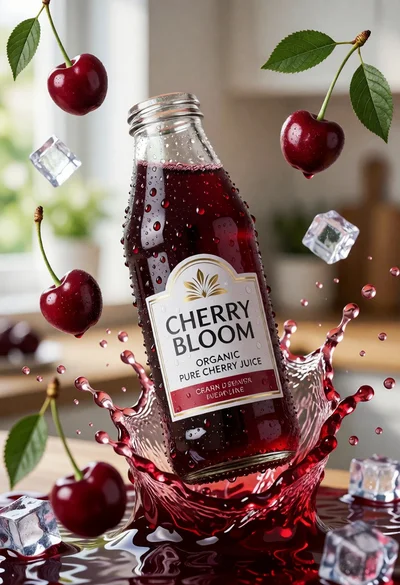
Close up product shot of cherry juice bottle with dynamic splash
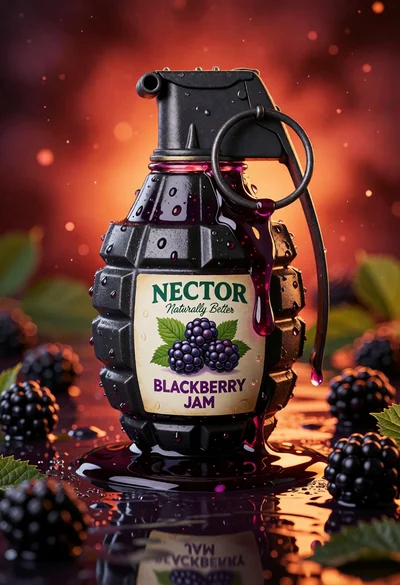
Blackberry jam in grenade shaped jar on reflective surface close up
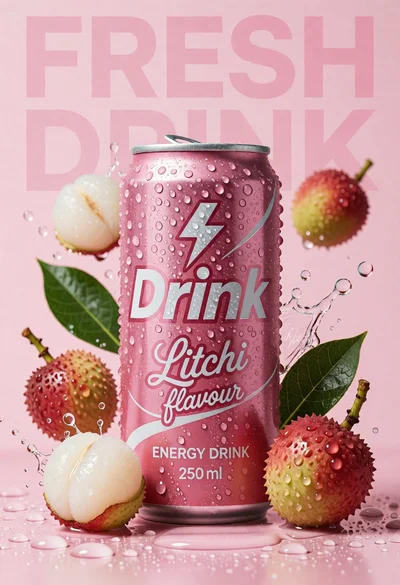
Pink energy drink can surrounded by litchis and green leaves on wet
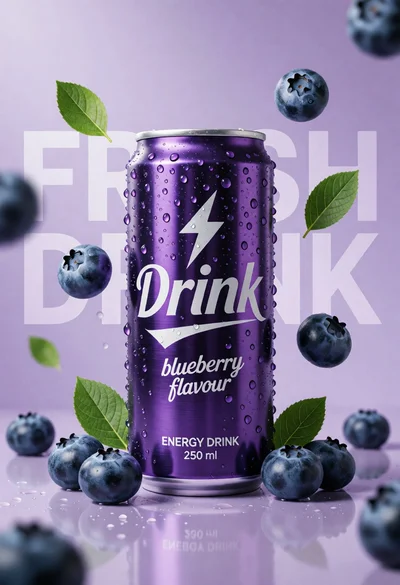
Hyperrealistic purple energy drink can surrounded by floating blueberries and green leaves
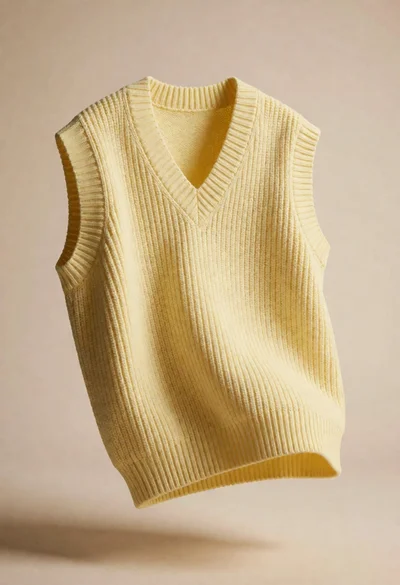
Pale yellow knitted vest floating against soft beige seamless studio background
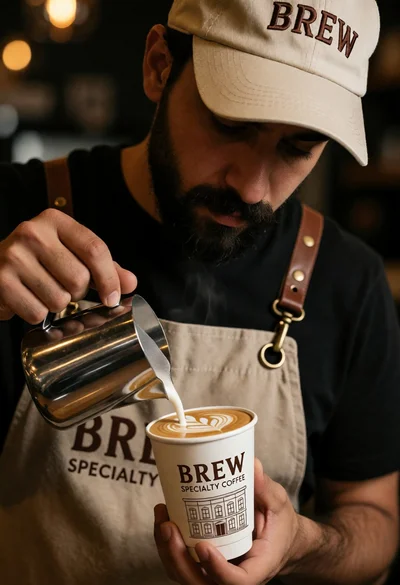
Barista pouring latte art into cup in cafe setting with warm bokeh
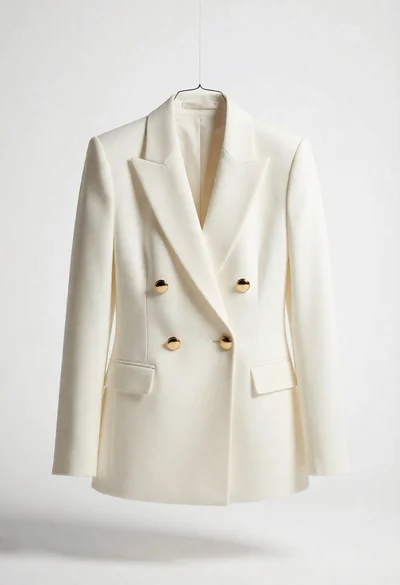
Studio product shot of cream blazer hanging against seamless white background
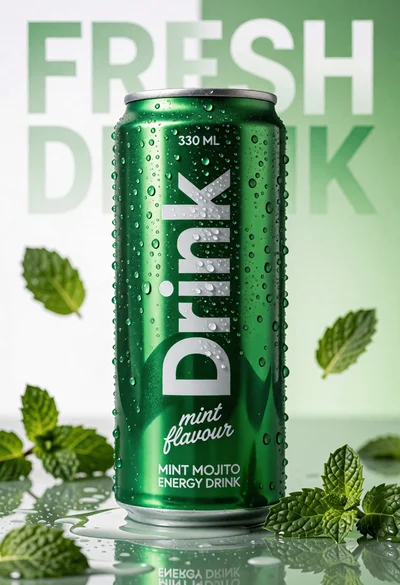
Vibrant green energy drink can on wet reflective surface with mint leaves
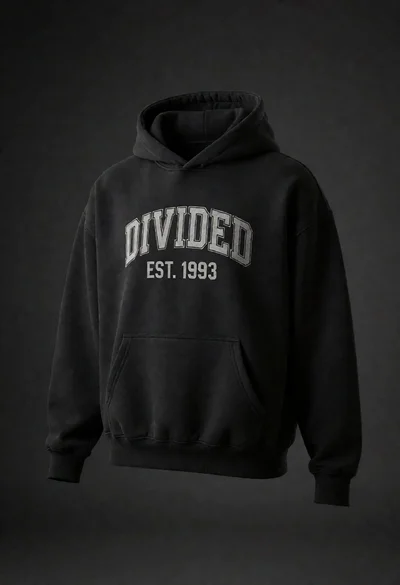
Black vintage hoodie floating against dark gray background for product display
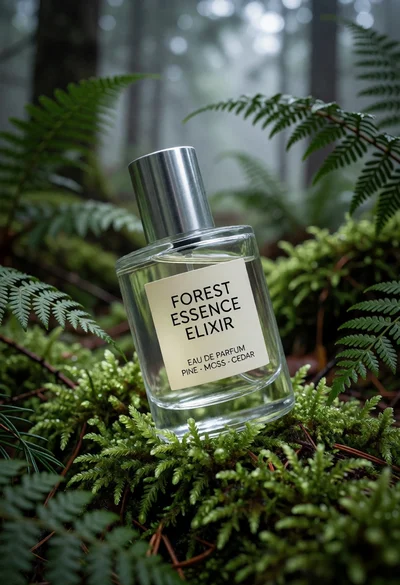
Clear perfume bottle resting on vibrant green moss in a misty forest
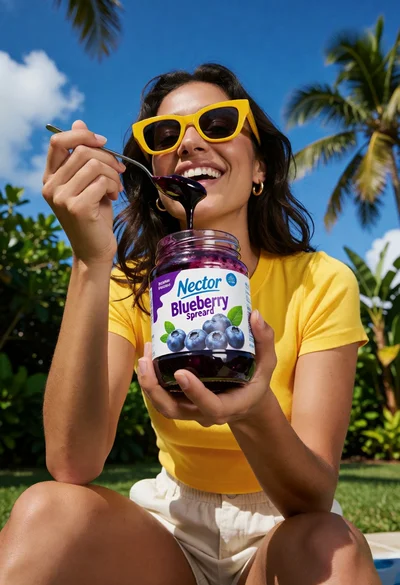
Woman enjoying blueberry spread outdoors under bright blue sky
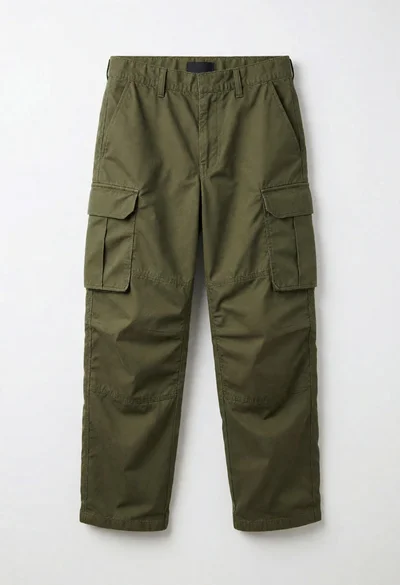
Full length olive green cargo trousers displayed on seamless white studio background
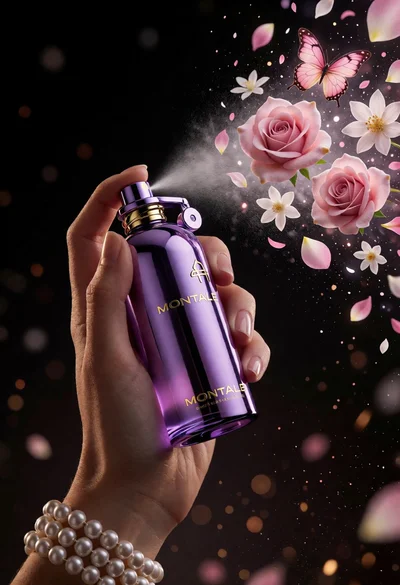
Hand spraying perfume creating floating pink roses and butterfly against dark void
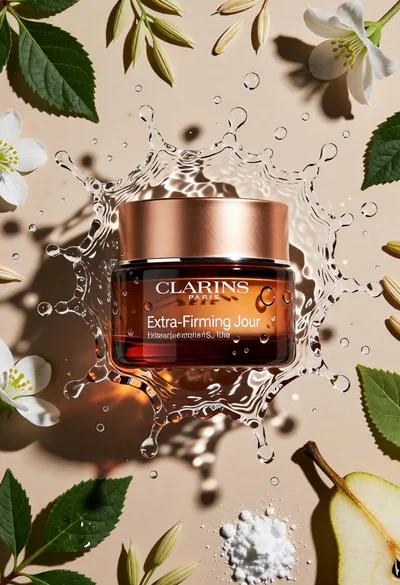
Topdown studio shot of cosmetic jar in frozen water splash on beige
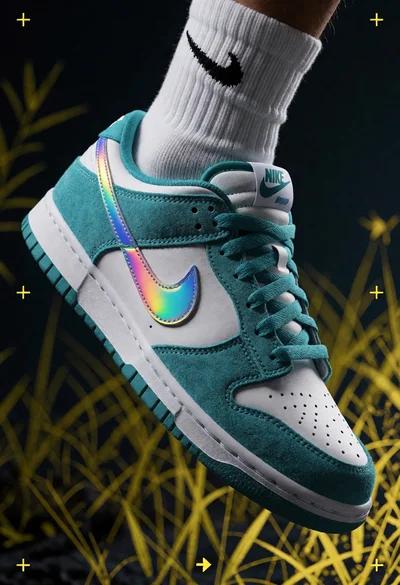
Close up shot of white and teal nike dunk low sneaker floating
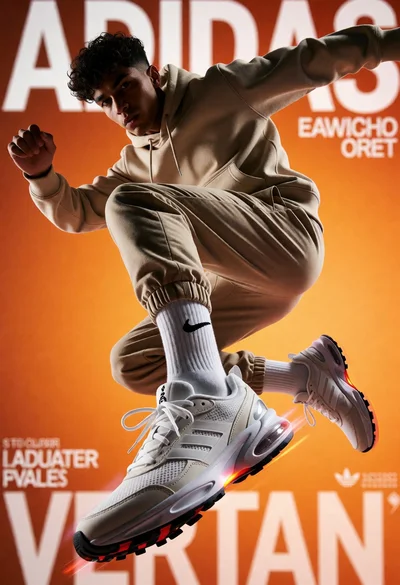
Low angle shot of male athlete midair jumping against orange background
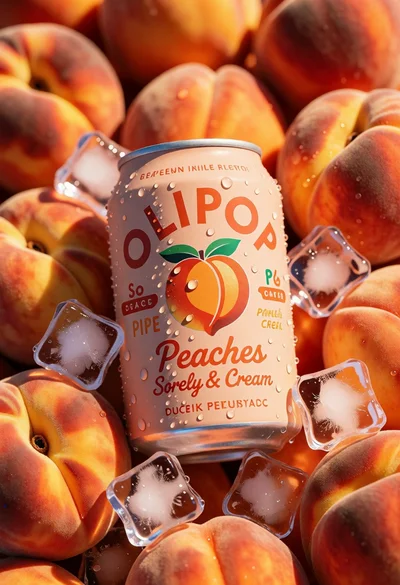
Close up product shot of olipop peach soda among fresh ripe peaches
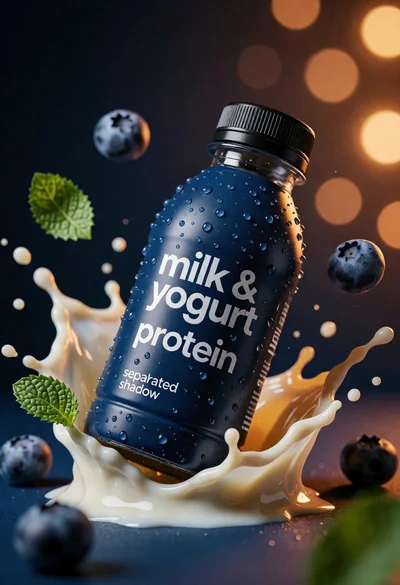
Photorealistic mockup of blue bottle suspended in creamy liquid splash
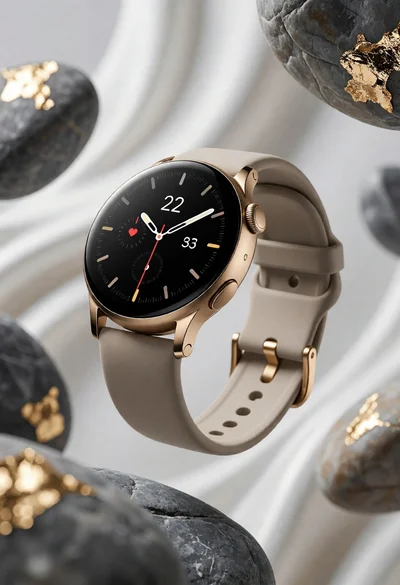
Sleek smartwatch floating among stones and flowing white fabric product shot
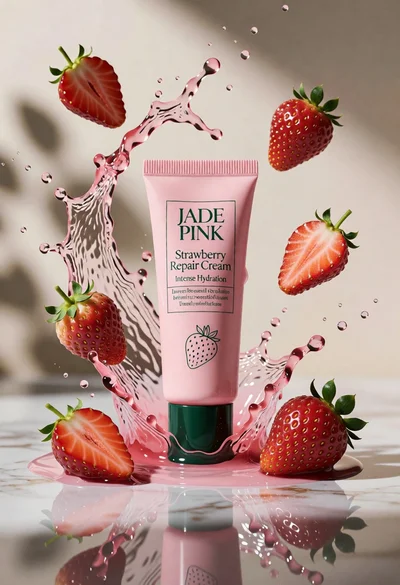
Macro product shot of pink cosmetic cream tube with splashing liquid and
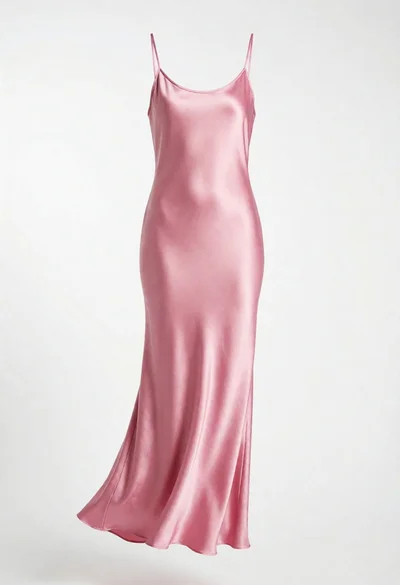
Full length pink satin slip dress hanging against a seamless white studio
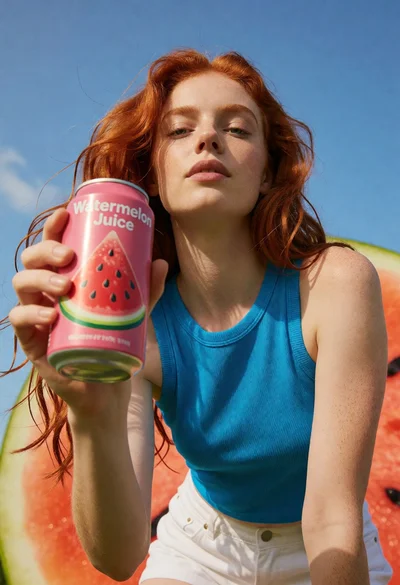
Low angle shot of young woman holding watermelon juice against blue sky
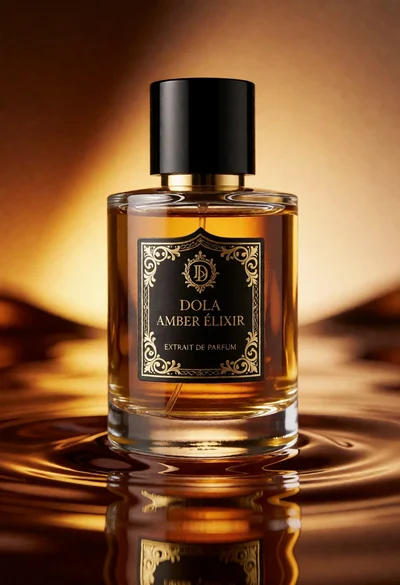
Luxury perfume bottle on rippled reflective surface with golden amber liquid
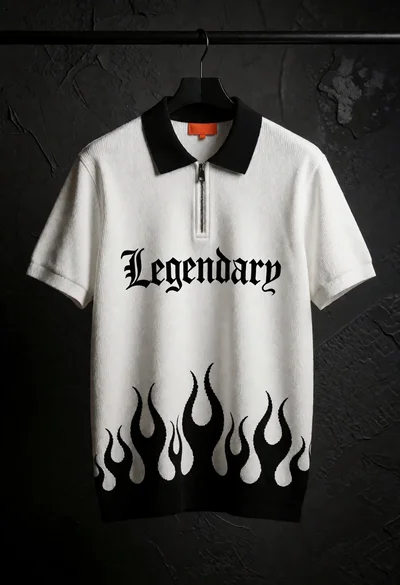
White polo shirt hanging against a dark textured concrete wall
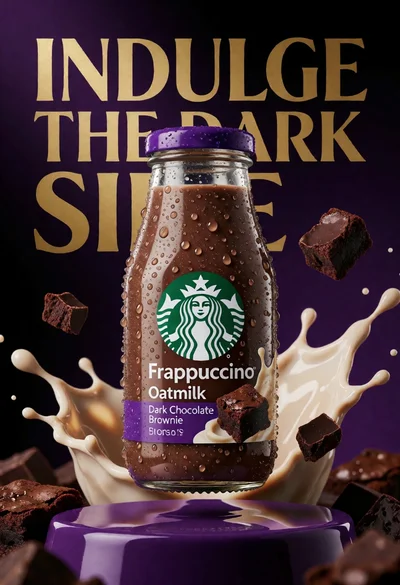
Closeup product shot of starbucks frappuccino bottle with oat milk splashes
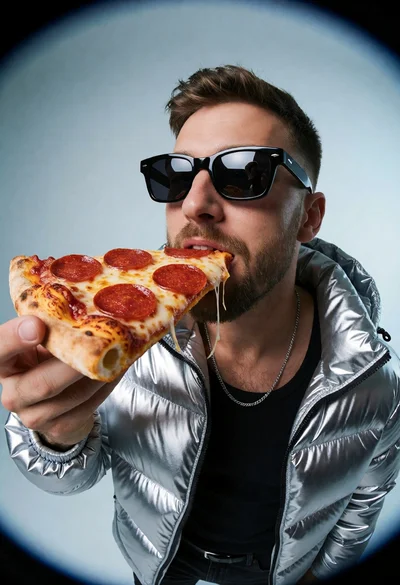
Man in silver puffer jacket eating pepperoni pizza under studio spotlight
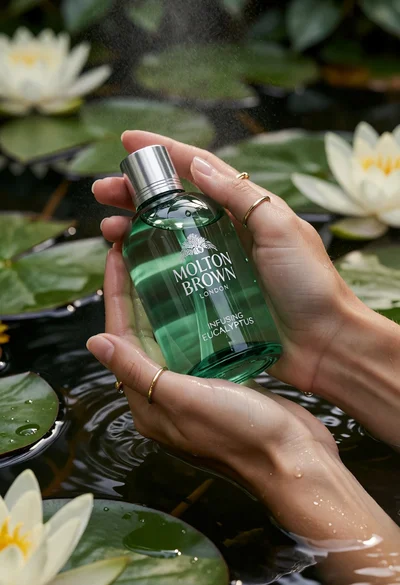
Close up of hands holding green bath gel bottle over dark lily
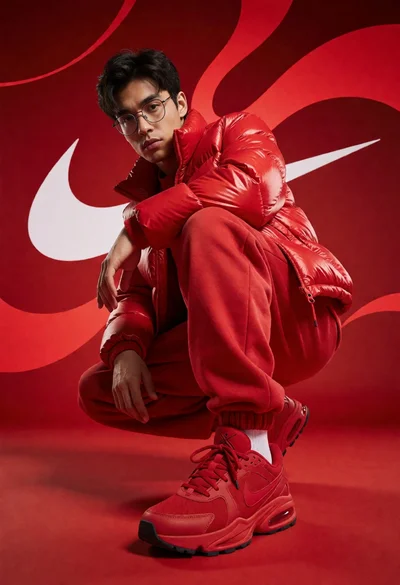
Young man in red outfit crouching against white swoosh logo studio background
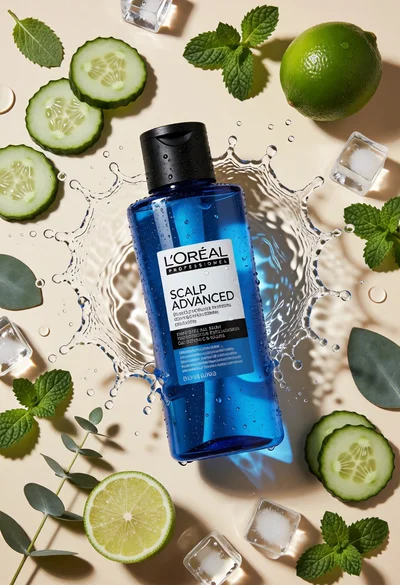
Topdown studio shot of blue shampoo bottle with fresh ingredients
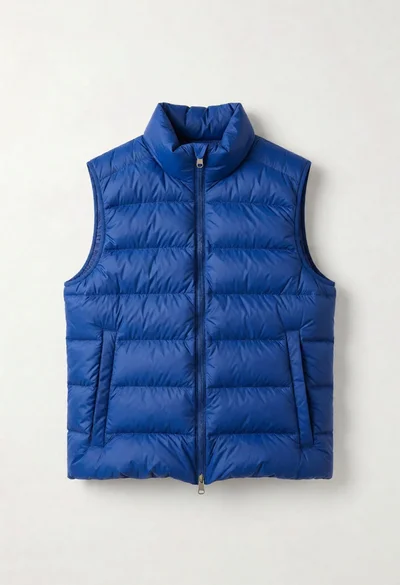
Royal blue puffer vest displayed on a seamless white background for product
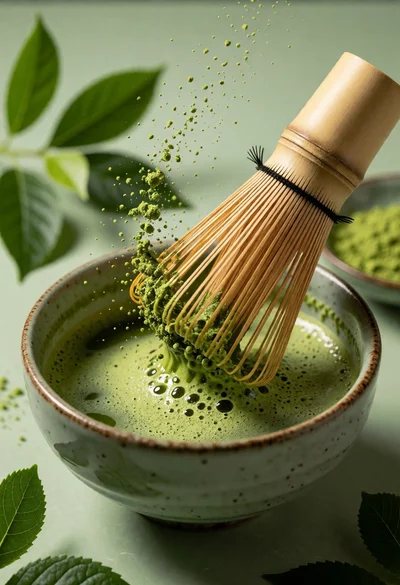
Close up still life of matcha whisk stirring vibrant green tea in
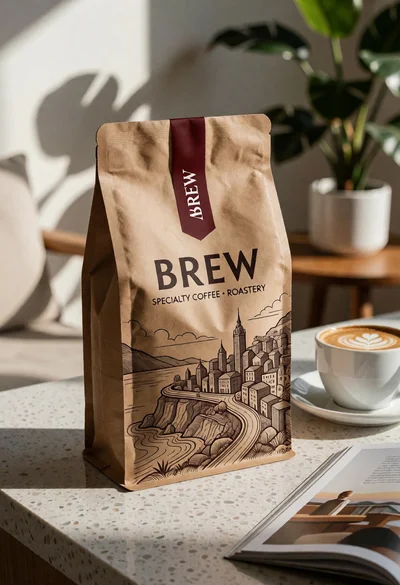
Brown kraft coffee bag next to latte cup on speckled countertop surface
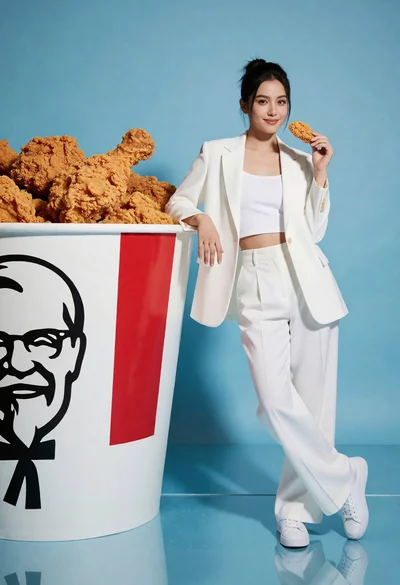
Woman in white suit posing next to giant kfc bucket against blue
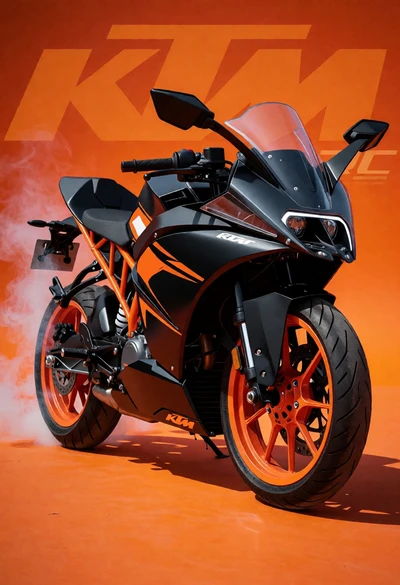
Black and orange ktm rc sport motorcycle in dynamic threequarter view

Black mahindra thar suv in studio against solid blue backdrop

White suzuki swift hatchback smoking on royal blue studio backdrop

Dark blue perfume bottle splashing in deep liquid with citrus and greenery

Close up metallic coffee can bursting open with frothy liquid ingredients
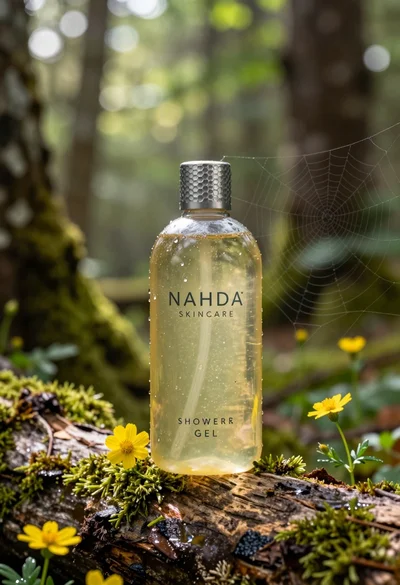
Product shot of shower gel bottle on mossy log in sundappled forest

Young woman in pink jacket leaning toward perfume bottle indoors

Macro shot of pink soda can with peaches and ice cubes studio

Three open bags of colorful potato chips exploding against a warm brown
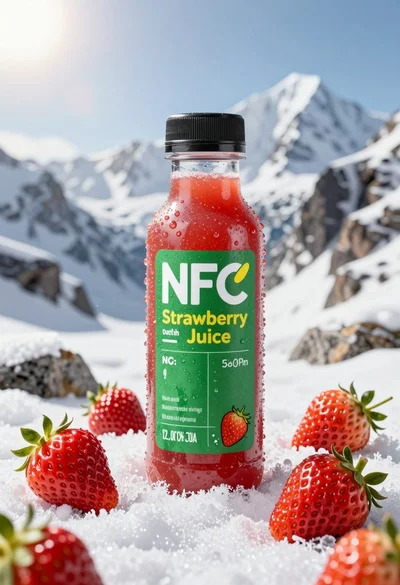
Close up product shot of strawberry juice bottle on snowy mountain rock

Black beverage can surrounded by glowing embers and intense flames in volcanic
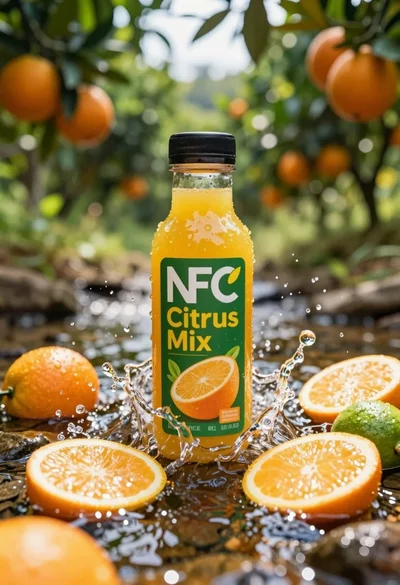
Close up product shot of citrus juice bottle in splashing stream
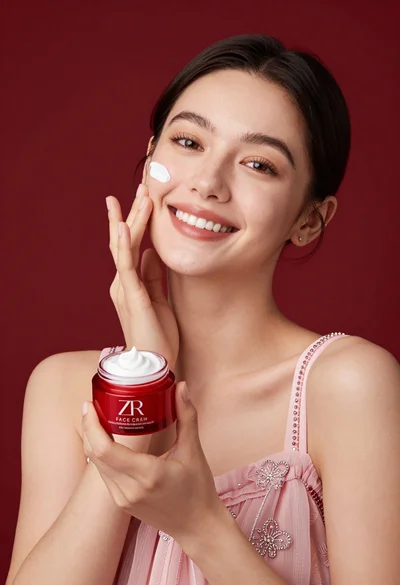
Smiling woman applying white face cream near red jar in studio setting