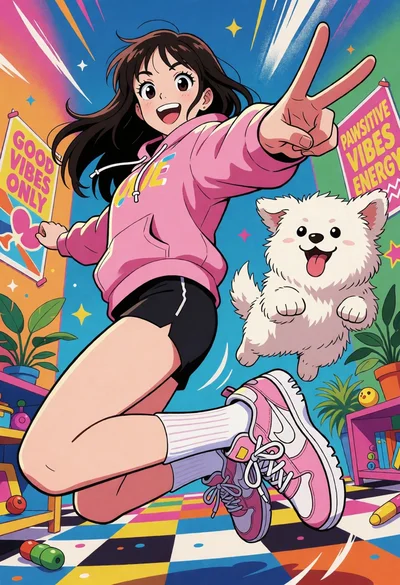
Anime illustration of cheerful girl jumping with fluffy white dog indoors
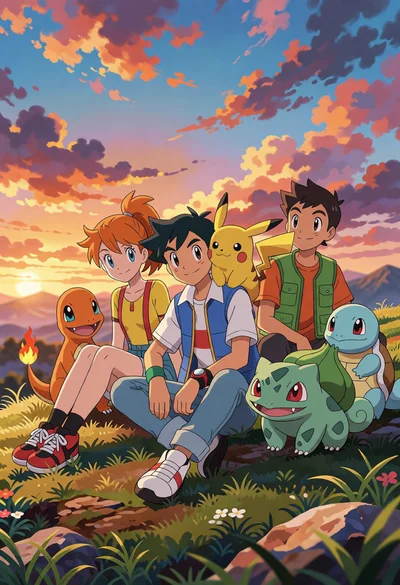
Three young trainers and pokemon on a grassy hilltop at sunset

Closeup portrait of young woman with dark hair holding roses
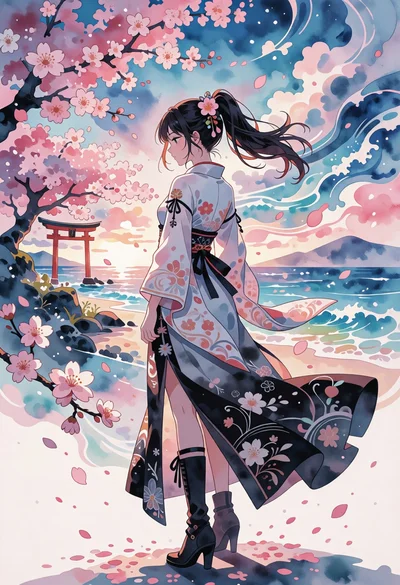
Digital illustration of woman in kimono against cherry blossom coastal background
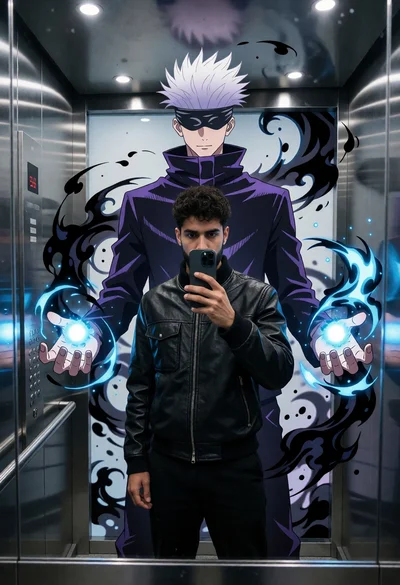
Man taking mirror selfie in modern elevator with anime mural projection

Matte grey supercar parked on wet asphalt in a misty pine forest

Muscular man in gym facing fiery spirit of goku from dragon ball
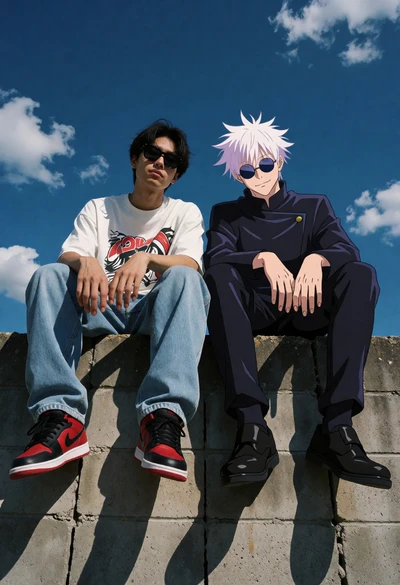
Man and anime character sitting together on concrete wall under blue sky

Regal woman in black bodysuit on throne with black panther in digital

Anime portrait of young woman in dark water surrounded by glowing purple
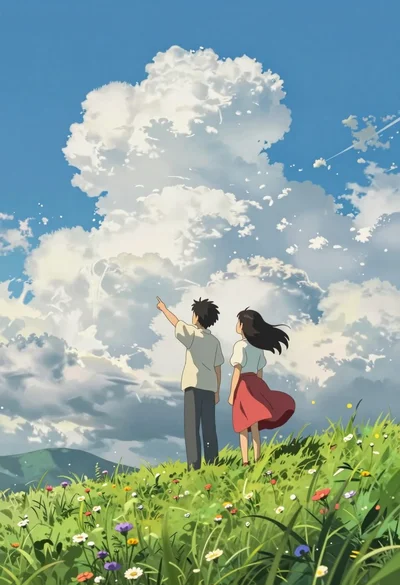
Two young people on green hillside looking up at vast blue sky
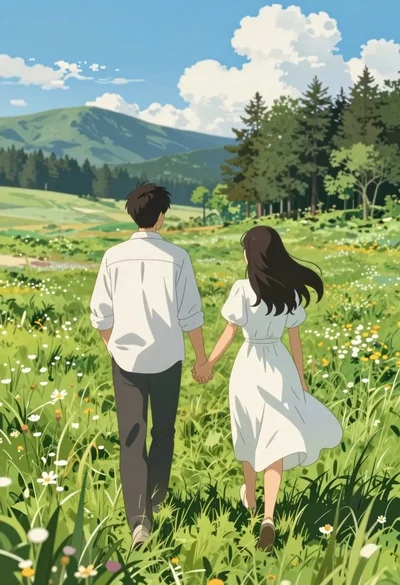
Anime style couple walking hand in hand through green meadow toward mountains

Anime style woman floating in dark water surrounded by glowing purple fish

Anime blonde woman floating through cyberpunk alleyway neon lights

Young girl on soccer ball against mural background digital illustration

Young girl in argentina soccer uniform posing against blue white mural
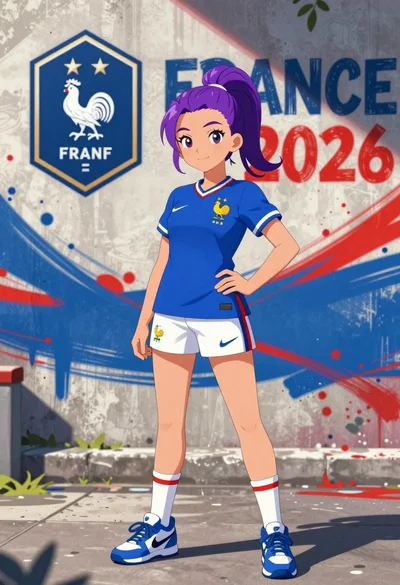
Anime girl in france jersey standing before graffiti wall art

Anime woman with red hair in straw hat against modern city skyline
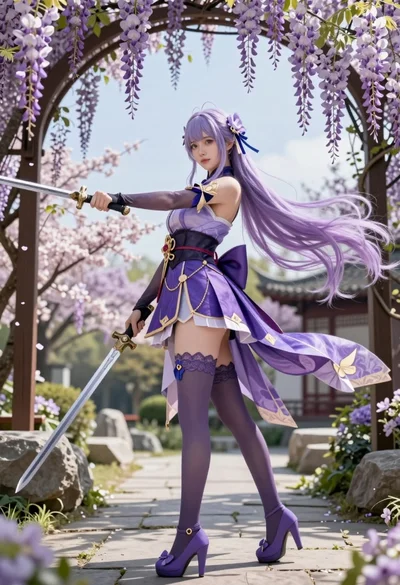
Young woman in purple fantasy attire holding swords in wisteria garden

Young woman pointing up in red velvet dress against anime character backdrop

Anime portrait of young woman with red hair on blue bed

Anime woman with blue hair in clear ocean water near asian pagodas

Eren yeager and 21 savage in tactical gear on a chaotic battlefield

Anime illustration of two figures in tactical jackets holding a glowing orb

Two anime ninja characters stand back to back with lightning energy in

Anime ninja characters in tactical gear standing back to back on a

Anime illustration of naruto uzumaki profile portrait above sasuke sakura and ninja
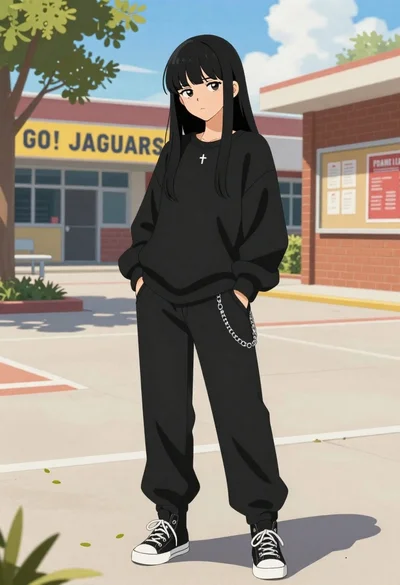
Young woman in black streetwear standing in a sunny school courtyard

Young woman in pink kimono under cherry blossom branches shielding eyes
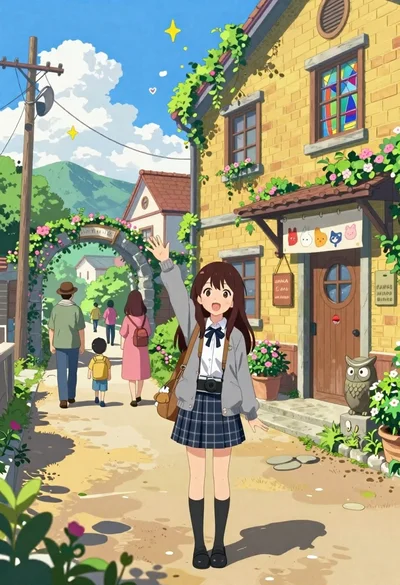
Cheerful young girl waving at viewer on village street with yellow building

Anime style steaming ramen bowl on wooden table in japanese restaurant
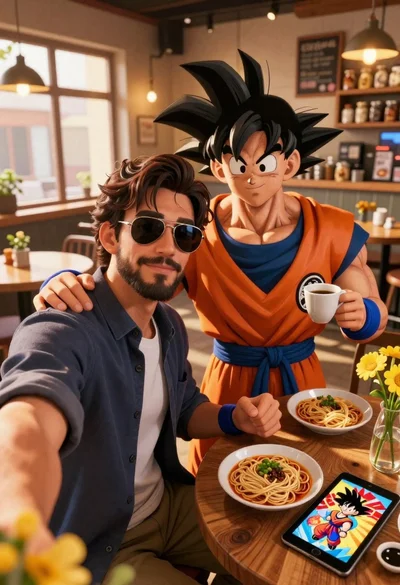
Handsome man taking a selfie with anime character goku in a cozy

Anime poster of young man with spiky black hair and sunglasses looking

Young girl with short brown hair sits on a rock in sunlit

Anime character monkey d luffy leaping forward in red jacket on white

Confident anime woman with orange hair holding a wooden staff in sports
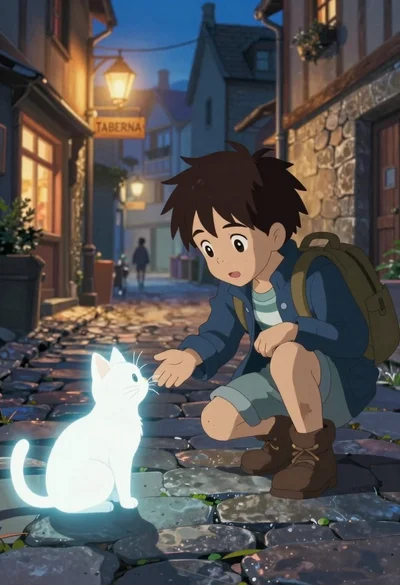
Young boy crouches on cobblestone street reaching out to glowing white cat

Anime illustration of roronoa zoro standing with three katanas on his waist
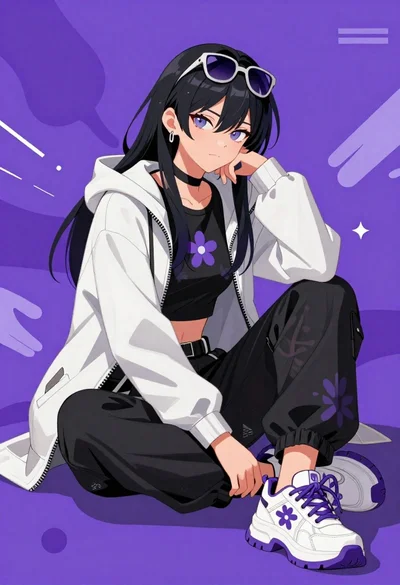
Confident anime woman with sunglasses in white jacket sitting against purple background
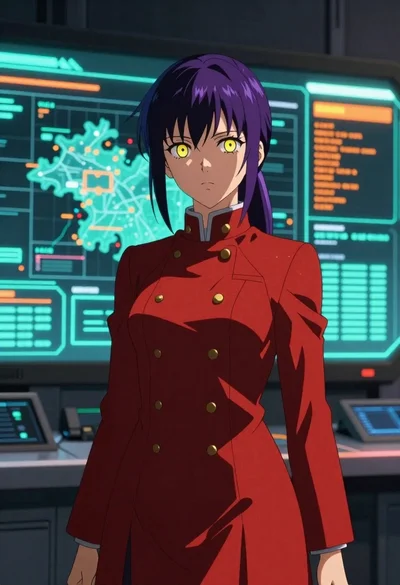
Anime woman in red uniform before futuristic command center
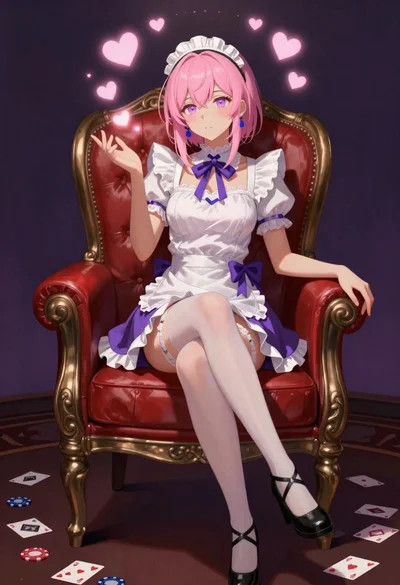
Pink haired anime girl sitting on red armchair
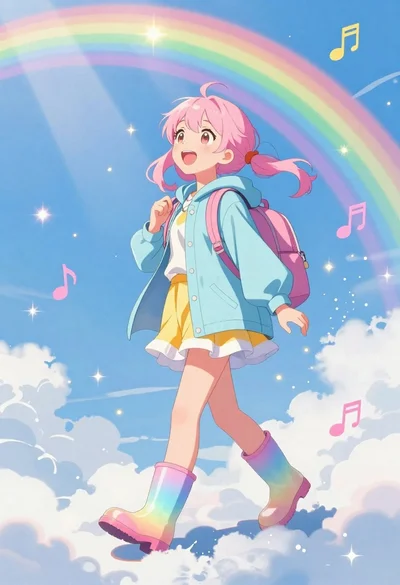
Anime girl walking on clouds under a rainbow sky

Anime tennis player in teal top on blue court
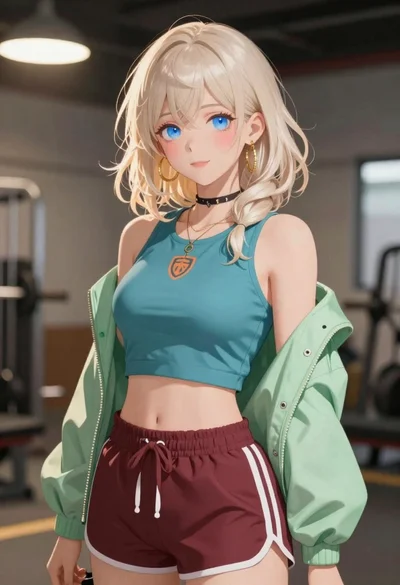
Anime portrait of woman with blonde hair in teal top
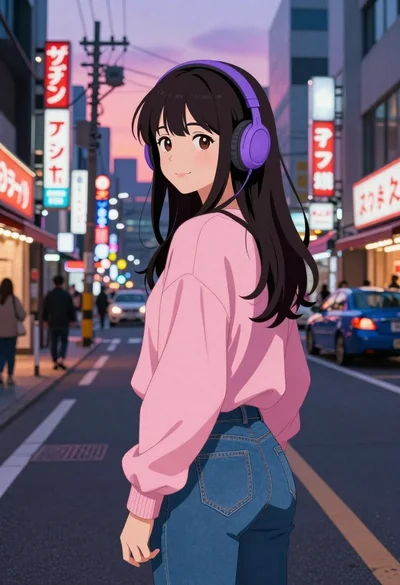
Anime woman on busy japanese street at dusk

Anime youth in wheat field at sunset with guitar

Heroic man in field of colorful flowers under pink clouds
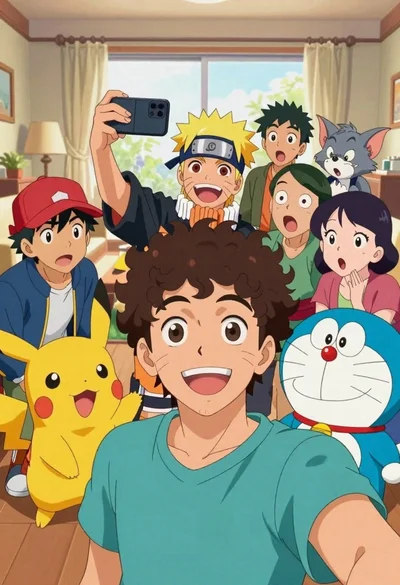
Young man taking selfie with cartoon characters in cozy living room
