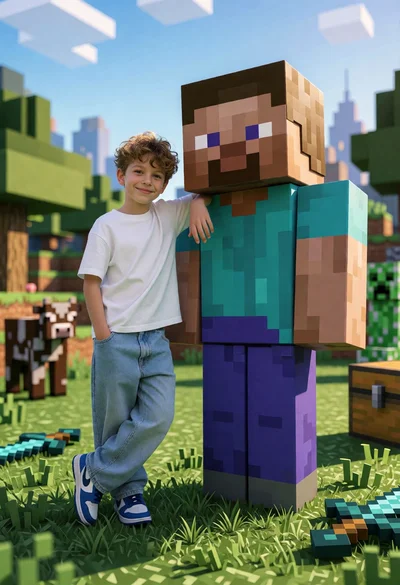
Young boy posing next to giant minecraft steve in blocky landscape
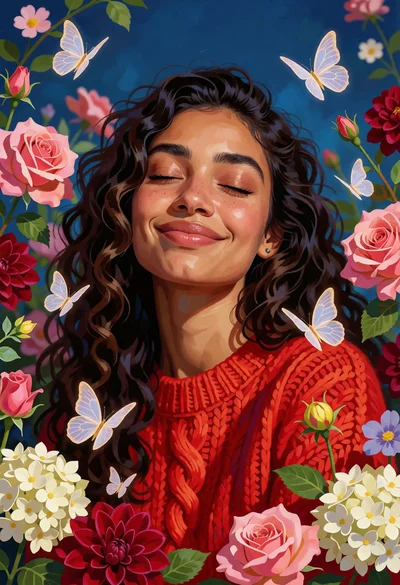
Serene portrait of smiling woman with flowers and butterflies against blue background
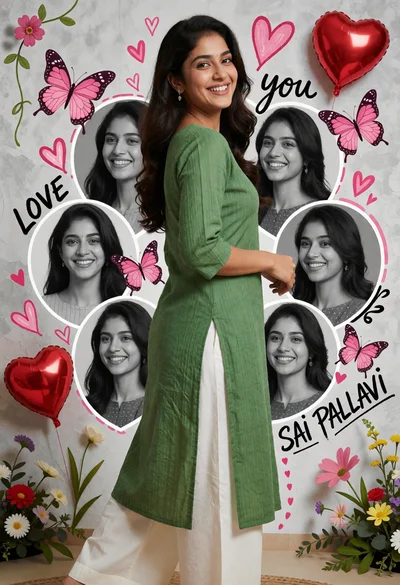
Young woman in green kurta standing against butterfly decorated backdrop
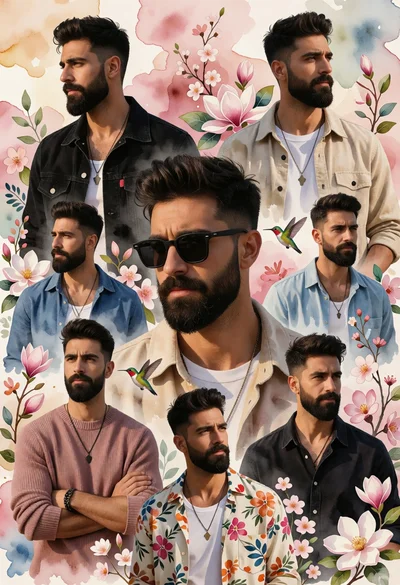
Collage portrait montage of bearded man in various outfits against soft florals
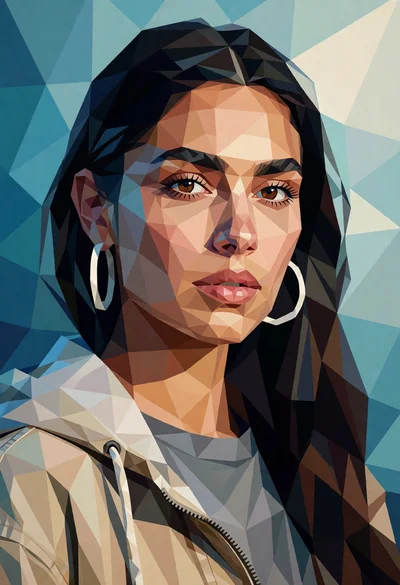
Low poly portrait of woman with dark hair against geometric blue background
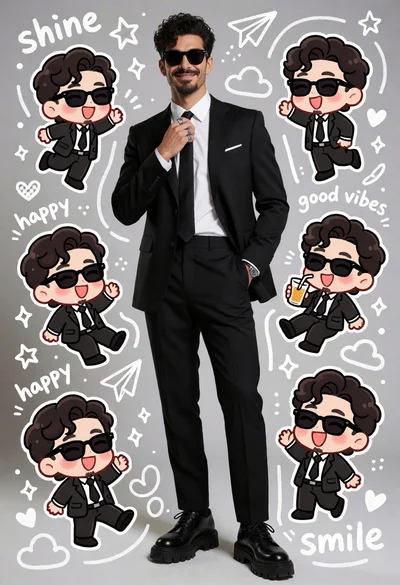
Photorealistic man surrounded by six chibi versions in studio setting
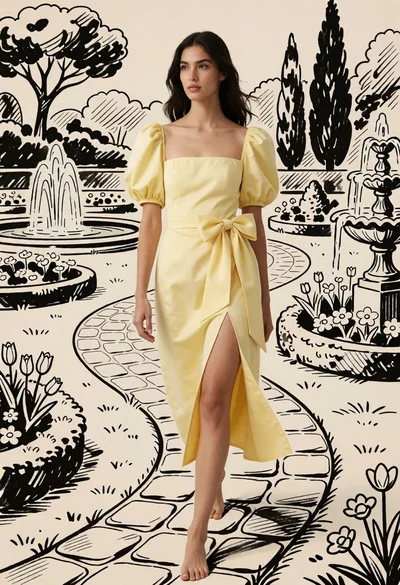
Woman walking barefoot on stone path through stylized garden illustration
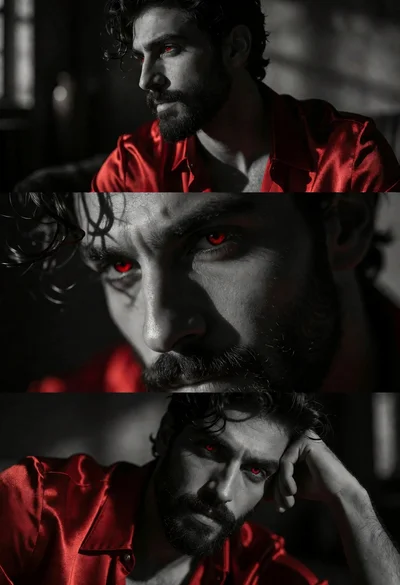
Triptych portrait of man with dark hair wearing red satin shirt
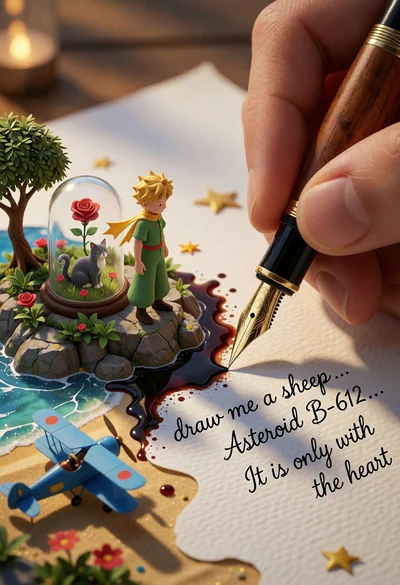
Macro photograph of pen writing transforming paper into little prince landscape
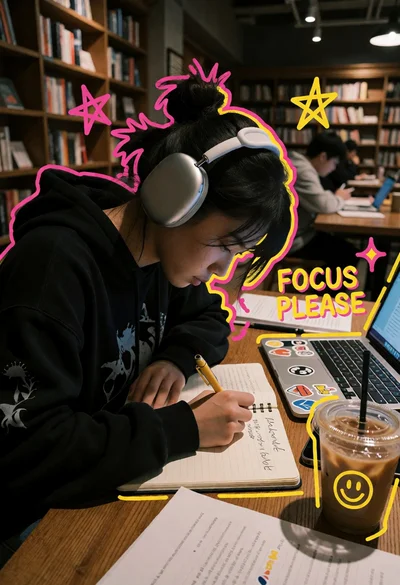
Young person writing at wooden table in dimly lit library setting
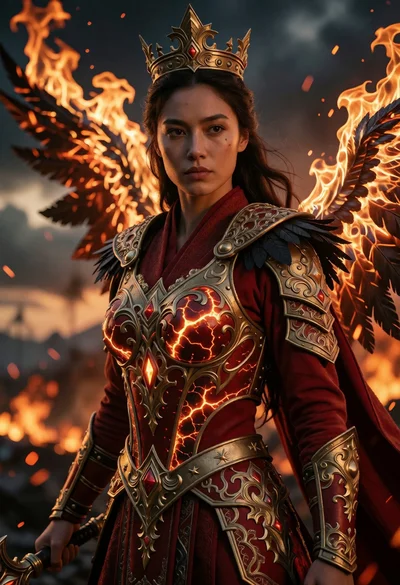
Majestic female warrior in ornate armor standing on a fiery battlefield
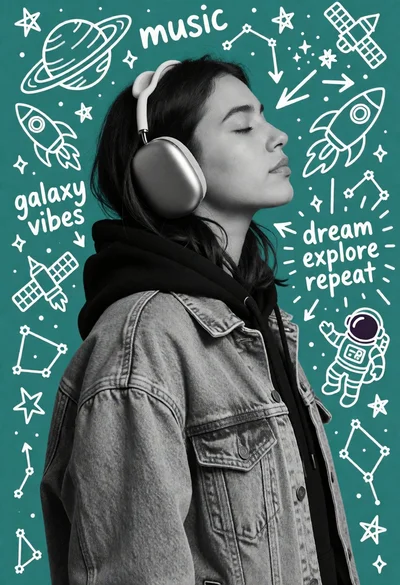
Young woman in headphones against teal doodle background with space art
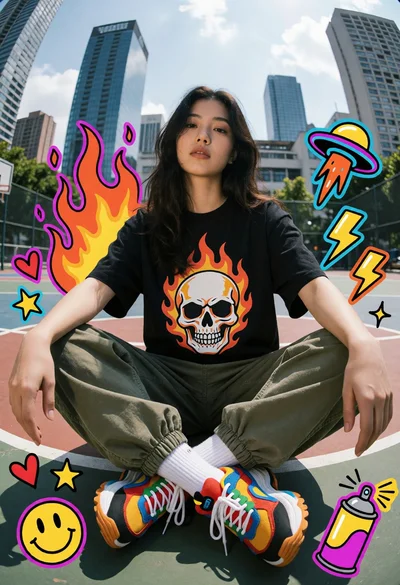
Young woman sitting cross legged on basketball court with city skyline background
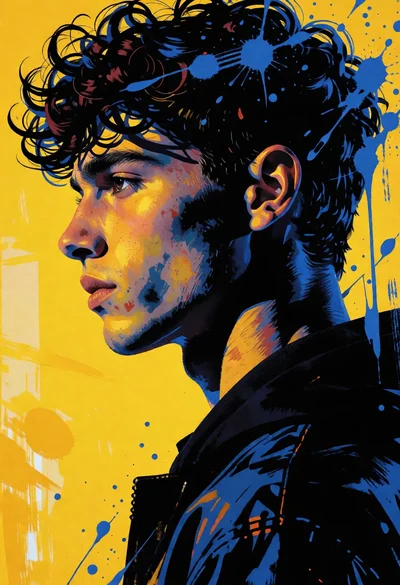
High contrast portrait of young man in profile against vivid yellow background
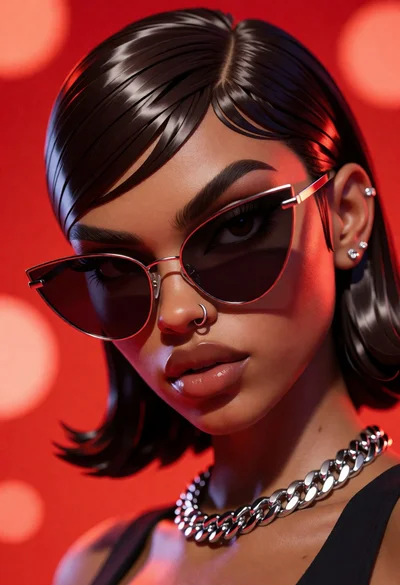
Close up portrait of woman with dark skin wearing cat eye sunglasses
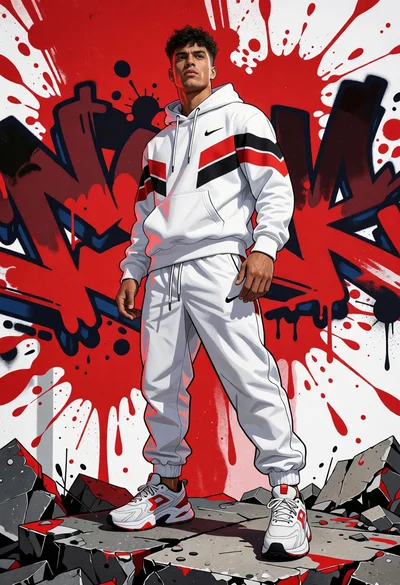
Young man standing on rubble against vibrant red graffiti backdrop

Young couple sitting intimately against cream wall with black line art illustrations
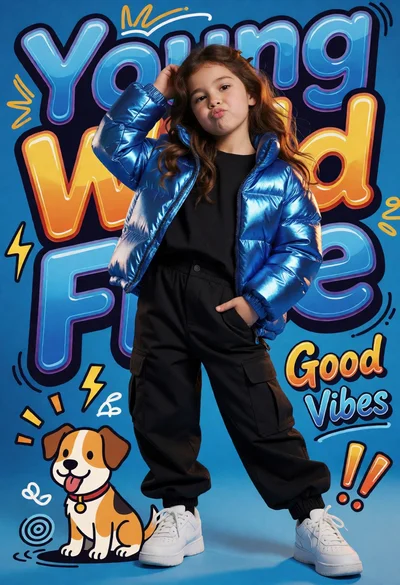
Young girl in metallic jacket posing with cartoon dog on blue background

Photorealistic man sitting on sofa with animated characters in modern living room
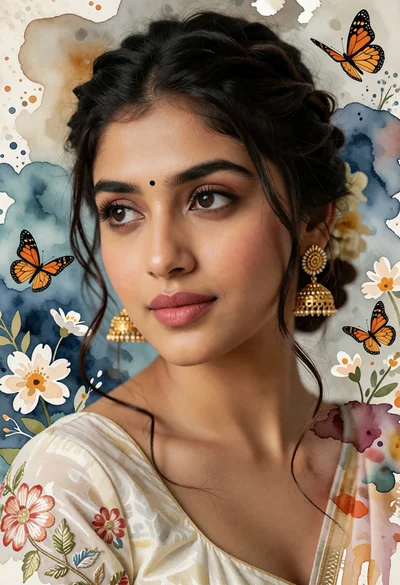
Close up portrait of woman with dark hair and gold earrings against
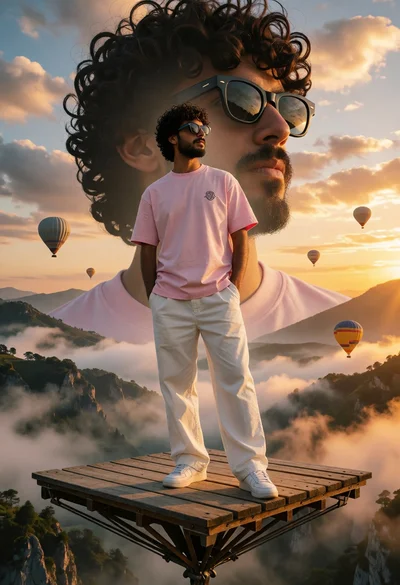
Man on wooden platform above misty mountain valley at sunrise
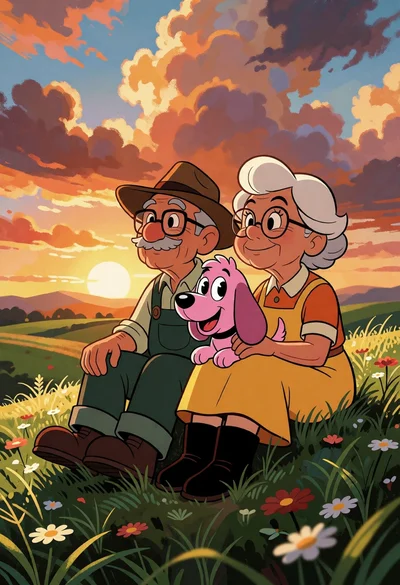
Elderly couple with pink cartoon dog on grassy hill at sunset
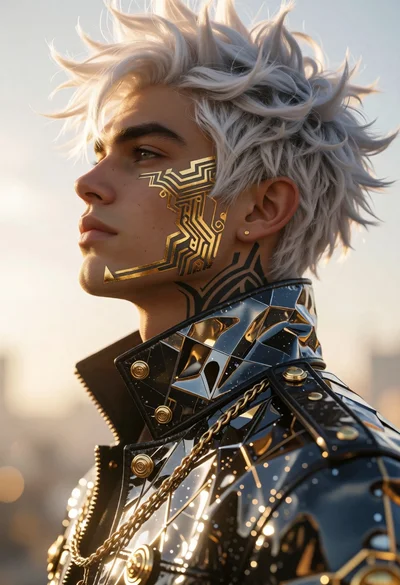
Cinematic profile portrait of man with white hair and golden tattoos
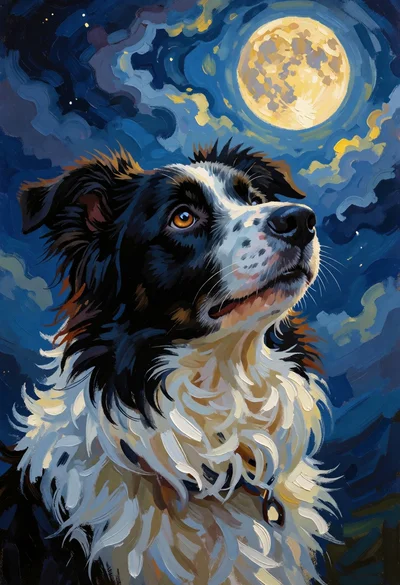
Black and white dog portrait gazing at a glowing full moon in
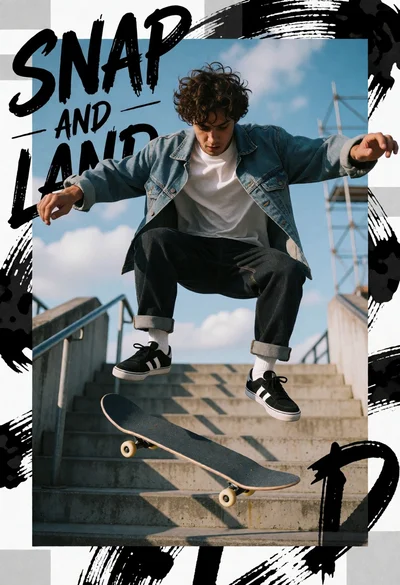
Skateboarder midair trick over concrete stairs under bright blue sky

Double exposure profile portrait of woman with cherry blossoms and chinese garden
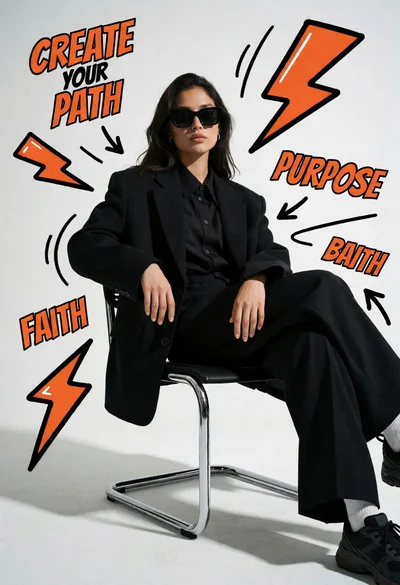
Woman in black blazer sitting on chrome chair with comic graphics
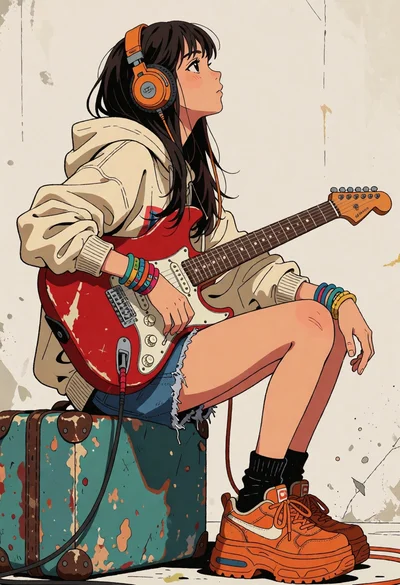
Anime style profile portrait of woman with guitar on weathered suitcase
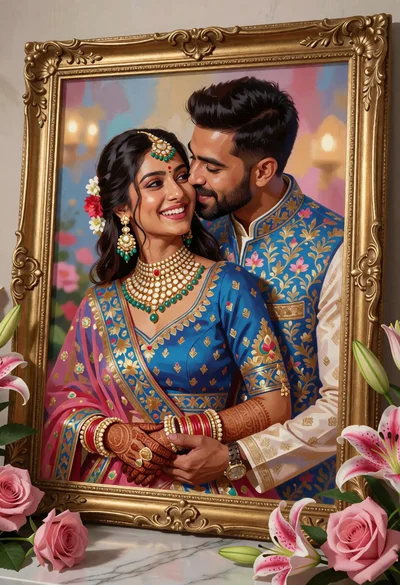
Framed portrait of smiling couple in traditional blue indian wedding attire
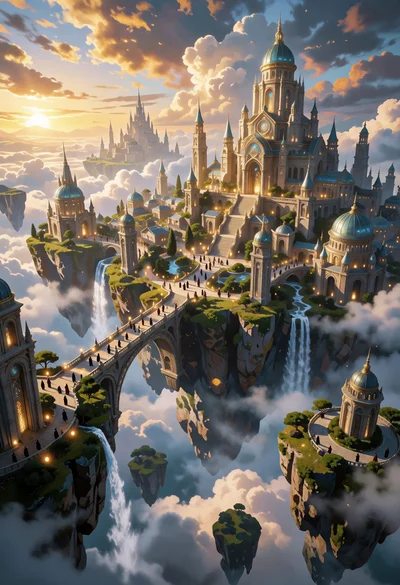
Majestic fantasy city on floating islands under golden sunlight
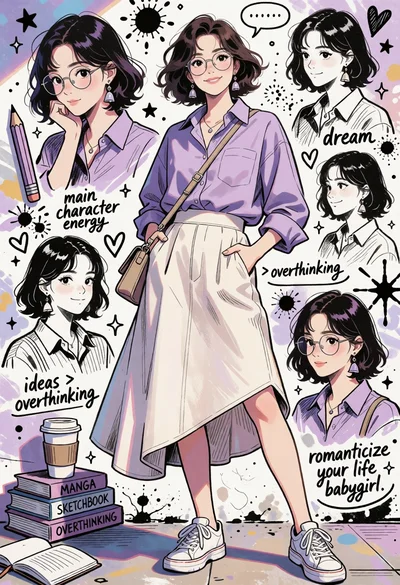
Young woman in lavender shirt against collage of hand drawn sketches
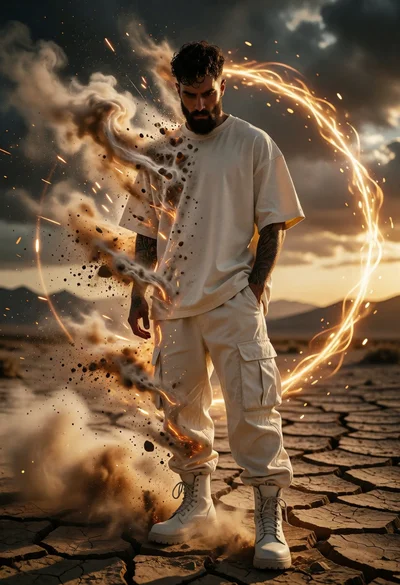
Man dissolving in desert landscape surrounded by golden energy ring
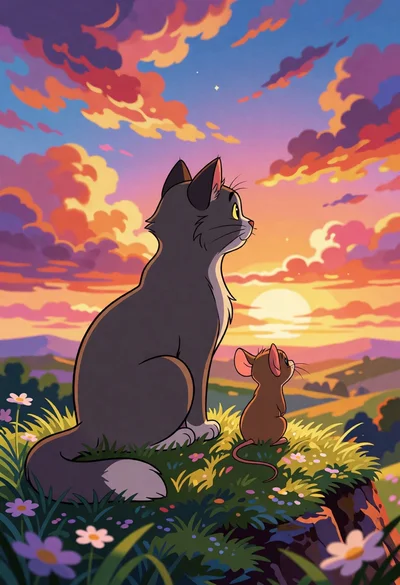
Gray cat and brown mouse sitting together overlooking rolling hills at sunset
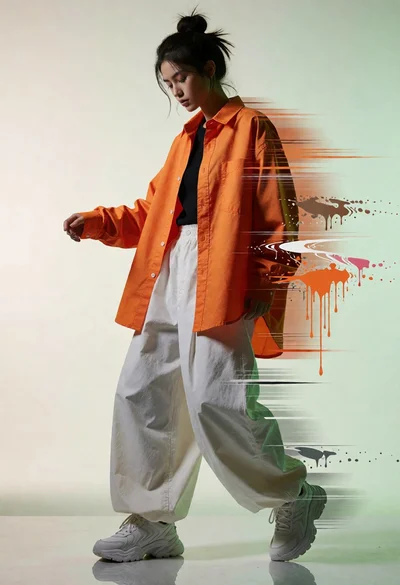
Full body studio shot of woman with orange shirt and white pants
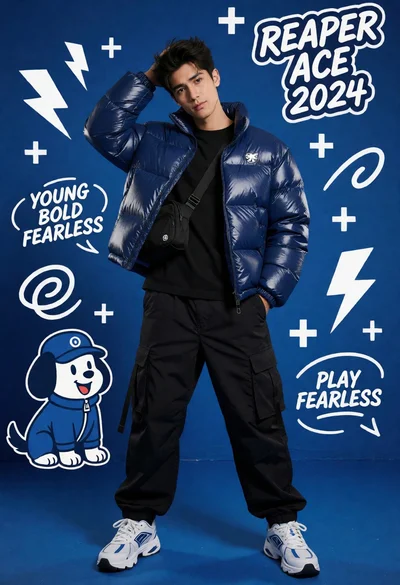
Young man in navy puffer jacket posing against vibrant blue graphic studio
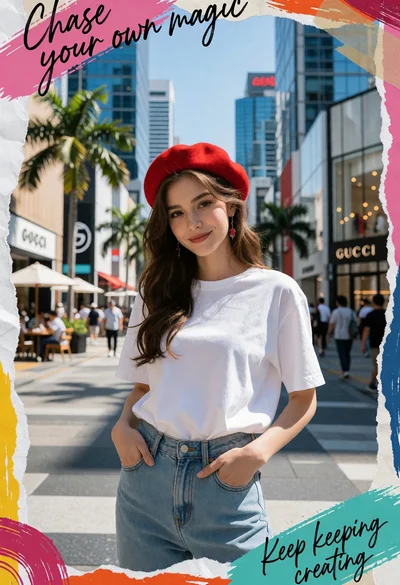
Young woman in red beret on busy city street with collage art
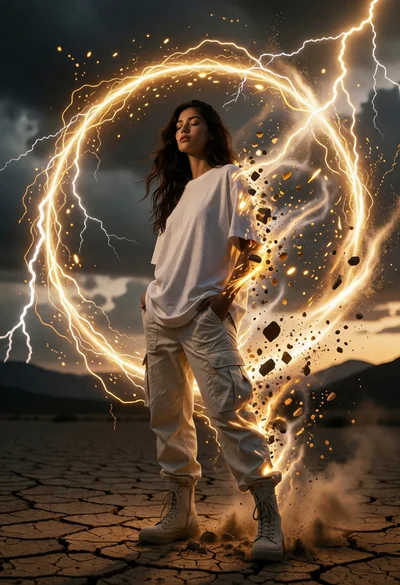
Woman in white tshirt amidst cracked desert lightning energy vortex
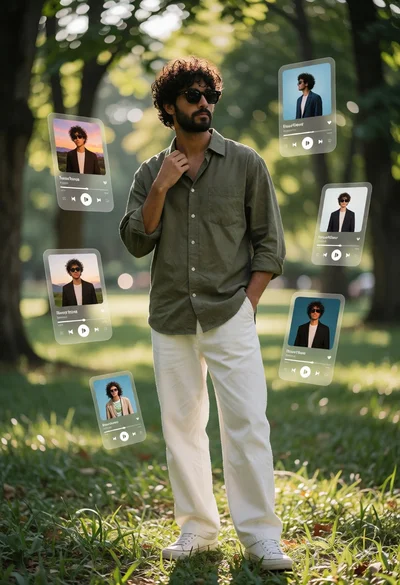
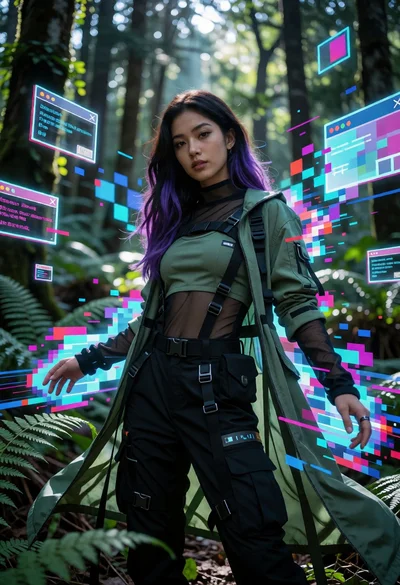
Man in forest clearing with holographic music interfaces surrounding him
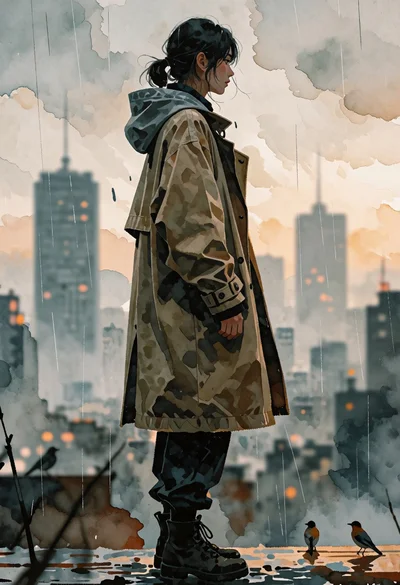
Solitary figure in trench coat against hazy misty urban skyline digital painting
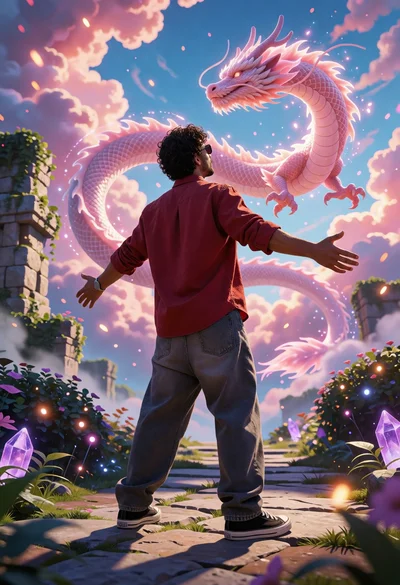
Man standing on stone path facing massive pink dragon in dreamlike sky
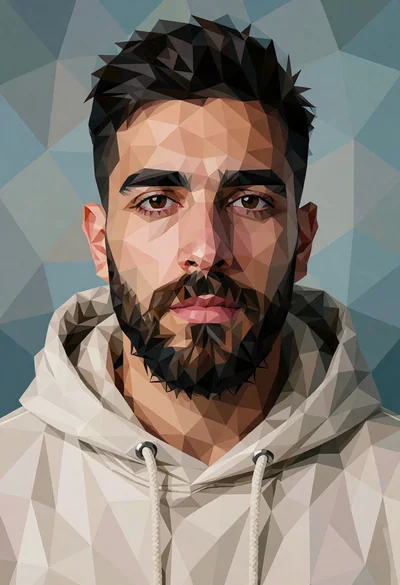
Low poly portrait of man with dark beard in beige hoodie against
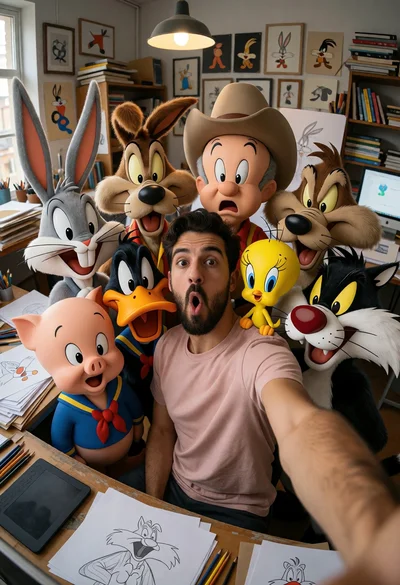
Man taking wide angle selfie with looney tunes characters in studio
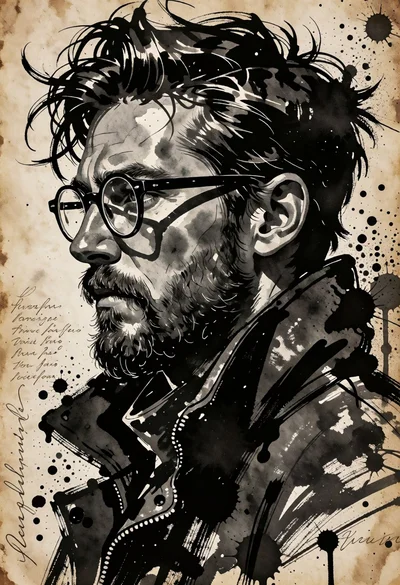
Profile portrait of man with glasses beard in expressive ink wash style
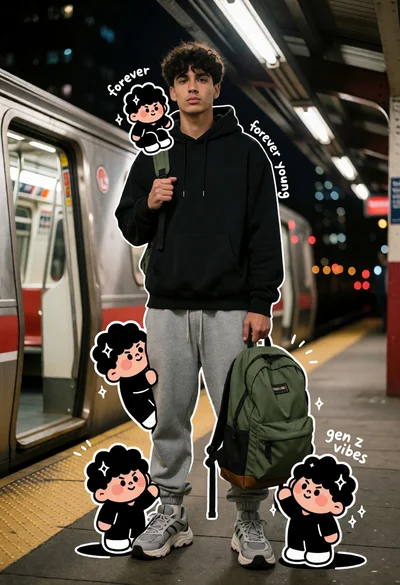
Young man on subway platform with train and cartoon characters at night
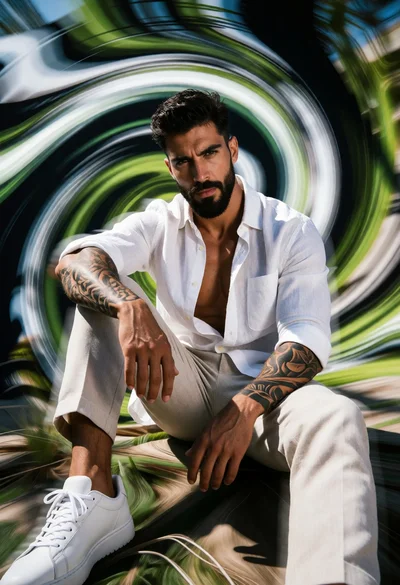
Muscular man sitting amidst abstract green white black vortex motion blur
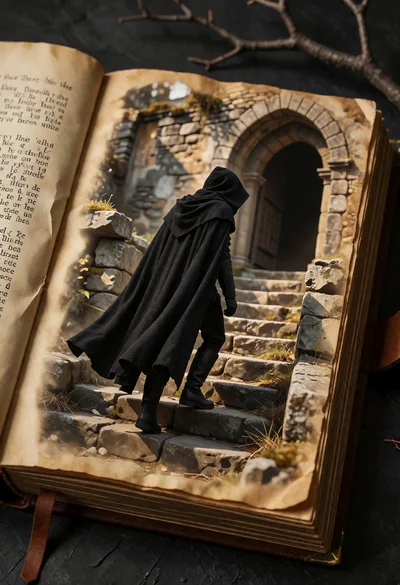
Mysterious hooded figure ascending stone stairs through an open vintage book portal

Muscular man leaning on vintage car in vibrant neon city street at
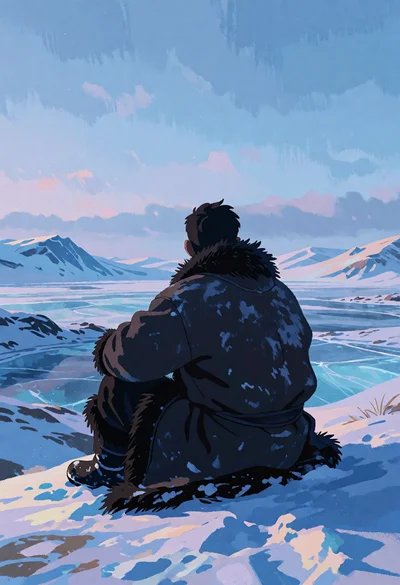
Solitary figure seated on snowy ridge overlooking vast frozen tundra landscape