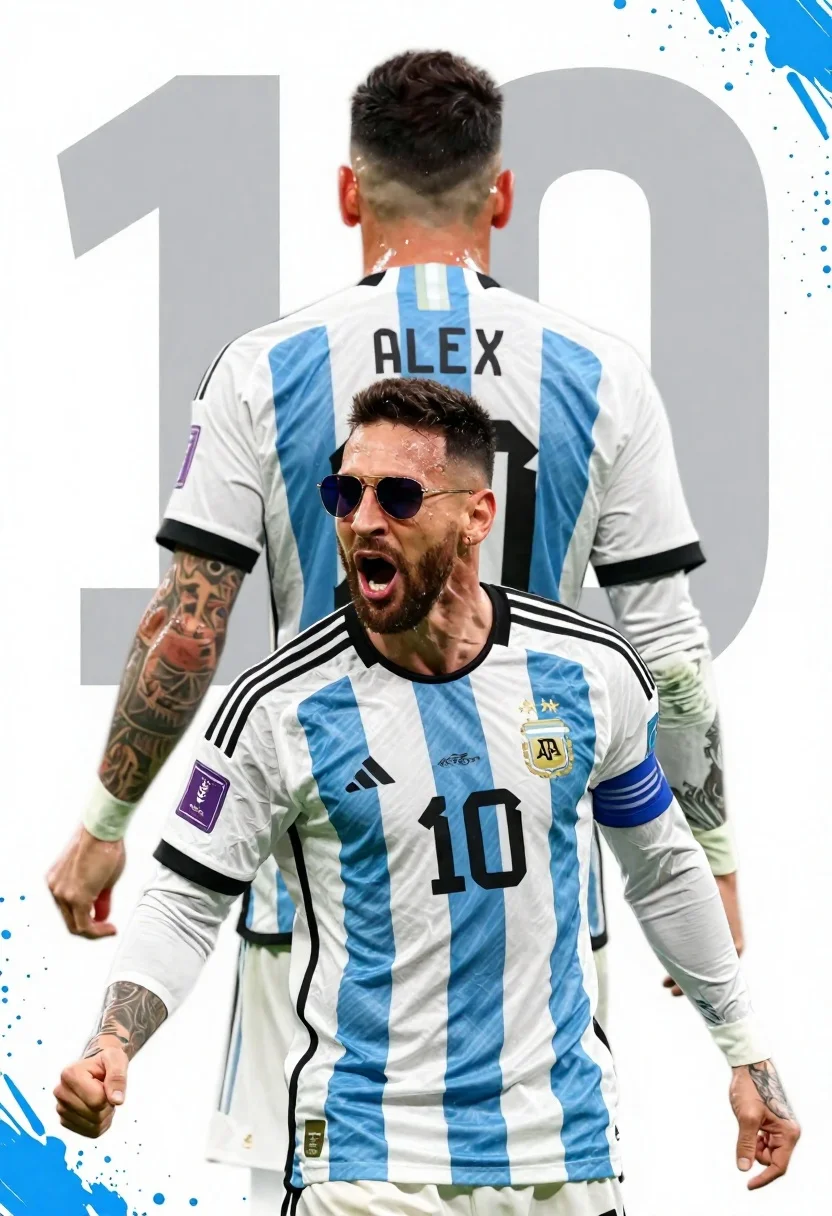
Argentina football player celebrating with clenched fist in national team jersey
Prompt
A dynamic sports graphic featuring a football player in an Argentina national team jersey celebrating with a clenched fist and wearing sunglasses, layered over the back view of another player in a matching kit.

Subject: A male football player with dark curly hair and a beard, shown from the chest up in the foreground, and a second figure seen from behind in the background.

Clothing: Both figures wear long-sleeved Argentina national team jerseys featuring vertical light blue and white stripes, the Adidas logo on the right chest, the AFA crest on the left chest, and the number 10 printed in black on the front and back. The background figure's jersey displays the name "ALEX" across the shoulders.

Action: The foreground subject is celebrating with his mouth open in a shout and his right fist clenched near his shoulder, while the background subject stands facing away from the viewer.

Environment: A stylized graphic background featuring large, faint grey numerals "10" behind the figures, accented by blue paint splatter effects around the edges.

Camera: Medium shot composition focusing on the upper bodies of the subjects with a shallow depth of field effect separating the foreground figure from the background elements.

Lighting: Bright studio lighting illuminating the front of the subject while casting soft shadows and highlighting the texture of the jersey fabric.

Style Details: High-contrast digital illustration style with bold typography, vibrant blue and white color palette, and a polished sports poster aesthetic.
Description
This prompt is useful for creating dynamic sports posters, athletic merchandise mockups, and celebratory team announcements. The combination of 'bright studio lighting' on the foreground subject while using a 'shallow depth of field effect' ensures the primary action remains crisp against the stylized background elements like the faint grey numerals "10," preventing the entire composition from looking flat or overly busy.
Suggestions
- Change 'dark curly hair' to 'slicked back hair' for a more polished look.
- Swap 'blue paint splatter effects' for 'geometric halftone patterns' for a different graphic feel.
- Adjust 'Medium shot composition' to 'close-up portrait' to focus solely on the celebration.
Category
Tags
Black HairCasual WearMaleMedium ShotOutdoorsRealistic
Date added
June 26, 2026
Added by
PromptDexter Team
Related Prompts
More prompts with similar categories and tags.
Young woman walking with skateboard along concrete ledge near mountains
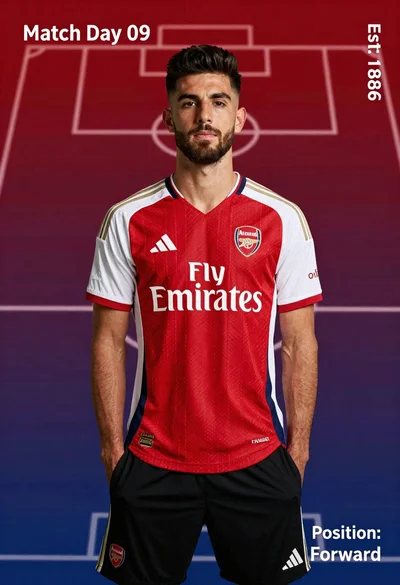
Young man in red and white arsenal football jersey standing on a
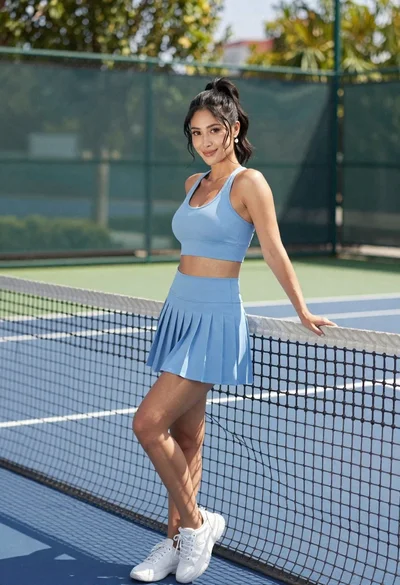
Fit woman in light blue athletic set leaning against tennis net outdoors
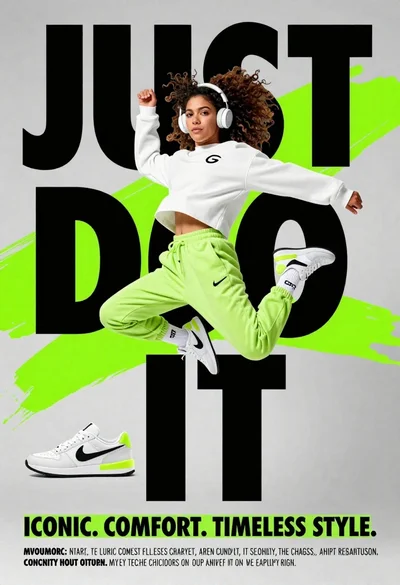
Young woman in athletic pose midair wearing white sneakers against graphic background
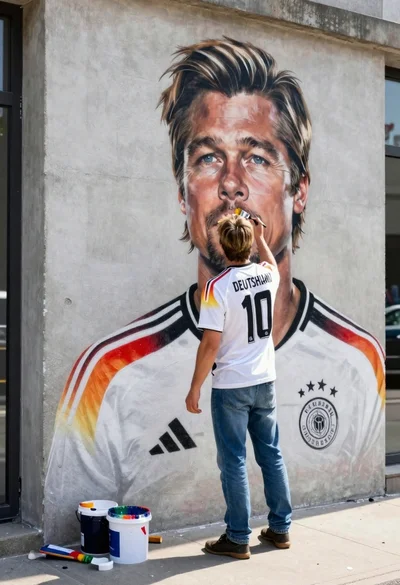
Man painting brad pitt mural on urban concrete wall from behind
Black man with dreadlocks freefalling through white clouds in black jumpsuit
Handsome man leaning on white golf cart at sunny green outdoor course
Fit male cyclist in black gear stands next to mountain bike on