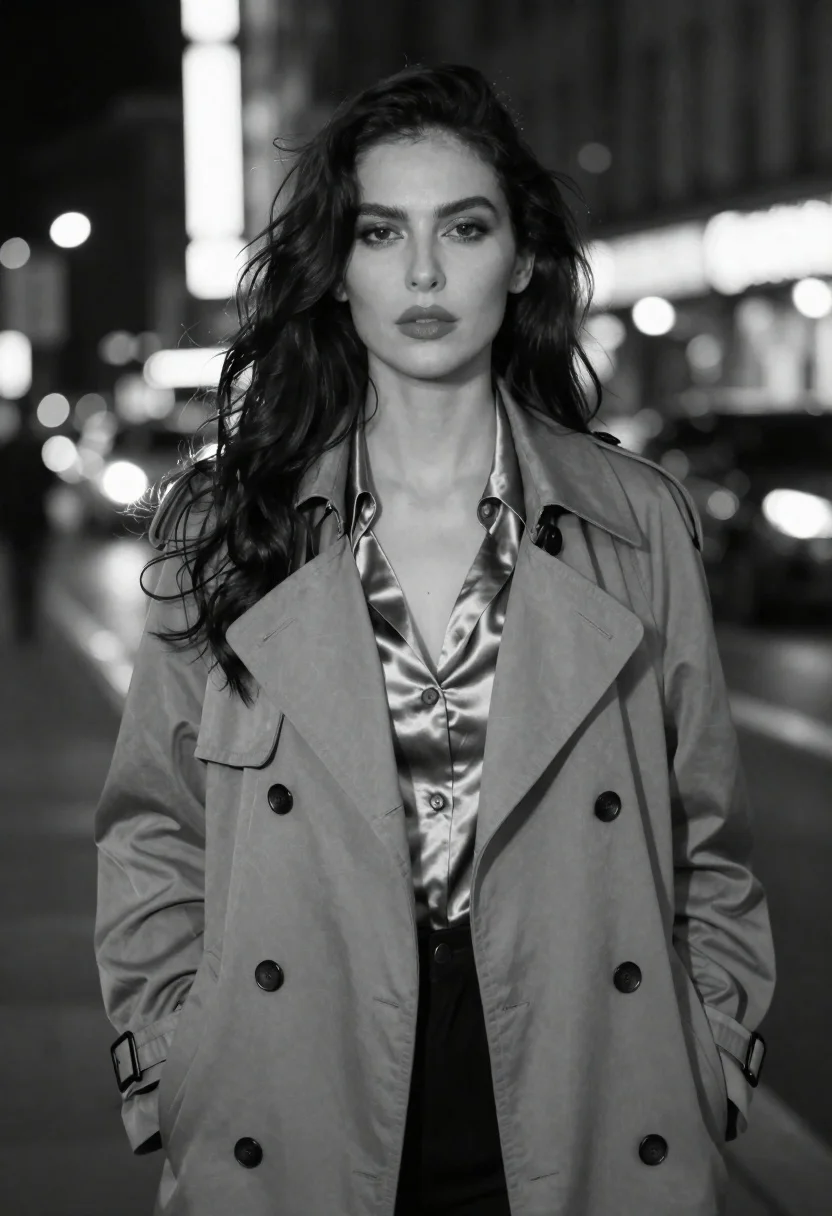
Black and white portrait of woman on urban street at night
Prompt
A black-and-white fashion portrait of a woman standing on an urban street at night

Subject: A glamorous woman with long dark wavy hair flowing over her shoulders, intense direct gaze toward the camera, full lips slightly parted in a confident expression.

Clothing: She wears a tailored double-breasted trench coat buttoned up to mid-chest, layered over a silky satin blouse with a deep V-neckline that catches subtle light along its folds; the fabric appears smooth and lustrous against the matte texture of her outerwear.

Lighting: Soft ambient city glow illuminates her face from above and slightly behind, creating gentle highlights on cheekbones and forehead while leaving shadows softly defined beneath jawline and collarbone   evoking a cinematic noir mood without harsh contrast.

Environment: Blurred nighttime cityscape background with bokeh lights streaking vertically and horizontally likely neon signs or vehicle headlights with indistinct building silhouettes suggesting depth of field typical of urban night photography; faint reflections on pavement hint at wet streets but no puddles are clearly visible.

Camera: Shot from eye level, medium close-up framing focusing tightly on upper torso and face, shallow depth-of-field rendering background into smooth circular bokeh orbs that emphasize subject isolation without distracting clutter.
Description
This prompt is useful for creating cinematic noir editorial spreads, high-fashion street photography editorials, and moody character portraits. The combination of 'soft ambient city glow' with the 'blurred nighttime cityscape background' ensures the subject remains isolated while the specified shallow depth-of-field renders the bokeh orbs to emphasize the model's intense direct gaze against a complex urban setting.
Suggestions
- Change 'tailored double-breasted trench coat' to 'oversized wool blazer' for a more modern silhouette.
- Adjust 'soft ambient city glow' to 'single overhead sodium vapor lamp' for harsher contrast.
- Replace 'bokeh lights streaking vertically and horizontally' with 'streaks of red and blue light' to specify color accents.
Category
Tags
B&wBlack HairBrunetteCasual WearFemaleFull BodyMedium ShotPortrait ShotRealisticStreetStreetwearUrban
Date added
June 19, 2026
Added by
PromptDexter Team
Related Prompts
More prompts with similar categories and tags.
Woman with wings in light coat on busy city street

Black and white portrait of confident woman in blazer
Stylish woman at outdoor cafe table in paris
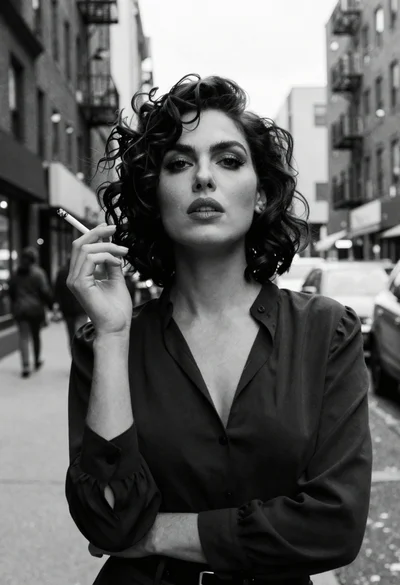
Medium close up portrait of woman on city street in black and

Woman posing indoors in an embellished gown against sheer curtains
Woman in embroidered mini dress seated on bed in soft black and

Blonde woman in black suit leaning on ladder studio portrait

Young woman in black velvet dress looking over shoulder at event