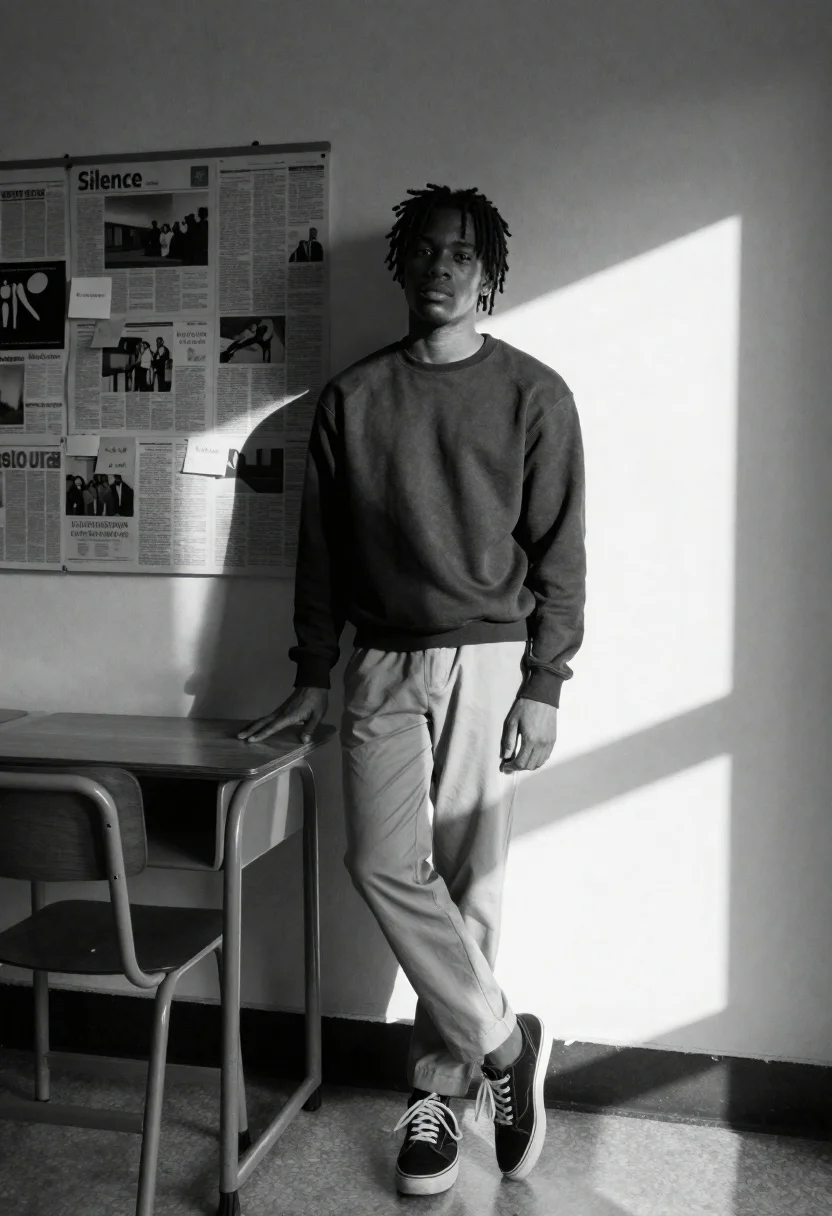
Black and white portrait of young black man leaning against wall next
Prompt
A black and white portrait of a young Black man with short dreadlocks leaning casually against a wall next to a wooden school desk.

Subject: A young Black man with short dreadlocks, looking directly at the camera with a calm expression.

Clothing: He wears a dark crewneck sweatshirt, light-colored trousers, and black sneakers with white laces.

Action: Leaning back against the wall with his left hand resting on the back of a wooden school desk, standing in a relaxed pose.

Environment: An indoor setting featuring a plain wall covered with pinned newspaper clippings and sticky notes; one clipping is clearly titled "Silence." A large rectangular patch of sunlight projects onto the right side of the wall and floor.

Camera: Shot from a medium-full angle at eye level, capturing the subject's full body and the immediate surroundings.

Lighting: High-contrast natural lighting with a strong directional light source coming from the right, creating deep shadows on the left side of the subject and casting a distinct geometric shadow pattern on the wall.

Objects: A wooden school desk with a metal frame stands to the left of the subject; the background wall is decorated with various papers and notes.

Style Details: Black and white photography with high contrast, sharp focus, and a cinematic composition emphasizing the interplay of light and shadow.
Description
This prompt is useful for creating gritty editorial portraits, conceptual fine art prints, and moody character studies that emphasize narrative tension. The combination of 'high-contrast natural lighting' with deep shadows on the left side sculpts the subject's form, while the specific inclusion of 'pinned newspaper clippings' grounds the image in a tangible, story-rich environment.
Suggestions
- Change 'dark crewneck sweatshirt' to 'charcoal turtleneck' for a more formal silhouette.
- Swap 'wooden school desk' for 'industrial metal filing cabinet' to alter the texture contrast.
- Adjust 'strong directional light source coming from the right' to 'soft window light from the left' for a less dramatic feel.
Category
Tags
B&wBlack HairCasual WearDark SkinFull BodyIndoorsMaleMedium ShotRealistic
Date added
June 26, 2026
Added by
PromptDexter Team
Related Prompts
More prompts with similar categories and tags.
Black and white portrait of confident man in studio

Black and white portrait of young man in turtleneck sweater

Black and white studio portrait of man with beard
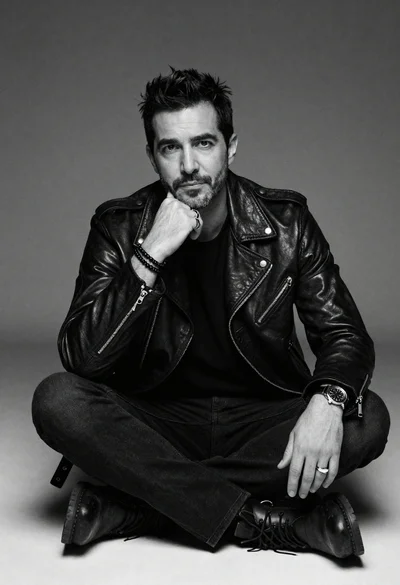
Black and white portrait of man in biker jacket
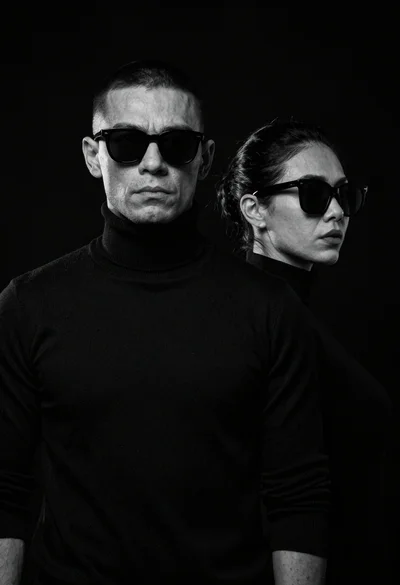
High contrast black and white studio portrait of muscular man and woman
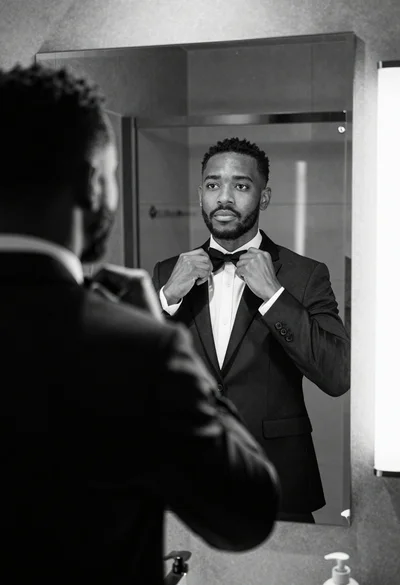
Black and white photograph of man adjusting bow tie in modern bathroom

Black and white portrait of man with beard studio shot
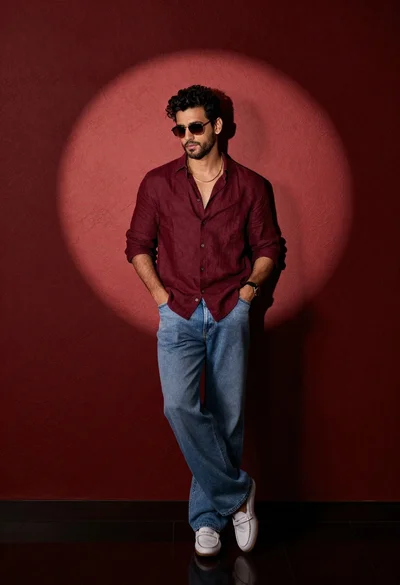
Stylish man in maroon shirt and jeans leaning against red wall