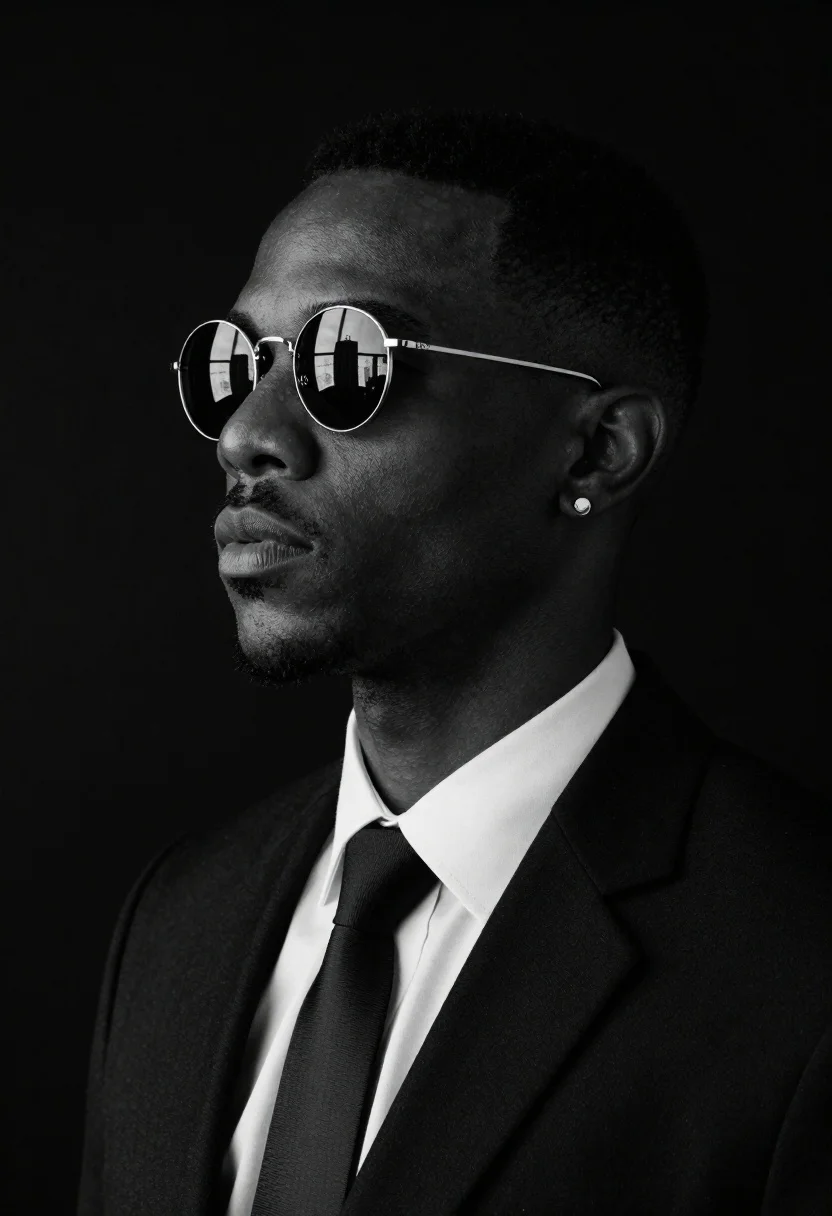
Black and white studio portrait of man with sunglasses
Prompt
High-contrast black and white studio portrait of a man in profile against an infinite void background, wearing round reflective sunglasses reflecting a city skyline.

Subject: African American male with defined jawline, dark skin texture visible on cheekbones, subtle stubble along chin line, city skyline reflected in round sunglasses

Clothing: Crisp white dress shirt collar framing neck area, formal suit jacket lapels, black tie knot at throat level

Accessories: Small circular stud earring in left earlobe catching light reflection

Environment: Pure matte black backdrop creating complete negative space around subject silhouette without depth cues or spatial markers

Camera: Tight medium close-up composition focusing on head, shoulders and upper chest region with shallow depth of field isolating subject sharply from background, soft shadows cast behind nose bridge and under cheekbone contours enhancing three-dimensional form

Lighting: Directional key light positioned slightly above eye level creating rim lighting effect along hairline and temple regions, gentle fill light maintaining detail visibility without harsh transitions, balanced exposure across subject surface including fabric textures and metallic reflections on sunglass rims

Style Details: Cinematic noir aesthetic with high-contrast grayscale rendering emphasizing structural forms through tonal gradations, reminiscent of classic film photography adapted to digital medium, professional portraiture standards conveying sophisticated elegance and timeless appeal.
Description
This prompt is useful for creating cinematic character studies, minimalist advertising campaigns, and fine art editorial spreads requiring dramatic focus on form. The combination of 'high-contrast black and white' rendering with a 'pure matte black backdrop' eliminates distracting environmental context, forcing the viewer's attention onto the subject's structure, which is further emphasized by the 'directional key light' sculpting the face.
Suggestions
- Change 'round reflective sunglasses' to 'aviator sunglasses' for a different shape.
- Swap 'crisp white dress shirt collar' for 'turtleneck sweater' to alter the neckline framing.
- Adjust 'shallow depth of field' to 'deep focus' if you want more background context.
Category
Tags
Close UpDark SkinFormal WearMaleMedium ShotPortrait ShotRealisticStudio
Date added
June 19, 2026
Added by
PromptDexter Team
Related Prompts
More prompts with similar categories and tags.
Studio portrait of man in black suit and white shirt
Studio portrait of confident black man in black suit
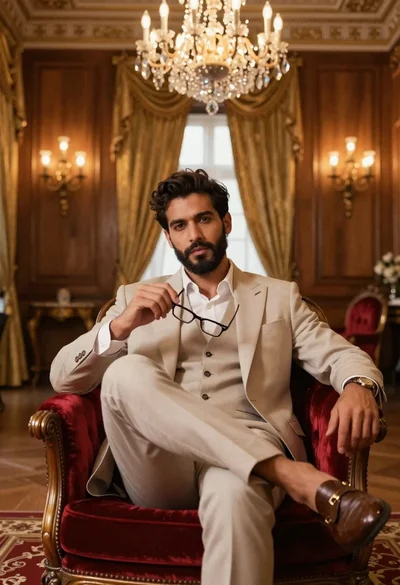
Handsome man in beige suit sitting in opulent room
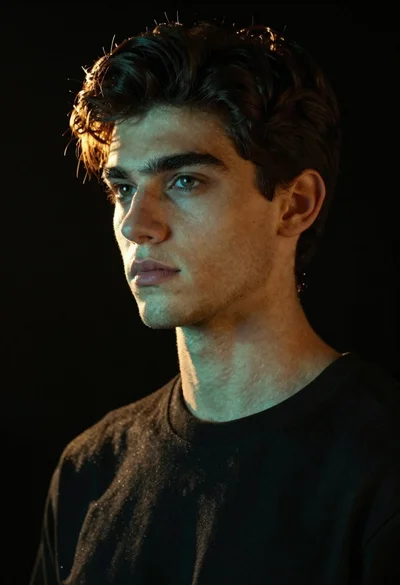
Portrait of handsome young man with brown hair against black background
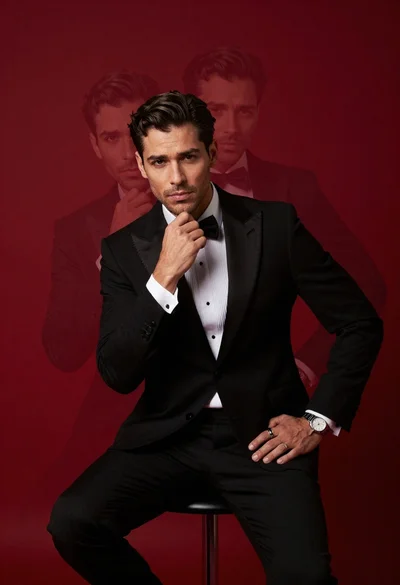
Confident man in black tuxedo sitting on stool with ghostly face overlays
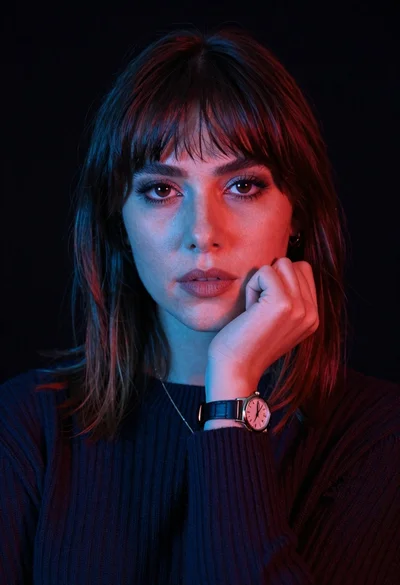
Closeup portrait of woman with fair skin and brown hair in dark
Young man in magenta suit jacket standing in dimly lit room with

Black and white portrait of young man in turtleneck sweater