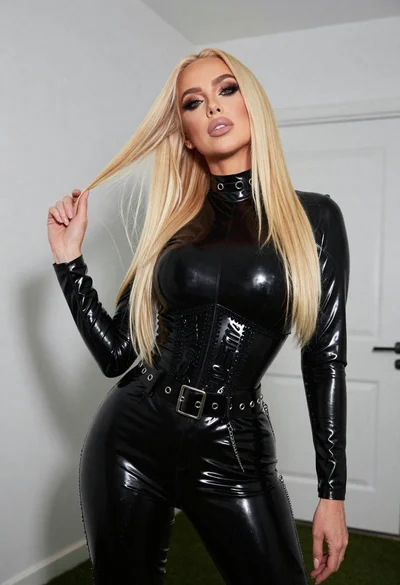

Blonde woman leaning forward looking back over shoulder in studio
Prompt
A young woman with long blonde hair stands in a studio setting, looking back over her shoulder with an open-mouthed expression of surprise while bending forward at the waist.

Subject: A fair-skinned woman with long wavy blonde hair and a small gold barrette clipped to the side of her head.

Clothing: She wears a white lace crop top with short sleeves that exposes her midriff, paired with distressed blue denim shorts featuring frayed hems and black stiletto high heels.

Action: The subject is leaning forward at the waist, looking back over her left shoulder toward the camera with an open mouth and wide eyes, while her right hand reaches behind to adjust or pull at the waistband of her shorts.

Environment: A plain, seamless grey studio backdrop that fills the entire background without any additional scenery.

Camera: Full-body vertical shot taken from a low angle looking up at the subject, emphasizing her height and posture.

Lighting: Soft studio lighting with a key light coming from the front-left, casting gentle shadows on the right side of her body and creating a smooth, even tone across the skin.

Style Details: High-fashion editorial photography style with sharp focus on the model and clean, professional post-processing that enhances texture details in the lace and denim.
Description
This prompt is useful for creating high-fashion editorial moodboards, character concept art focusing on surprise, and stylized e-commerce lookbooks for intimate apparel. The combination of 'low angle looking up' with a 'plain, seamless grey studio backdrop' forces the viewer to focus entirely on the model's dramatic posture and the texture contrast between the 'white lace crop top' and 'distressed blue denim shorts', preventing any environmental distraction from pulling focus.
Suggestions
- Change 'open-mouthed expression of surprise' to 'smirk' for a more confident mood.
- Swap 'soft studio lighting' for 'hard directional light' to increase shadow drama.
- Add 'shot on Hasselblad X1D II' to specify the camera quality.
Category
Tags
BlondeFair SkinFemaleFull BodyLow AngleRealisticStudio
Date added
June 19, 2026
Added by
PromptDexter Team
Related Prompts
More prompts with similar categories and tags.
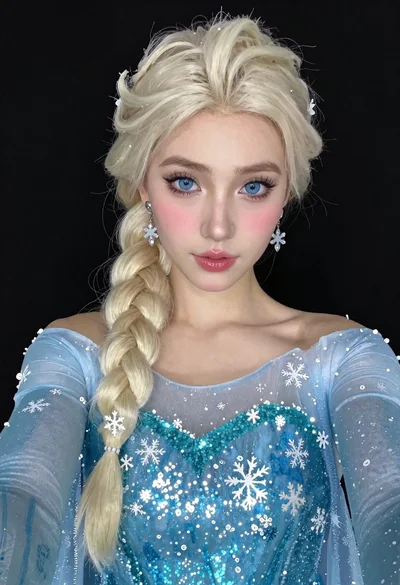
Woman in blue ballgown with platinum hair taking a selfie
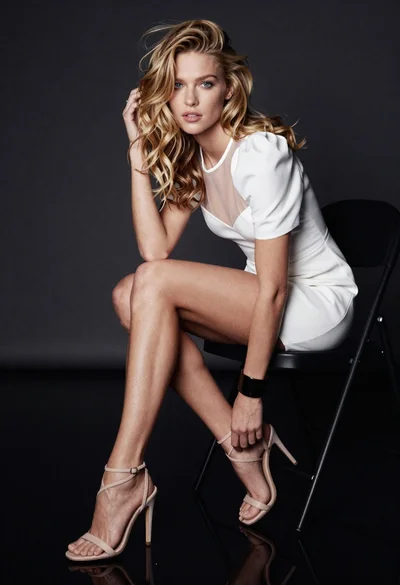
Glamorous blonde woman seated on black chair in dark studio setting

Blonde woman in black lace lingerie posing with vintage telephone
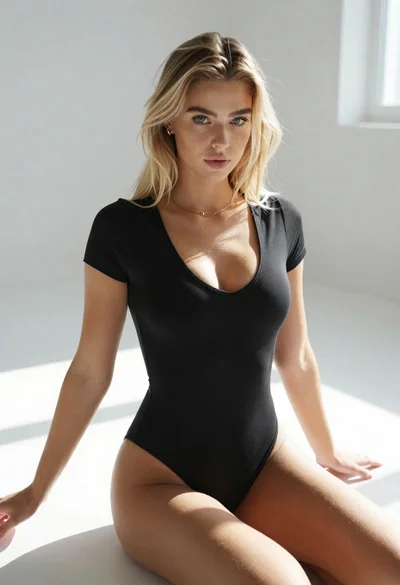
Blonde woman in black bodysuit seated on white floor with natural light

Blonde woman taking mirror selfie on beige carpet near anime display
Confident woman in red jacket and white bodysuit against a white studio
Blonde woman kneeling in blue swimsuit against solid red studio background
Blonde woman in corset top and cowboy boots on light wood floor
Young blonde woman in lace bodysuit leaning against wooden cabinet indoors

Blonde woman posing in black lingerie against pink purple gradient studio backdrop
