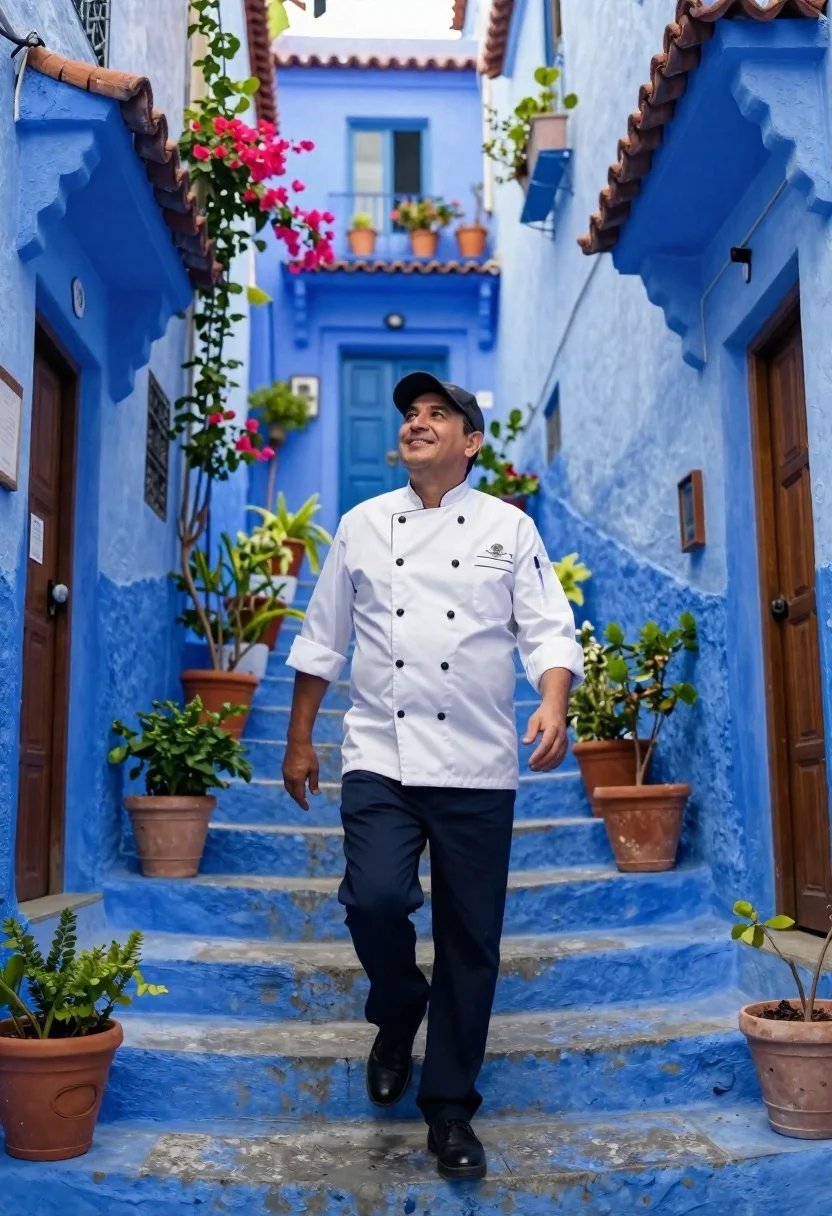
Chef walking up blue stone stairs with flowers
Prompt
A medium shot of a man in a chef's uniform walking up vibrant blue stone stairs with an open smile and relaxed posture, extending one arm in a welcoming gesture.

Subject: Middle-aged man wearing black baseball cap, open smile, confident upward gaze toward sky

Clothing: Professional chef attire featuring crisp white double-breasted jacket with large black buttons, rolled-up sleeves revealing forearms, embroidered logo on left chest pocket, dark-colored pants, polished black footwear

Action: Walking confidently up steps while looking upward, extending one arm outward in welcoming gesture as if presenting surroundings

Environment: Narrow alleyway painted entirely in vivid shades of blue including walls, doorways, stairs creating immersive monochromatic atmosphere, terracotta pots filled with greenery and pink bougainvillea flowers cascading down from upper balconies, wooden doors framing entry points along both sides, potted plants lining staircase path

Camera: Medium shot capturing figure from waist up walking up stairs, emphasis on gesture and upward movement through composition

Lighting: Soft natural daylight illuminating scene evenly with gentle shadows emphasizing texture without harshness, sunlight filtering across surfaces enhancing depth within architectural details like cornices, railings, window frames, flower boxes mounted on walls

Style Details: Fine art photography or cinematic aesthetic with desaturated yet rich color palette emphasizing saturation contrast between deep cobalt blues and warm earth tones, subtle lens characteristics including mild vignetting at corners and soft focus transitions toward background, editorial quality reminiscent of travel magazine photography.
Description
This prompt is useful for creating architectural travel editorials, conceptual portraiture showcasing aspiration, and stylized commercial lifestyle imagery. The combination of 'vivid shades of blue' in the environment with 'terracotta pots filled with greenery and pink bougainvillea flowers' establishes a high saturation contrast against the subject's uniform, which prevents the scene from becoming a flat, single-color wash while directing the viewer's eye upward following the stairs.
Suggestions
- Change 'vivid shades of blue' to 'indigo and cerulean gradient' for more depth.
- Swap 'pink bougainvillea flowers' for 'white orchid arrangements' for a cleaner look.
- Adjust 'Soft natural daylight' to 'dappled sunlight' to add pattern variation.
Category
Tags
AlleyMaleMedium ShotOutdoorsRealisticStreetUniform
Date added
June 19, 2026
Added by
PromptDexter Team
Related Prompts
More prompts with similar categories and tags.

Smiling woman on a busy japanese city street

Blonde woman in black top on balcony overlooking beige stone street

Young man in city street between glass skyscrapers
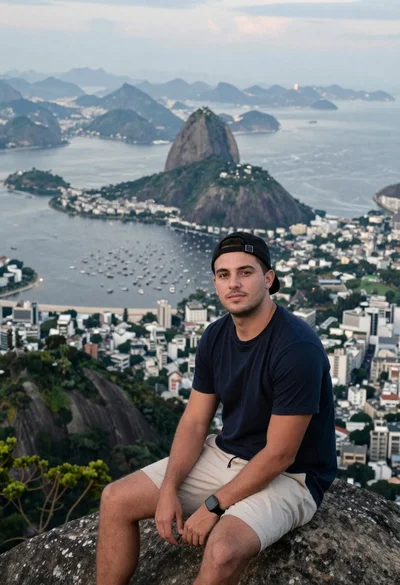
Man sitting on mountain peak overlooking rio de janeiro
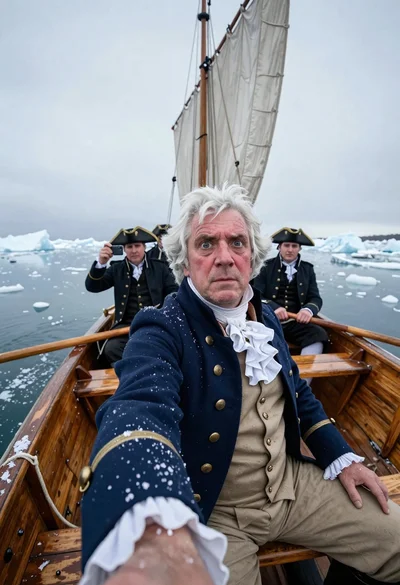
Captain taking selfie in icy wooden rowboat
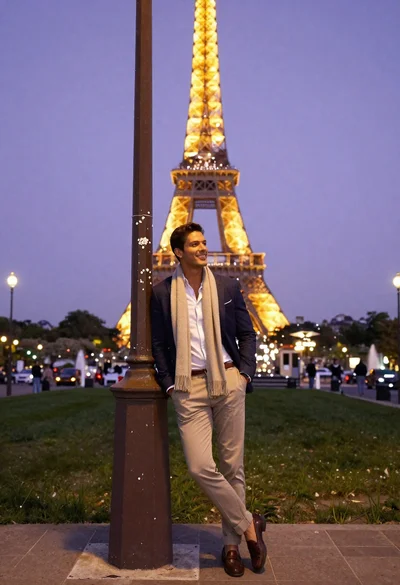
Stylish man posing before eiffel tower at paris twilight
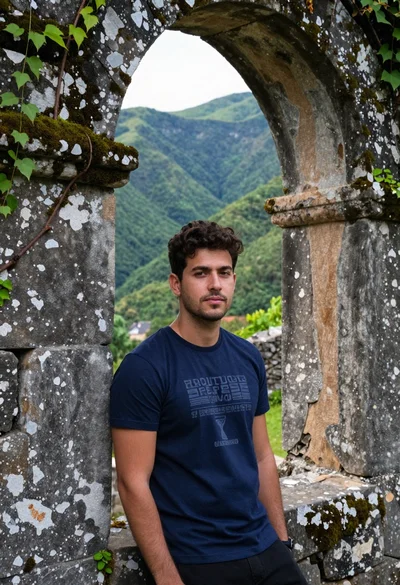
Young man leaning against ancient stone wall with green mountains
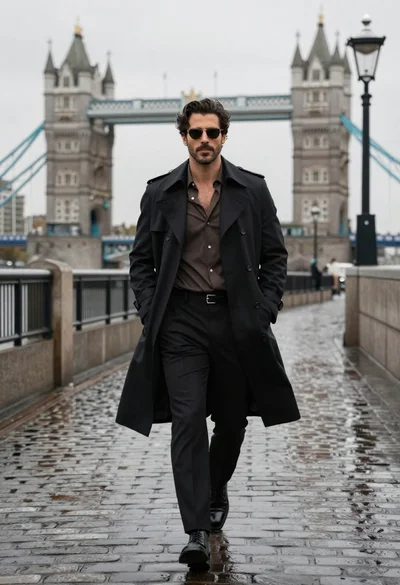
Confident man in black trench coat walking on wet cobblestone path