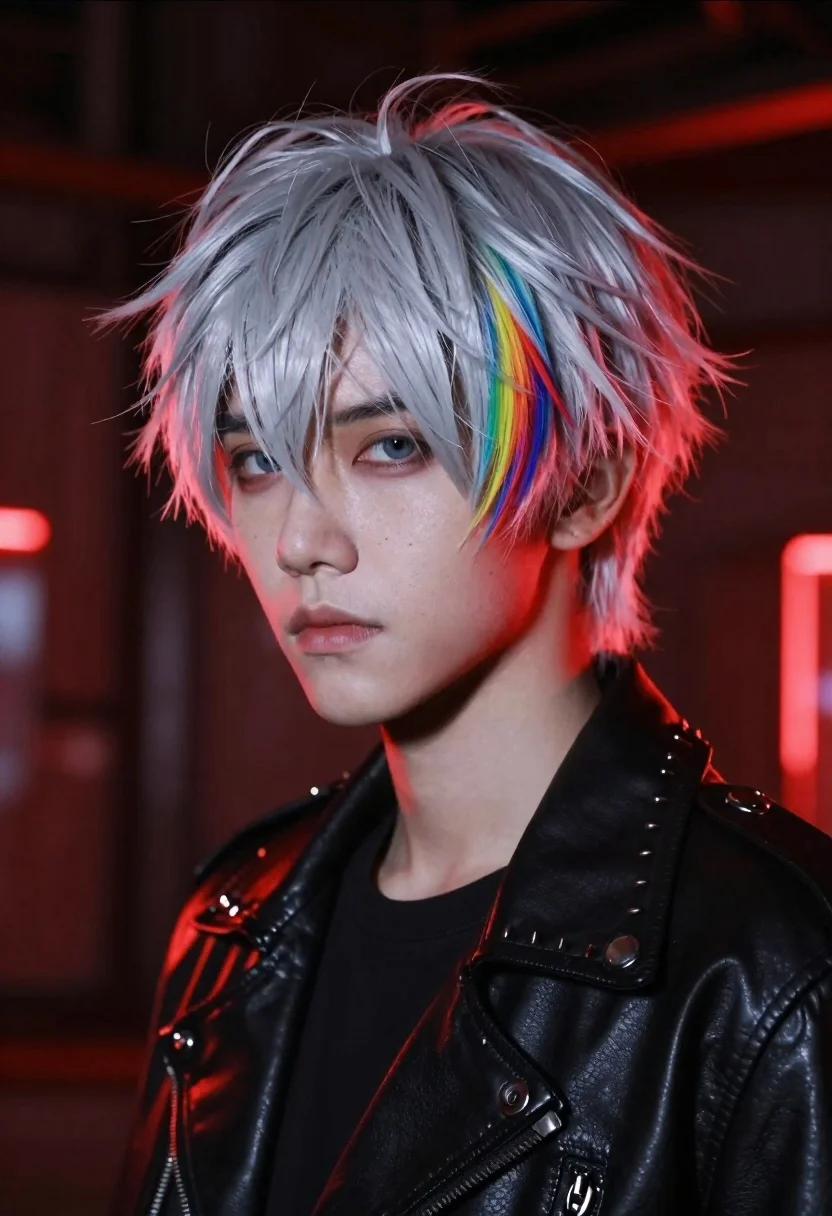
Closeup portrait of young person with pale skin and sharp features in
Prompt
A close-up portrait of a young person with pale skin and sharp features looking slightly to the side.

Subject: A youthful figure with short, messy silver-white hair that spikes upward, featuring a distinct rainbow-colored streak on the right side. The face has a serious expression with blue eyes and subtle freckles across the nose and cheeks.

Clothing: Wearing a black leather biker jacket with a high collar, visible metal snap buttons, and a row of dark conical studs along the shoulder and lapel.

Lighting: Dramatic red backlighting creates a strong rim light effect around the hair and shoulders, casting deep shadows on the left side of the face while highlighting the right cheek and jawline.

Environment: A dark, industrial-style background with blurred vertical lines and glowing red neon accents suggesting a futuristic or cyberpunk setting.

Camera: Shot with a shallow depth of field that keeps the face in sharp focus while blurring the background elements to emphasize the subject's expression.

Style Details: High-definition digital art style with hyper-realistic skin textures, vibrant color contrast between the cool silver hair and warm red lighting, and a cinematic composition.
Description
This prompt is useful for creating character concept art for video games, editorial cyberpunk fashion spreads, and dramatic movie poster key art. The combination of 'dramatic red backlighting' with the 'black leather biker jacket' establishes a high-contrast, gritty aesthetic that immediately signals a futuristic narrative, while the 'shallow depth of field' ensures the viewer focuses intensely on the subject's sharp features rather than the busy background.
Suggestions
- Change 'rainbow-colored streak' to 'electric blue streak' for more cohesive neon tones.
- Swap 'black leather biker jacket' for 'vinyl trench coat' to alter the material reflectivity.
- Adjust 'dramatic red backlighting' to 'cyan rim light' for a cooler, more sci-fi palette.
Category
Tags
Black HairCasual WearClose UpDigital ArtFormal WearMaleOutdoorsPortrait ShotRealisticUrban
Date added
June 23, 2026
Added by
PromptDexter Team
Related Prompts
More prompts with similar categories and tags.
Young man in black tshirt against glowing red cyan neon frame
Man in leather jacket under vibrant neon rain
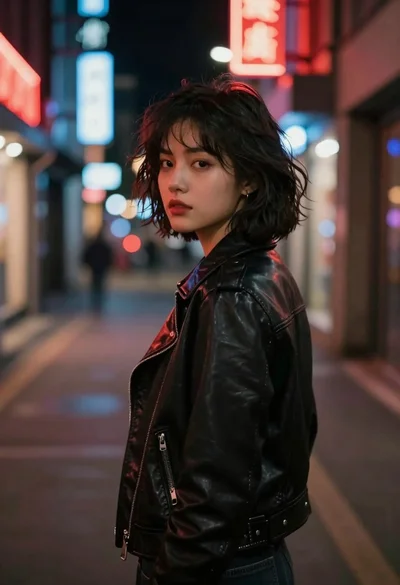
Young woman in black leather jacket on a dimly lit city street
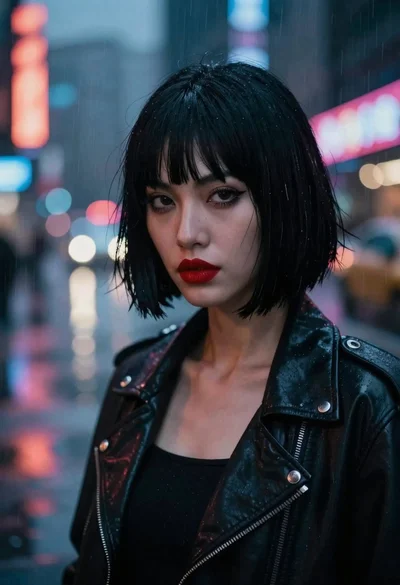
Woman in black jacket on rainy cyberpunk city street
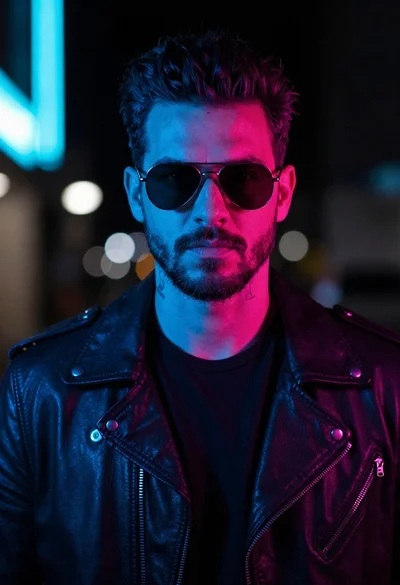
Man in leather jacket against cyberpunk neon city background
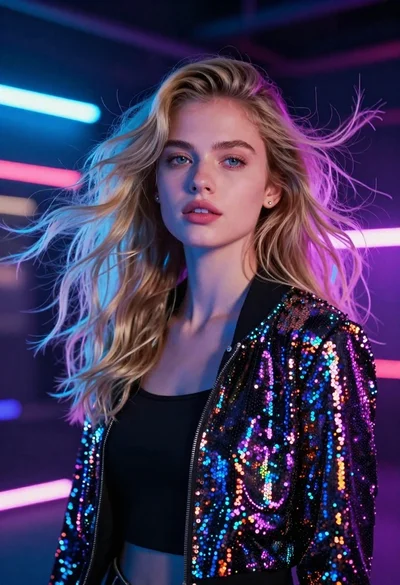
Medium close up portrait of blonde woman in sequined jacket under neon
Young woman with teal hair in cyberpunk city street at night
Close up portrait of young woman shielding eyes from bright sun