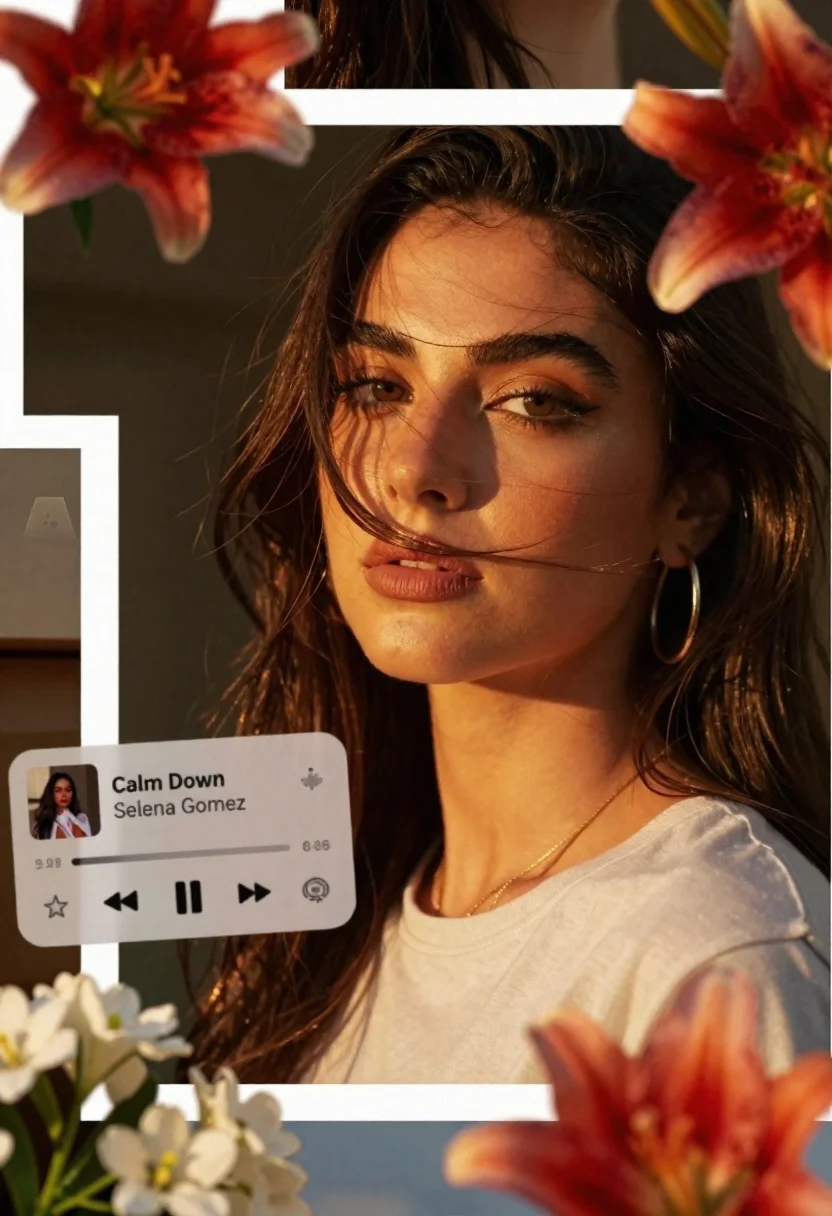
Collage style portrait of young woman with dark hair and floating music
Prompt
A collage-style composition featuring a woman with long dark hair and warm golden lighting across her face and neck.

Subject: A young woman with long dark brown hair, wearing subtle makeup including eyeliner and nude lipstick, looking directly at the camera with a calm expression.

Clothing: She wears a light-colored t-shirt and gold hoop earrings with a delicate chain necklace.

Action: Her head is tilted slightly to the side, with strands of hair falling across her face in a soft breeze.

Environment: The background is dark and indistinct, suggesting an indoor setting with warm ambient lighting.

Camera: Close-up framing focusing on facial features with shallow depth of field blurring the background.

Lighting: Warm golden hour sunlight illuminating one side of her face creating soft shadows and highlighting skin texture.
Second

Subject: A floating music player interface displaying "Calm Down" by Selena Gomez with playback controls and a small album art thumbnail.

Objects: Vibrant red and orange lilies positioned around the edges of the collage, along with white flowers in the lower left corner.

Text/Graphics: The music player overlay includes song title, artist name, progress bar, and navigation buttons.

Style Details: Collage aesthetic with overlapping photo fragments separated by thin white borders, warm color grading, soft focus effects, and dreamy atmosphere.
Description
This prompt is useful for creating album art mockups, editorial music promotion visuals, and conceptual portrait studies. The combination of 'collage-style composition' with overlapping photo fragments separated by thin white borders grounds the ethereal elements, while the 'warm golden hour sunlight illuminating one side of her face' provides enough directional contrast to keep the subject grounded despite the floating digital objects.
Suggestions
- Change 'dark brown hair' to 'raven black hair' for higher contrast.
- Swap 'gold hoop earrings' for 'silver geometric earrings' to shift the metallic tone.
- Add 'bokeh effect' to the background description for more depth.
Category
Tags
Brown HairClose UpDigital ArtFemalePortrait ShotRealisticStudio
Date added
June 26, 2026
Added by
PromptDexter Team
Related Prompts
More prompts with similar categories and tags.

Young woman holding ancient book emitting magic under moonlight

Portrait of a young woman in a cardigan against scrapbook collage background
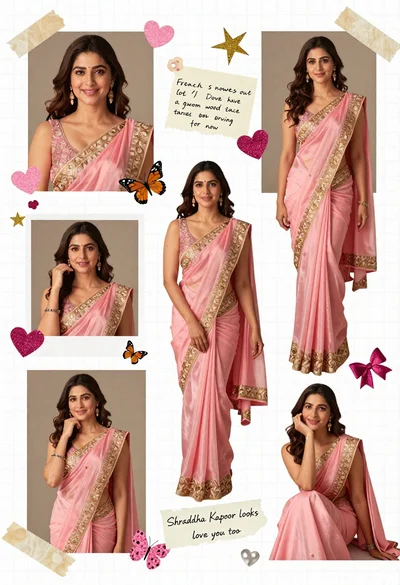
Digital scrapbook collage of a woman in pink saree with decorations

Smiling woman with curly hair in floral garden with white butterflies
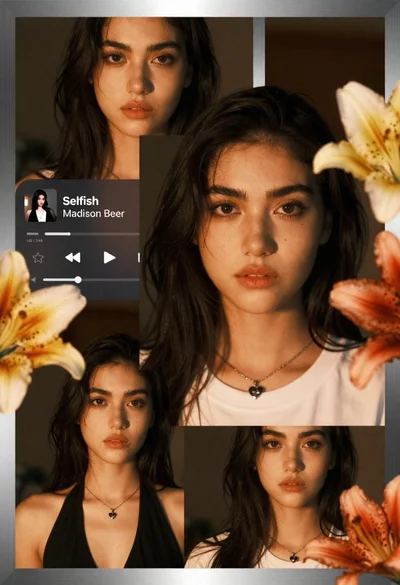
Young woman with dark hair in white tshirt framed by golden lilies

High angle group portrait of stylized family of six standing on patterned
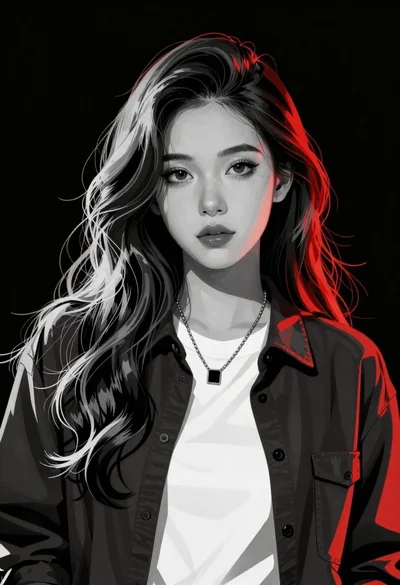
Young woman with black and white tones and glowing red highlights in

Futuristic android woman in metallic corridor