Confident woman in animal print bodysuit on sunlit rocky terrain
Prompt
A confident woman with a short, dark pixie haircut smiles warmly at the camera while standing in a sunlit rocky landscape.

Subject: A woman with a warm complexion and a short, textured dark pixie cut hairstyle that frames her face. She has a bright, engaging smile showing her teeth and wears large, circular earrings. Her skin is smooth and glowing under the sunlight.

Clothing: She wears an exotic, animal-print bodysuit featuring jagged edges and a tiger-stripe pattern in shades of black, brown, and gold. The top is halter-style with a deep V-neckline that reveals her midriff. A matching skirt or wrap sits low on her hips, tied at the waist.

Action: She stands with both hands placed firmly on her hips in a confident, assertive pose. Her body is angled slightly to the side while her head and gaze are directed toward the viewer.

Environment: The setting is an outdoor rocky terrain with large, smooth boulders visible behind her. The background is softly blurred, suggesting a shallow depth of field that keeps the focus on the subject.

Lighting: Bright natural sunlight illuminates the scene from above, casting soft shadows and highlighting the contours of her face and body. The light enhances the texture of her skin and the sheen of her outfit.

Style Details: The image has a cinematic quality with rich color saturation and a polished, high-definition finish typical of professional film photography.
Description
This prompt is useful for creating editorial fashion editorials, character concept art for magazines, and vibrant lifestyle advertising campaigns. The combination of 'animal-print bodysuit' against the 'sunlit rocky landscape,' emphasized by the 'bright, engaging smile' and 'cinematic quality,' directs attention to the subject's powerful stance while using the natural setting as a dramatic, textured backdrop.
Suggestions
- Change 'tiger-stripe pattern' to 'leopard print' for a different visual impact.
- Add 'golden hour backlighting' to enhance the sheen on her skin and outfit.
- Adjust 'large, circular earrings' to 'geometric silver hoops' for a more modern edge.
Category
Tags
Brown HairDark SkinFemaleFull BodyRealistic
Date added
June 19, 2026
Added by
PromptDexter Team
Related Prompts
More prompts with similar categories and tags.

Young woman in red swimsuit by sunny poolside with beer glass
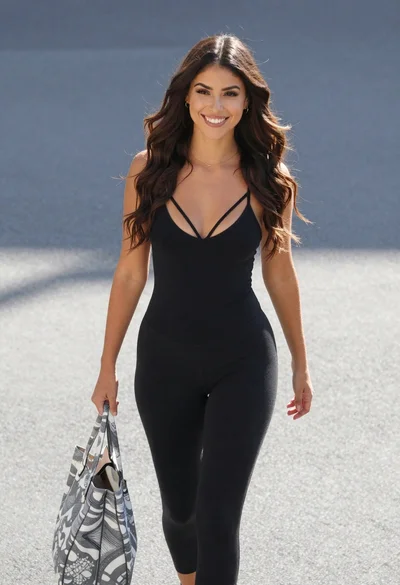
Smiling young woman walking outdoors in black bodysuit on paved surface
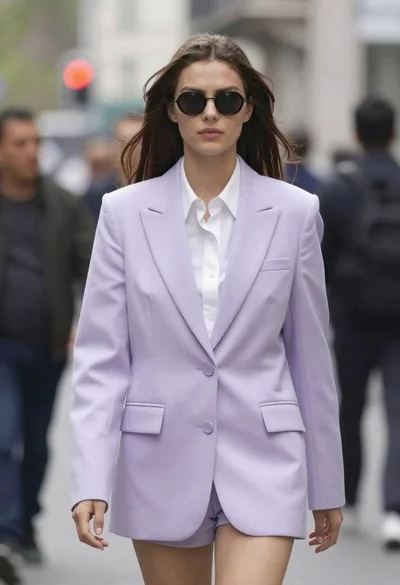
High fashion portrait of woman in lavender suit
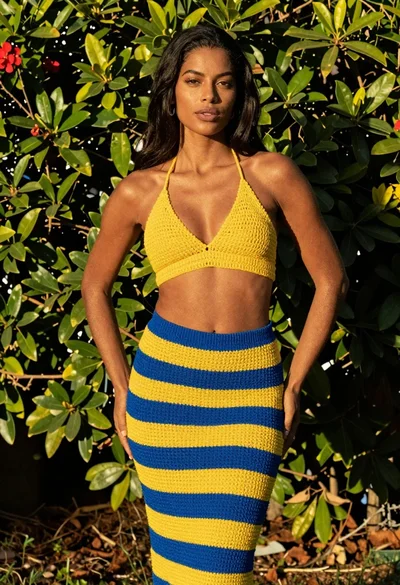
Fit dark skinned woman in yellow crochet top and blue skirt garden
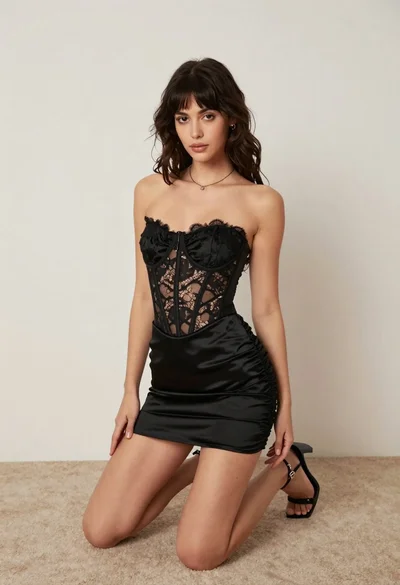
Woman kneeling on carpeted floor in black strapless mini dress

Smiling black woman with red roses against olive background

Glamorous woman in silver lehenga posing against geometric patterned dark wall
Young woman in blue denim jumpsuit sitting on stool in studio

Confident woman in deep red satin slip dress with white fur stole

Confident young woman in red soccer jersey standing before colorful graffiti wall