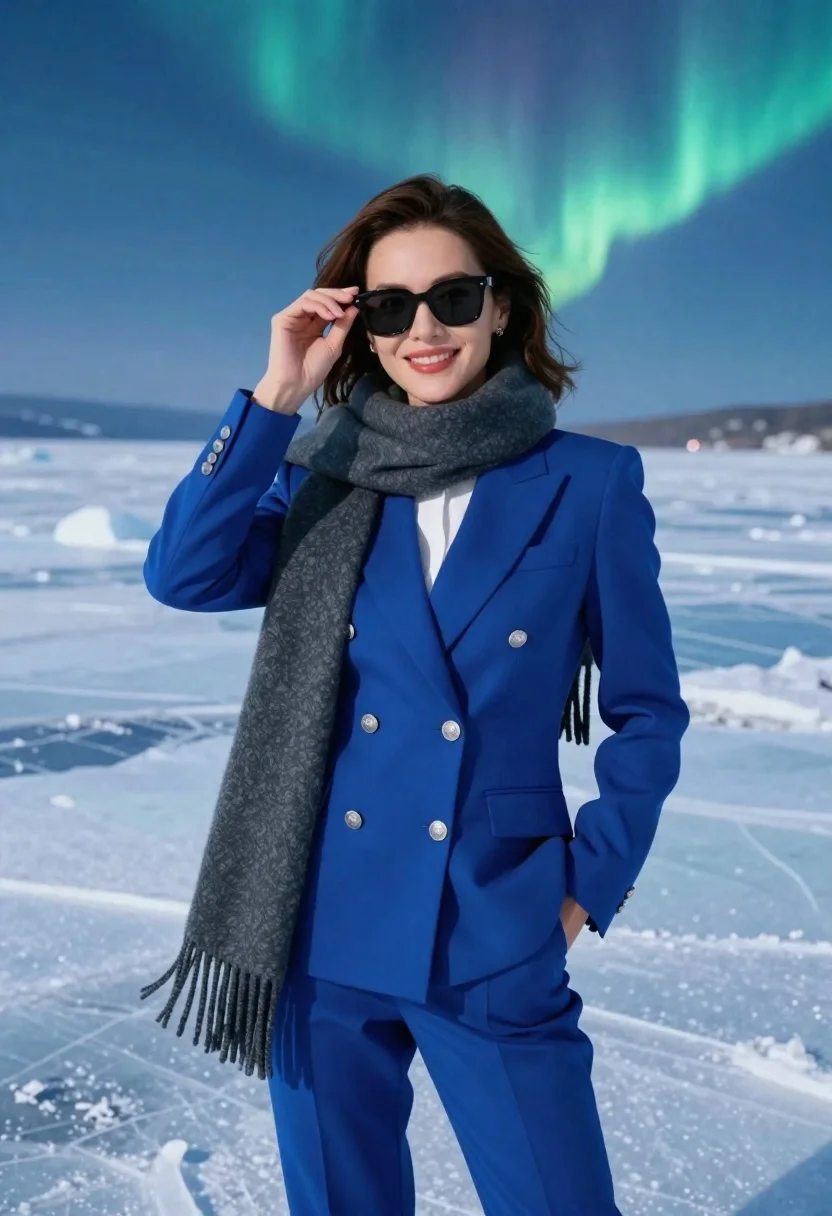
Confident woman in blue doublebreasted suit posing on icy landscape under green
Prompt
A confident woman stands in a bright blue double-breasted suit against a vast icy landscape under a sky with green aurora borealis.

Subject: A smiling woman with shoulder-length brown hair wearing dark sunglasses and holding the frame of her glasses with one hand while her other hand rests in her pocket.

Clothing: She wears a vibrant royal blue double-breasted pantsuit with silver buttons, a white collared shirt underneath, and a thick dark grey wool scarf draped around her neck with long fringes hanging down.

Action: The woman is posing for the camera with a warm smile, looking directly forward while adjusting her sunglasses.

Environment: The setting is a frozen expanse of ice or snow stretching to the horizon under a deep blue sky illuminated by faint green northern lights in the upper right corner.

Camera: The shot is a medium-full length portrait taken from a straight-on eye-level angle with a shallow depth of field that keeps the subject sharp while softening the background.

Lighting: The scene is lit by cool, diffused ambient light reflecting off the ice, creating a crisp and clear atmosphere with soft shadows and a high-key feel.

Style Details: The image features a hyper-realistic digital rendering style with smooth textures, vibrant color saturation, and a clean composition reminiscent of high-end fashion photography.
Description
This prompt is useful for creating editorial fashion spreads, conceptual advertising campaigns, and dramatic portrait series. The combination of 'vibrant royal blue double-breasted pantsuit' against the 'icy landscape' under a green aurora borealis maximizes color contrast, ensuring the subject pops while the 'cool, diffused ambient light' prevents harsh shadows that would undermine the high-fashion polish.
Suggestions
- Change 'bright blue' to 'navy blue' for a more muted corporate feel.
- Swap 'green aurora borealis' for 'deep purple nebula' for an alternative celestial mood.
- Adjust 'medium-full length portrait' to 'full body shot' to better showcase the pantsuit.
Category
Tags
Brown HairDark SkinFemaleFormal WearFull BodyOutdoorsPortrait ShotRealisticWide Shot
Date added
June 26, 2026
Added by
PromptDexter Team
Related Prompts
More prompts with similar categories and tags.
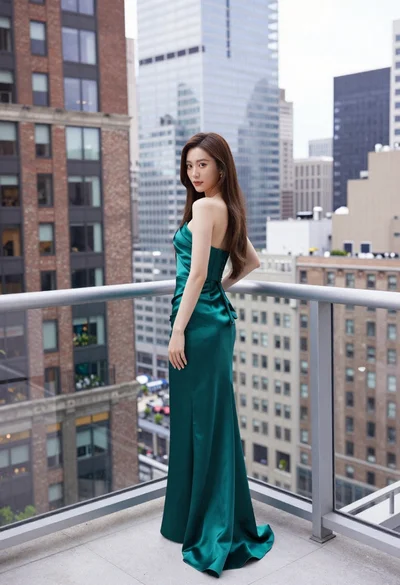
Young woman in emerald gown on high rise balcony overlooking city

Woman seated on mid century chair wearing beige suit
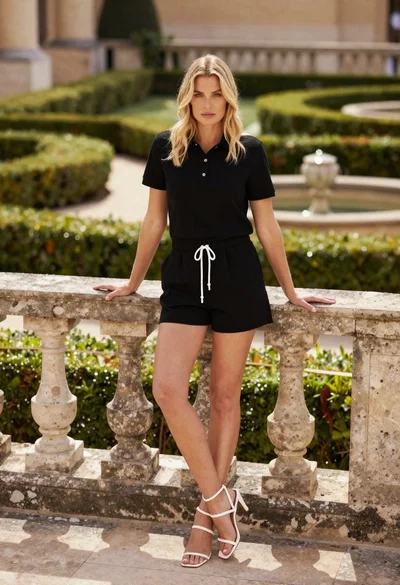
Blonde woman leaning on stone balustrade in manicured garden setting
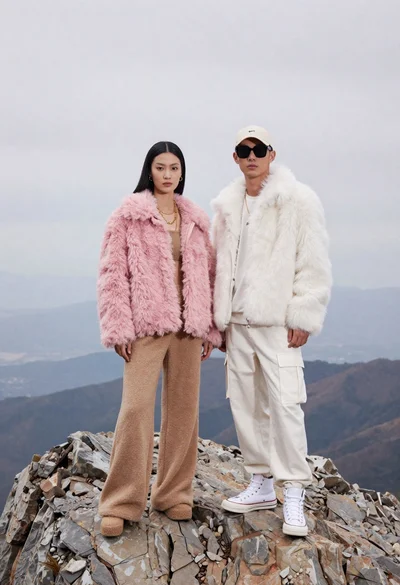
Two models on a rocky mountain peak under overcast sky
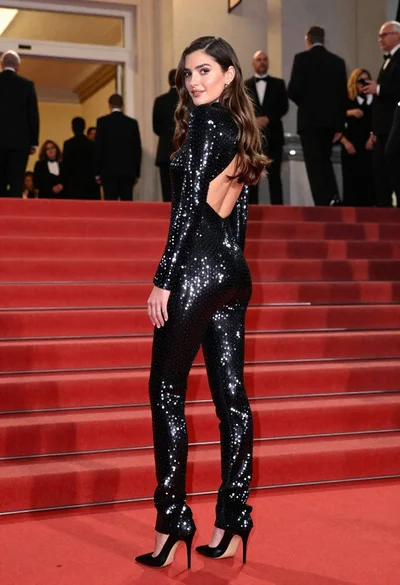
Glamorous woman in sequined jumpsuit on grand red carpet staircase

Woman in rust gown posing on white step and repeat backdrop
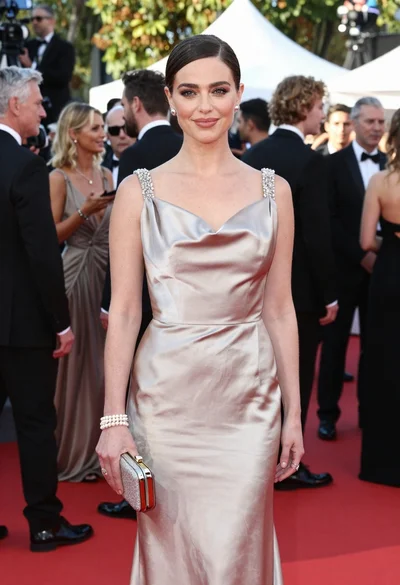
Glamorous woman in champagne gown posing at a bright outdoor event
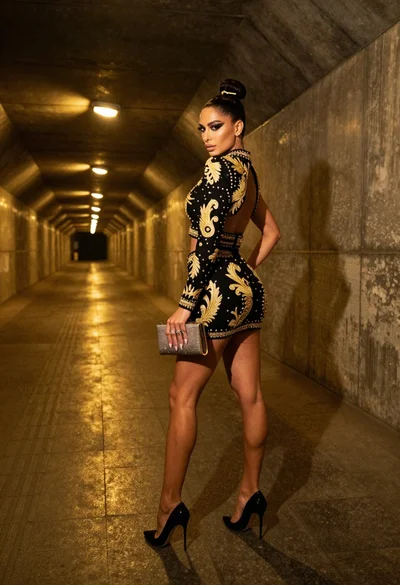
Glamorous woman in black gold outfit posing in concrete subway tunnel
