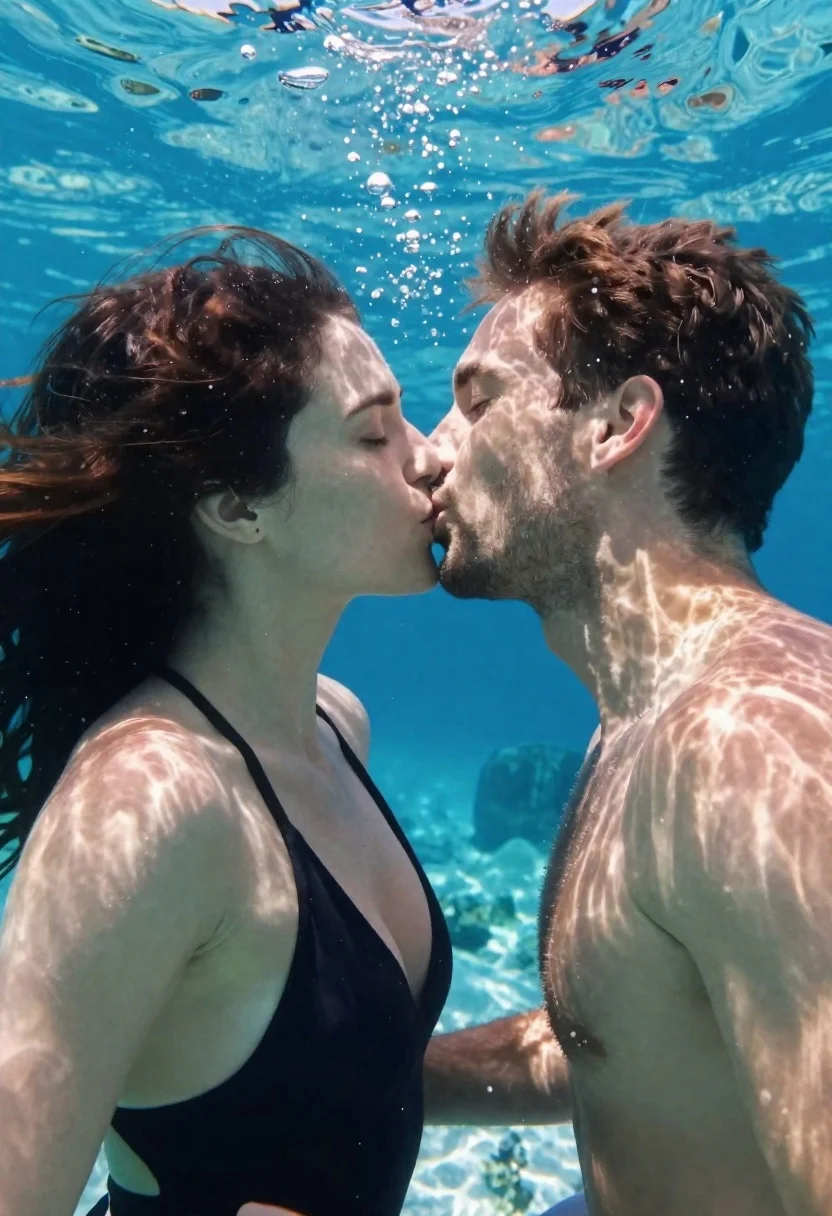
Couple sharing a kiss underwater in clear blue water
Prompt
A romantic underwater selfie of a couple sharing a kiss in clear blue water.

Subject: A man and a woman are the central focus, captured in an intimate close-up profile view as they kiss. The woman has dark hair floating around her head and fair skin with visible freckles. The man has short brown hair, stubble on his face, and tanned skin.

Clothing: The woman wears a black one-piece swimsuit with thin straps. The man is shirtless, showing his bare chest and shoulders.

Action: They are locked in a tender kiss with their eyes closed. Their bodies are angled slightly toward each other, creating a sense of closeness and connection.

Environment: The setting is beneath the surface of a clear ocean or pool with turquoise water. Sunlight filters down from above, illuminating the scene. Bubbles float upward around them. Faint coral formations are visible in the background at the bottom right.

Camera: The shot is taken from a low angle looking up toward the water's surface, likely a selfie perspective given the proximity and framing. The composition captures the subjects' faces clearly against the bright blue backdrop.

Lighting: Bright natural sunlight streams through the water from above, creating dappled patterns of light and shadow across their skin and hair. The lighting is soft and diffused by the water, giving the image a dreamy quality.

Style Details: The image has a candid, high-quality aesthetic with vibrant colors and a sense of movement in the water. It feels like a professional underwater photograph with natural depth and clarity.
Description
This prompt is useful for creating romantic fine art photography, intimate couple portraits, and conceptual swimwear editorials. The combination of 'low angle looking up toward the water' and 'dappled patterns of light and shadow' mimics the natural diffusion underwater, which prevents harsh shadows on the subjects while emphasizing the movement suggested by the floating hair and upward-rising bubbles.
Suggestions
- Change 'clear blue water' to 'deep turquoise water' for a richer color palette.
- Add 'macro details on skin texture' to enhance realism.
- Swap 'selfie perspective' for 'wide-angle lens' to capture more environment.
Category
Tags
Black HairBrown HairClose UpDark SkinFair SkinFemaleLow AngleMaleOutdoorsRealisticSelfieSide ProfileSwimwear
Date added
June 23, 2026
Added by
PromptDexter Team
Related Prompts
More prompts with similar categories and tags.
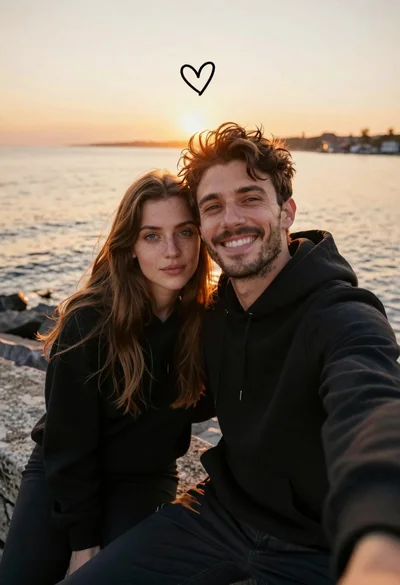
Young couple in black hoodies taking selfie on stone pier at sunset

Happy young couple taking a selfie in front of a large christmas

Laughing couple in formal wear sharing an intimate moment indoors
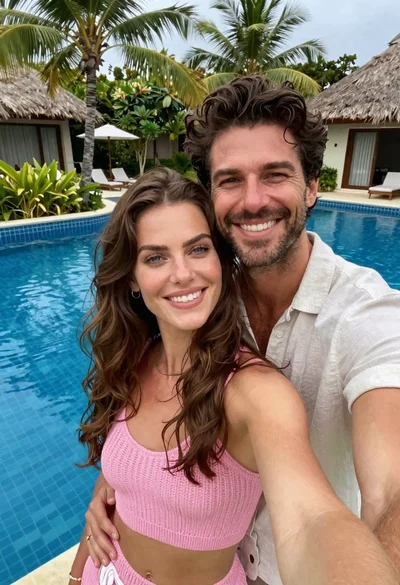
Couple taking a selfie outdoors near palm trees under bright sunlight

Young couple sliding down snowy hill in wooden sled action shot
Bride and groom embracing in a sunlit garden during golden hour

Romantic couple sharing an intimate moment on a stone balcony terrace

Romantic couple dancing intimately on cobblestone street at dusk