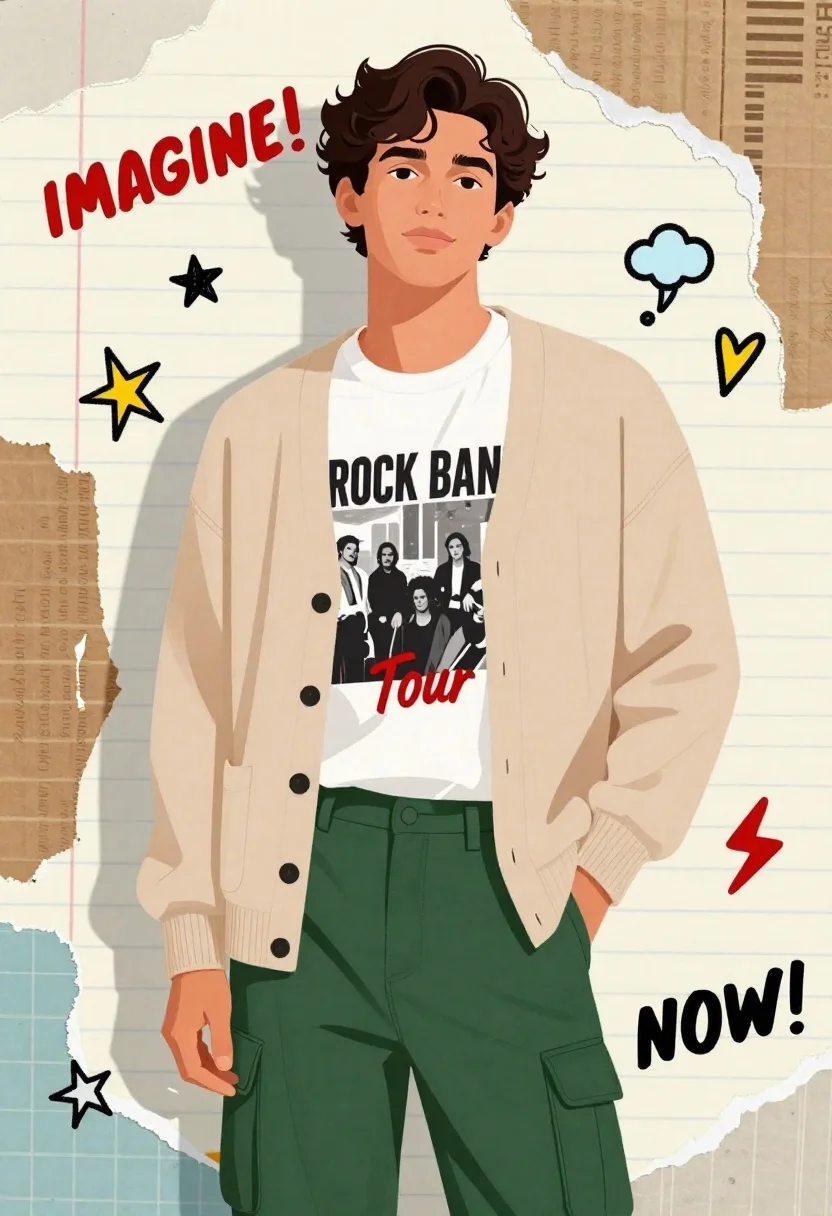
Digital illustration of young man in cardigan and cargo pants against scrap
Prompt
A confident young man with dark wavy hair stands in a casual pose with one hand in his pocket, wearing a beige cardigan over a graphic t-shirt and green cargo pants.

Subject: A handsome young man with thick dark wavy hair, a slight smile, and a calm expression looking directly at the viewer.

Clothing: He wears an open beige button-up cardigan over a white t-shirt featuring a black-and-white band photo with text reading "ROCK BAND Tour," paired with dark green cargo pants that have large side pockets.

Action: The man stands facing forward in a relaxed posture, with his left hand tucked into the pocket of his pants and his right arm hanging naturally by his side.

Environment: The background is a collage of torn paper textures resembling notebook pages, color swatches, and cardboard, decorated with doodles like stars, clouds, lightning bolts, and hearts.

Camera: A medium shot captures the subject from the waist up, framed against the busy scrapbook-style background with a flat, illustrative perspective.

Lighting: The lighting is soft and even, casting gentle shadows that define the folds of the clothing without creating harsh contrasts, maintaining a bright and cheerful mood.

Text/Graphics: Red handwritten text reading "IMAGINE!" appears in the upper left corner, while bold black text reading "NOW!" is located in the lower right corner.

Style Details: The image features a vibrant digital illustration style with clean lines, flat colors, and a collage aesthetic reminiscent of a scrapbook or fan art poster.
Description
This prompt is useful for creating character concept art, album artwork mockups, and stylized editorial portraits for indie music promotion. The combination of 'flat colors' and the 'collage aesthetic' against the detailed background ensures that the subject remains clearly readable despite the busy environment, which prevents the model from muddying the focus with overly complex shading.
Suggestions
- Change 'beige cardigan' to 'charcoal knit cardigan' for a moodier tone.
- Swap 'green cargo pants' for 'khaki utility pants' to match the scrapbook feel.
- Adjust the lighting by adding 'rim light' to separate the subject from the background.
Category
Tags
Black HairCasual WearDigital ArtMaleMedium ShotRealistic
Date added
June 21, 2026
Added by
PromptDexter Team
Related Prompts
More prompts with similar categories and tags.
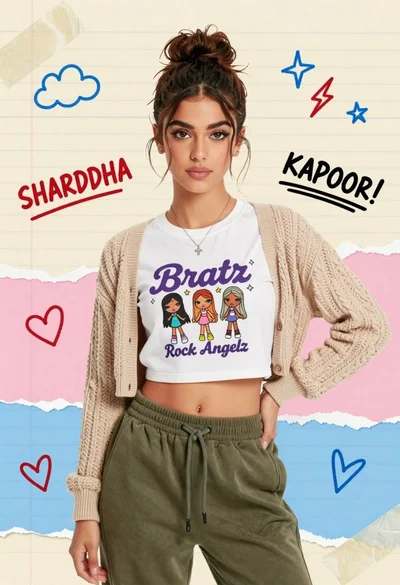
Portrait of a young woman in a cardigan against scrapbook collage background
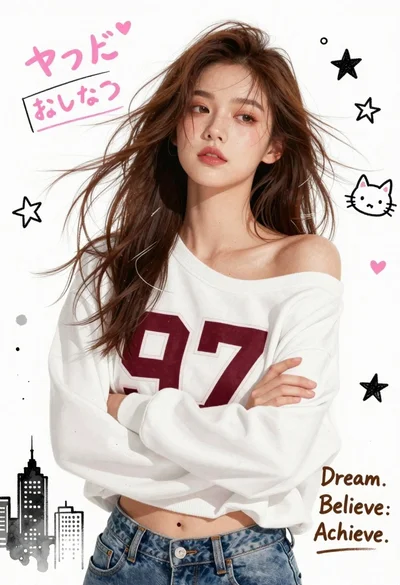
Young woman in white sweatshirt with crossed arms against illustrated doodle background
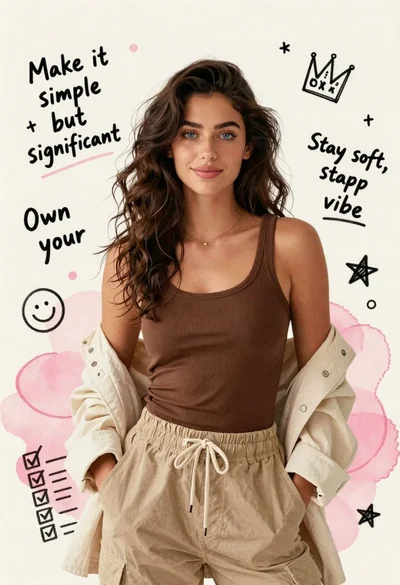
Young woman in brown tank top against pink watercolor doodle background
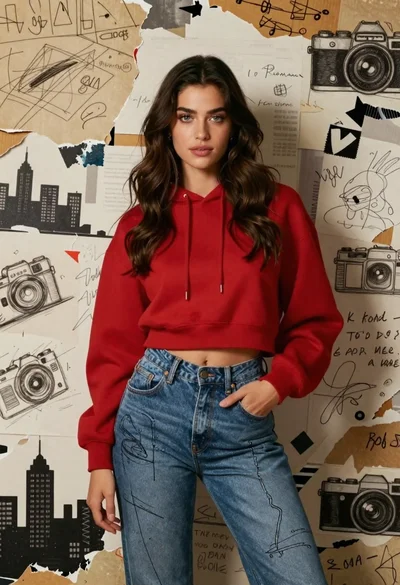
Young woman in red hoodie jeans against torn paper collage background
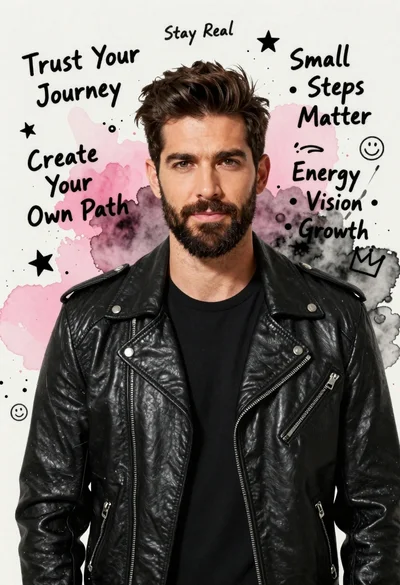
Handsome man in black leather jacket against pink and black watercolor background
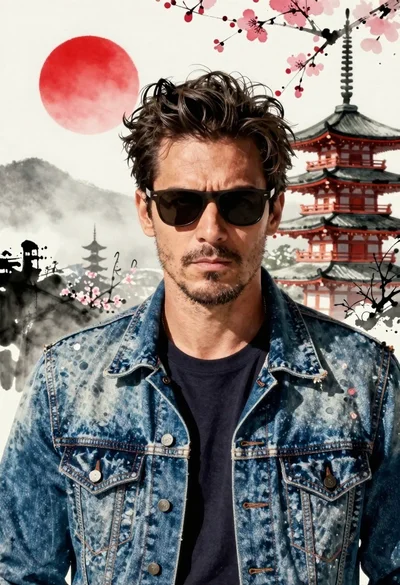
Confident man in denim jacket stands before traditional japanese pagoda on misty

Joyful man winking while splashing coffee beans in comic book style
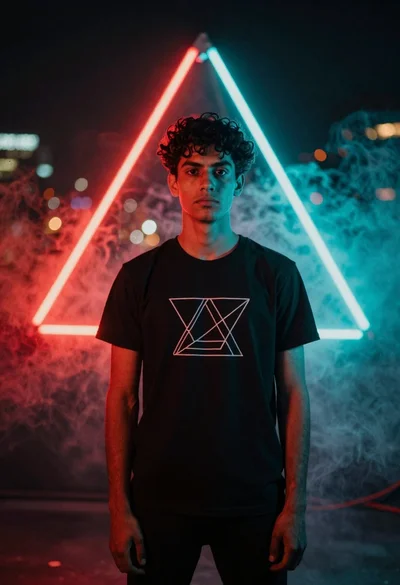
Young man in black tshirt against glowing red cyan neon frame
