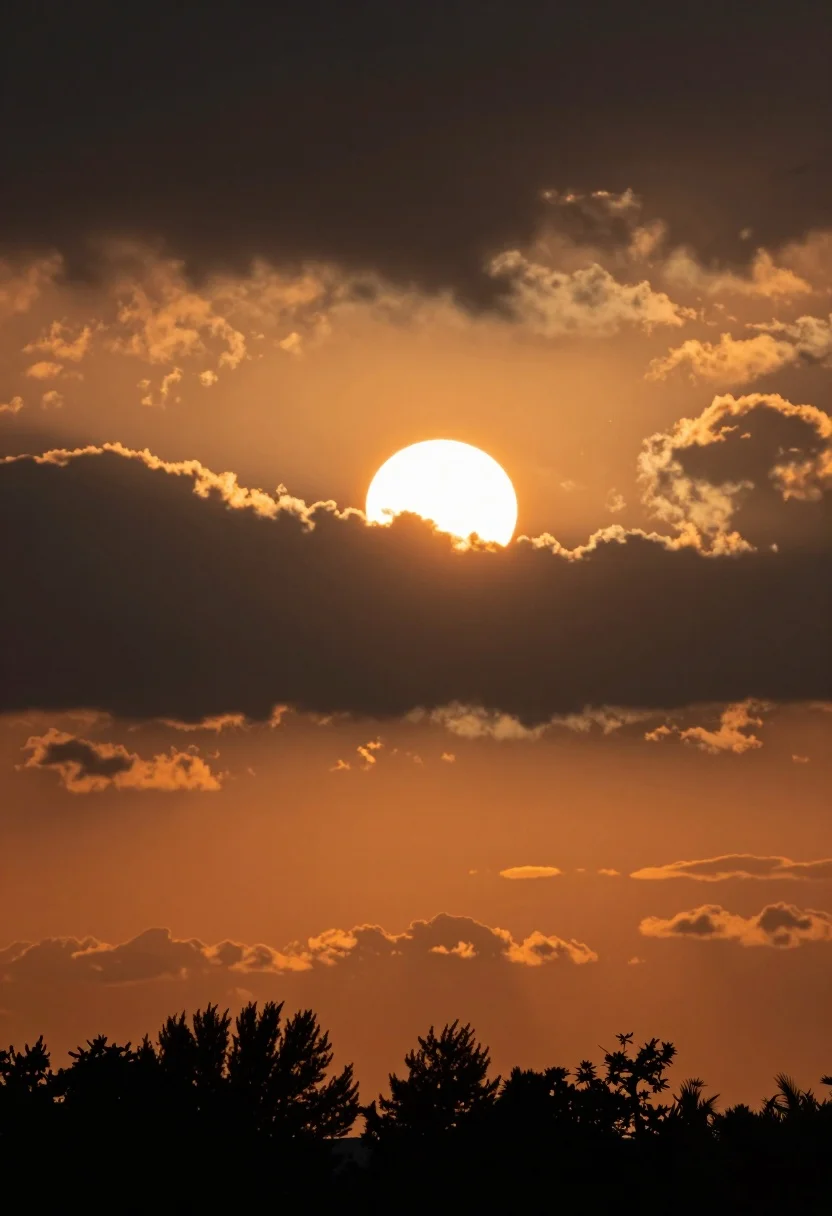
Dramatic sunset sky with luminous sun partially hidden by dark clouds
Prompt
A dramatic sunset scene featuring a bright sun partially obscured by dark clouds against an orange sky with silhouetted tree tops at the bottom.

Subject: A large, luminous white sun positioned centrally in the upper half of the frame, acting as the primary focal point.

Action: The sun is partially hidden behind a thick layer of dark, heavy clouds that are being illuminated from below by the setting light.

Environment: The sky transitions from deep orange near the horizon to a darker, stormy grey at the top, with a row of dark silhouetted trees lining the bottom edge of the composition.

Camera: A telephoto lens perspective that compresses the distance between the sun and the foreground trees, creating a tight framing on the sky and silhouette.

Lighting: High-contrast backlighting where the sun acts as a strong rim light, casting a vibrant orange glow onto the edges of the clouds while leaving the tree tops in deep shadow.

Style Details: A realistic photographic capture with high dynamic range to preserve detail in both the bright sun and the dark shadows.
Description
This prompt is useful for creating dramatic landscape wallpapers, cinematic movie backdrops, and moody nature photography series. The combination of 'high-contrast backlighting' and a 'telephoto lens perspective' ensures that the luminous white sun creates intense rim light against the dark clouds, while the specified color gradient from 'deep orange near the horizon to a darker, stormy grey at the top' prevents the sky from looking flat or uniformly colored.
Suggestions
- Change 'dark, heavy clouds' to 'cumulonimbus formations' for more dramatic structure.
- Add 'volumetric light rays' to enhance the sun's visibility through gaps.
- Swap 'telephoto lens perspective' for 'wide-angle view' to include more foreground detail.
Category
Tags
RealisticWide Shot
Date added
July 12, 2026
Added by
PromptDexter Team
Related Prompts
More prompts with similar categories and tags.
Aurora borealis over snow covered mountains and frozen river
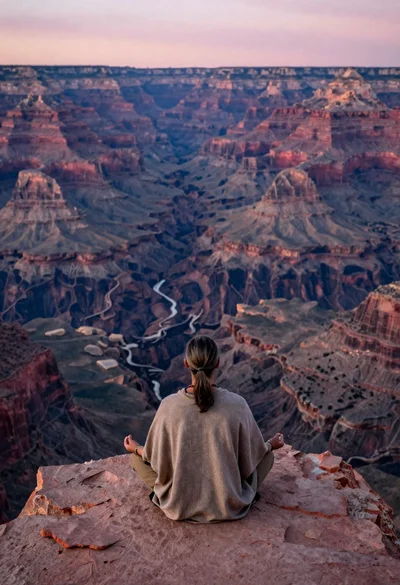
Meditating man on grand canyon rim at dawn with ethereal pink light
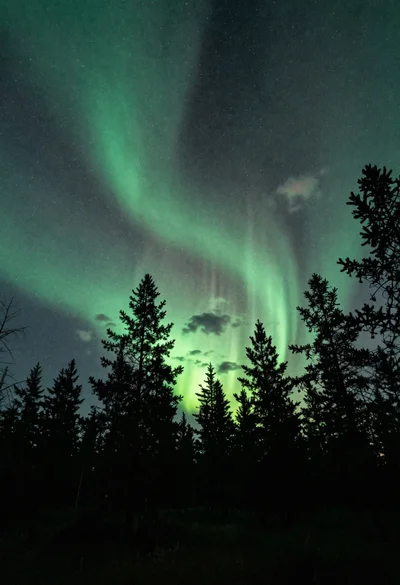
Pine forest silhouette under vibrant aurora borealis sky
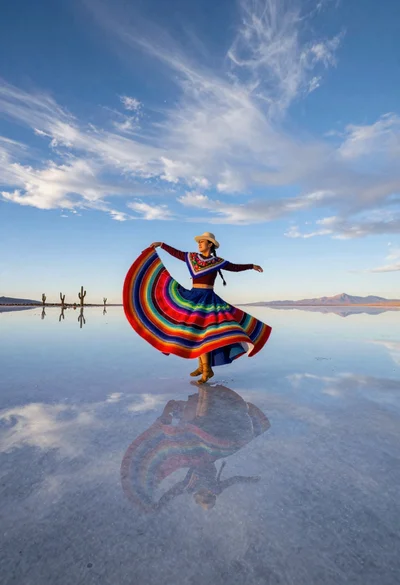
Nomadic woman dancer spinning on salar de uyuni mirror surface
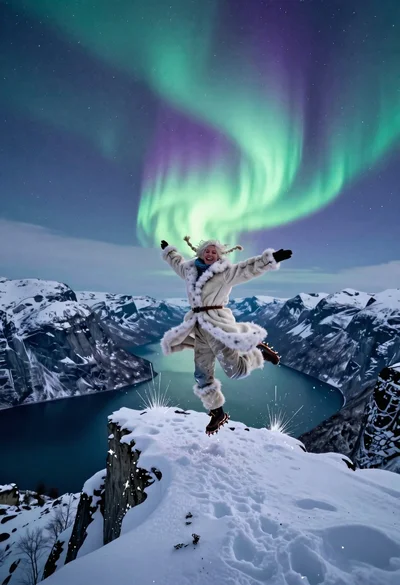
Explorer woman dancing near trolltunga cliff under northern lights

Ecstatic tourist jumping on great wall at golden hour view

Energetic man taking selfie on great wall at golden hour
Adventurous man standing on rugged himalayan peak at dawn vista

Joyful bride and groom embracing on a sunlit tropical beach at golden

Woman rowing bamboo boat through misty ha long bay at sunrise