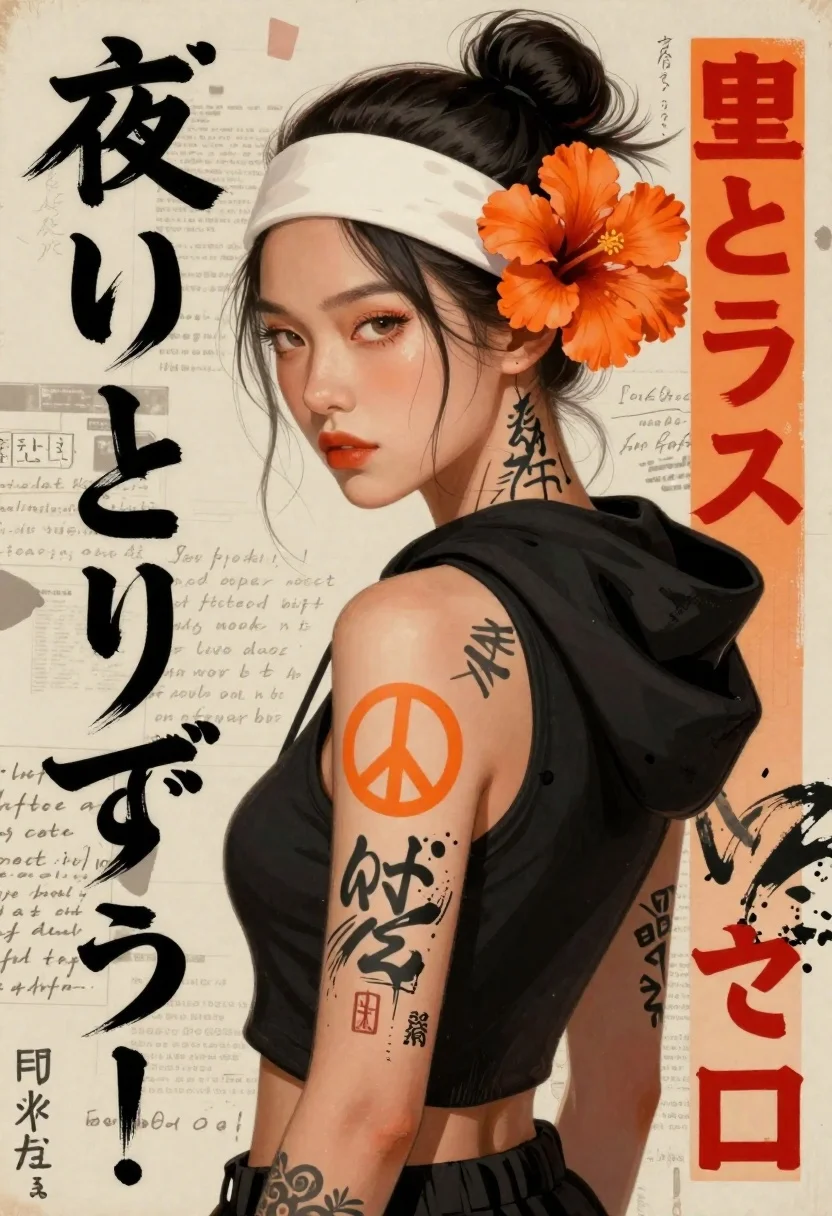
East asian woman in streetwear style with hibiscus flowers
Prompt
Digital painting featuring a stylized woman with an intense gaze and urban streetwear aesthetic

Subject: young East Asian female model shown in profile looking over her shoulder at the viewer, dark hair styled in a high bun secured by a white headband, adorned with large orange hibiscus flowers tucked behind one ear.

Clothing: wears a black sleeveless hoodie or crop top revealing skin and tattoos on the left arm; fabric appears soft and casual.

Objects: prominent tattoo designs include an orange peace symbol (circle-slash) drawn over traditional Japanese kanji characters, ink wash-style patterns resembling calligraphy strokes across her shoulder and neck area.

Text/Graphics: vertical columns of stylized black brush-stroke text in Japanese script run along the left edge; bold red-orange blocky characters appear on a narrow vertical orange strip at right side; background features faded handwritten notes scattered like old paper scraps, adding gritty texture to composition.

Style Details: rendered with high contrast lighting and saturated orange accents against muted earth tones of beige and black; overall aesthetic blends traditional Japanese ink painting techniques with modern graffiti-inspired street art elements.
Description
This prompt is useful for creating album artwork, character concept sheets for manga, and editorial mood boards blending East Asian culture with contemporary fashion. The combination of 'high contrast lighting' and 'saturated orange accents against muted earth tones' ensures the vibrant hibiscus flowers and tattoo elements pop dramatically, while the inclusion of 'traditional Japanese ink painting techniques' grounds the modern streetwear look in a specific cultural aesthetic.
Suggestions
- Change 'black sleeveless hoodie or crop top' to 'oversized graphic tee' for a different silhouette.
- Swap 'orange peace symbol' for 'geometric tribal pattern' to shift the tattoo style.
- Adjust 'faded handwritten notes' to 'concrete texture' for a more industrial background.
Category
Tags
Casual WearDigital ArtFemaleOver The ShoulderPortrait ShotStreetwearUrban
Date added
June 19, 2026
Added by
PromptDexter Team
Related Prompts
More prompts with similar categories and tags.
Digital portrait of blonde woman looking over shoulder
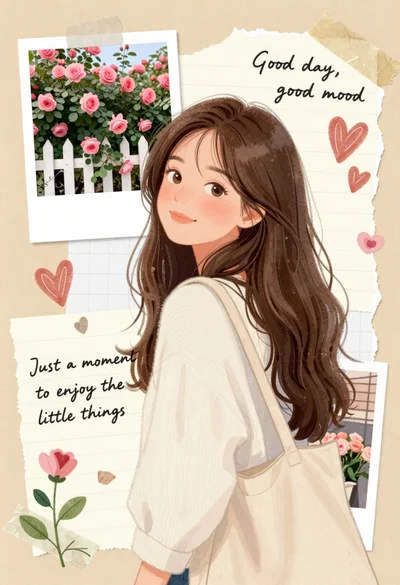
Young woman with brown hair smiling over shoulder in white sweater holding
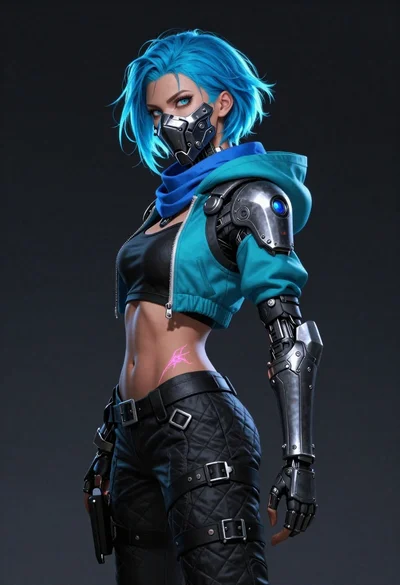
Bluehaired cyborg warrior in futuristic tactical gear

Child holding glowing balloon in dimly lit alleyway
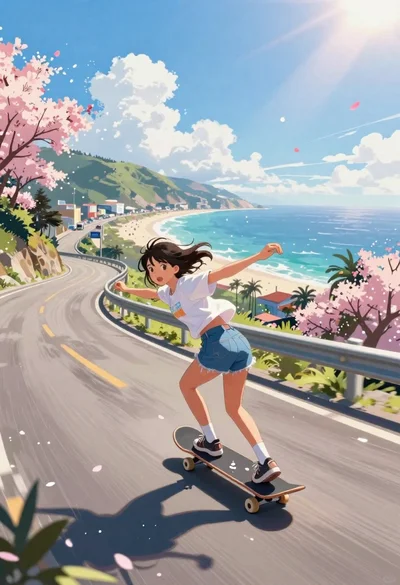
Girl skateboarding on coastal highway with cherry blossoms
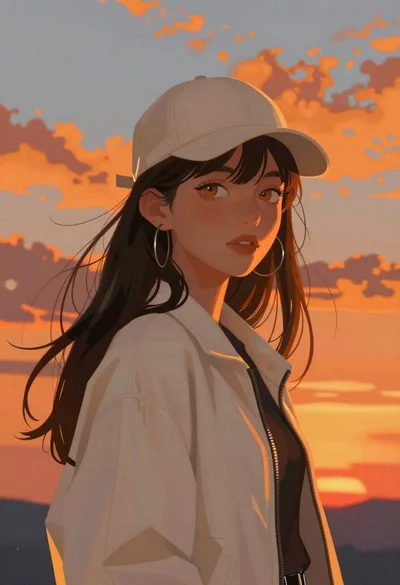
Young woman looking at viewer against dramatic sunset sky
Anime woman with brown hair in orange crop top

Futuristic android woman in metallic corridor