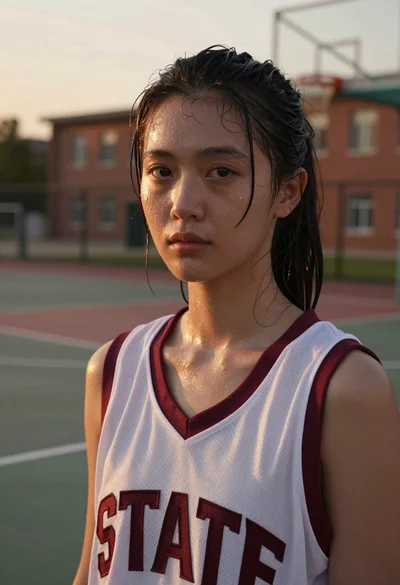
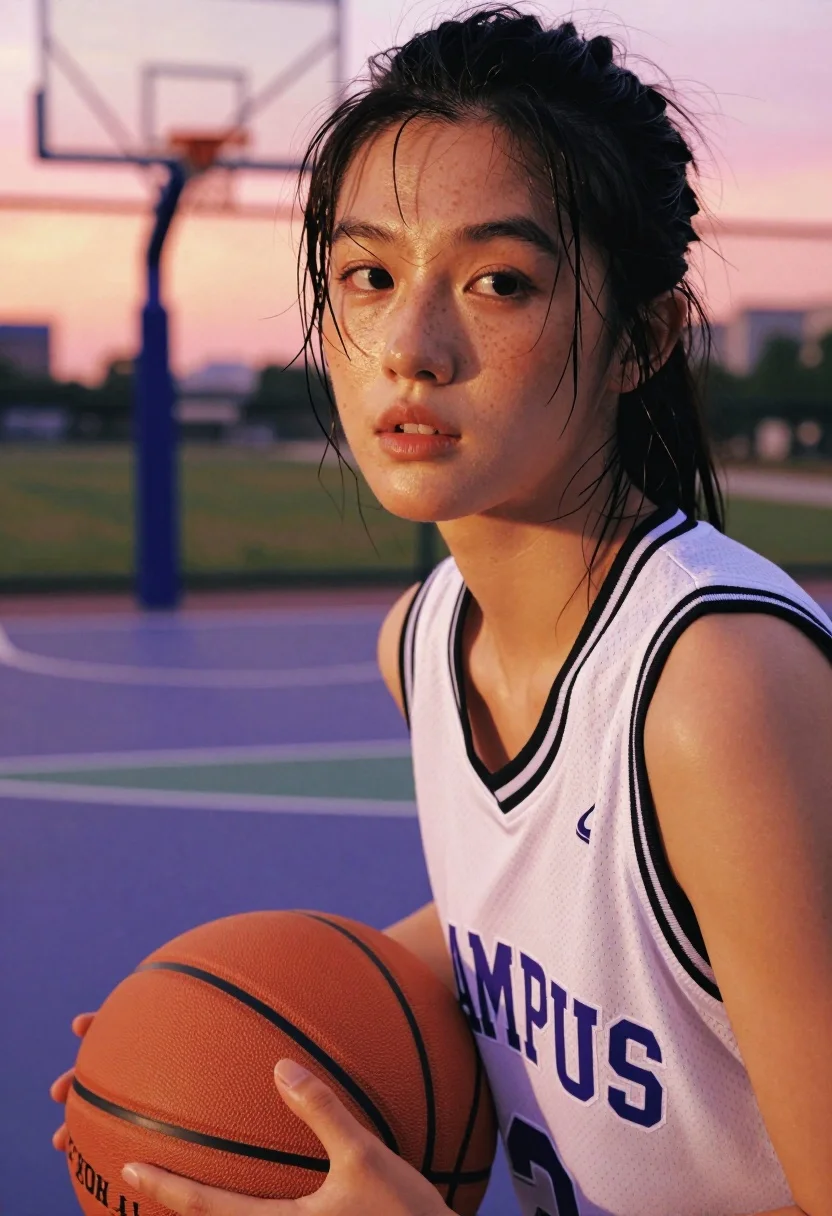
Extreme close up portrait of east asian woman holding basketball at sunset
Prompt
A close-up portrait of a young woman holding a basketball on an outdoor court during sunset.

Subject: A young East Asian woman with dark hair pulled back and wet strands sticking to her forehead, featuring visible freckles across her nose and cheeks.

Clothing: She wears a white sleeveless basketball jersey with black trim around the neck and armholes, displaying the word "CAMPUS" in purple block letters across the chest and a small logo on the upper left side.

Action: She holds an orange basketball securely against her torso with both hands, looking slightly off-camera with a focused expression and mouth slightly open.

Environment: The setting is an outdoor basketball court with a purple surface and white boundary lines, featuring a blurred chain-link fence and a basketball hoop in the background under a soft pink and orange sky.

Camera: Shot as an extreme close-up with a very shallow depth of field that keeps her face sharp while blurring the background significantly.

Lighting: Warm golden hour sunlight hits her face from the side, creating strong highlights on her skin and nose while casting soft shadows in the crevices.

Style Details: The image has a cinematic, high-contrast aesthetic with vibrant color saturation and a smooth, slightly grainy texture reminiscent of film photography.
Description
This prompt is useful for creating athletic editorial spreads, character portraits for sports narratives, and moody fitness campaign imagery. The combination of 'warm golden hour sunlight' hitting the face from the side generates strong highlights that emphasize skin texture, while the 'very shallow depth of field' ensures the viewer's focus remains locked on her expression despite the detailed background elements like the purple court.
Suggestions
- Change 'purple surface' to 'concrete surface' for a more gritty feel.
- Swap 'soft pink and orange sky' for 'deep indigo twilight' for dramatic contrast.
- Adjust 'very shallow depth of field' to 'medium depth of field' to include more environmental context.
Category
Tags
Extreme Close UpFemalePortrait ShotRealistic
Date added
July 12, 2026
Added by
PromptDexter Team
Related Prompts
More prompts with similar categories and tags.

Portrait of middle aged man in navy polo shirt indoors
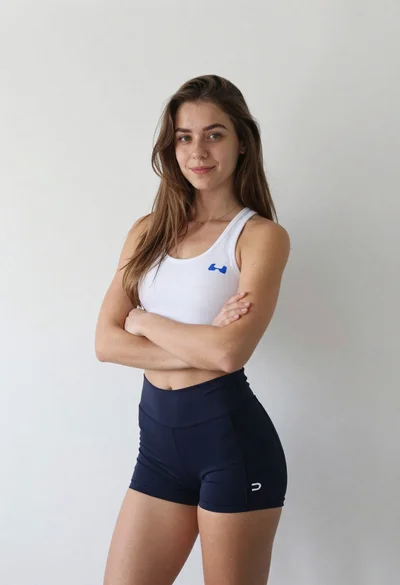
Young woman in athletic wear standing against a plain white wall
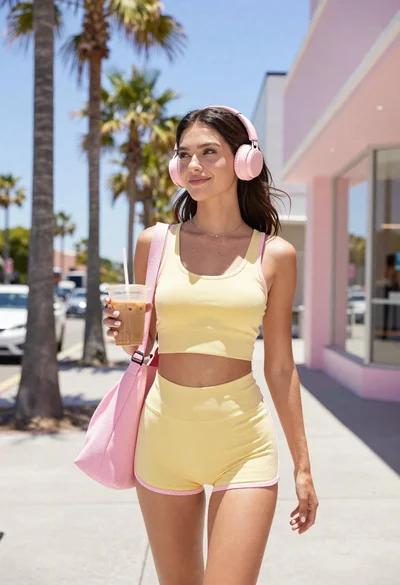
Young woman in yellow athletic wear holding iced coffee on sunny sidewalk
Close up portrait of woman applying blush with makeup brush
Profile portrait of woman with neon blue and red stripes
Close up portrait of woman with wet skin and cigarette
Muscular man in dark trousers silhouetted by powerful rim light against black
Young woman in black gown against white curtain backdrop studio portrait
Portrait of woman in black sweater in thick fog

Smiling woman in royal blue gown on red carpet with green foliage
