
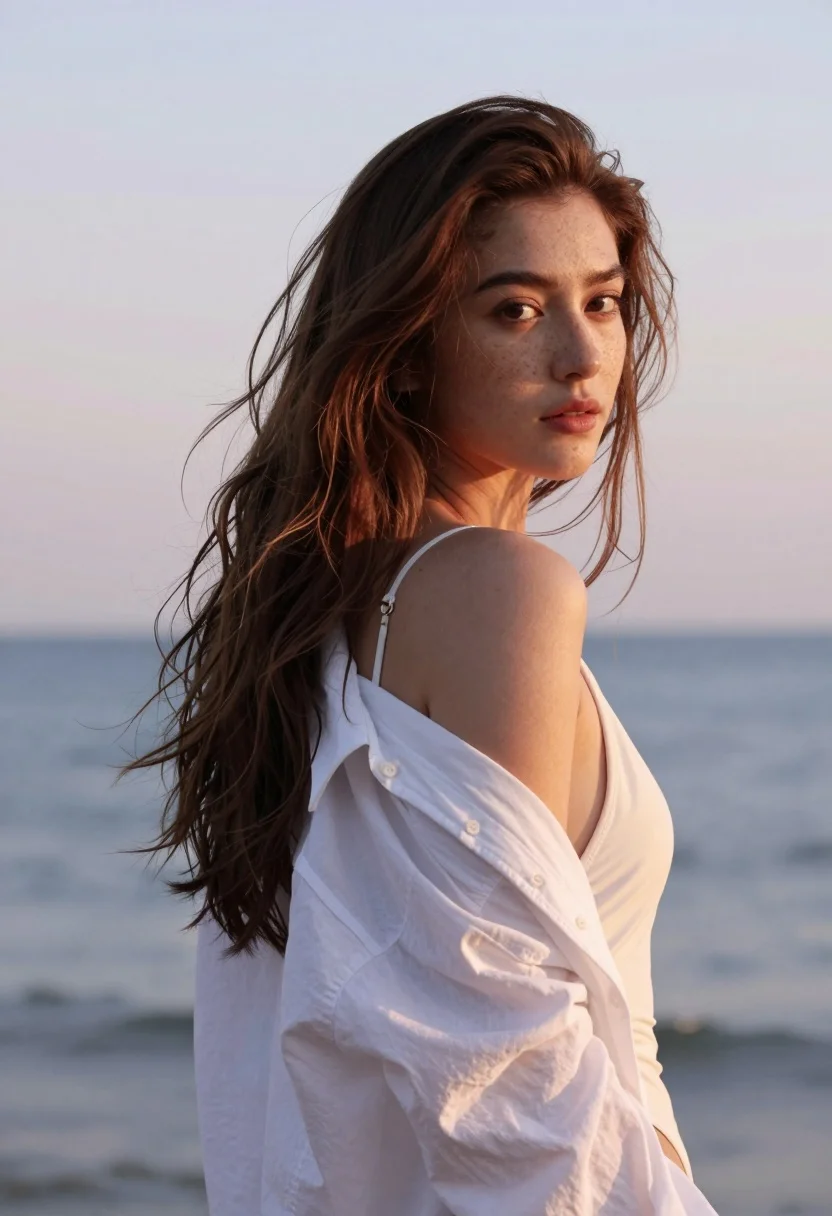
Fair skinned woman in white shirt by calm ocean horizon at sunset
Prompt
A young woman with long wavy brown hair stands in profile against a soft pastel sky and calm ocean horizon.

Subject: A fair-skinned woman with freckles across her nose and cheeks, wearing an open white button-down shirt over a white one-piece swimsuit. Her hair is loose and slightly windswept, framing her face as she looks back over her shoulder toward the camera.

Clothing: She wears a crisp white button-up shirt left unbuttoned and draped off one shoulder, revealing the strap of a white swimsuit underneath. The fabric appears lightweight and slightly rumpled from movement.

Action: Her body is turned away in profile, but her head is rotated to face forward with a calm, neutral expression. Her gaze is direct and steady, engaging the viewer without smiling.

Environment: The background features a blurred seascape with gentle waves under a soft gradient sky transitioning from pale blue to warm peach tones, suggesting late afternoon or early evening light.

Lighting: Soft natural sunlight illuminates her face and shoulder from the side, creating subtle highlights on her skin and hair while casting gentle shadows that enhance her facial contours. The overall mood is serene and dreamy with a pastel color palette.

Style Details: High-resolution portrait photography with shallow depth of field, emphasizing sharp focus on the subject against a smoothly blurred background. The image has a cinematic quality with warm tones and a slightly ethereal atmosphere.
Description
This prompt is useful for creating serene travel advertisements, intimate personal portraits, and editorial swimwear campaigns. The combination of 'soft natural sunlight' side-lighting and the 'shallow depth of field' ensures that the viewer's focus remains sharply on the subject's face and freckles, while the 'pastel color palette' prevents the background from distracting from the delicate skin tones.
Suggestions
- Change 'white button-down shirt' to 'sheer white gauze shirt' for more texture.
- Swap 'pale blue to warm peach tones' for 'lavender to soft gold' for a different sunset feel.
- Adjust 'shallow depth of field' to 'medium depth of field' if you want more background context.
Category
Tags
Brown HairFair SkinFemaleOutdoorsOver The ShoulderPortrait ShotRealisticSwimwear
Date added
August 5, 2026
Added by
PromptDexter Team
Related Prompts
More prompts with similar categories and tags.
Woman in traditional thai dress standing before a grand golden temple
Young woman in cream floral dress leaning on coastal cliff railing

Smiling young woman in pink puffer jacket at a mario theme park

Smiling young woman in pink cardigan standing before a grand castle
Young woman with long dark hair sitting on a traditional boat
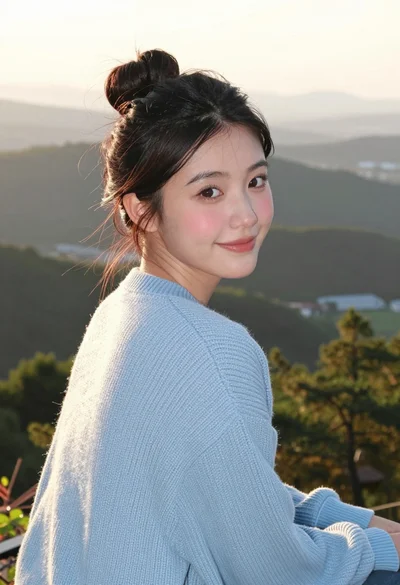
Young woman in blue sweater looking back over shoulder at scenic overlook

Smiling woman on a busy japanese city street

Blonde woman in black top on balcony overlooking beige stone street

Young woman in blue bikini on beach at dusk near city lights

Close up portrait of woman in swimsuit near blurred ocean water