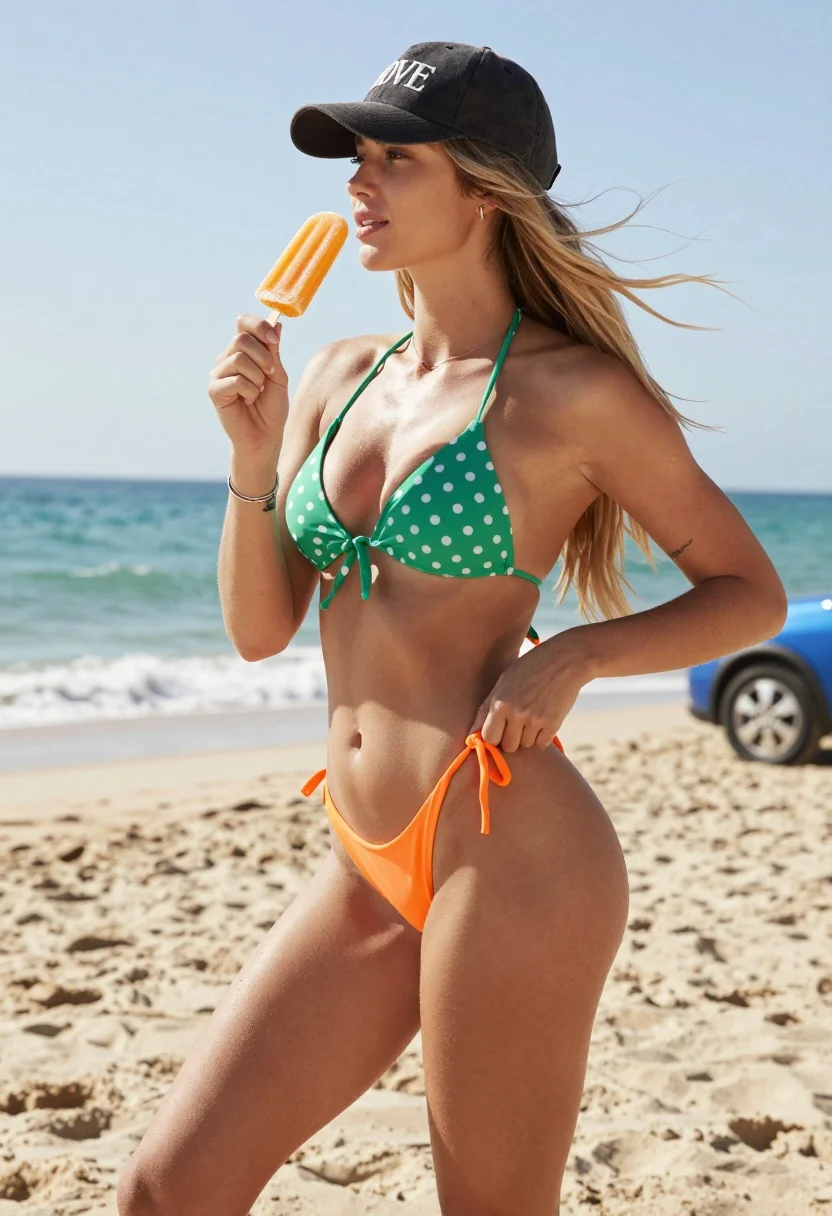
Fit blonde woman adjusting bikini on sandy beach near turquoise ocean waves
Prompt
A woman stands on a sandy beach holding an orange popsicle in her right hand while adjusting the side of her bikini bottom with her left hand.

Subject: A fit young woman with long blonde hair blowing in the wind, wearing a black baseball cap with white text and a green polka dot bikini top paired with an orange string bikini bottom.

Clothing: She wears a dark grey or black baseball cap with the word LOVE embroidered on the front, a green halter-style bikini top with white polka dots tied at the center, and a bright orange low-rise bikini bottom with side ties. A silver bracelet is visible on her right wrist and a tattoo is present on her left forearm.

Action: She holds an orange popsicle up near her face in her right hand while looking slightly to the side with a relaxed expression, and uses her left hand to pull at the string tie of her bikini bottom.

Environment: A sunny beach setting with light sand in the foreground, turquoise ocean waves in the background, and a blue car partially visible on the right side.

Camera: Shot from a low angle looking up at the subject, emphasizing her physique against the horizon line, with a shallow depth of field that keeps the focus sharp on her while slightly blurring the distant water.

Lighting: Bright natural sunlight coming from above and slightly behind, creating soft shadows on her skin and highlighting the texture of the sand and ocean.

Style Details: High-resolution photography with vibrant colors, clear details in fabric textures, and a summery aesthetic that captures the warmth of a sunny day at the beach.
Description
This prompt is useful for creating swimwear lookbooks, summer lifestyle advertising, and personal travel blogs capturing vacation moments. The combination of 'low angle looking up' and 'bright natural sunlight coming from above and slightly behind' emphasizes the subject's physique against the horizon line, while the specified 'shallow depth of field' ensures the viewer's focus remains sharply on her actions rather than getting lost in the background elements like the blue car.
Suggestions
- Change 'green polka dot bikini top' to a solid color for more modern appeal.
- Swap 'orange popsicle' for a tropical drink cup to match the setting better.
- Adjust 'low angle looking up' to 'eye-level medium shot' for a less dramatic, more intimate feel.
Category
Tags
BeachBlondeFemaleFull BodyLow AngleOutdoorsRealistic
Date added
July 12, 2026
Added by
PromptDexter Team
Related Prompts
More prompts with similar categories and tags.
Blonde woman in black swimsuit by tropical rock waterfall with palm trees
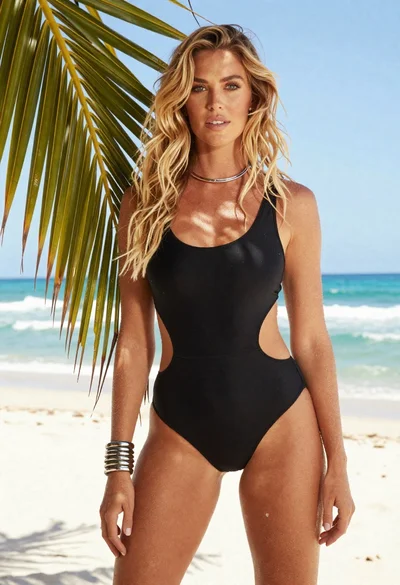
Fair blonde woman in black swimsuit standing on tropical beach
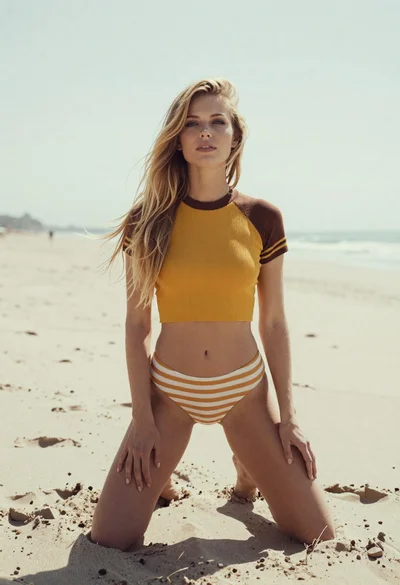
Blonde woman kneeling on sandy beach in retro mustard yellow outfit
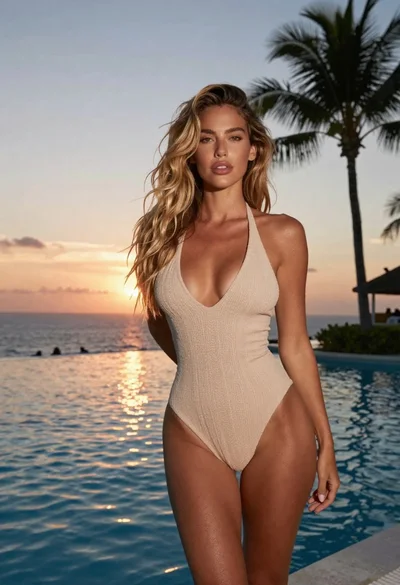
Blonde woman in beige swimsuit by infinity pool at tropical sunset

Blonde woman in red lace gown on gravel patio overlooking ocean at
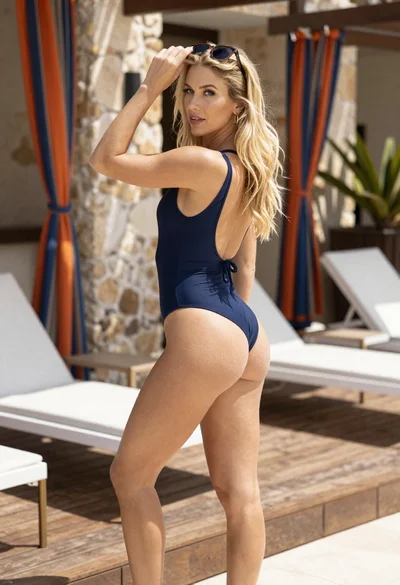
Blonde woman in navy swimsuit on wooden deck with bright sunlight
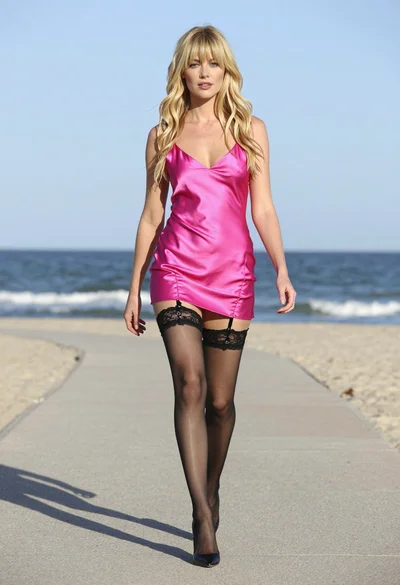
Fair blonde woman walking in pink slip dress on sandy beach at
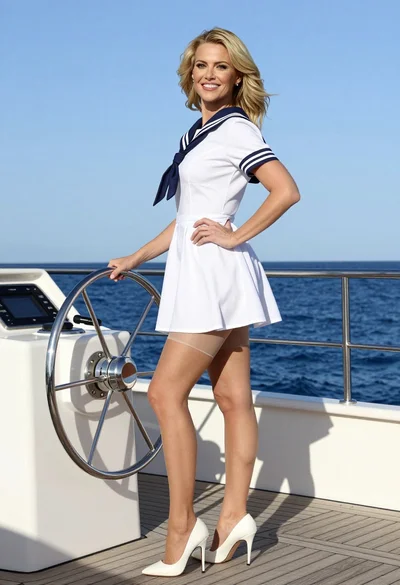
Blonde woman in sailor dress standing on yacht deck by blue ocean
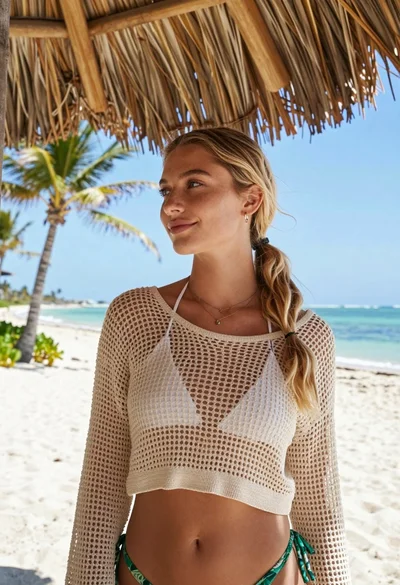
Blonde woman in beige top stands under thatched roof at tropical beach
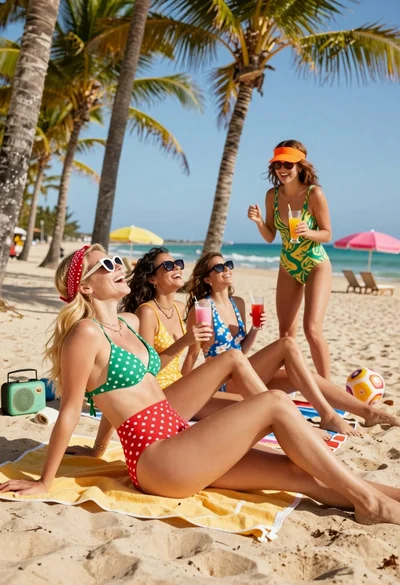
Four women laughing on a sunny tropical beach with palm trees and