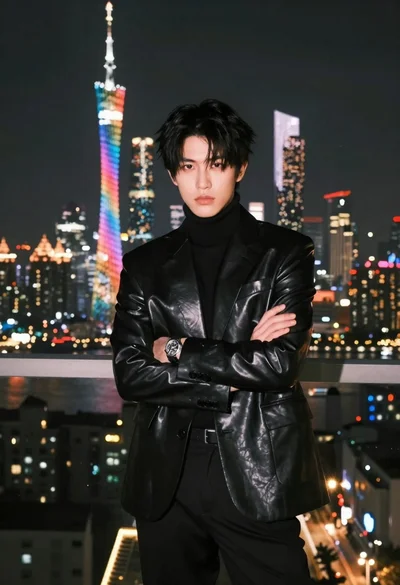
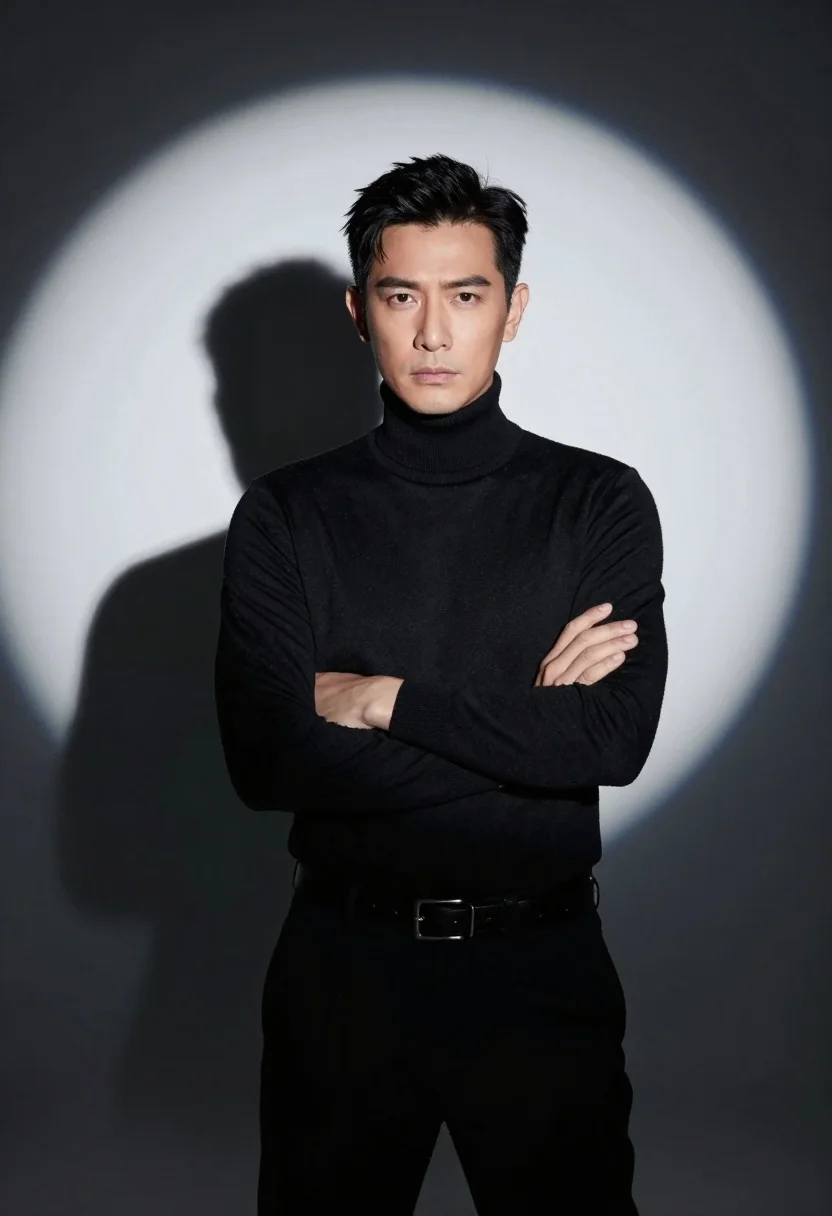
Handsome man in black turtleneck standing under dramatic spotlight against dark background
Prompt
A confident man stands centered in a dramatic spotlight against a dark background.

Subject: A handsome man with short black hair and a serious expression looking directly at the camera.

Clothing: He wears a fitted black turtleneck sweater, dark trousers, and a black leather belt with a silver buckle.

Action: His arms are crossed firmly over his chest in a confident pose.

Environment: The background is pitch black except for a large, bright circular spotlight behind him that casts a distinct shadow of his upper body to the left.

Lighting: High contrast studio lighting creates a strong silhouette effect with a sharp, focused beam illuminating the subject from behind and above.

Camera: Medium shot framing the torso up, centered composition with a shallow depth of field keeping the focus strictly on the man.

Style Details: Cinematic photography style with high dynamic range, clean lines, and a minimalist aesthetic emphasizing form and shadow.
Description
This prompt is useful for creating dramatic character portraits, album art covers, and high-end menswear editorials needing intense focus on silhouette. The combination of 'dramatic spotlight' and 'high contrast studio lighting' ensures that the subject's form is defined by sharp edges rather than ambient fill light, while the 'pitch black' background eliminates environmental distraction, forcing the viewer's eye directly to the man's expression and the texture of his clothing.
Suggestions
- Change 'black turtleneck sweater' to 'charcoal merino wool' for a softer material read.
- Adjust 'dramatic spotlight' to 'rim light only' for an even more ethereal effect.
- Swap 'silver buckle' for 'brushed gunmetal' to match the overall dark tone.
Category
Tags
Black HairMaleMedium ShotPortrait ShotRealisticStudio
Date added
July 12, 2026
Added by
PromptDexter Team
Related Prompts
More prompts with similar categories and tags.
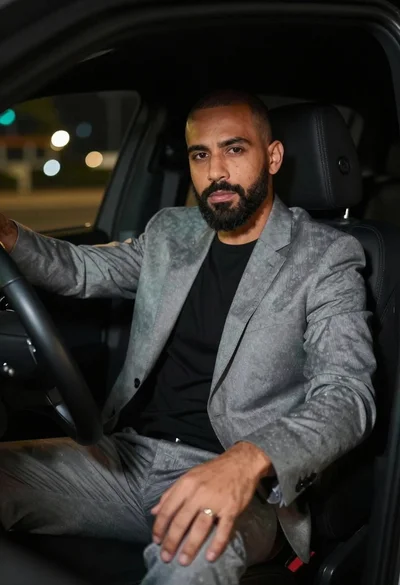
Man in suit sitting in car at night
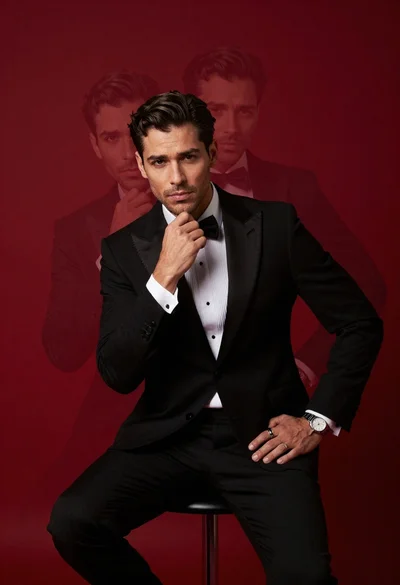
Confident man in black tuxedo sitting on stool with ghostly face overlays
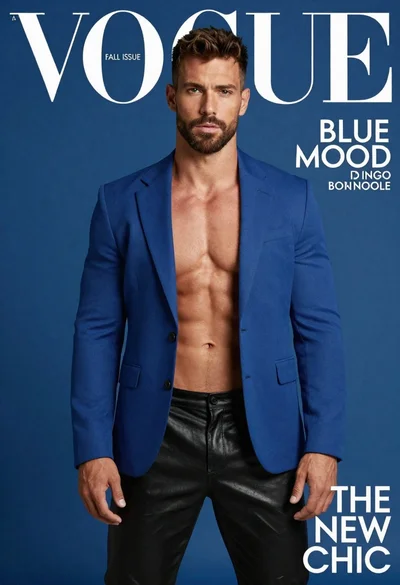
Muscular man in blue blazer on solid deep blue background

Young woman in silver sequin top and lace dress against beige wall
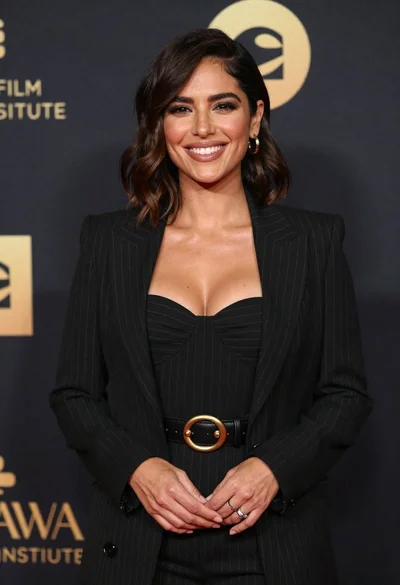
Smiling woman in black pinstripe suit jacket against dark backdrop

Blonde woman looking back over shoulder against white wall

Fair skinned woman in black velvet dress at white step and repeat
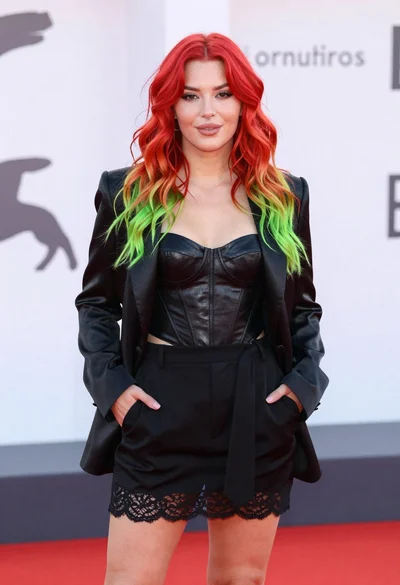
Young woman with red to green hair posing confidently on white backdrop

Smiling blonde woman in black leather outfit at an indoor evening event

Smiling blonde woman in sheer black gown at a dark event backdrop
