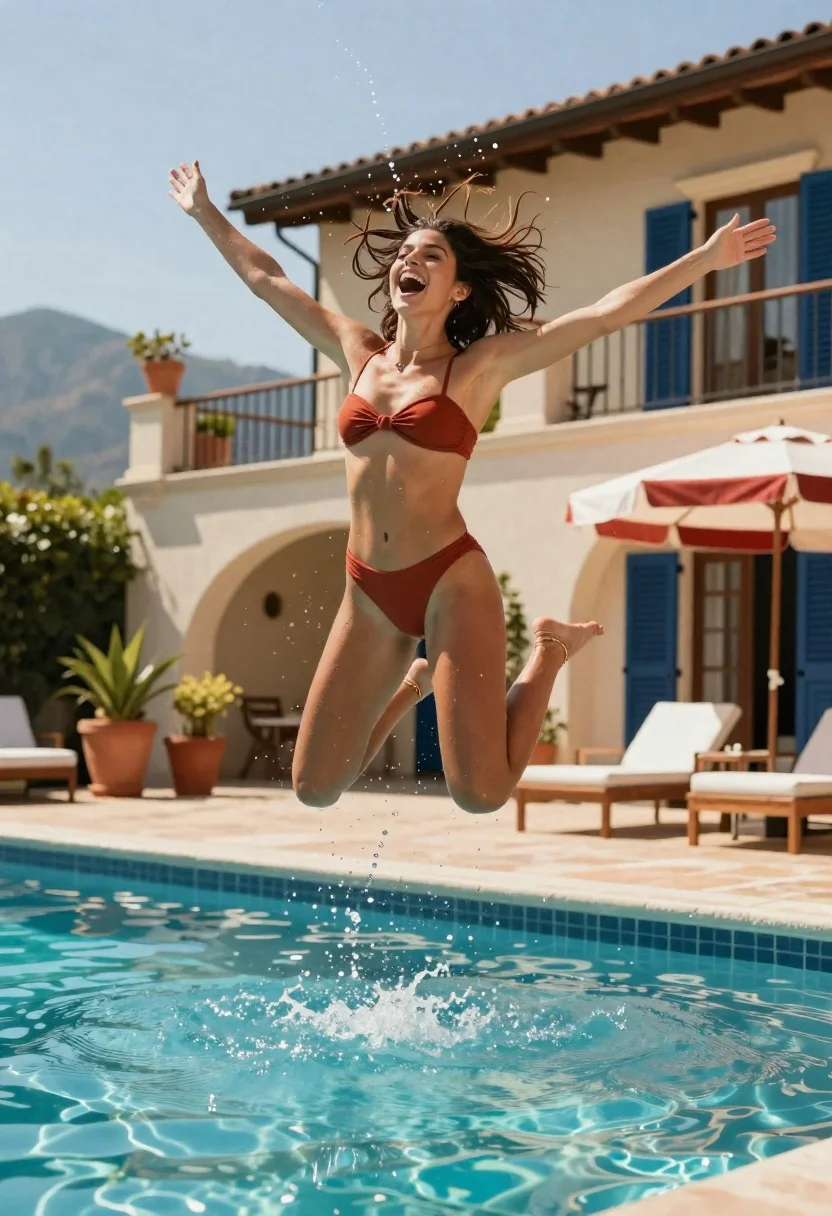
Joyful woman jumping into swimming pool with water droplets frozen in air
Prompt
A joyful woman is captured mid-air jumping into a swimming pool with water droplets frozen in the air around her.

Subject: A young woman with dark hair flying upward from the impact of her jump, displaying an ecstatic expression with her mouth wide open and arms fully extended outward.

Clothing: She wears a rust-colored bandeau bikini top tied at the center and matching high-waisted bottoms, accessorized with small hoop earrings, a delicate necklace, and a thin gold anklet on her left ankle.

Action: The subject is suspended in a dynamic crouched jump pose, legs bent tightly together, arms spread wide for balance, and hair fanned out by the motion of the leap.

Environment: A luxurious outdoor poolside setting featuring a beige stucco villa with dark blue shutters, terracotta potted plants along a balustrade, wooden lounge chairs with white cushions, and a red-and-white striped beach umbrella in the background.

Camera: The shot is taken from a low angle looking up at the subject to emphasize her height against the sky, utilizing a fast shutter speed to freeze the water spray and hair movement while maintaining sharp focus on the jumper.

Lighting: Bright natural sunlight illuminates the scene from above, creating high contrast with sparkling highlights on the turquoise pool water and casting soft shadows beneath the furniture.

Style Details: The image features a vibrant color palette with saturated tones, a cinematic depth of field that blurs the distant mountains slightly, and a high-end commercial photography aesthetic emphasizing motion and luxury.
Description
This prompt is useful for creating dynamic swimwear editorials, resort lifestyle advertising, and athletic portraiture showcasing peak moments of joy. The combination of 'low angle looking up' with 'fast shutter speed to freeze the water spray' ensures the subject appears monumental against the sky while simultaneously capturing the ephemeral energy of the splash, which is crucial for high-impact commercial visuals.
Suggestions
- Change 'rust-colored bandeau bikini top' to 'emerald green sporty bikini' for a different color pop.
- Swap 'beige stucco villa' for 'white marble architecture' to increase luxury contrast.
- Adjust 'high contrast with sparkling highlights' to 'soft, diffused sunlight' for a more serene mood.
Category
Tags
FemaleFull BodyLow AngleOutdoorsRealisticSportswearSwimwear
Date added
June 26, 2026
Added by
PromptDexter Team
Related Prompts
More prompts with similar categories and tags.
Fit woman in rust swimsuit shielding eyes on sandy beach at sunset
Fit woman in bikini seated on boat near sunny rocky shoreline
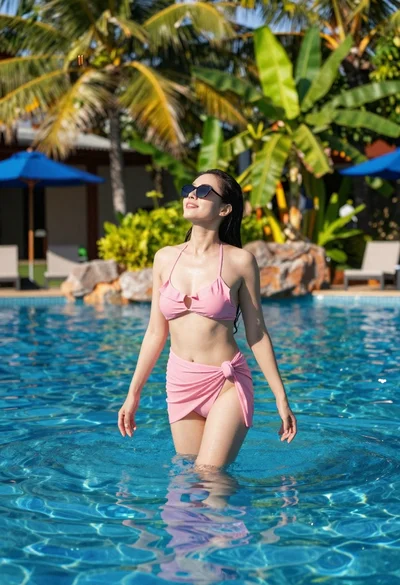
Woman standing in clear pool surrounded by tropical vegetation on sunny day
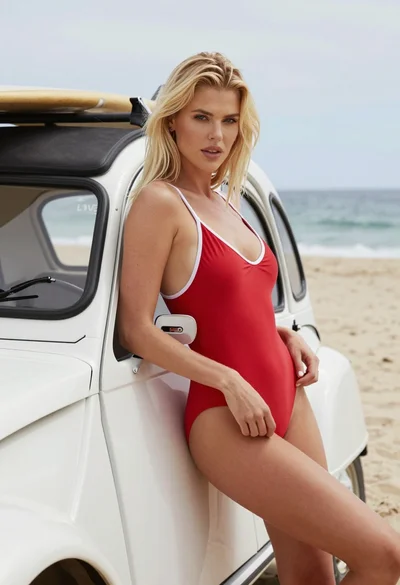
Blonde woman in red swimsuit leaning on vintage white car at sunny
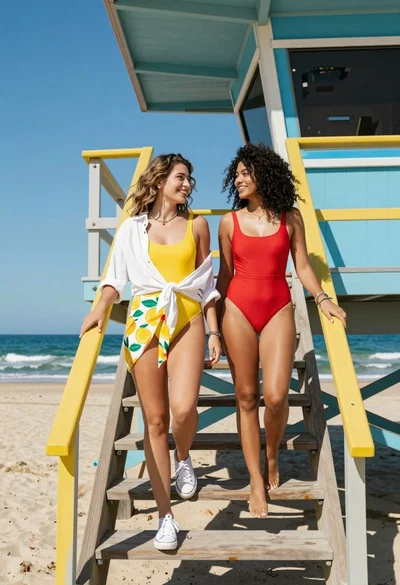
Two women descending colorful wooden stairs from a lifeguard tower at beach
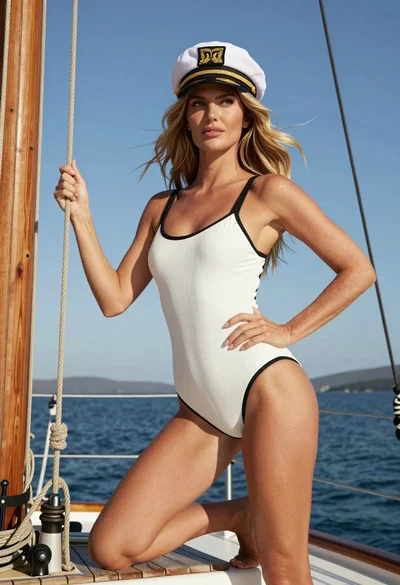
Blonde woman in swimsuit crouching on sailboat deck against blue sky
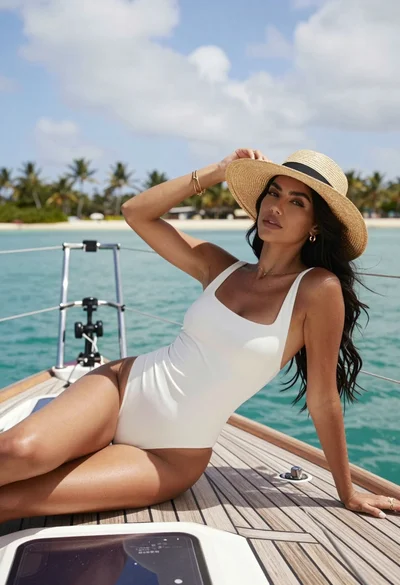
Woman in swimsuit reclining on sailboat deck near tropical islands
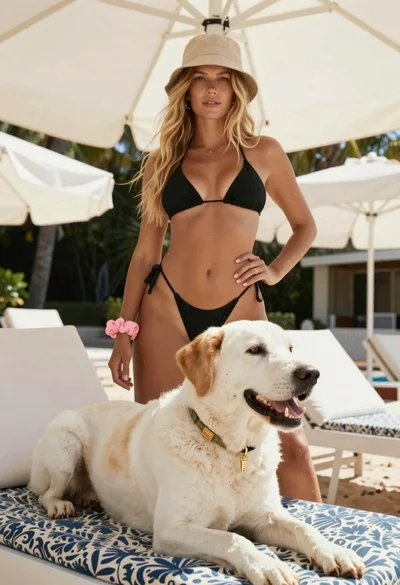
Blonde woman in black bikini poses with dog on beach lounger
