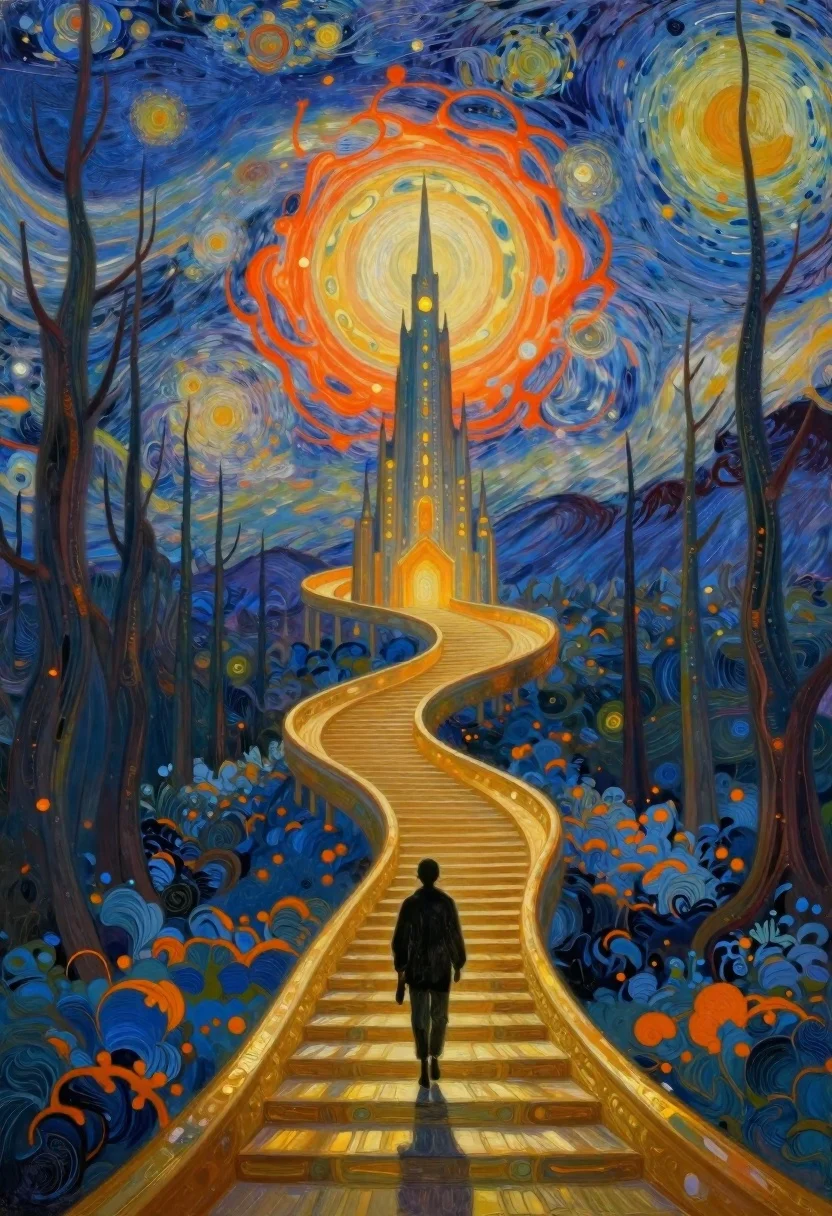
Lone figure ascending golden staircase toward glowing spire
Prompt
Oil painting inspired fantasy scene of a lone figure walking up a winding golden staircase toward a glowing spire in the center

Subject: solitary silhouette ascending stairs with back turned to viewer, small and distant against towering architecture

Clothing: dark indistinct attire blending into shadowy form, no discernible texture or detail visible

Action: slow upward movement along curved path leading directly to central tower

Environment: mystical forest landscape flanked by tall bare trees on both sides, ground covered in textured blue moss-like patches with orange highlights

Objects: golden spiral staircase as primary structural element connecting foreground to distant spire, faint smaller towers lining the left side of ascent

Lighting: radiant warm glow emanating from large circular moon or sun behind central tower casting soft halos around surrounding orbs and illuminating entire scene with dreamlike warmth

Other Subjects: none present beyond main figure walking alone along stairs

Camera: wide-angle perspective capturing full expanse of staircase curve leading eye toward distant focal point at top center, slightly elevated viewpoint looking down onto winding path

Style Details: vibrant swirling patterns resembling Van Gogh's Starry Night influence in sky filled with concentric glowing orbs ranging from deep blues to fiery oranges creating dynamic cosmic backdrop reminiscent impressionist brushwork technique combined digital fantasy aesthetic blending realism and surrealism seamlessly together
Description
This prompt is useful for creating album art for epic fantasy soundtracks, concept art for video game level design, and dramatic book cover illustrations. The combination of the 'golden spiral staircase' leading toward a 'glowing spire' against a backdrop featuring 'vibrant swirling patterns resembling Van Gogh's Starry Night influence' directs the viewer's eye upward through contrasting light sources, preventing the composition from feeling static despite the solitary figure.
Suggestions
- Change 'dark indistinct attire' to 'deep indigo robes' for more visual grounding.
- Adjust 'blue moss-like patches with orange highlights' to 'emerald moss and gold accents' for a richer forest floor.
- Swap 'wide-angle perspective' for 'epic vista shot' to emphasize the scale difference.
Category
Tags
Back ViewForestFull BodyMountainsWide Shot
Date added
June 19, 2026
Added by
PromptDexter Team
Related Prompts
More prompts with similar categories and tags.
Misty asian landscape with bridge and cherry blossoms
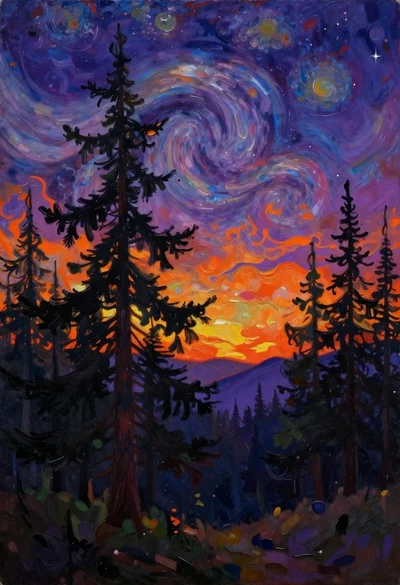
Oil painting of mystical forest under cosmic sky
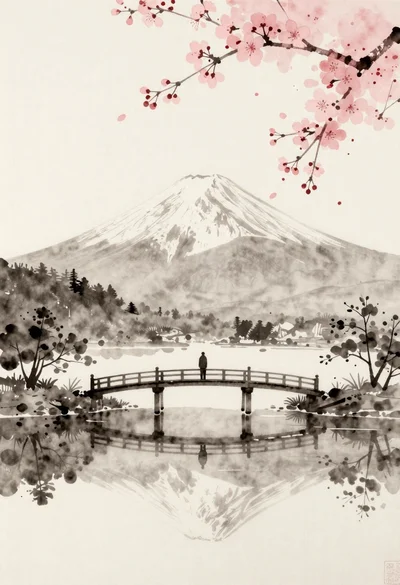
Solitary figure on bridge with mount fuji and cherry blossoms
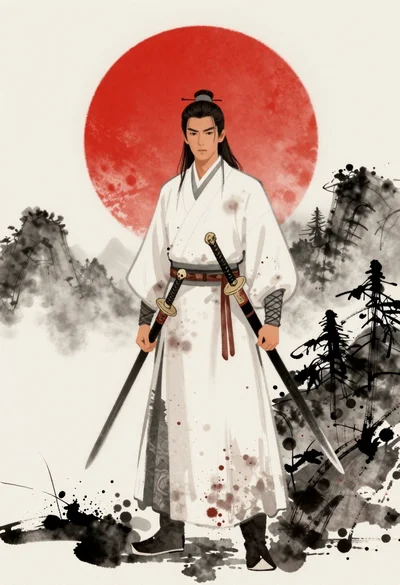
Stoic warrior against an ink wash landscape
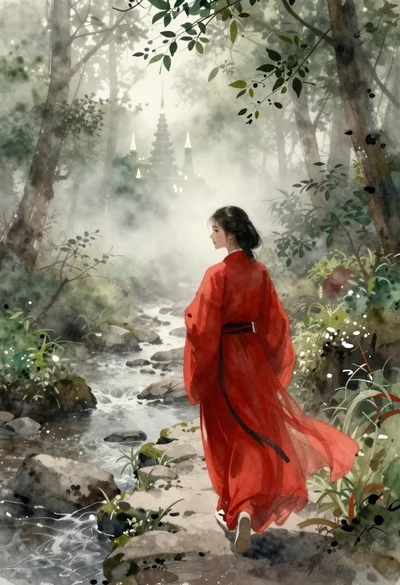
Woman in red robes walking through misty forest path
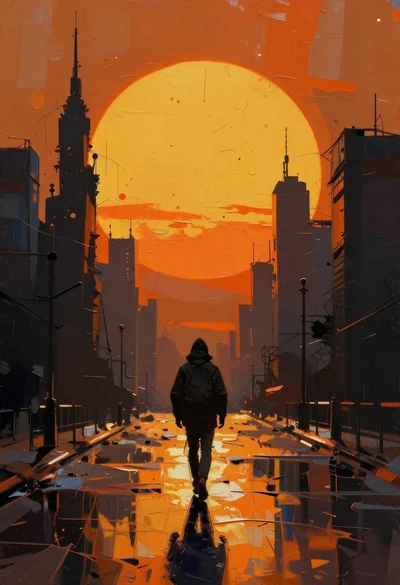
Figure walking down wet street under giant orange sun
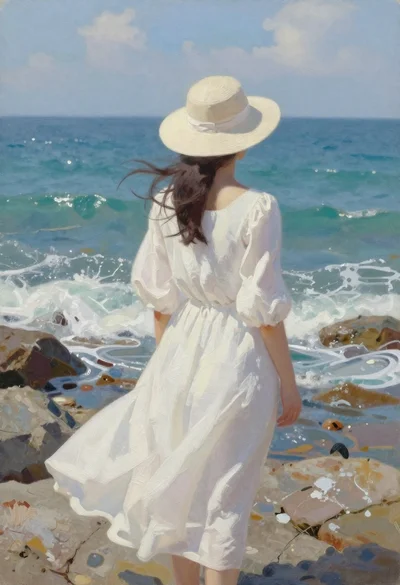
Woman in white dress on rocky shoreline by ocean
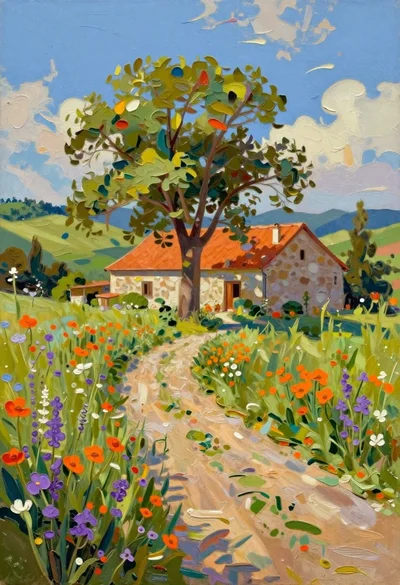
Oil painting of farmhouse in sundrenched rural landscape