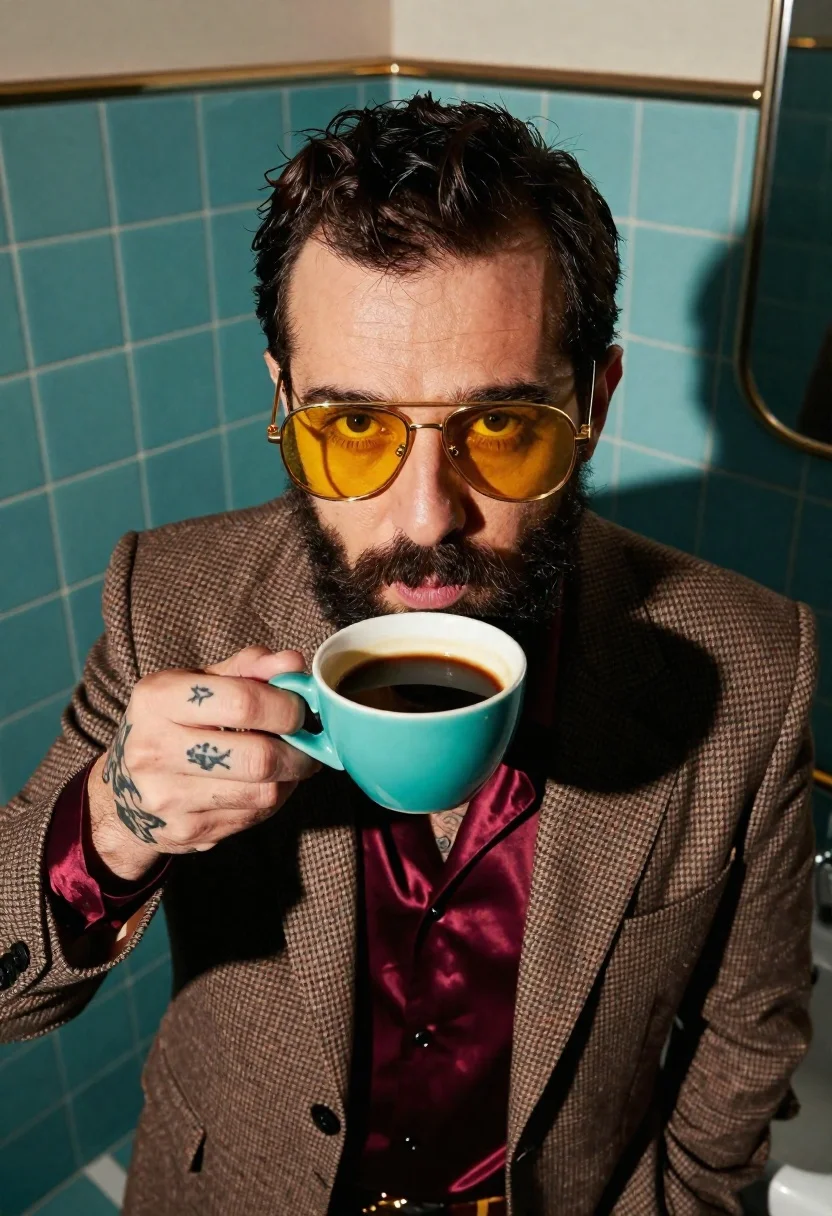
Man in brown blazer holding turquoise coffee cup near face
Prompt
A close-up portrait of a man holding a turquoise coffee cup near his face against a retro bathroom backdrop with turquoise tiles.

Subject: A man with short dark hair and a full beard wearing large gold aviator sunglasses with yellow lenses.

Clothing: He wears a heavy brown checkered blazer over a shimmering burgundy silk shirt, revealing visible tattoos on his hand holding the cup.

Action: The subject holds a turquoise ceramic coffee cup filled with black liquid close to his mouth while looking directly at the camera with a neutral expression.

Environment: A retro bathroom setting featuring walls covered in glossy turquoise square tiles with white grout lines.

Camera: Extreme high-angle shot using a wide-angle 24mm lens for dramatic distortion, emphasizing the subject's face and the surrounding environment.

Lighting: Strong directional sunlight casting sharp shadows across the man's face and the tiled wall, creating high contrast and a warm mood.

Style Details: Surreal 70s-inspired vintage aesthetic with rich color grading and a polished magazine-style composition.
Description
This prompt is useful for creating editorial portraiture, themed character studies, and retro lifestyle advertisements. The combination of 'strong directional sunlight casting sharp shadows' against the 'glossy turquoise square tiles' establishes a high-contrast, dramatic mood that complements the vintage 70s aesthetic required for magazine-style composition.
Suggestions
- Change 'heavy brown checkered blazer' to 'corduroy sport coat' for a different texture.
- Swap 'yellow lenses' for 'amber lenses' to deepen the warm tones.
- Adjust 'wide-angle 24mm lens' to '85mm portrait lens' for less distortion.
Category
Tags
Brown SkinCasual WearClose UpExtreme Close UpHigh AngleIndoorsMaleRealisticWide Shot
Date added
June 26, 2026
Added by
PromptDexter Team
Related Prompts
More prompts with similar categories and tags.

Joyful woman laughing at restaurant table with bibimbap in foreground
Portrait of person with dark hair against red background
Young woman in white shirt near modern glass skyscraper
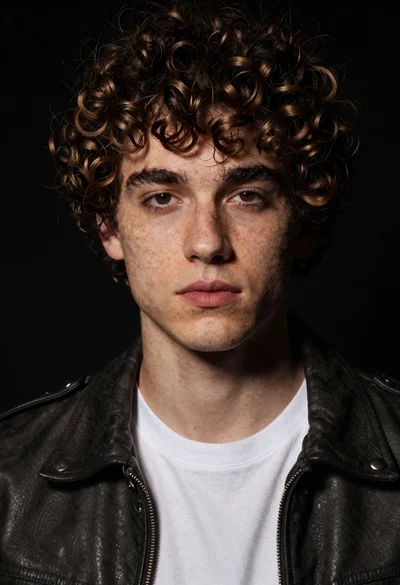
Close up portrait of young man in leather jacket
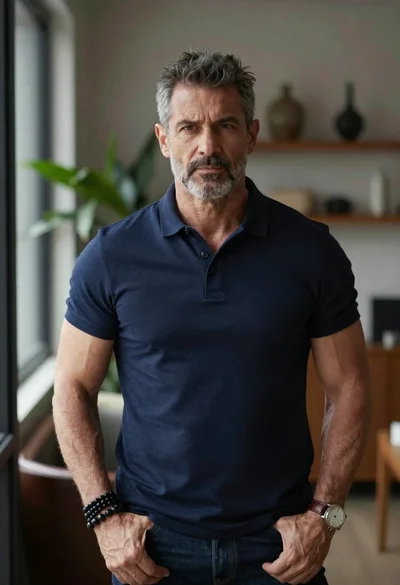
Portrait of middle aged man in navy polo shirt indoors
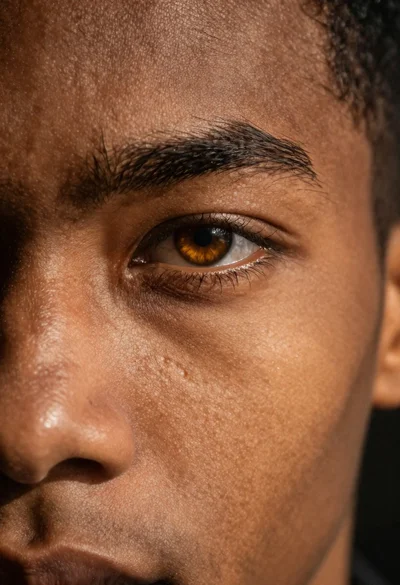
Photorealistic close up portrait of an amber eye
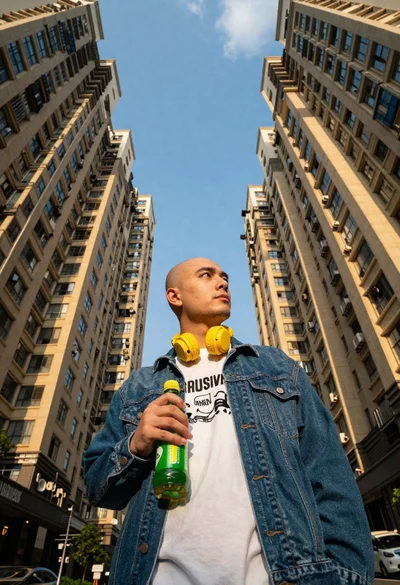
Man with headphones standing between tall apartment buildings
Black and white portrait of man looking up at camera