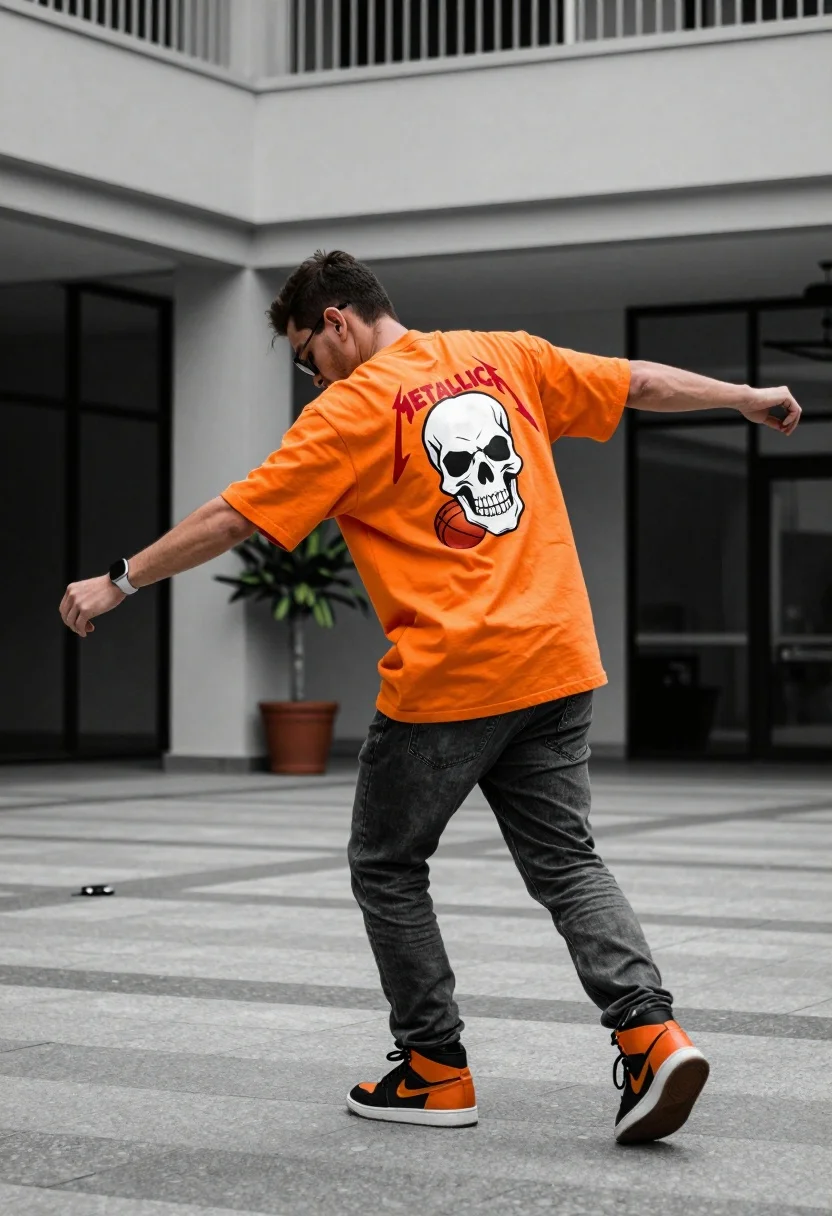
Man in orange tshirt leaning forward in urban plaza setting
Prompt
A man in an urban plaza wearing a bright orange oversized t-shirt with a large skull graphic on the back and dark grey jeans.

Subject: A man viewed from behind and slightly to the side, leaning forward with his head bowed down, wearing glasses and a smartwatch on his left wrist.

Clothing: An oversized orange t-shirt featuring a large white and red graphic of a skull holding a basketball with the word METALLICA printed above it, paired with dark grey jeans and high-top sneakers that are black and orange.

Action: The man is captured in a dynamic pose, leaning forward with his arms extended outwards as if balancing or dancing on a paved surface.

Environment: An outdoor urban setting featuring a building facade with large glass windows, a white balcony railing, potted plants, and a concrete floor with painted stripes.

Camera: A medium-full shot taken from a low angle looking up at the subject, emphasizing his stance against the architectural background.

Lighting: Natural daylight illuminating the scene evenly, casting soft shadows on the ground and highlighting the bright orange color of the shirt.

Objects: A potted plant stands near the building wall in the background, and a small dark object lies on the ground near the man's feet.

Style Details: The image has a slightly desaturated, cinematic color grade with high contrast and a shallow depth of field that blurs the background elements.
Description
This prompt is useful for creating streetwear lookbooks, music festival promotional materials, and dynamic editorial shots capturing movement in an urban environment. The combination of 'low angle looking up at the subject' and a 'medium-full shot' exaggerates the man's imposing stance against the architectural background, while the 'shallow depth of field' ensures that the vibrant orange t-shirt remains the primary focal point despite the detailed 'building facade with large glass windows'.
Suggestions
- Change 'bright orange oversized t-shirt' to 'acid green graphic tee' for a different pop of color.
- Swap 'concrete floor with painted stripes' for 'wet cobblestone street' to change the ground texture.
- Adjust 'natural daylight illuminating the scene evenly' to 'harsh midday sun' for stronger shadows.
Category
Tags
Full BodyLow AngleMaleMedium ShotRealisticStreetwearUrban
Date added
July 12, 2026
Added by
PromptDexter Team
Related Prompts
More prompts with similar categories and tags.
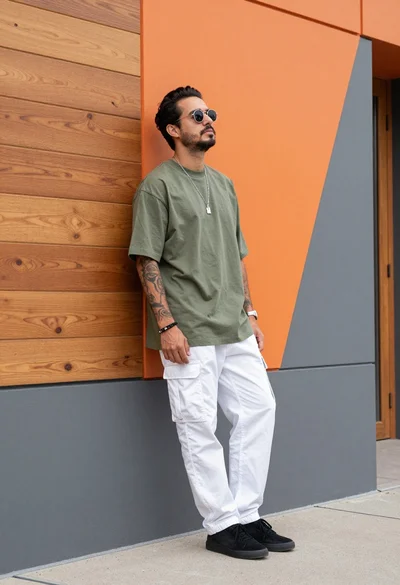
Man leaning against modern orange grey geometric wall in urban setting
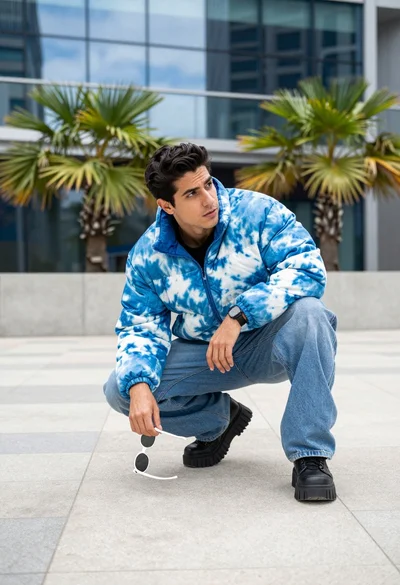
Man crouching low in urban plaza wearing tie dye jacket near glass
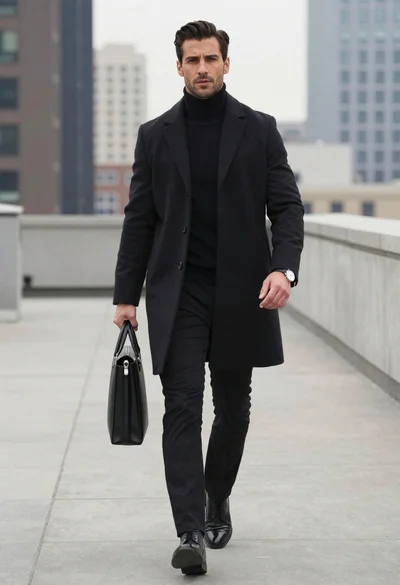
Man walking on rooftop walkway in modern city
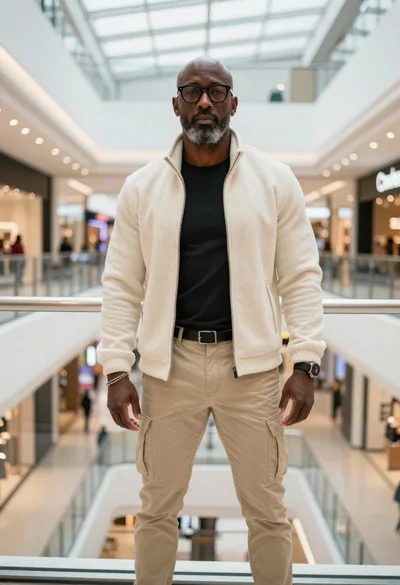
Stylish man standing on a modern shopping mall walkway

Young man sitting on ledge in modern cityscape at golden hour

Model walking down rainy city street at night
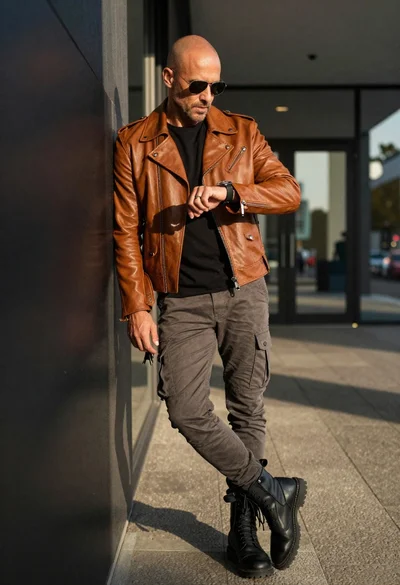
Bald man in motorcycle jacket leaning in urban corridor
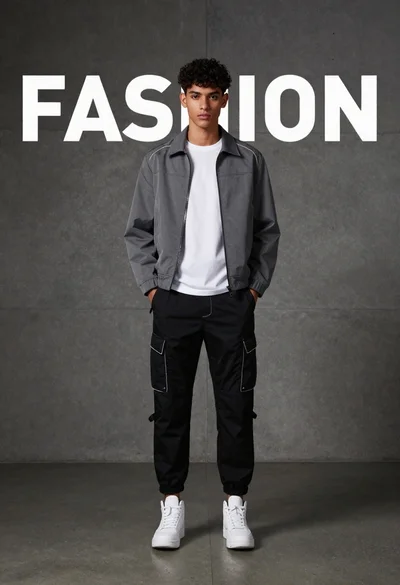
Young man standing against concrete wall with fashion text backdrop
Handsome man in black jacket leaning against stone railing outdoors
Two stylish models in black balenciaga streetwear posing in an urban concrete
