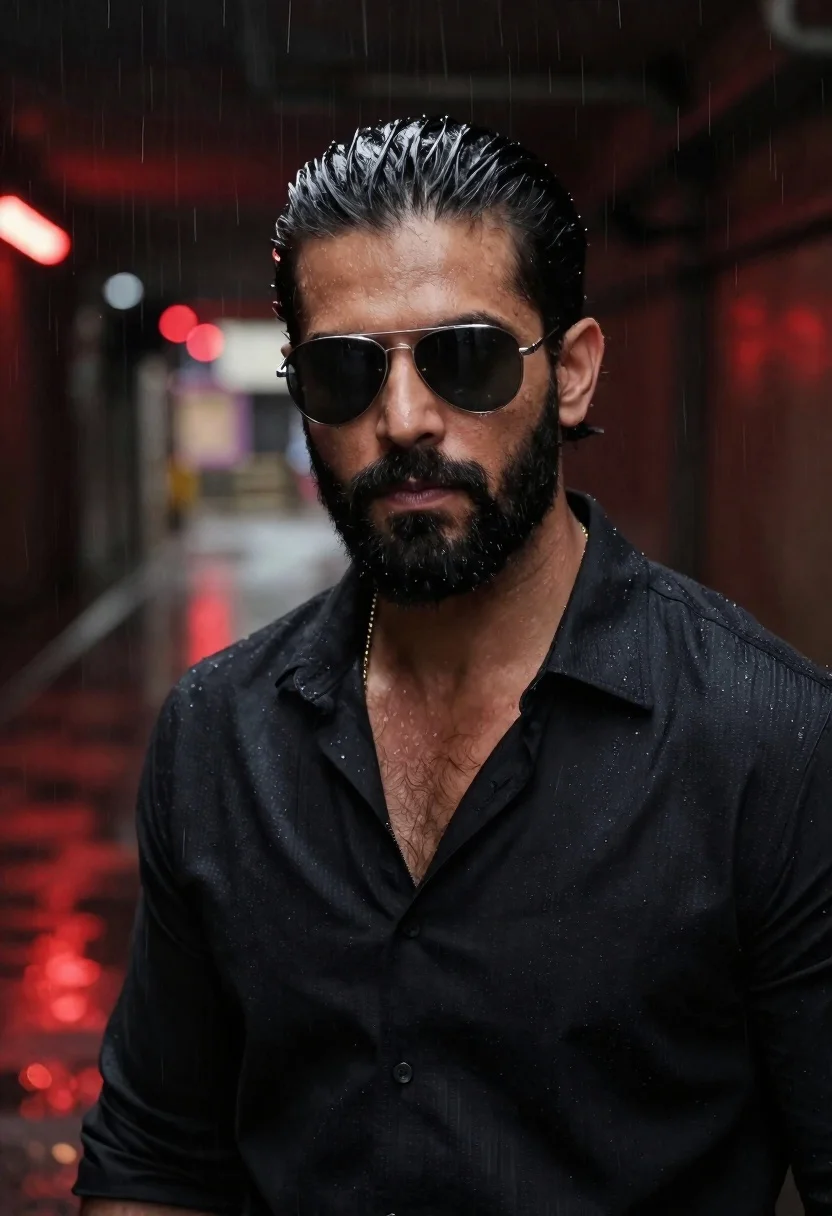
Man in sunglasses in rainy subway tunnel
Prompt
A cinematic portrait of a confident man with slicked-back dark hair and a full beard wearing sleek aviator sunglasses, standing inside a dimly lit subway tunnel under heavy rain illuminated by red ambient light.

Subject: Confident man with slicked-back dark hair, full beard, intense gaze through aviator sunglasses

Clothing: Open-collared black shirt

Accessories: Sleek aviator sunglasses, visible gold chain at neckline

Action: Standing confidently in subway tunnel during heavy rain

Environment: Dimly lit subway tunnel setting with wet surfaces reflecting red ambient light, urban industrial backdrop

Camera: Close-up framing capturing head and shoulders emphasizing facial details, blurred urban background.
Description
This prompt is useful for creating cinematic character portraits, moody editorial spreads, and gritty urban concept art. The combination of 'dimly lit subway tunnel' with 'red ambient light' creates a high-contrast, saturated atmosphere that emphasizes the subject's mysterious mood, while specifying 'wet surfaces reflecting red ambient light' ensures the environment adds visual depth rather than just being a flat backdrop.
Suggestions
- Change 'aviator sunglasses' to 'round tinted glasses' for a different facial silhouette.
- Swap 'red ambient light' for 'neon blue light' to shift the mood entirely.
- Adjust 'Close-up framing capturing head and shoulders' to 'full body shot' to incorporate more of the wet tunnel floor.
Category
Tags
Close UpFull BodyIndoorsMalePortrait ShotRealisticStreetUrban
Date added
June 19, 2026
Added by
PromptDexter Team
Related Prompts
More prompts with similar categories and tags.
Man leaning against classic black car in urban underpass
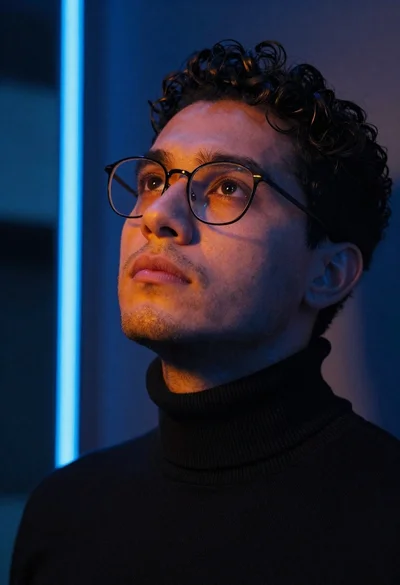
Close up portrait of man looking upward in urban neon light
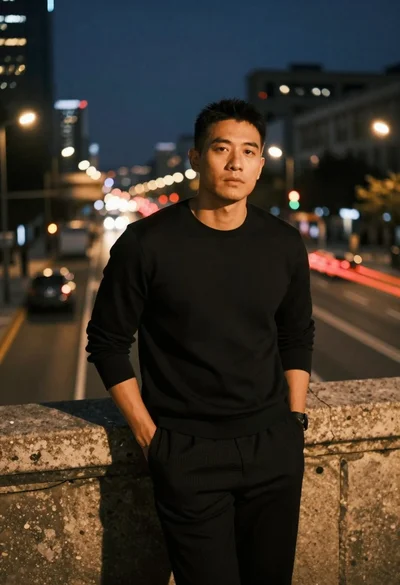
Man leaning on railing overlooking city highway at dusk
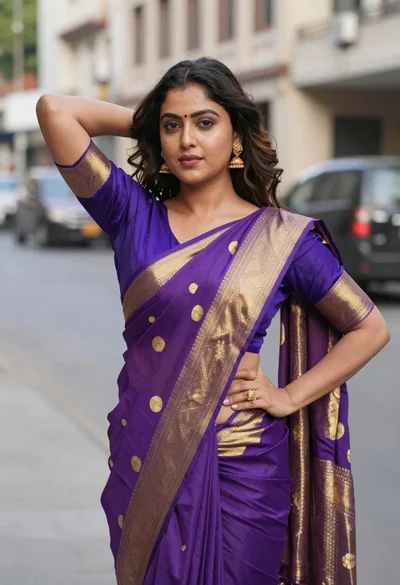
Woman in purple and gold saree standing on an urban city street

Young man in city street between glass skyscrapers
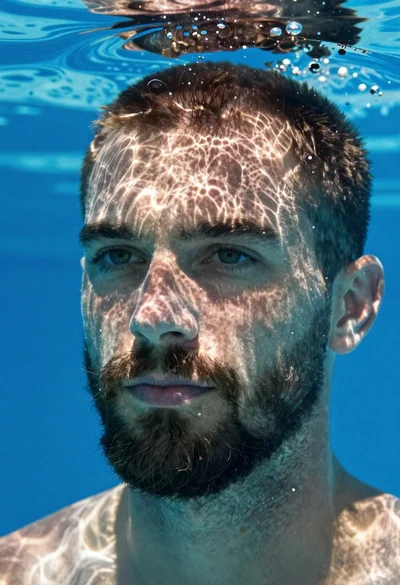
Underwater portrait of man submerged in blue water

Woman in black shirt on urban street at sunset

Portrait of man in black jacket by reflective glass window