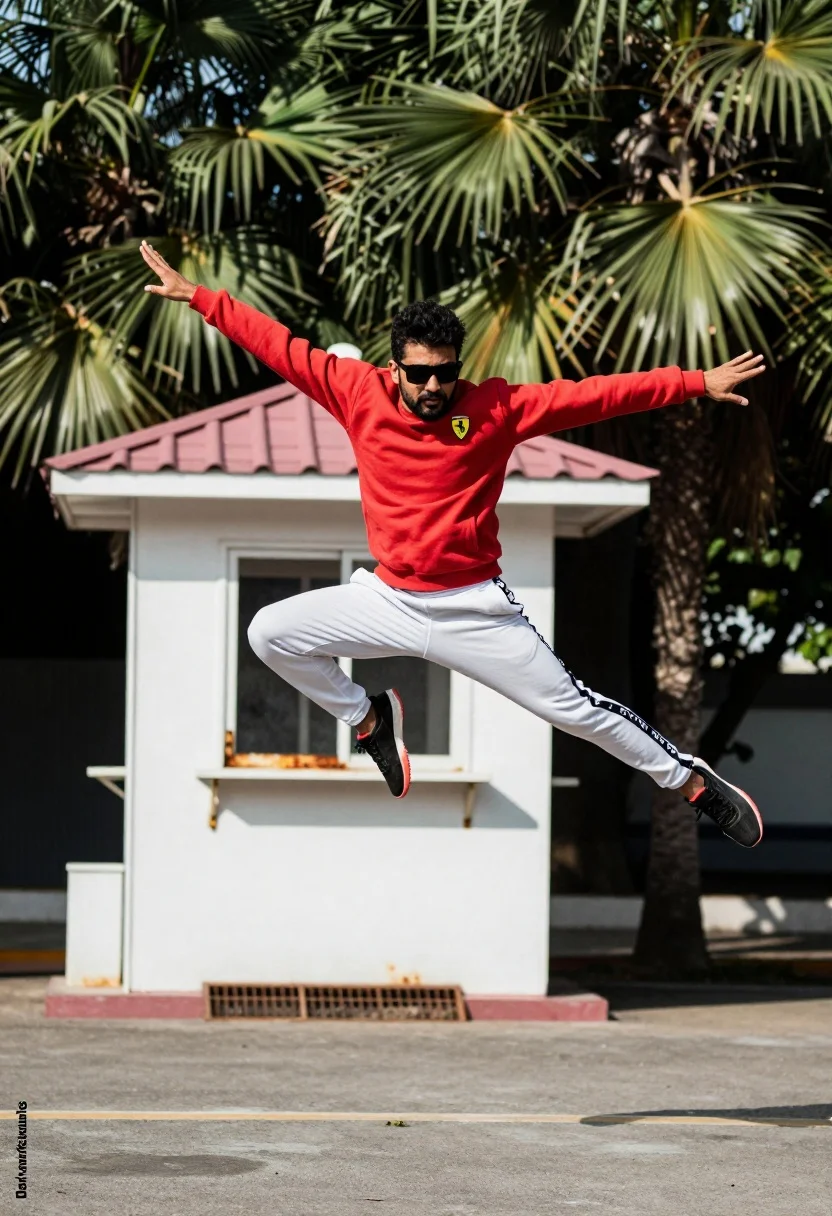
Man jumping midair in red sweatshirt near white guard booth
Prompt
A man is captured mid-air performing a dynamic jump with arms outstretched and legs split in an athletic pose.

Subject: A man wearing dark sunglasses and sporting a goatee.

Clothing: He wears a red long-sleeved sweatshirt with a Ferrari logo on the chest, white track pants featuring black text tape around the waistband and down the leg, and black sneakers with red soles.

Action: The subject is frozen in mid-air executing a high jump with arms extended wide to the sides and legs split apart in a dynamic athletic stance.

Environment: The setting is an outdoor paved area featuring a small white guard booth with a pink tiled roof and rusted metal grating, surrounded by lush green palm trees.

Camera: The shot utilizes a fast shutter speed to freeze the action while maintaining a sharp focus on the subject against a slightly blurred background.

Lighting: Natural daylight illuminates the scene evenly, casting soft shadows beneath the subject and highlighting the textures of the clothing and surroundings.

Objects: A small white guard booth with a pink tiled roof stands directly behind the jumping figure.

Text/Graphics: The text "Darkworkstudios" is visible in the bottom left corner of the image.

Style Details: The photograph exhibits high contrast and vibrant colors typical of modern street photography, with a slight film grain texture enhancing the realism.
Description
This prompt is useful for creating dynamic sports action shots, urban lifestyle editorials, and advertising campaign visuals requiring energy. The combination of 'fast shutter speed' freezing the jump against the backdrop of the 'white guard booth with a pink tiled roof' grounds the high-energy movement in a specific, slightly gritty location while the 'high contrast and vibrant colors' ensure the sportswear pops.
Suggestions
- Change 'red long-sleeved sweatshirt' to 'navy blue athletic jacket' for a different color pop.
- Replace 'pink tiled roof' with 'terracotta tile roof' for an aged look.
- Adjust 'slight film grain texture' to 'clean digital finish' for a modern feel.
Category
Tags
Full BodyMaleRealisticRed HairSportswearStreet
Date added
July 12, 2026
Added by
PromptDexter Team
Related Prompts
More prompts with similar categories and tags.

Young man on fence against modern city skyline
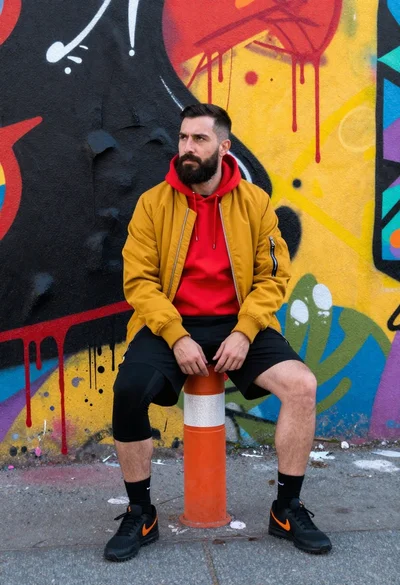
Man sitting on bollard against vibrant graffiti wall
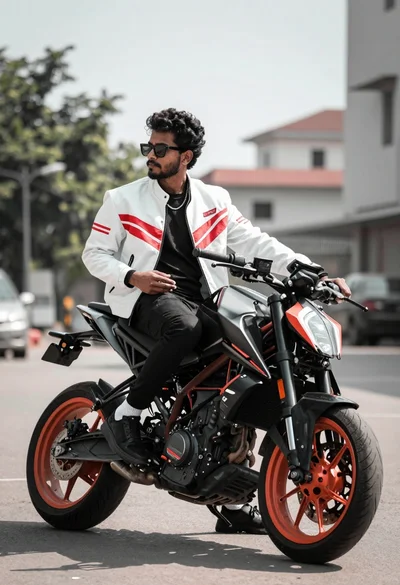
Man on black motorcycle in urban setting under bright daylight
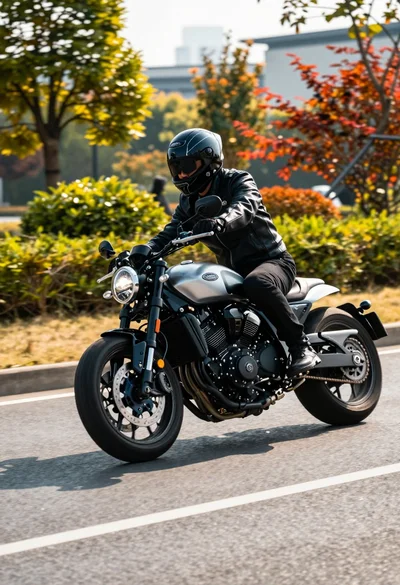
Motorcyclist in black leather gear riding sleek bike on paved road
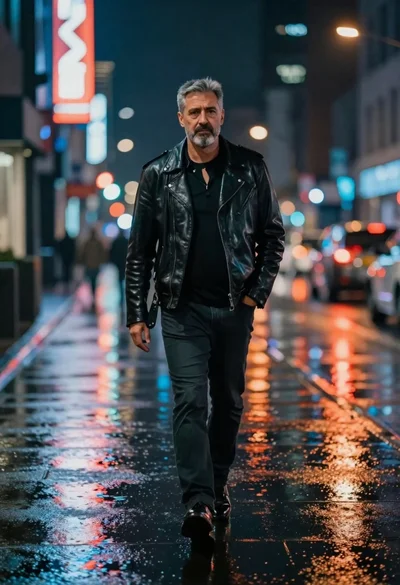
Man walking down rain slicked city street at night
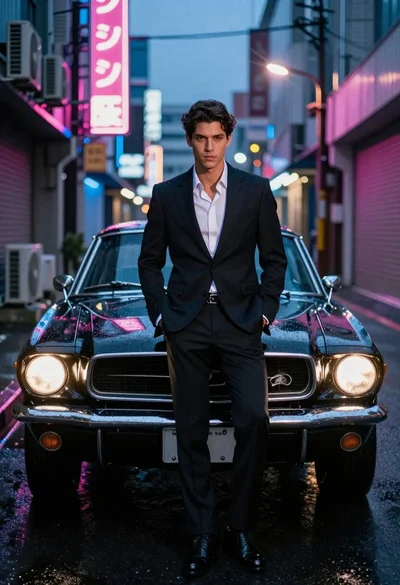
Man in suit with classic car on wet neon street

Digital illustration of a soccer player with flaming ball
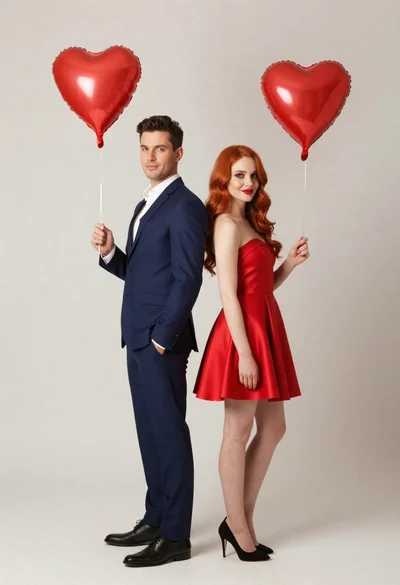
Man and woman in formal attire holding red heart balloons
Man leaning against tree in yellow soccer jersey
Redhaired bride and groom embracing in garden at golden hour