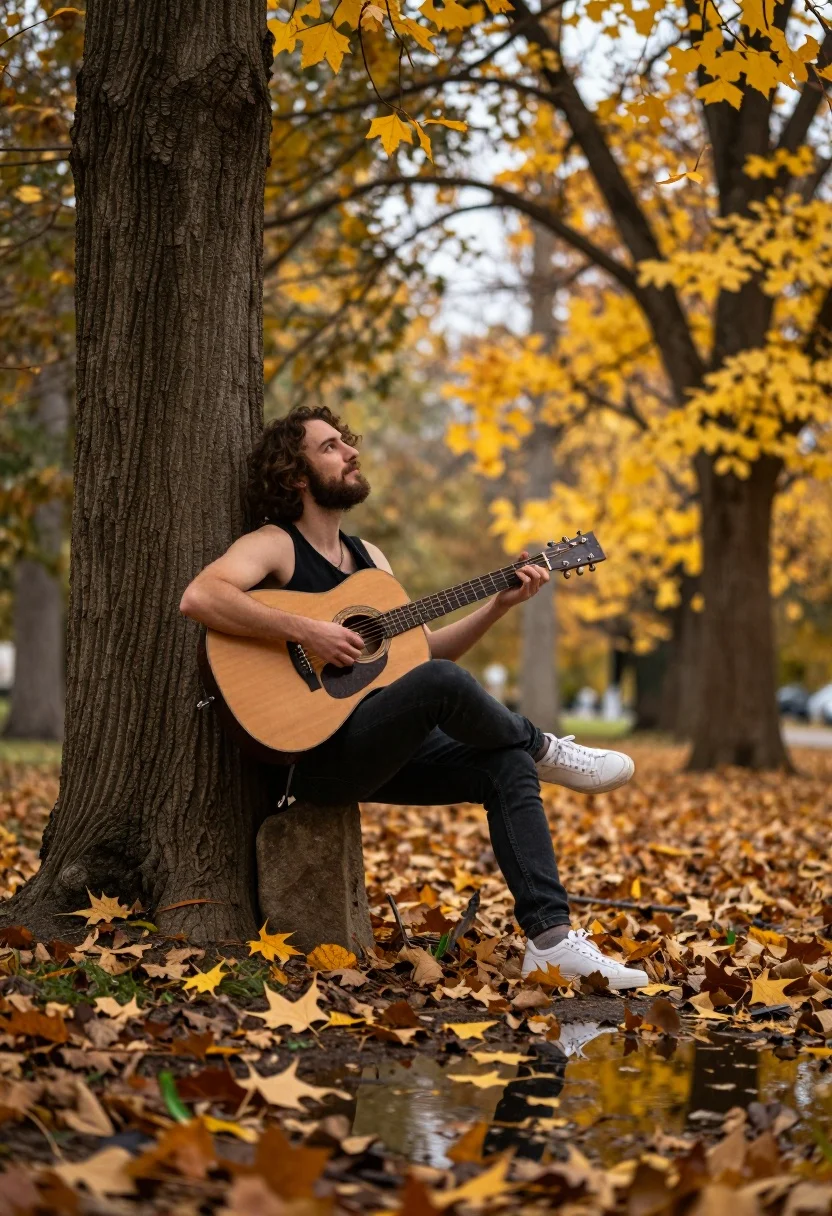
Man playing acoustic guitar leaning against tree in autumn park setting
Prompt
A man sits leaning against a large tree trunk while playing an acoustic guitar in an autumnal park setting.

Subject: A man with curly hair and a beard, wearing a black tank top and dark trousers, is seated casually with one leg crossed over the other.

Clothing: He wears a black sleeveless shirt, dark jeans, and white sneakers.

Action: The man holds an acoustic guitar, strumming it while looking upward with a relaxed expression.

Environment: The setting is a park filled with trees displaying yellow autumn leaves, with fallen leaves scattered on the ground near a small puddle reflecting the scene.

Camera: The shot uses a shallow depth of field to blur the background trees and foreground foliage, framing the subject from a side profile angle.

Lighting: Soft natural daylight filters through the canopy, creating a warm, golden atmosphere with gentle shadows.

Objects: A large tree trunk serves as the support for the seated man, while an acoustic guitar is held in his hands.

Style Details: The image has a cinematic photography aesthetic with rich autumnal color grading and a dreamy, serene mood.
Description
This prompt is useful for creating album cover art, rustic lifestyle blogs, and fine art portraiture focusing on melancholy or reflection. The combination of 'soft natural daylight' filtering through the canopy and the 'shallow depth of field' ensures that the subject remains sharply focused against a softly blurred background, which directs all visual attention to the man's side profile and the emotional resonance of his performance.
Suggestions
- Change 'yellow autumn leaves' to 'deep crimson foliage' for a richer color palette.
- Add 'bokeh effect' to enhance the background blur further.
- Swap 'black tank top' for 'charcoal knit sweater' for more texture.
Category
Tags
Full BodyMaleOutdoorsRealisticSide Profile
Date added
July 12, 2026
Added by
PromptDexter Team
Related Prompts
More prompts with similar categories and tags.
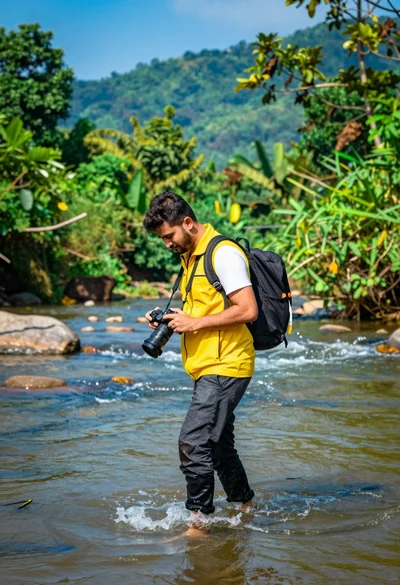
Man walking through shallow river holding camera in lush green forest
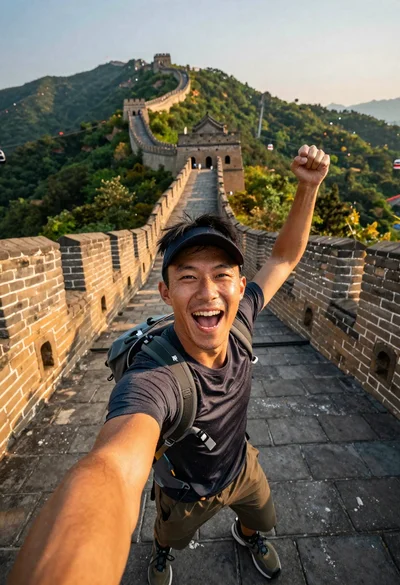
Energetic man taking selfie on great wall at golden hour

Exhilarated man taking selfie at machu picchu ruins during sunrise
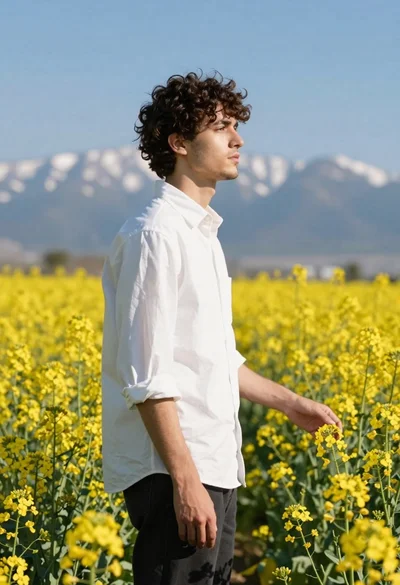
Young man in white shirt standing profile in yellow flower field
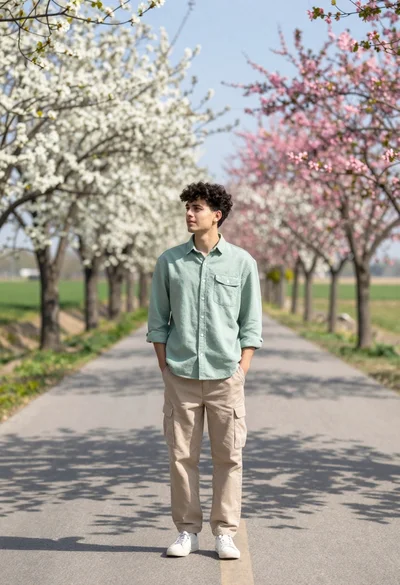
Young man in light green shirt on paved path lined with blooming

Joyful bride and groom embracing on a sunlit tropical beach at golden
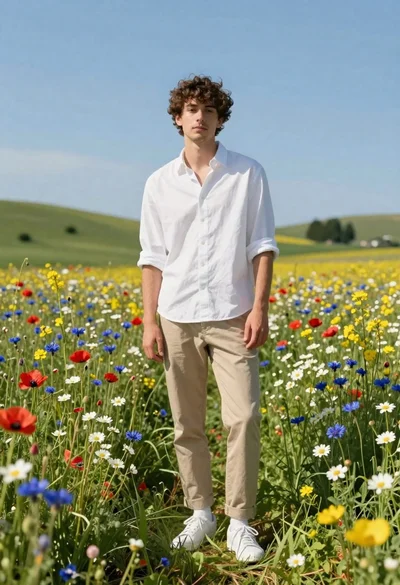
Young man in white shirt standing in wildflower meadow under blue sky
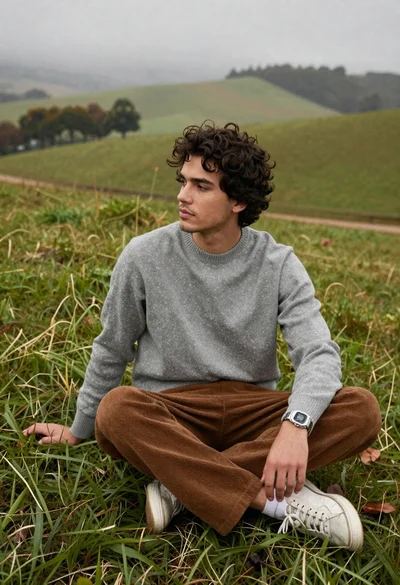
Young man in grey sweater on green hillside overlooking misty distant hills
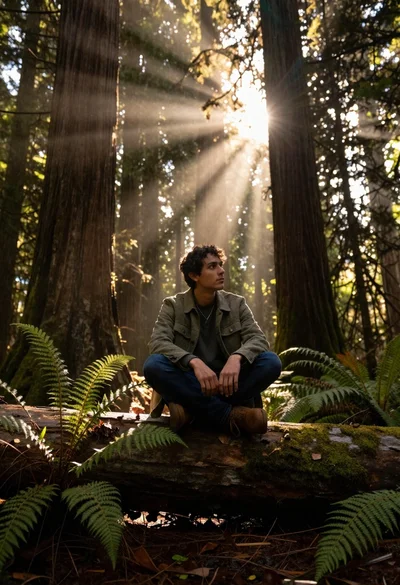
Young man sitting on log in redwood forest during golden hour
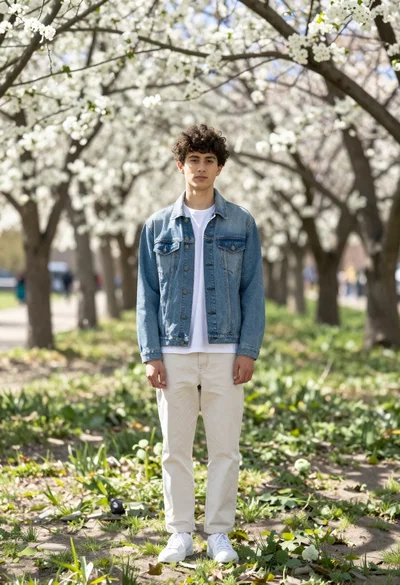
Young man in denim jacket standing in sunlit park with white blossoms