
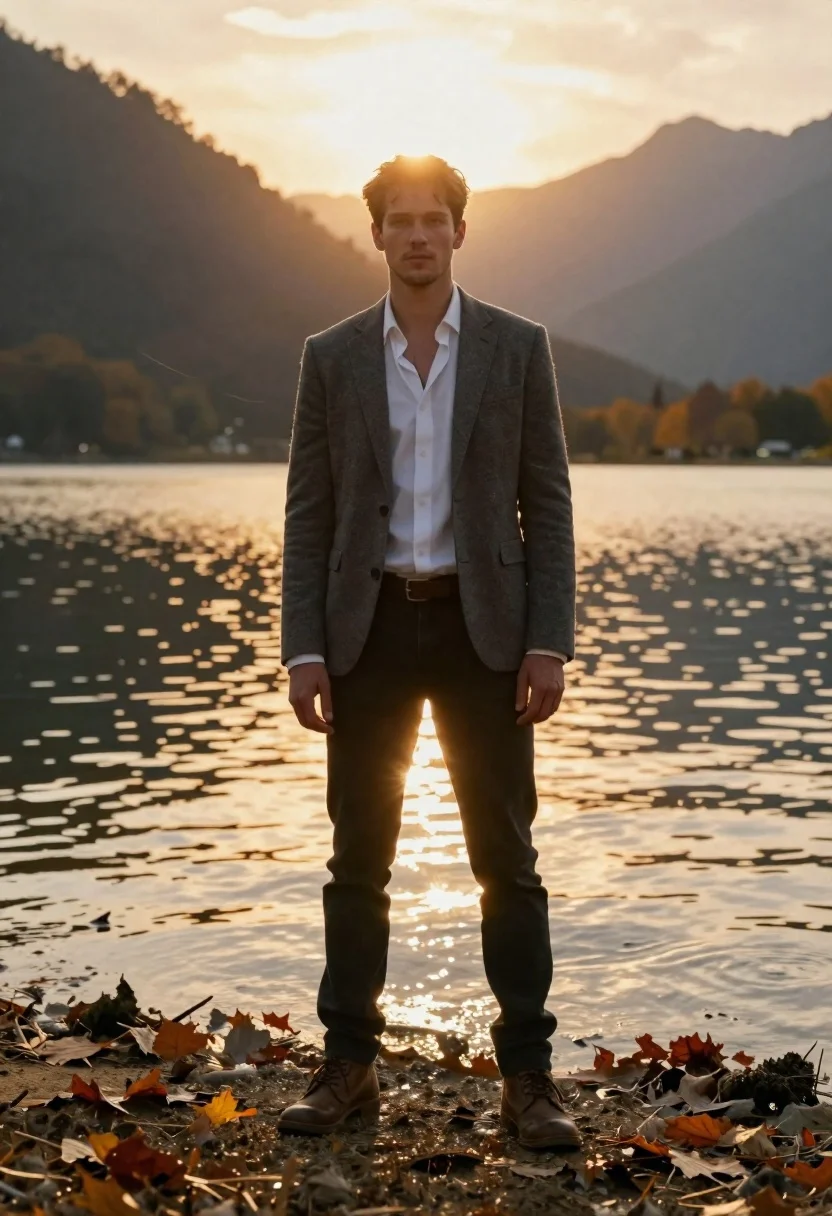
Man standing at lake edge during golden hour
Prompt
A cinematic portrait of a young man standing at the water's edge in shallow lake mud, bathed in golden hour light

Subject: tall fair-skinned male with short brown hair and stubble, wearing an open white dress shirt under a grey blazer and black jeans.

Clothing: textured grey suit jacket, crisp unbuttoned white cotton shirt, slim-fit dark trousers, leather belt buckle visible at waistline, rugged brown boots sinking slightly into wet shore.

Action: standing upright facing forward with neutral expression, hands relaxed by sides, gaze directed straight ahead toward viewer.

Environment: calm lake surface reflecting sunlight in shimmering gold patterns, autumn leaves scattered on muddy foreground and floating gently on water; distant sunlit mountain peaks rise behind him creating a dramatic natural frame.

Camera: medium full-body shot taken from eye level with slight low angle to emphasize stature against vast landscape; wide-angle lens captures expansive environment while keeping subject sharply centered.

Lighting: warm backlighting from setting or rising sun positioned directly behind mountains, casting soft rim glow around figure and generating prominent lens flare streaks across frame; reflections dance on water surface enhancing ethereal atmosphere.

Style Details: photorealistic digital rendering with cinematic color grading emphasizing amber tones and high dynamic range lighting for dramatic depth and mood.
Description
This prompt is useful for creating editorial travel narratives, cinematic character studies, and high-end outdoor advertising campaigns. The combination of 'warm backlighting' casting a soft rim glow and the 'wide-angle lens' capturing both the subject and the 'distant sunlit mountain peaks' ensures that the figure feels integrated into an epic, vast setting rather than simply placed in front of it.
Suggestions
- Change 'grey blazer' to 'dark tweed jacket' for more autumnal texture.
- Swap 'shallow lake mud' for 'wet sand flats' to alter the foreground material.
- Adjust 'amber tones' to 'deep teal and gold' for a cooler, more dramatic contrast.
Category
Tags
Brown HairCasual WearFair SkinFull BodyLow AngleMaleMountainsOutdoorsRealisticWide Shot
Date added
June 19, 2026
Added by
PromptDexter Team
Related Prompts
More prompts with similar categories and tags.
Two models on a rocky mountain peak under overcast sky
Young woman in black outfit standing before majestic snowy mountain range

Woman posing on terrace at golden hour by mediterranean buildings

Man in suit sitting on classic red car outdoors
Young man sitting on concrete ledge under bright blue sky

Young man with curly brown hair sitting on graffiti covered wall outdoors
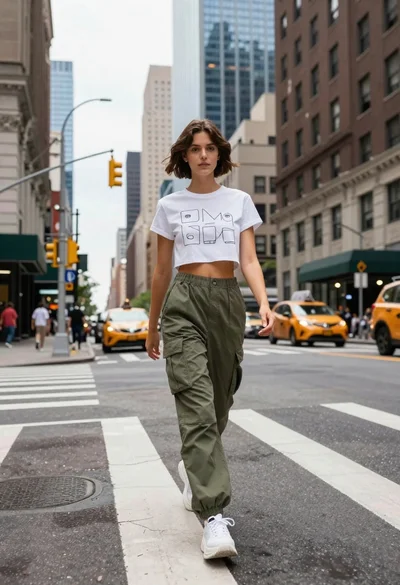
Young woman in white tshirt and cargo pants walking across city street
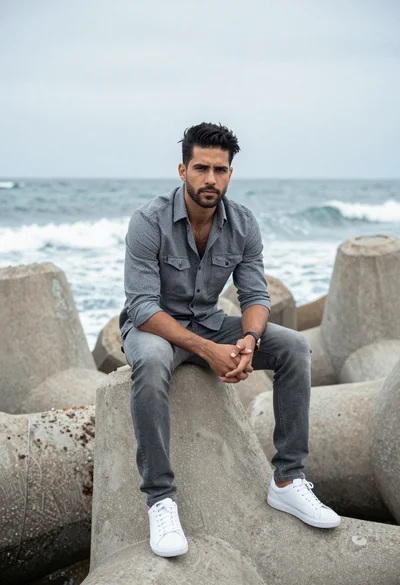
Man sitting on concrete sea blocks overlooking crashing waves at overcast shoreline
