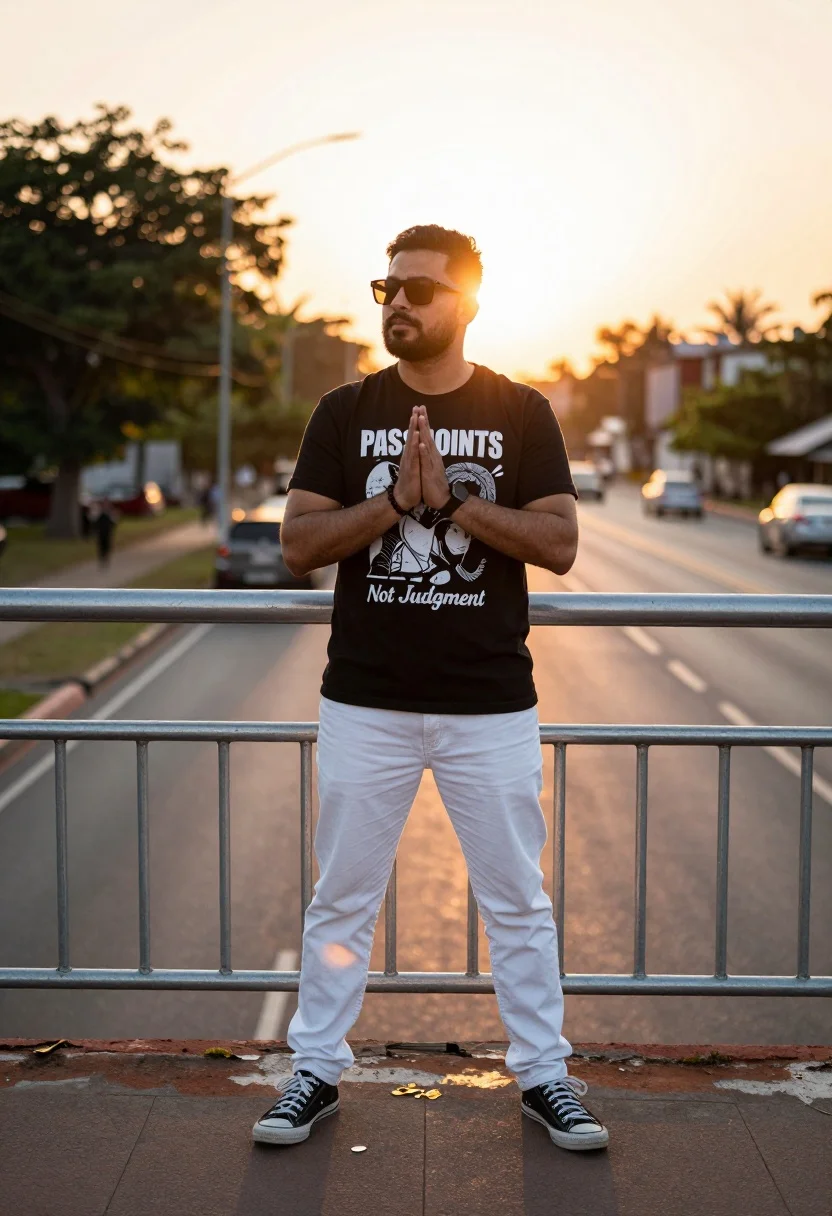
Man standing confidently by metal railing during warm golden hour sunset
Prompt
A full-body portrait of a man standing confidently in front of a metal railing during sunset.

Subject: A man with short dark hair and a beard wearing dark sunglasses.

Clothing: He wears a black graphic t-shirt, white jeans, and black sneakers with white laces.

Action: He stands with his hands clasped together in front of him, looking slightly to the side.

Environment: The setting is an outdoor paved area next to a road with blurred trees and vehicles in the background under a warm sky.

Camera: Shot from a straight-on perspective with a shallow depth of field that keeps the subject sharp while blurring the background.

Lighting: Warm golden hour sunlight illuminates the scene from the side, casting long shadows on the ground.

Objects: A metal railing runs horizontally behind the man.

Text/Graphics: The t-shirt displays a graphic print with the text "PASS JOINTS Not Judgment" .

Style Details: The image has a cinematic color grade with high contrast and a soft, dreamy atmosphere.
Description
This prompt is useful for creating editorial street photography, cinematic character portraits, and advertising campaigns needing a sense of thoughtful contemplation. The combination of 'warm golden hour sunlight' casting long shadows and the 'shallow depth of field' ensures the subject remains sharply defined against the blurred background elements like trees and vehicles, which grounds the portrait in a specific time and place while maintaining artistic focus.
Suggestions
- Change 'black graphic t-shirt' to 'charcoal grey linen shirt' for a more elevated texture.
- Swap 'metal railing' for 'weathered brick wall' to alter the background material.
- Adjust 'cinematic color grade' to 'Kodak Portra 400 film grain' for a specific analog feel.
Category
Tags
Full BodyMaleRealisticSide ProfileStreet
Date added
July 12, 2026
Added by
PromptDexter Team
Related Prompts
More prompts with similar categories and tags.

Man on ledge with airplane flying overhead by water

Young man on fence against modern city skyline
Woman in superhero costume in urban twilight setting
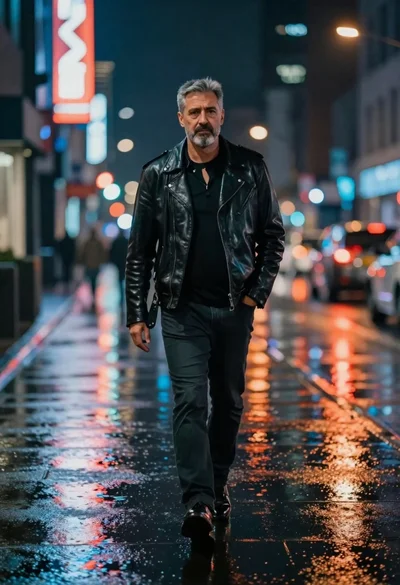
Man walking down rain slicked city street at night
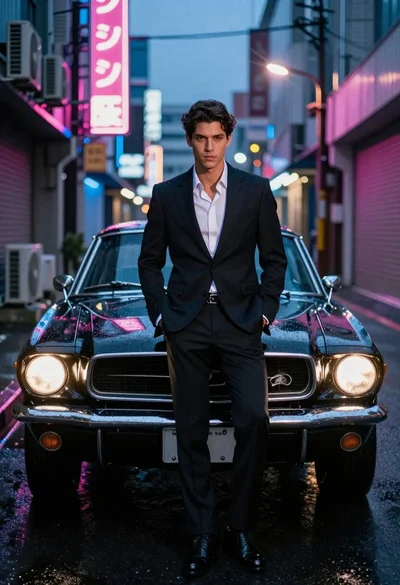
Man in suit with classic car on wet neon street

Digital illustration of a soccer player with flaming ball
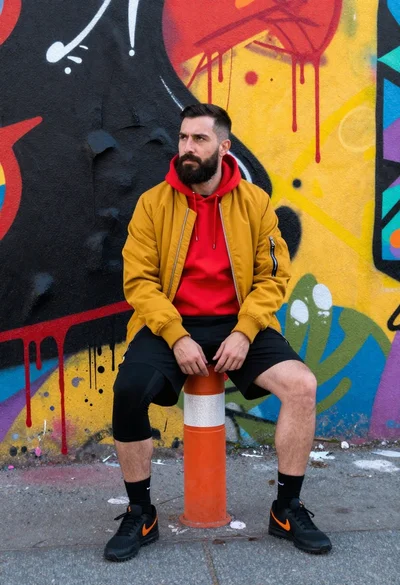
Man sitting on bollard against vibrant graffiti wall
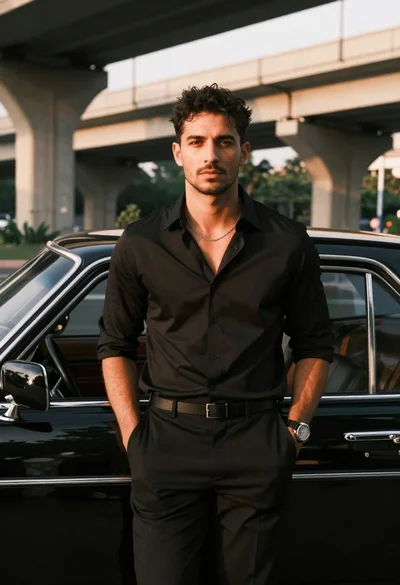
Man leaning against classic black car in urban underpass
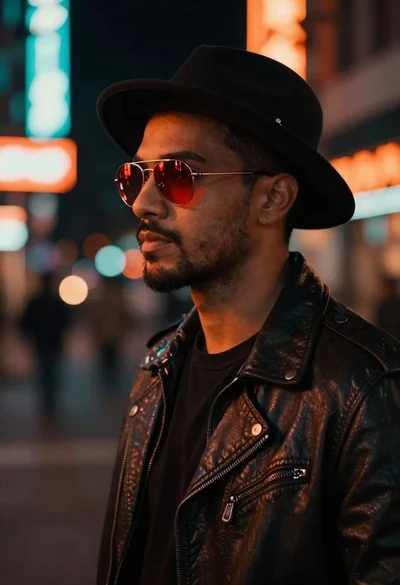
Man in fedora and leather jacket on neon street
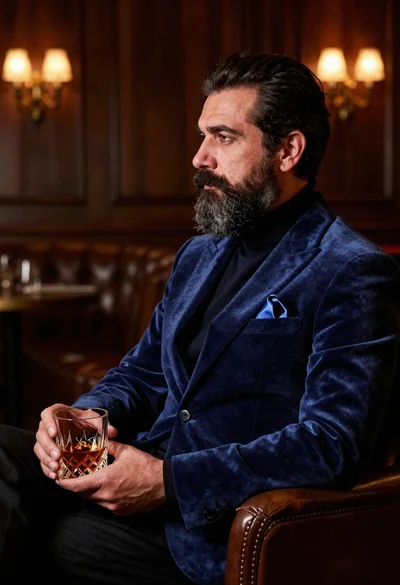
Middle aged man with beard holding amber drink in dimly lit lounge