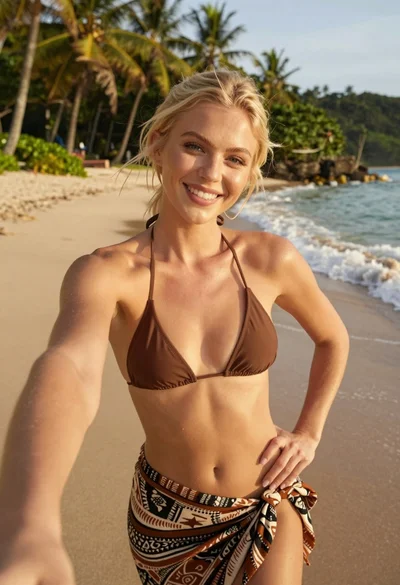

Medium close up portrait of woman with brown hair on coastal balcony
Prompt
A close-up portrait of a woman with long wavy brown hair and bangs smiling gently at the camera.

Subject: A woman with fair skin, striking blue eyes, and long voluminous wavy brown hair featuring straight-cut bangs that frame her face. She has a soft, natural makeup look with pink lips.

Clothing: She is wearing a dark navy or black strapless top with thin white vertical stripes along the edges of the straps.

Action: The subject is looking directly at the camera with a subtle, closed-mouth smile and a relaxed expression. Her head is slightly tilted.

Environment: The photo is taken on an outdoor balcony or terrace overlooking a coastal scene. In the background, there is a turquoise ocean, a sandy beach lined with palm trees, and a rocky island in the distance under a partly cloudy sky. To the left, a glass window reflects another figure standing inside.

Camera: A medium close-up shot taken from a slightly low angle looking up at the subject, utilizing a shallow depth of field that keeps the face sharp while blurring the background scenery.

Lighting: Natural daylight illuminates the scene, creating soft highlights on the hair and skin with gentle shadows that suggest an overcast or diffused sun.

Style Details: The image has a candid, lifestyle photography aesthetic with high color saturation in the ocean and sky, capturing a bright summer atmosphere.
Description
This prompt is useful for creating casual travel blog headers, personal social media profile pictures, and intimate portrait galleries. The combination of 'medium close-up shot' from a 'slightly low angle' emphasizes the subject against the expansive coastal backdrop, while the 'shallow depth of field' ensures that the viewer's focus remains tightly on her face despite the vibrant background elements like the turquoise ocean.
Suggestions
- Change 'dark navy or black' to 'terracotta' for warmer clothing tones.
- Add 'golden hour rim light' to enhance the hair texture.
- Adjust 'medium close-up shot' to 'head and shoulders portrait' for more focus on the face.
Category
Tags
BeachBlondeBrown HairCasual WearFair SkinFemaleLow AngleMedium ShotOutdoorsRealistic
Date added
June 19, 2026
Added by
PromptDexter Team
Related Prompts
More prompts with similar categories and tags.

Young woman with brown hair under pink umbrella at outdoor cafe setting

Young blonde woman taking mirror selfie in pink athletic wear indoors

Young woman taking a mirror selfie in a modern bedroom setting
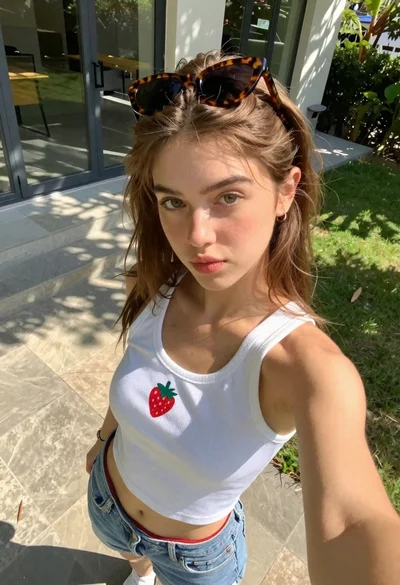
Young woman taking high angle selfie outdoors by modern building
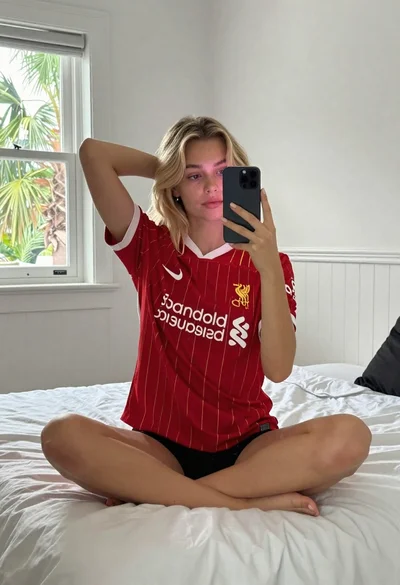
Fair skinned young woman with wavy blonde hair taking a mirror selfie

Close up portrait of young woman with brown braid indoors

Fair skinned woman taking a high angle selfie on green lawn
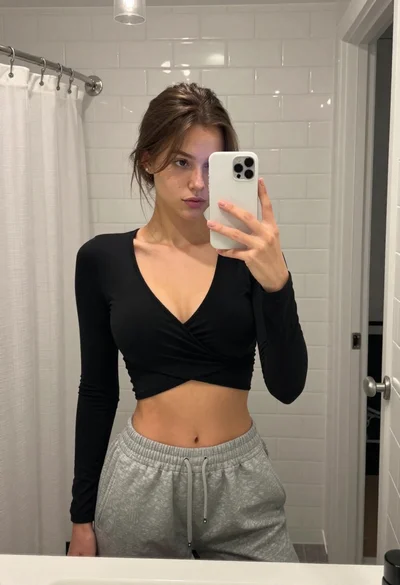
Young woman mirror selfie in modern bathroom wearing black crop top

Young woman taking a mirror selfie kneeling on wooden bedroom floor
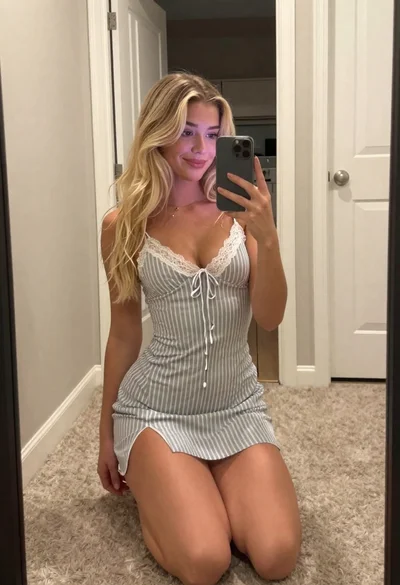
Blonde woman taking a mirror selfie in a hallway entryway