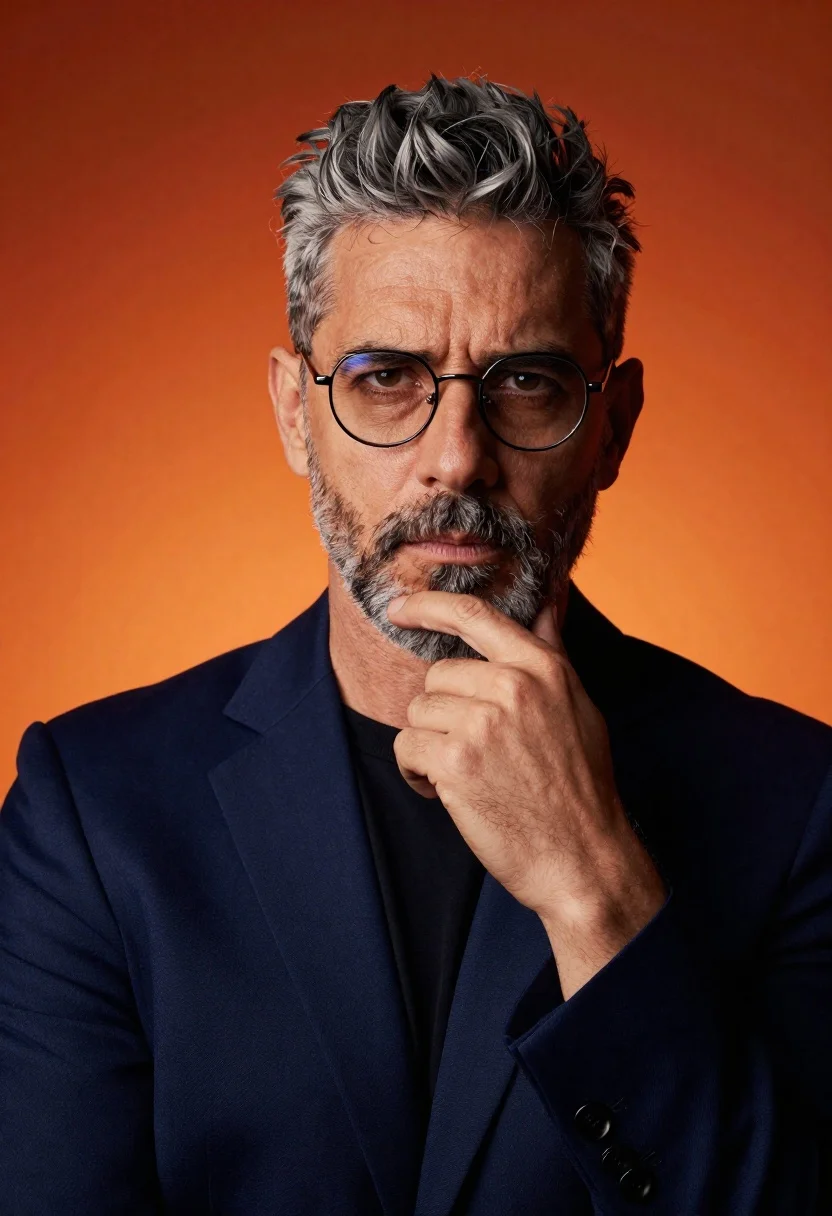
Middle aged man in blazer posing thoughtfully against vibrant orange studio backdrop
Prompt
A confident man with short salt-and-pepper hair and a light beard gazes directly at the camera against a vibrant orange backdrop.

Subject: A middle-aged man with short, styled salt-and-pepper hair and a neatly trimmed stubble beard. He wears thin, round metal-framed glasses that reflect the ambient light. His expression is serious and contemplative, with his eyes focused intently on the viewer.

Clothing: He is dressed in a dark navy blue blazer over a simple black crew-neck t-shirt. The fabric of the jacket appears smooth and high-quality, while the t-shirt offers a casual contrast.

Action: His right hand is raised to his face, with his index finger resting gently against his chin in a thoughtful pose. His head is slightly tilted, adding to the pensive mood.

Environment: The background is a solid, seamless gradient of deep orange and red hues, creating a warm and dramatic studio atmosphere that isolates the subject.

Camera: A tight medium close-up shot captures the subject from the chest up, emphasizing facial details and expression with a shallow depth of field that keeps the background softly blurred.

Lighting: Dramatic studio lighting illuminates the face from the front-left, casting soft shadows on the right side of his features to create depth and dimension. The warm backlight enhances the orange tones in the background.

Style Details: High-definition portrait photography with a cinematic color palette, sharp focus on the eyes and hand, and a polished, professional aesthetic.
Description
This prompt is useful for creating corporate headshots, character concept art for film roles, and sophisticated editorial portraits requiring intense focus. The combination of 'dramatic studio lighting' from the front-left and the 'vibrant orange backdrop' sculpts the face by casting soft shadows on the right side, which prevents the subject from looking flat against such a saturated background while keeping the viewer locked onto the eyes.
Suggestions
- Change 'dark navy blue blazer' to 'charcoal wool blazer' for a more textured look.
- Swap 'vibrant orange backdrop' for 'burnt sienna gradient' to deepen the mood.
- Adjust 'tight medium close-up shot' to 'waist-up portrait' to include more of the jacket.
Category
Tags
MalePortrait ShotRealisticStudio
Date added
June 19, 2026
Added by
PromptDexter Team
Related Prompts
More prompts with similar categories and tags.
Close up portrait of dark skinned man with wet hair
Black man in dark armored suit portrait against black background
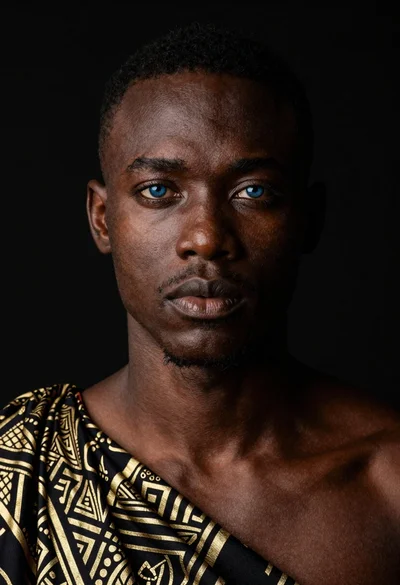
Black man portrait with blue eyes dramatic lighting
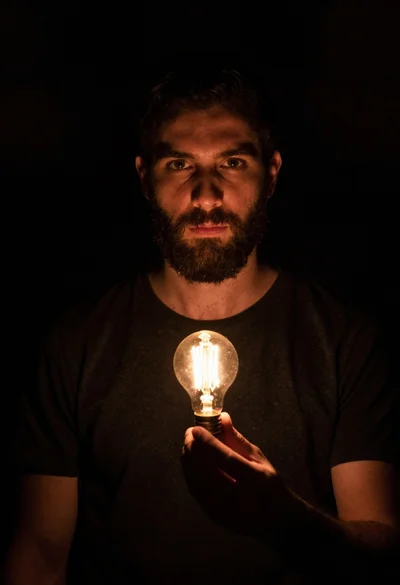
Bearded man holding illuminated lightbulb against black void
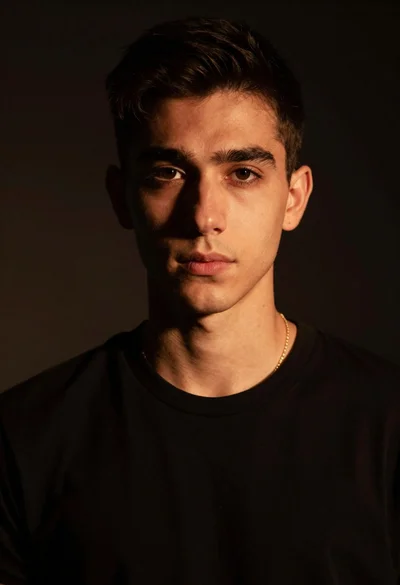
Portrait of young man with gold necklace under dramatic light
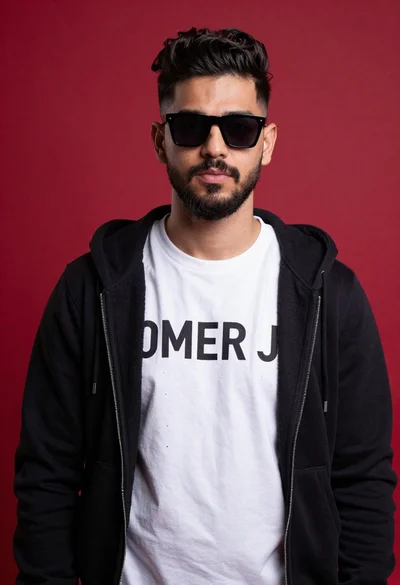
Young man portrait against a vibrant red background
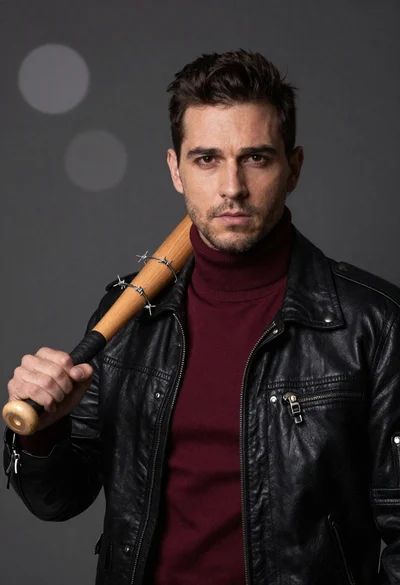
Man in black leather jacket with wooden bat
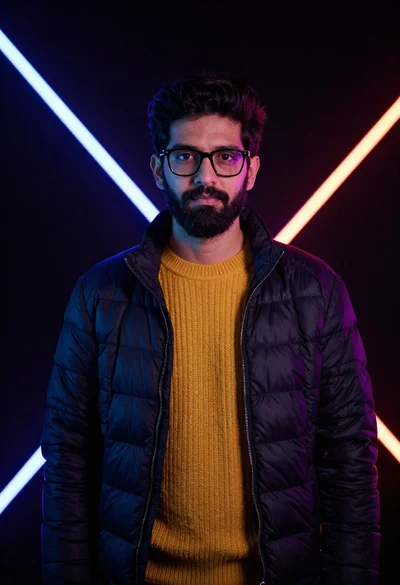
Man in puffer jacket with neon studio lighting portrait
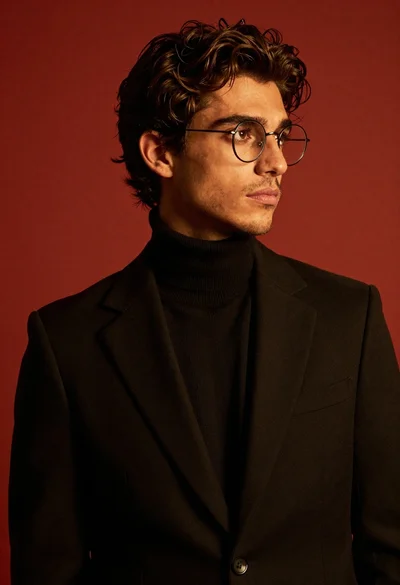
Studio portrait of stylish man in black turtleneck
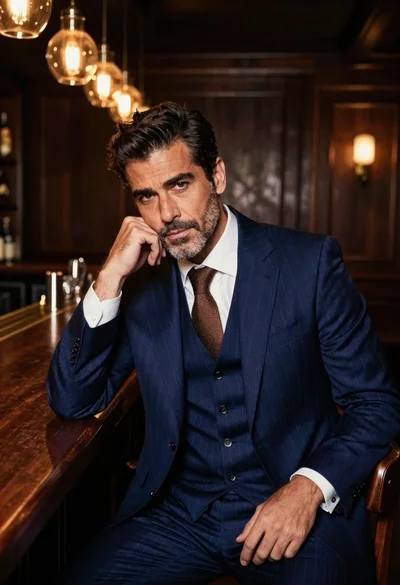
Handsome man in navy suit at dimly lit bar counter