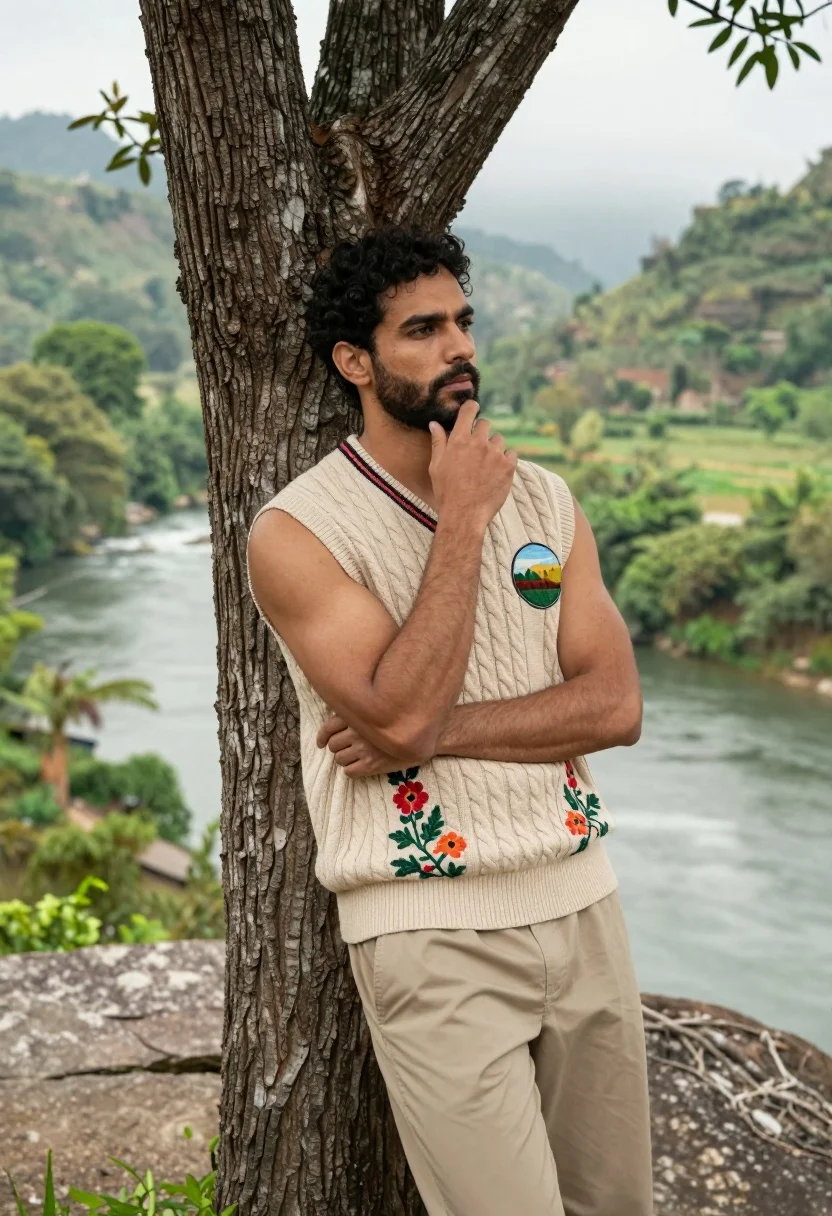
Muscular man leaning on tree overlooking lush green valley river
Prompt
A handsome man with dark curly hair and a beard leans against a large tree trunk while gazing thoughtfully into the distance.

Subject: A muscular man with short dark curly hair, light skin, and a well-groomed beard.

Clothing: He wears a beige cable-knit sleeveless sweater vest featuring colorful floral embroidery on the left side and a circular landscape patch on the right chest, paired with plain beige trousers.

Action: The man stands leaning his back against the tree, his right hand raised to touch his chin in a contemplative gesture while his arms are crossed over his torso.

Environment: He is positioned outdoors on a rocky overlook next to a calm river that winds through a lush green valley with misty hills in the background.

Camera: The shot is framed as a medium view capturing the subject from the thighs up, utilizing a shallow depth of field to blur the scenic background and emphasize the man.

Lighting: Soft natural daylight illuminates the scene evenly, creating gentle shadows that highlight the texture of his clothing and skin without harsh contrast.

Style Details: The image has a high-definition, photorealistic quality with a cinematic color palette that emphasizes the greens of the nature and the warm beige tones of the subject's attire.
Description
This prompt is useful for creating character concept art for adventure narratives, editorial lifestyle photography featuring outdoor pursuits, and detailed book cover illustrations. The combination of 'soft natural daylight' with a 'shallow depth of field' ensures that the viewer's focus remains sharply on the man's contemplative pose and the texture of his 'beige cable-knit sleeveless sweater vest,' preventing the lush background from becoming a distracting wash of color.
Suggestions
- Change 'beige cable-knit sleeveless sweater vest' to 'dark forest green knit vest' for better contrast.
- Swap 'misty hills in the background' for 'jagged mountain peaks' to increase drama.
- Adjust 'soft natural daylight' to 'late afternoon sunbeams' for more directional light.
Category
Tags
Light SkinMaleMedium ShotNatureOutdoorsRealistic
Date added
July 3, 2026
Added by
PromptDexter Team
Related Prompts
More prompts with similar categories and tags.
Young man in white shirt standing profile in yellow flower field
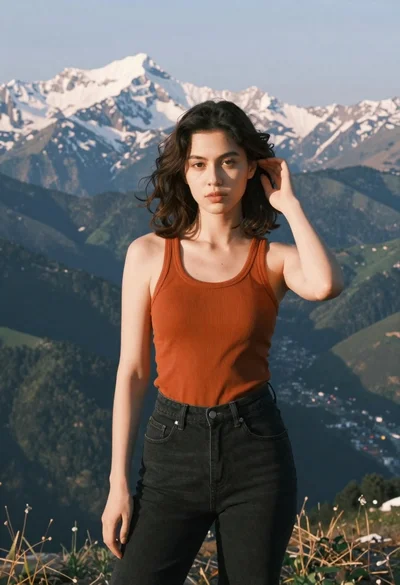
Young woman in orange tank top standing before snow capped mountains
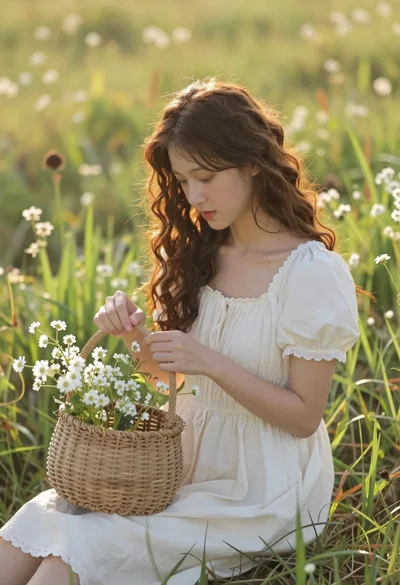
Young woman in cream dress holding flower basket in sunlit meadow
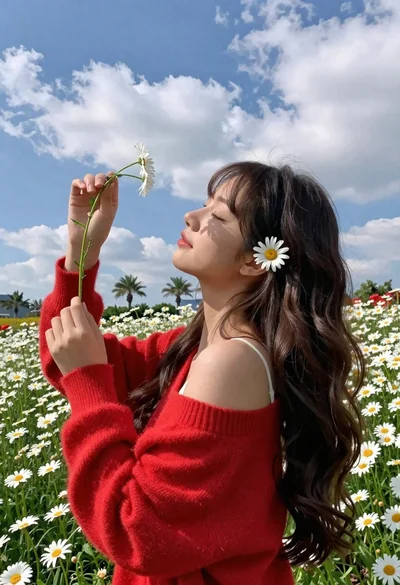
Young woman in red sweater holding flowers in daisy field
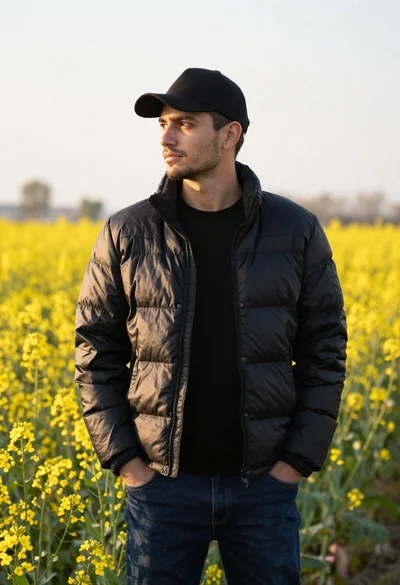
Young man in black puffer jacket standing in a field of yellow
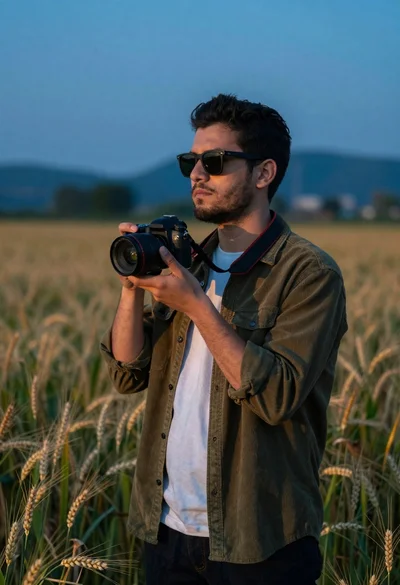
Young man with dark hair holding a camera in a wheat field
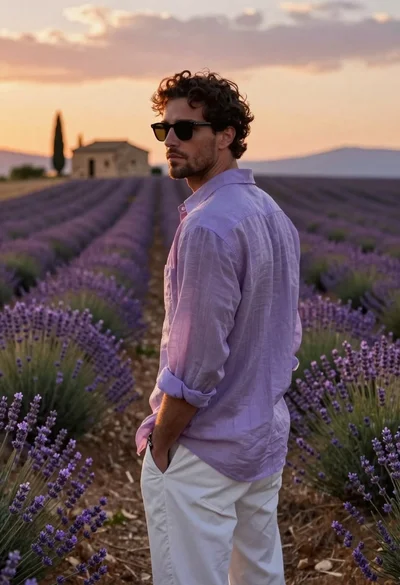
Young man in purple shirt stands in lavender field at sunset looking
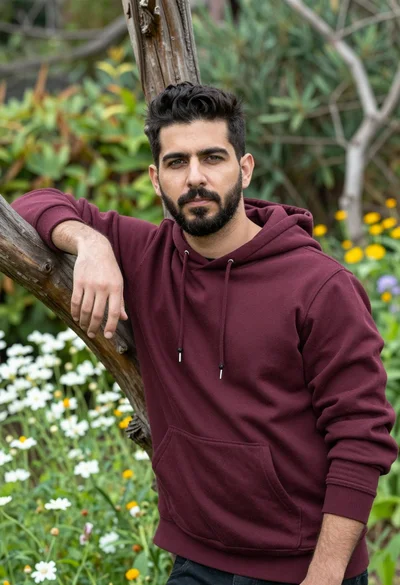
Photorealistic portrait of man in maroon sweatshirt leaning on branch in garden
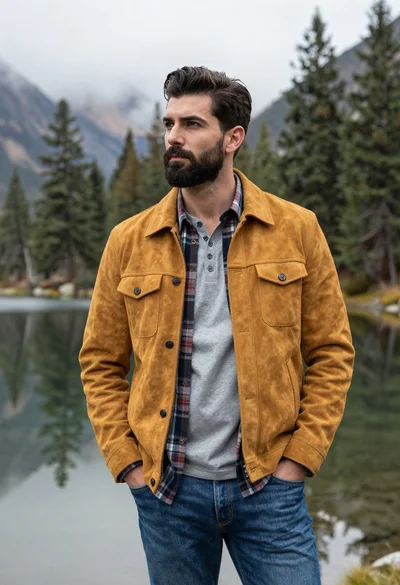
Handsome man in yellow jacket standing by misty mountains and calm lake
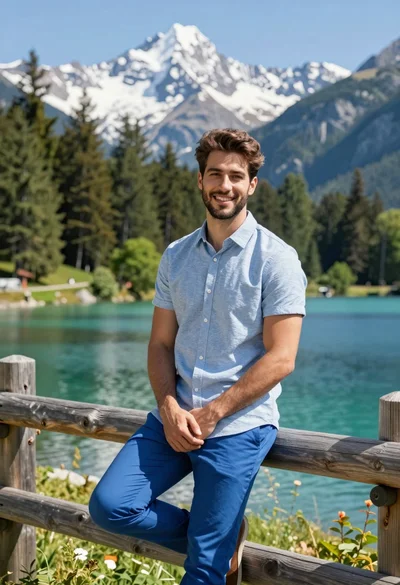
Handsome man leaning on wooden fence in alpine lake mountain landscape