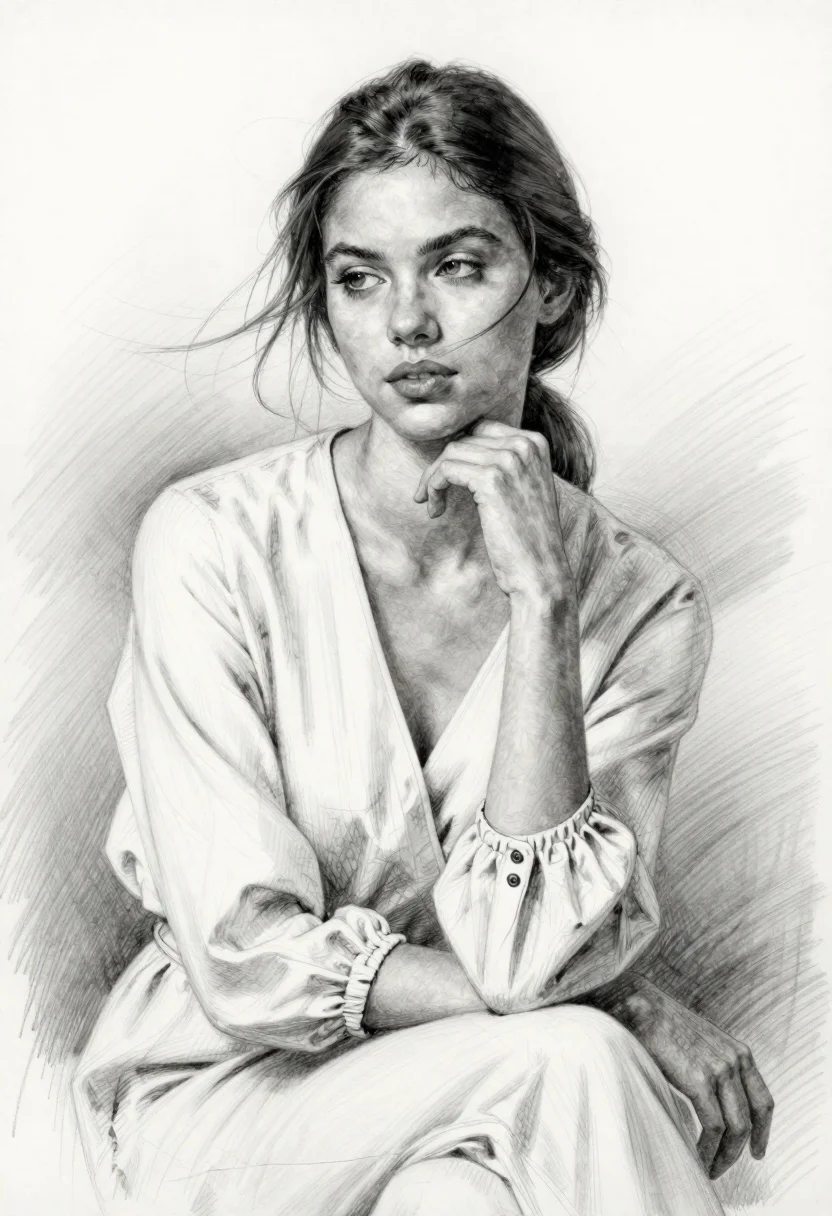
Pencil sketch portrait of young woman with dark hair
Prompt
A highly detailed pencil sketch portrait of a young woman with an elegant, contemplative expression

Subject: She has dark brown hair pulled back loosely into a low ponytail with wispy strands framing her face and blowing slightly in the breeze; she possesses sharp features including defined eyebrows, expressive eyes looking off to the side, and full lips.

Clothing: She is wearing a light-colored wrap-style blouse or robe that drapes softly over her frame, featuring voluminous sleeves gathered at the wrist with decorative buttons on one cuff and tied loosely at the waist.

Action: Her right hand rests gently against her chin in a pensive pose while she sits facing slightly to the left of the viewer; loose strands of hair drift across her cheek.

Environment: She is seated alone against an abstract background created by faint diagonal sketch lines radiating from behind, suggesting depth and atmosphere without specific scenery.

Lighting: Soft shading defines the contours of her face and clothing folds with subtle highlights on high points like nose bridge and forehead; shadows fall gently along jawline and neck for realistic dimensionality.

Style Details: Rendered entirely in monochrome pencil strokes using fine hatching, cross-hatching, and smooth blending techniques to convey texture, volume, and emotion through artistic draftsmanship rather than color or photography.
Description
This prompt is useful for creating character concept art, book illustrations for literary fiction, and academic studies of portraiture. The explicit instruction to render 'entirely in monochrome pencil strokes using fine hatching, cross-hatching, and smooth blending techniques' ensures the output maintains a tangible, hand-drawn quality that avoids digital flatness, making the pensive pose feel authentically captured by graphite.
Suggestions
- Change 'low ponytail' to 'braided crown' for a more elaborate hairstyle.
- Swap 'light-colored wrap-style blouse' for 'silk draped robe' to alter the fabric texture.
- Adjust 'faint diagonal sketch lines' to 'subtle cross-hatching pattern' for a more structured background.
Category
Tags
Brown HairBrunetteFemaleHalf BodyLight SkinPortrait ShotTraditional Art
Date added
June 19, 2026
Added by
PromptDexter Team
Related Prompts
More prompts with similar categories and tags.
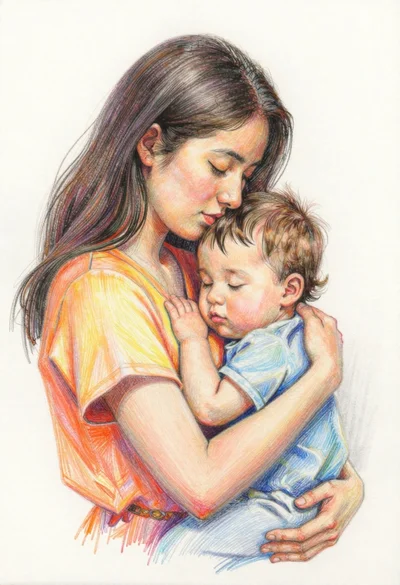
Colored pencil sketch of mother embracing child
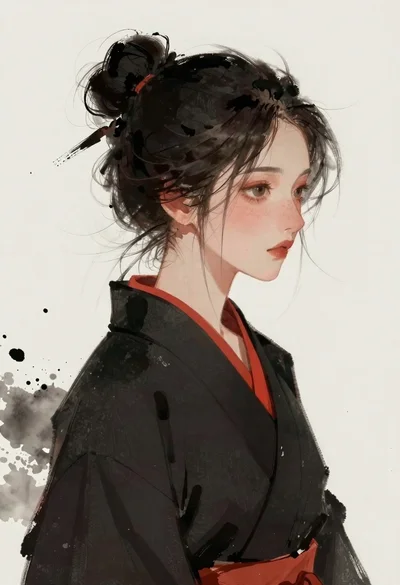
Woman in black kimono profile with freckles and dark hair
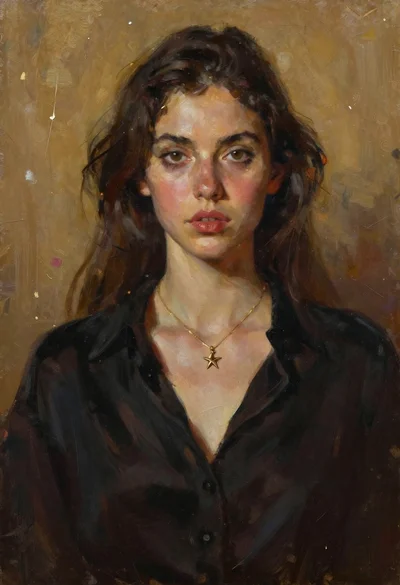
Oil painting portrait of woman with dark hair
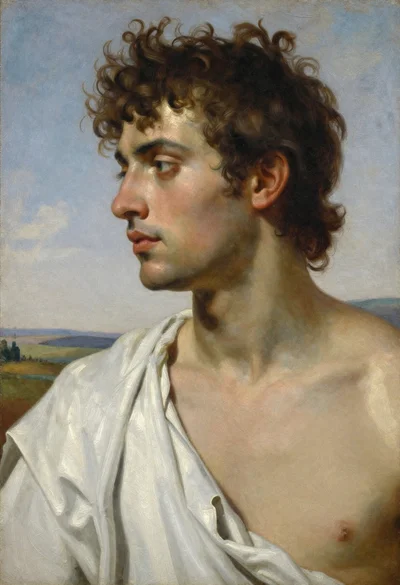
Oil painting portrait of young man in white fabric
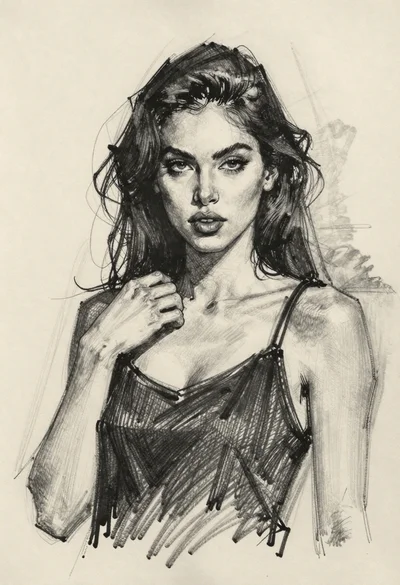
Charcoal portrait sketch of woman touching her neck
Watercolor portrait of smiling woman in floral dress on wooden table
Woman in white dress on rocky shoreline by ocean
Woman in striped dress seated in armchair