
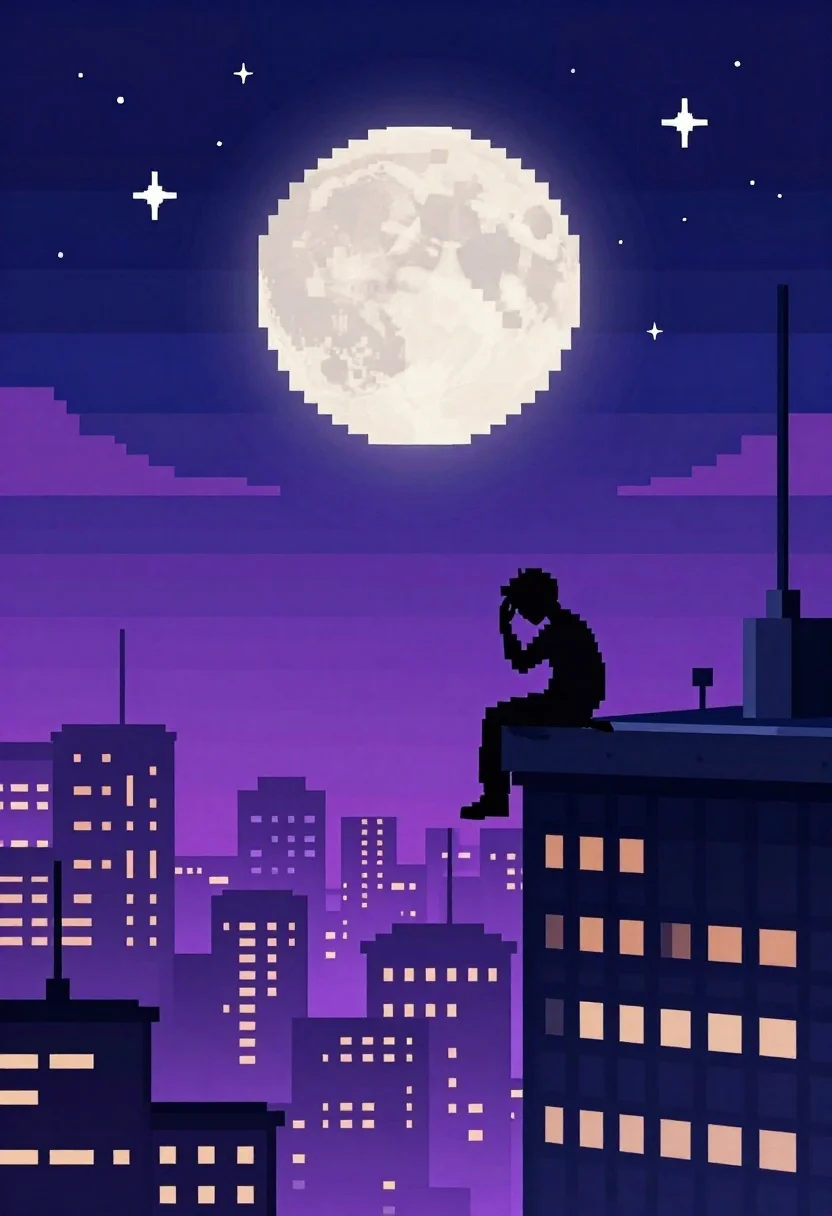
Pixel art figure on skyscraper edge under starry night
Prompt
Pixel art illustration of a lone figure sitting on the edge of a skyscraper against a starry night sky

Subject: silhouette of a person with head bowed and hand touching forehead, seated casually at the precipice

Environment: sprawling cityscape below glowing with purple-hued lights under a massive pixelated full moon

Lighting: ambient glow from the large luminous moon casting soft light across horizontal bands of deep blue and magenta sky

Style Details: 8-bit retro video game aesthetic, blocky pixels forming stars, buildings, and facial features.
Description
This prompt is useful for creating retro gaming concept art, atmospheric digital wallpapers, and stylized narrative scene illustrations. The combination of '8-bit retro video game aesthetic' with the specific color palette of 'deep blue and magenta sky' ensures that the soft light from the luminous moon interacts with blocky pixels in a way that feels intentionally nostalgic rather than just randomly colored.
Suggestions
- Change 'purple-hued lights' to 'cyan-hued lights' for a different nighttime feel.
- Add 'rain streaks' to the cityscape below for more drama.
- Swap 'head bowed and hand touching forehead' for 'looking up at the moon' to change the mood.
Category
Tags
Full BodyRooftopSpace
Date added
June 19, 2026
Added by
PromptDexter Team
Related Prompts
More prompts with similar categories and tags.
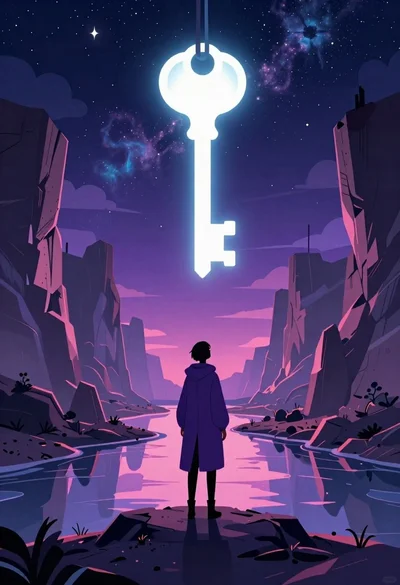
Solitary figure viewing glowing key in alien canyon

Cloaked figure kneeling in a dark blue stone room

Man on mushroom in magical forest at night

Woman embracing earth against starry cosmos background
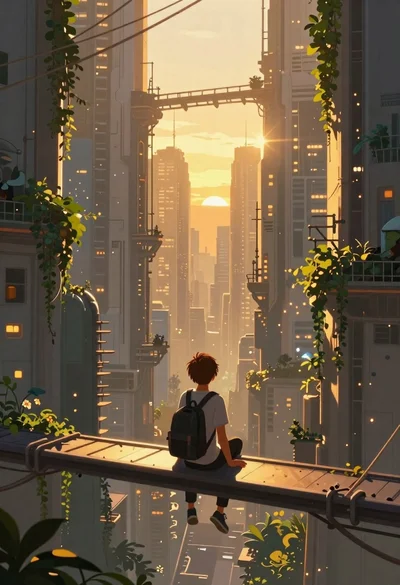
Person on bridge overlooking futuristic metropolis at sunset
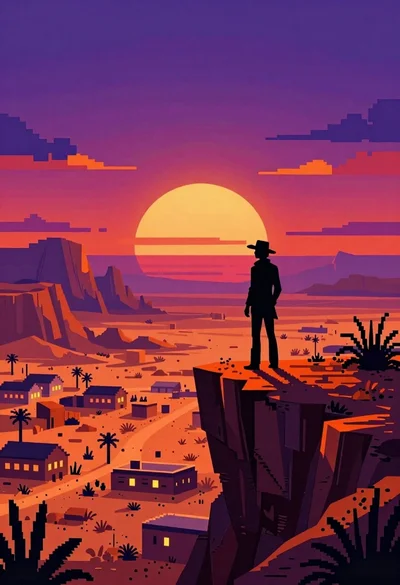
Silhouette on cliff overlooking desert town at sunset
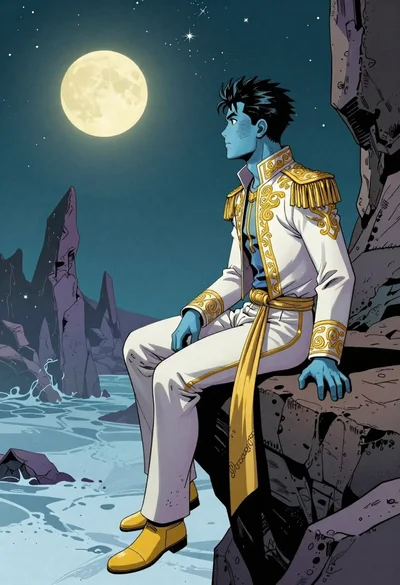
Blueskinned man on rocky outcrop under teal night sky

Three stylized kings collage artwork on offwhite background