

Portrait of blonde woman in black blazer against bright blue press backdrop
Prompt
A portrait of a woman with fair skin and light blue eyes looking slightly to the left with a soft smile.

Subject: A young woman with blonde hair pulled back tightly into a sleek bun, featuring wispy strands framing her face and prominent sideburns. She has defined eyebrows, winged eyeliner, and glossy pink lips. Her ears are adorned with multiple silver hoop earrings stacked vertically.

Clothing: She wears a structured black blazer with wide lapels and a deep plunging neckline revealing the chest. The jacket features cutouts at the waist exposing her midriff. A glimpse of a sparkly, sequined garment is visible below the jacket hem.

Action: She stands facing forward with her hands clasped loosely in front of her waist. Her expression is calm and composed.

Environment: The background is a solid bright blue wall featuring faint white silhouettes of bears and text, indicating a press event backdrop.

Camera: A medium shot capturing the subject from the waist up, utilizing a shallow depth of field to keep the focus sharply on her face while slightly blurring the background elements.

Lighting: The scene is lit with bright, even studio lighting that eliminates harsh shadows, highlighting the texture of the black fabric and the skin tone evenly.

Style Details: High-resolution photography with a polished, red-carpet aesthetic, featuring sharp details and vibrant color saturation.
Description
This prompt is useful for creating high-end fashion editorials, celebrity press junket coverage, and stylized portrait branding materials. The combination of 'structured black blazer' against the 'solid bright blue wall' establishes a high contrast that keeps the focus on the subject while the 'shallow depth of field' ensures the background elements remain decorative rather than distracting from her face.
Suggestions
- Change 'bright blue wall' to 'deep sapphire backdrop' for more dramatic saturation.
- Swap 'sleek bun' for 'loose waves' to soften the overall look.
- Adjust 'glossy pink lips' to 'matte nude lipstick' for a more severe editorial edge.
Category
Tags
Black HairBlondeFemaleMedium ShotRealisticStudio
Date added
June 19, 2026
Added by
PromptDexter Team
Related Prompts
More prompts with similar categories and tags.

Fair skinned woman in black velvet dress at white step and repeat

Smiling blonde woman in black leather outfit at an indoor evening event

Smiling blonde woman in sheer black gown at a dark event backdrop

Blonde woman in sequined black dress looking back over shoulder

Medium close up portrait of blonde woman in black floral velvet dress
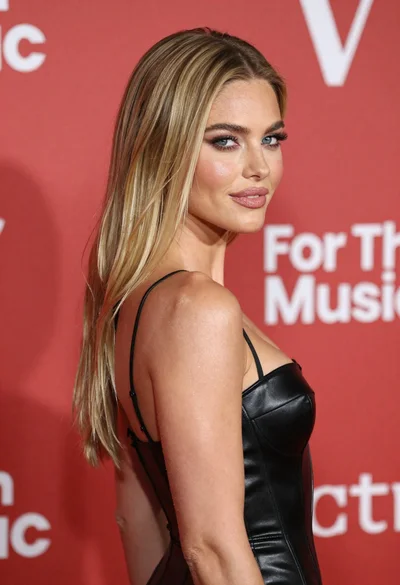
Medium close up profile portrait of blonde woman against red backdrop
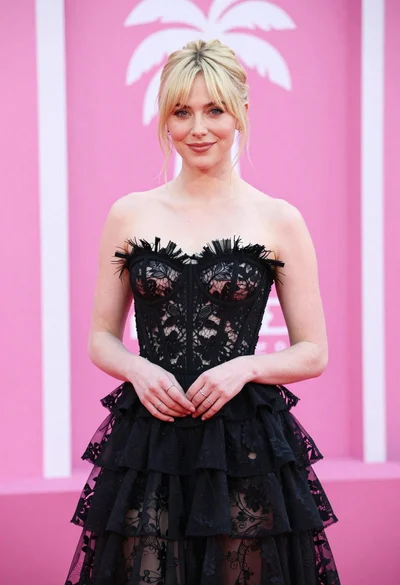
Blonde woman in black lace gown against a vibrant pink striped backdrop

Blonde woman in black dress against yellow step and repeat backdrop

Fair blonde woman in metallic corset mini dress against light blue studio

Young woman in silver sequin top and lace dress against beige wall
