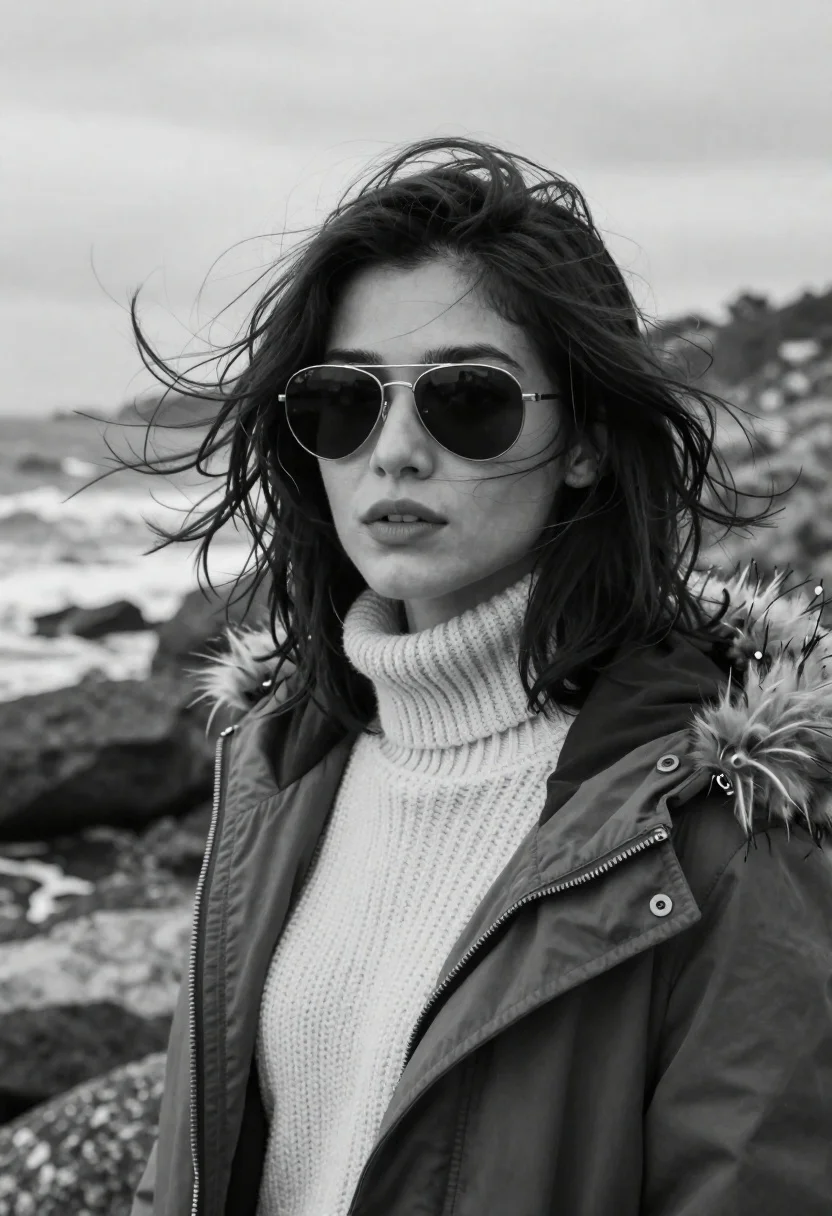
Portrait of woman in knit sweater and parka on rocky coastline
Prompt
A striking black and white portrait of a woman with windswept hair standing on a rocky coastline.

Subject: A young woman with dark, shoulder-length wavy hair that is blowing in the wind, wearing large aviator sunglasses that obscure her eyes.

Clothing: She wears a thick, textured knit turtleneck sweater underneath a heavy parka jacket featuring a fur-lined hood and multiple zippers.

Action: Her head is turned slightly to face the camera with a neutral, calm expression while the wind blows her hair across her face.

Environment: The background shows a blurred rocky shoreline with waves crashing against the rocks under an overcast sky.

Camera: Shot as a close-up portrait with a shallow depth of field that keeps the subject sharp while blurring the coastal landscape behind her.

Lighting: Soft, diffused natural light typical of an overcast day creates gentle shadows and highlights on her face without harsh contrast.

Style Details: High-contrast black and white photography with a cinematic film grain texture and moody atmospheric tone.
Description
This prompt is useful for creating dramatic character studies, gritty outdoor editorial spreads, and moody fine art portraiture. The combination of 'soft, diffused natural light' and 'high-contrast black and white photography' ensures that the texture of the 'thick, textured knit turtleneck sweater' remains visible without harsh blowouts, which is essential for conveying a rugged, cinematic mood.
Suggestions
- Change 'aviator sunglasses' to 'leather gloves' to add more tactile detail.
- Swap 'overcast sky' for 'stormy sea mist' to increase atmospheric drama.
- Adjust 'cinematic film grain texture' to 'Kodak Tri-X 400' for a specific vintage feel.
Category
Tags
B&wBlack HairClose UpFemaleNatureOutdoorsPortrait ShotRealistic
Date added
June 21, 2026
Added by
PromptDexter Team
Related Prompts
More prompts with similar categories and tags.
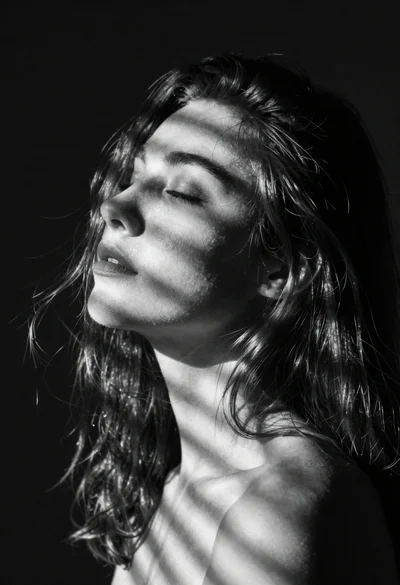
Black and white portrait of serene woman with closed eyes
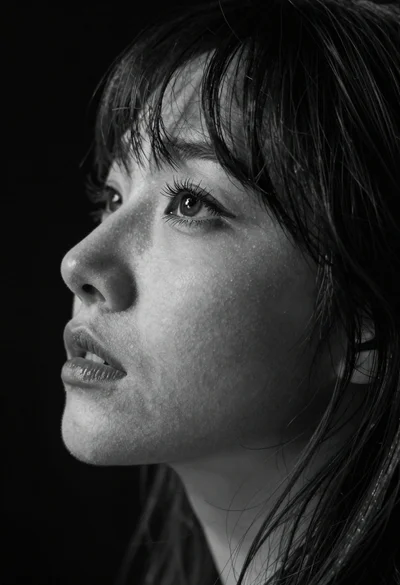
Monochrome close up profile of womans face
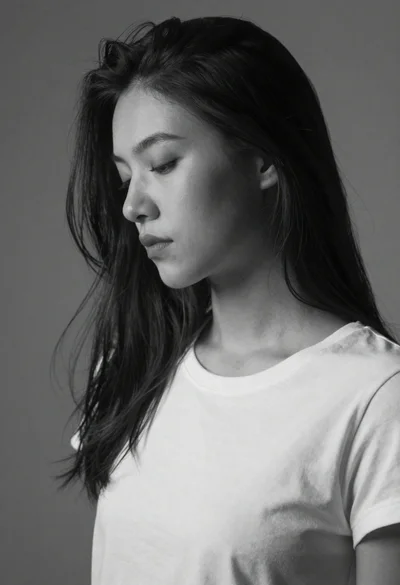
Grayscale portrait of woman with flowing hair in studio light
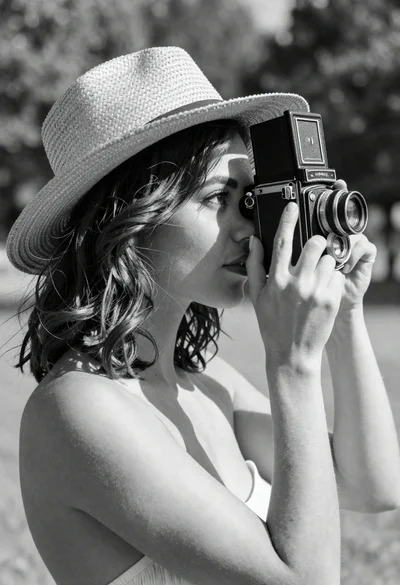
Woman in straw hat holding vintage camera in sunny garden
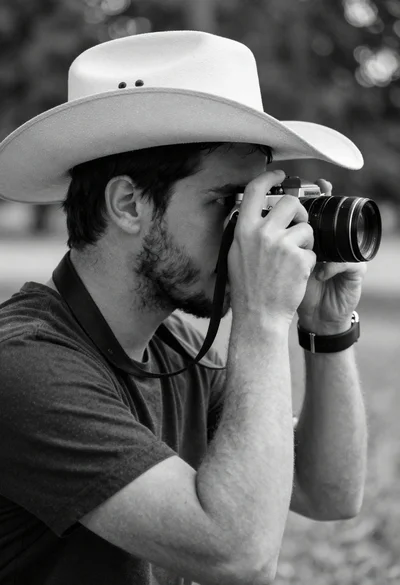
Man with cowboy hat holding vintage camera in profile portrait
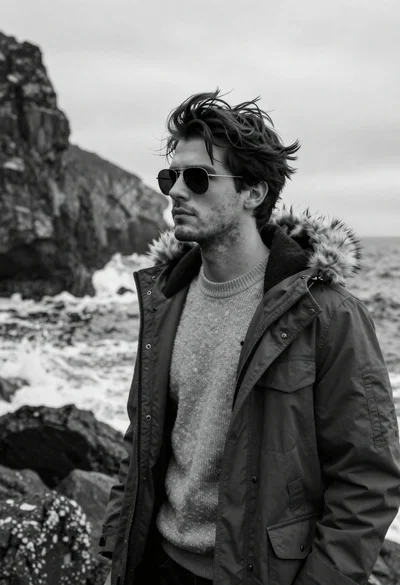
Monochrome portrait of a rugged man in parka on rocky coastline
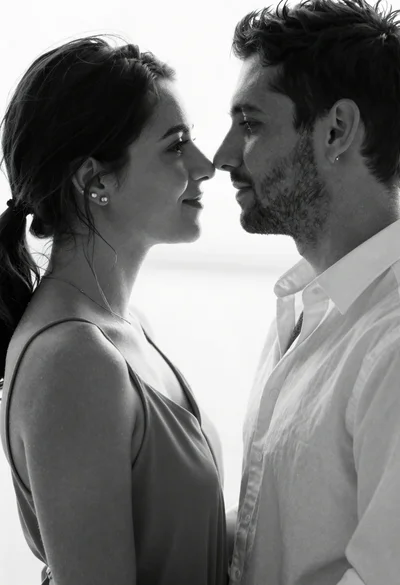
Black and white close up portrait of a couple in intimate embrace

Monochrome portrait of woman with cat indoors