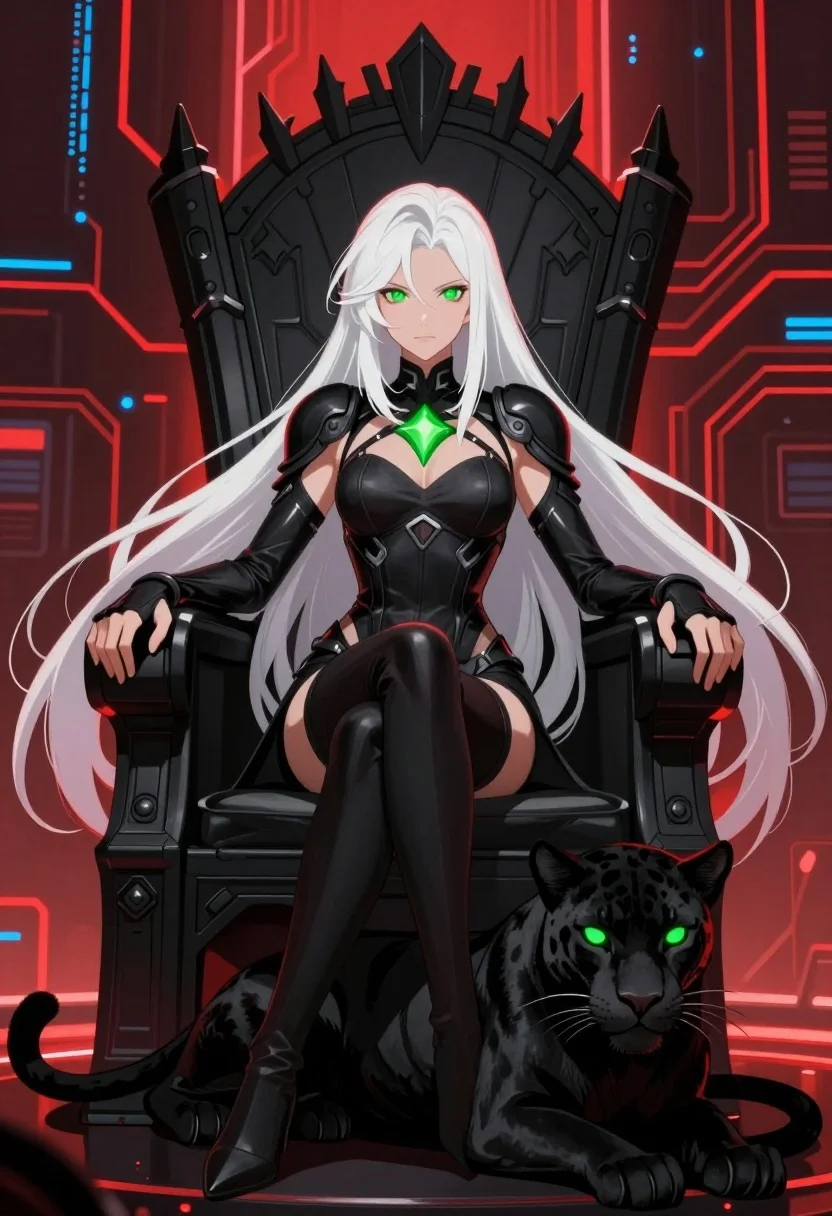
Regal woman in black bodysuit on throne with black panther in digital
Prompt
A regal woman with long white hair sits on a high-backed black throne, accompanied by a sleek black panther at her feet.

Subject: A pale-skinned woman with extremely long flowing white hair and glowing green eyes, possessing a sharp, confident expression.

Clothing: She wears a form-fitting black bodysuit with armored shoulder pads and thigh-high boots, featuring a glowing green diamond-shaped emblem on the chest.

Action: She sits upright in a relaxed but commanding pose with her hands resting on the armrests of the throne, while the panther lies calmly beside her.

Environment: The setting is a futuristic digital space with red circuit board patterns and blue data streams forming the background.

Camera: A medium shot framed to include both the seated figure and the animal companion, utilizing a slightly low angle to emphasize authority.

Lighting: Dramatic lighting highlights the subject against a dark backdrop, with glowing green accents from her eyes and chest piece contrasting against red neon circuitry in the background.

Subject: A sleek black panther with glowing green eyes lying down at the bottom right of the frame.

Objects: An imposing black throne with sharp spiky details behind the woman's head.

Style Details: Digital art style with high contrast, vibrant neon colors, and a polished anime-influenced aesthetic.
Description
This prompt is useful for creating character concept art for sci-fi narratives, promotional key visuals for animated series, and dramatic profile illustrations for fantasy roleplaying games. The combination of 'dramatic lighting' against the 'red circuit board patterns' ensures that the glowing green accents from both the subject's eyes and the environment pop intensely, preventing the black bodysuit and throne from becoming a flat void.
Suggestions
- Change 'high-backed black throne' to 'ornate obsidian throne' for more texture.
- Swap 'glowing green diamond-shaped emblem' for 'luminescent cyan sigil' to shift the color palette.
- Adjust 'medium shot' to 'full body shot' to better showcase the thigh-high boots.
Category
Tags
3/4 AngleAnimalAnimeBlack HairBlondeFemaleFictional CharacterFull BodyHigh AngleIndoorsLow AngleMedium ShotNaturePortrait ShotRobotRooftopSide ProfileSpaceStreetwearStudioUrbanWide Shot
Date added
August 5, 2026
Added by
PromptDexter Team
Related Prompts
More prompts with similar categories and tags.
Spy peeking from behind a brick wall in alleyway
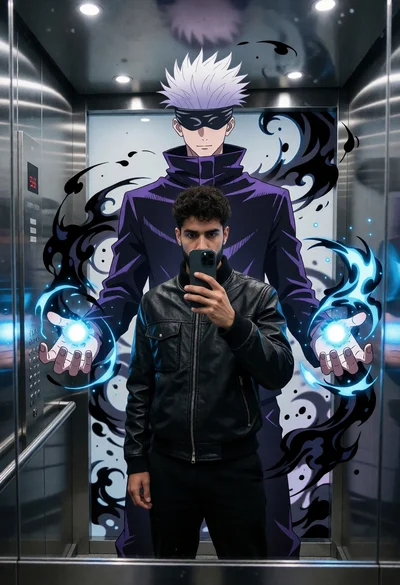
Man taking mirror selfie in modern elevator with anime mural projection
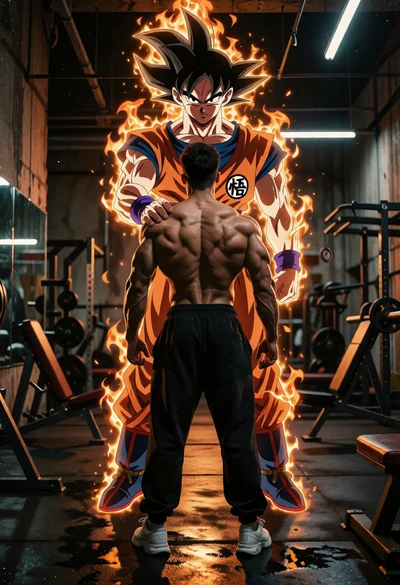
Muscular man in gym facing fiery spirit of goku from dragon ball
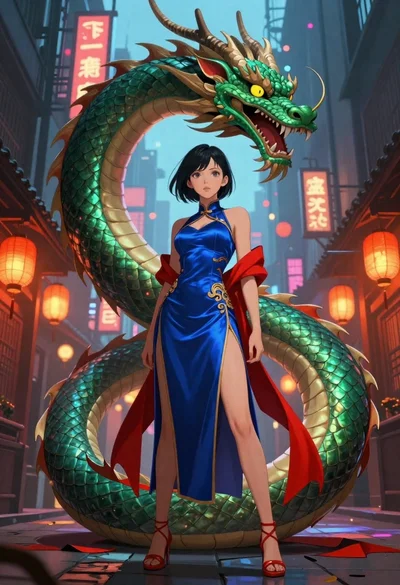
Anime woman with dragon in neon lit city alleyway
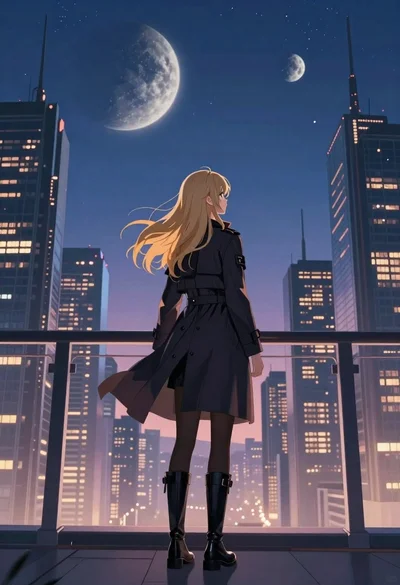
Anime woman viewing futuristic city skyline at twilight
Girl on skyscraper ledge overlooking neon city at night
Anime girl in school uniform overlooking a neon city
Anime woman in orange kimono against stylized ocean waves
Man with glowing sword in cyberpunk city skyline
Man and anime character sitting together on concrete wall under blue sky