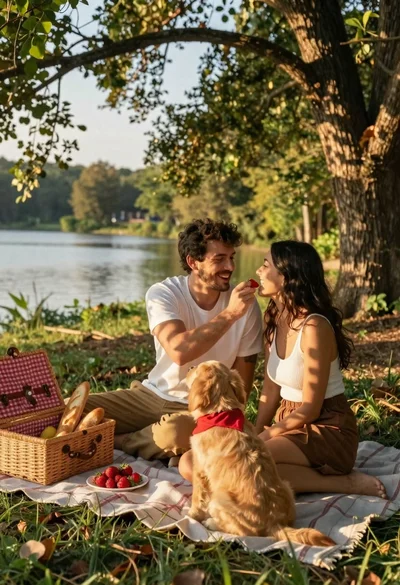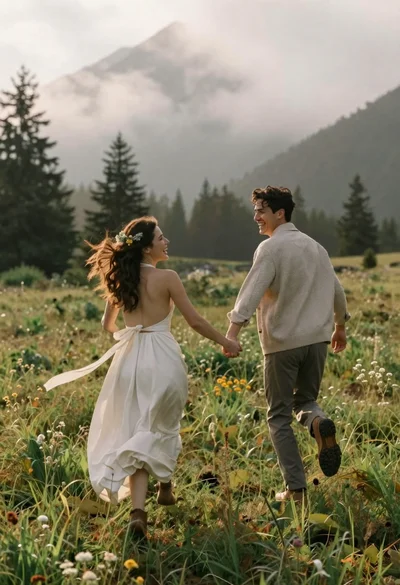

Romantic couple embracing in a sunlit meadow with mountains in background
Prompt
A romantic couple embracing in a sunlit meadow with mountains in the distance.

Subject: A smiling woman with long brown hair styled in a braid adorned with flowers and ribbons, wearing an elegant white dress with floral embroidery, standing next to a handsome man with dark wavy hair and a beard.

Clothing: The woman wears a flowing sleeveless white gown featuring delicate lace detailing on the bodice and skirt, while the man is dressed in a beige linen shirt, tan trousers, a brown belt, and brown leather shoes, with an unbuttoned beige blazer draped over his shoulders.

Action: The couple stands close together holding each other affectionately, with the woman’s arms wrapped around the man’s neck and his hands resting on her waist, both gazing into each other’s eyes with joyful expressions as wind gently blows through their hair and dress.

Environment: A lush green meadow filled with tall grasses and wildflowers under a soft golden sky, with distant blue mountains and evergreen trees forming a serene backdrop.

Camera: Shot from a medium-full angle capturing the full height of the couple, slightly low to emphasize the flowing fabric of the dress, with shallow depth of field blurring the background for focus on the subjects.

Lighting: Warm golden hour sunlight bathing the scene in soft glow, casting gentle shadows and highlighting the textures of clothing and skin, creating a dreamy romantic atmosphere.

Style Details: Cinematic photography style with natural color grading, soft focus transitions, and a painterly aesthetic reminiscent of fine art portraiture.
Description
This prompt is useful for creating wedding album spreads, romantic engagement announcements, and fine art lifestyle editorials. The combination of 'warm golden hour sunlight' casting gentle shadows and the 'shallow depth of field blurring the background' ensures the couple remains the undeniable focal point, while the 'flowing sleeveless white gown' catches movement beautifully against the soft backdrop.
Suggestions
- Change 'wildflowers' to 'poppies' for a bolder color accent.
- Swap 'beige linen shirt' for 'cream silk shirt' for more luminosity.
- Adjust 'medium-full angle' to 'full body shot' to better capture the meadow expanse.
Category
Tags
Brown HairFair SkinFemaleFull BodyMaleMedium ShotMountainsNatureOutdoorsRealistic
Date added
June 21, 2026
Added by
PromptDexter Team
Related Prompts
More prompts with similar categories and tags.
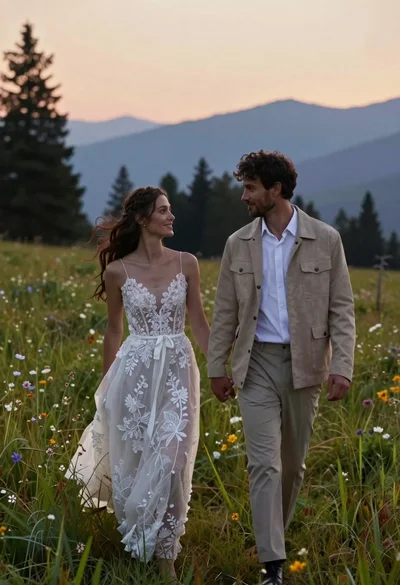
Romantic couple in wedding dress and suede jacket walking through grassy meadow
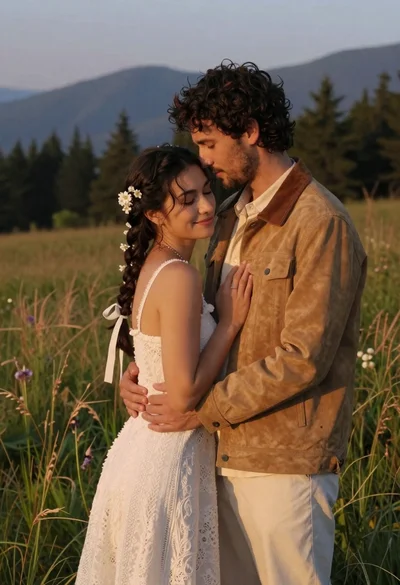
Young couple embracing in a grassy field at sunset with mountains
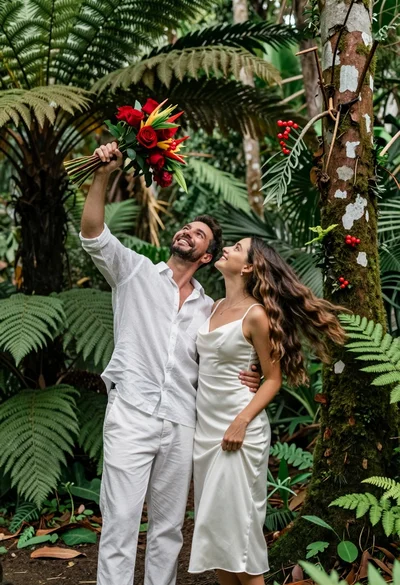
Joyful couple in white linen clothing standing in lush tropical forest setting
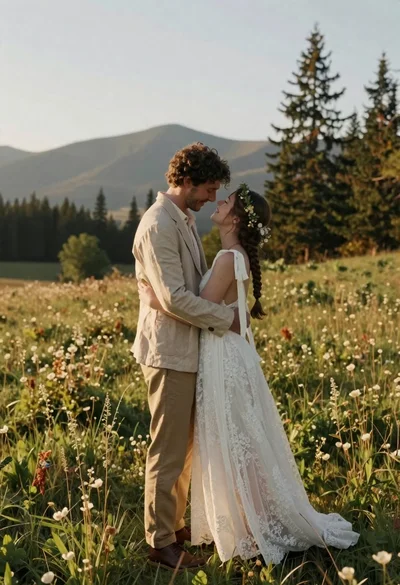
Romantic couple in white lace dress embracing in sunlit meadow
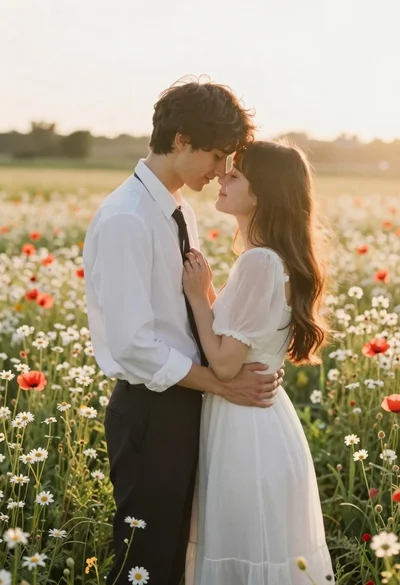
Romantic couple embracing in a sunlit field of wildflowers at golden hour
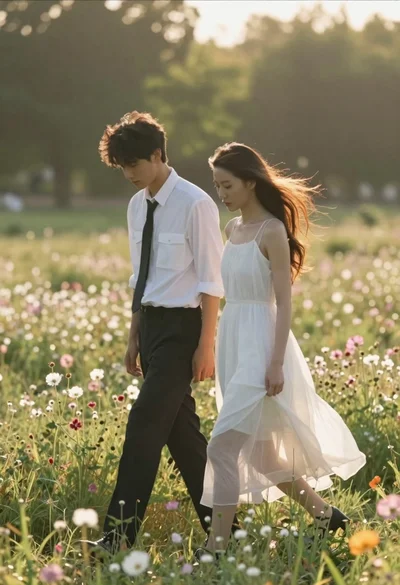
Young couple walking side by side through a sundrenched field of wildflowers
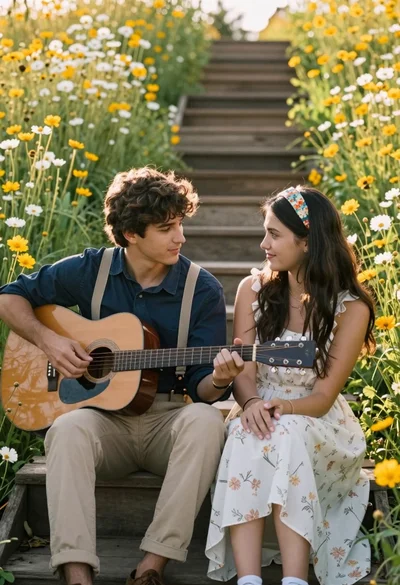
Romantic couple sitting on wooden steps in a field of yellow and

Romantic couple embracing on misty mountains during golden hour sunrise