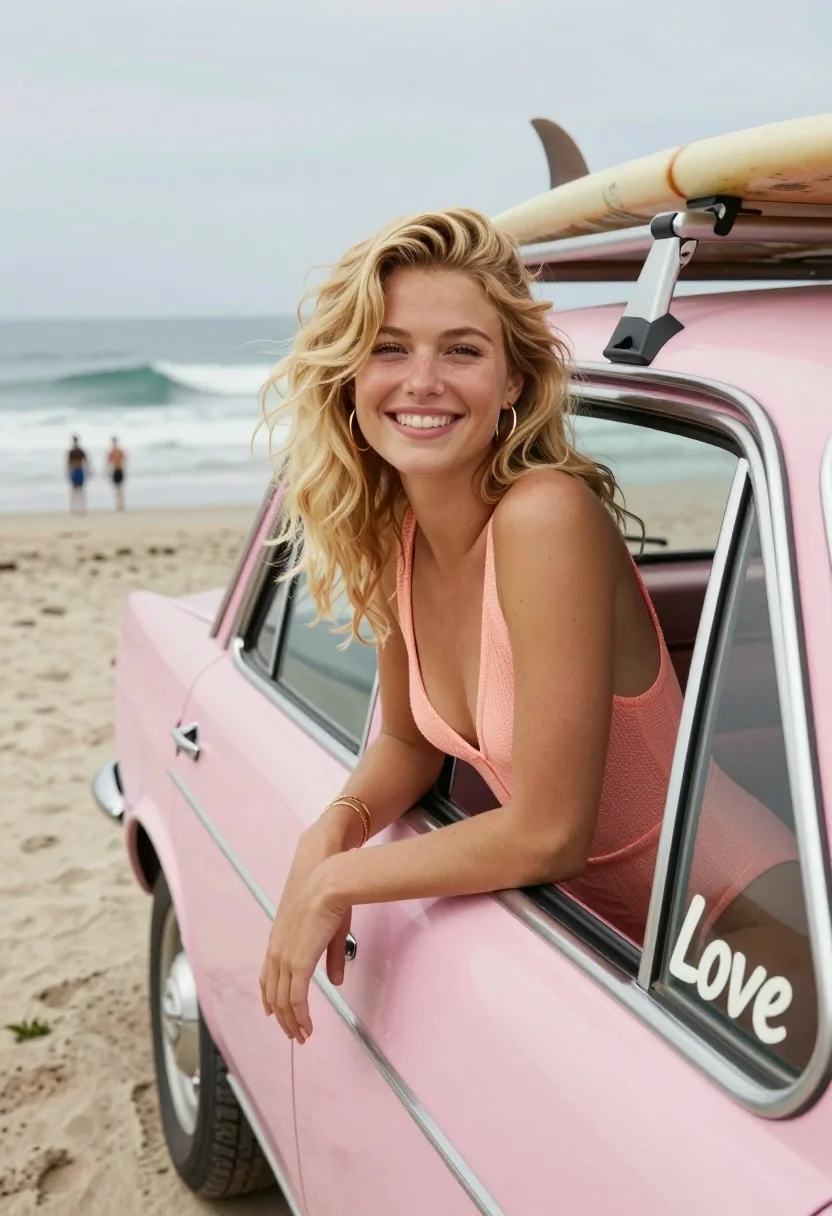
Smiling blonde woman leaning from vintage pink car on beach
Prompt
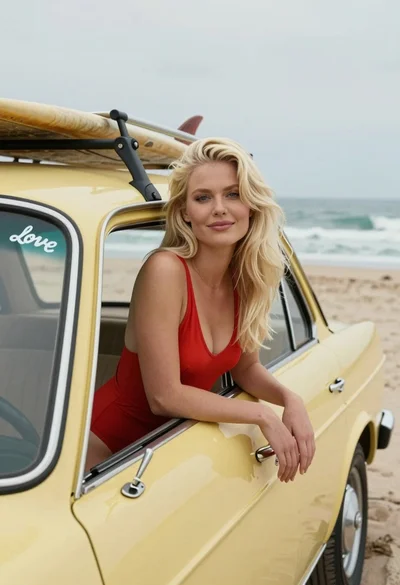
A smiling young woman with wavy blonde hair leans out of the window of a vintage pink car parked on a beach.

Subject: A fair-skinned woman with voluminous wavy blonde hair and a warm smile looking directly at the camera.

Clothing: She wears a peach-colored knit one-piece swimsuit with a deep neckline, accessorized with gold hoop earrings and multiple thin bracelets on her wrist.

Action: The woman leans casually out of the open car window with her arms resting on the door frame, exuding a relaxed and happy demeanor.

Environment: A coastal beach scene with gentle ocean waves rolling in on the left and a sandy shore stretching into the distance where other people are visible.

Objects: A surfboard is strapped to the roof rack of the vintage car above the woman's head.

Interaction: The woman is interacting with the camera by posing for a portrait while leaning against the vehicle.

Text/Graphics: The word "Love" is written in white cursive script on the rear side window of the car.

Camera: Shot from a slightly low angle looking up at the subject, utilizing a shallow depth of field to blur the background and emphasize the woman.

Lighting: Soft, diffused natural daylight illuminates the scene evenly without harsh shadows, creating a gentle and airy mood.

Style Details: The image has a nostalgic, film-like aesthetic with a pastel color palette and a slightly grainy texture reminiscent of 1970s surf photography.
Description
This prompt is useful for creating vintage travel advertisements, retro lifestyle blogs, and personal anniversary photo shoots capturing summer memories. The combination of 'pastel color palette' and 'slightly grainy texture reminiscent of 1970s surf photography' grounds the scene in a specific nostalgic era, while the 'soft, diffused natural daylight' ensures that even with the 'low angle', the subject remains clearly visible against the blurred background.
Suggestions
- Change 'vintage pink car' to 'teal vintage car' for a different retro pop.
- Swap 'peach-colored knit one-piece swimsuit' for 'terracotta bikini' to update the color scheme.
- Add 'Kodachrome film grain' to the style details for an even stronger period feel.
Category
Tags
BeachBlondeCasual WearFair SkinFemaleLow AngleOutdoorsPortrait ShotRealisticSwimwear
Date added
July 12, 2026
Added by
PromptDexter Team
Related Prompts
More prompts with similar categories and tags.

Blonde woman in swimsuit seated on boat deck overlooking coastal bay
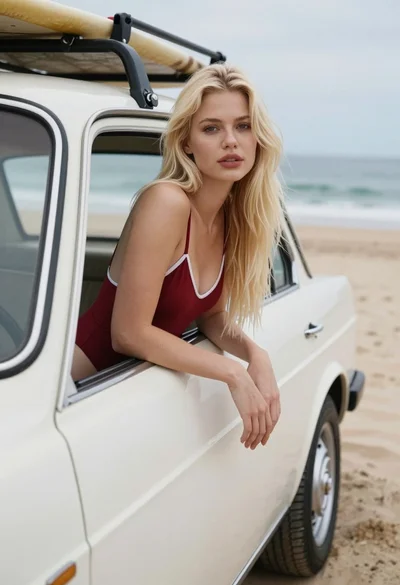
Blonde woman in red swimsuit leaning from vintage car at sandy beach
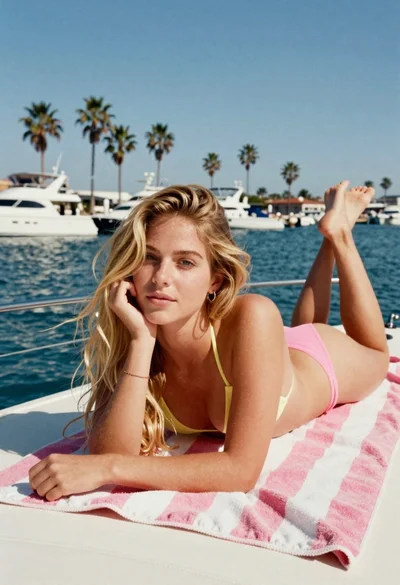
Blonde woman on towel aboard boat near sunny marina setting
Blonde woman in light dress on beach at golden hour sunset
Blonde woman on beach in white top and denim shorts

Fair blonde woman sitting on sandy beach looking at camera
Young woman with long dark hair sitting on a traditional boat
Young east asian woman smiling on sunlit beach wearing white top

Blonde woman laughing sitting in deep snow near pine trees
Blonde woman in red swimsuit leaning from vintage car on beach