
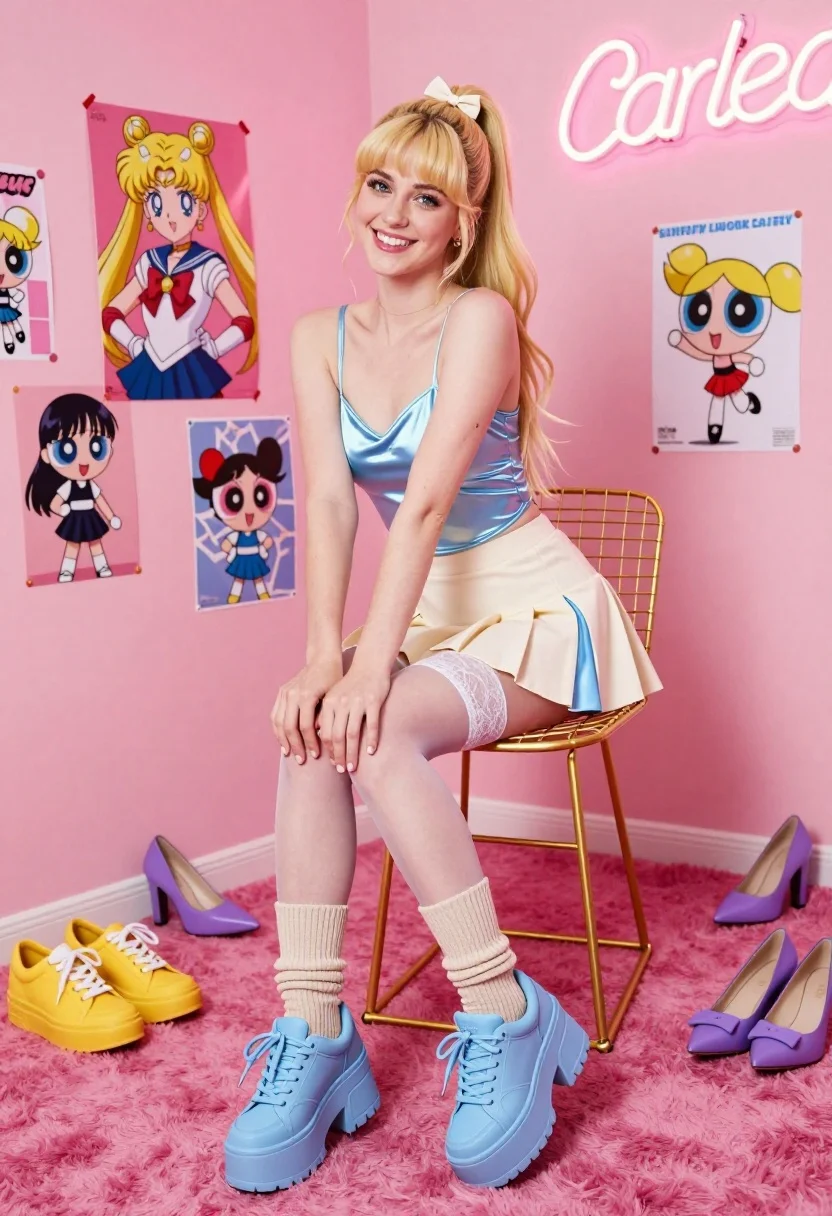
Smiling blonde woman seated in pink room with anime posters and neon
Prompt
A smiling young woman with long blonde hair tied in a high ponytail sits on a gold wire stool in a vibrant pink room decorated with anime posters and a neon sign.

Subject: A young woman with long blonde hair styled in a high ponytail secured with a small bow, featuring a bright smile and direct gaze at the camera.

Clothing: She wears a shiny light blue satin camisole top, a cream-colored pleated skirt with light blue side panels, sheer white lace-top thigh-high stockings, beige ribbed crew socks pulled up over the thighs, and chunky light blue platform sneakers.

Action: The woman is seated on a stool, leaning forward slightly with her hands resting near her knees in a relaxed pose.

Environment: A room with bright pink walls and a plush magenta carpet, featuring a gold wire-frame stool, scattered shoes including yellow sneakers and purple heels on the floor, and posters of Sailor Moon and The Powerpuff Girls on the wall.

Camera: Shot from a low angle looking up at the subject to emphasize her seated height, utilizing a wide field of view that captures the surrounding room and scattered footwear.

Lighting: Bright and even studio lighting illuminates the scene with soft shadows, highlighting the glossy textures of the satin top and platform shoes while maintaining a cheerful mood.

Style Details: High-resolution commercial photography with vibrant color saturation, sharp focus on the subject, and a playful pop-culture aesthetic.
Description
This prompt is useful for creating themed character portraits, niche fashion editorials, and stylized promotional content for pop culture merchandise. The combination of 'bright pink walls' with 'shiny light blue satin camisole top' and the 'low angle looking up at the subject' composition directs attention to both the subject's playful energy and the surrounding maximalist environment.
Suggestions
- Change 'anime posters' to specific artist names for a more cohesive look.
- Swap 'gold wire stool' for a velvet ottoman to soften the hard lines.
- Adjust 'bright pink walls' to include some pastel accents like mint green.
Category
Tags
BlondeCasual WearFemaleLow AnglePortrait ShotRealisticStudioWide Shot
Date added
July 12, 2026
Added by
PromptDexter Team
Related Prompts
More prompts with similar categories and tags.

Model walking down rainy city street at night

Blonde woman in nurse costume sitting on marble steps in luxurious hall

Blonde woman sitting on white sports car in studio with dragon mural
Blonde woman sitting on wooden bench in bright modern minimalist interior space

Blonde woman kneeling in blue swimsuit against solid red studio background

Blonde woman adjusting shoe on white sofa near decorated christmas tree
Blonde woman reclining on blue sofa indoors by large window
Fair blonde woman in blue blouse on textured surface studio portrait

Portrait of woman with red hair in navy blouse and green skirt
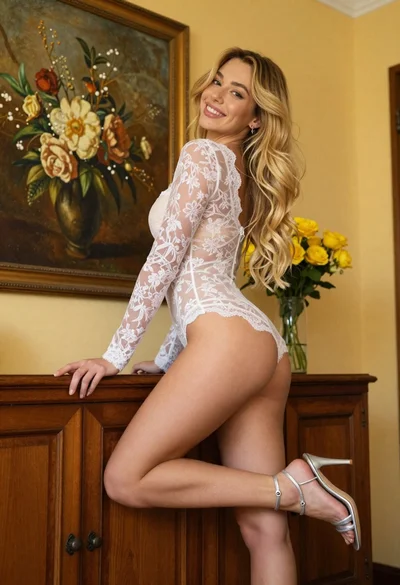
Young blonde woman in lace bodysuit leaning against wooden cabinet indoors