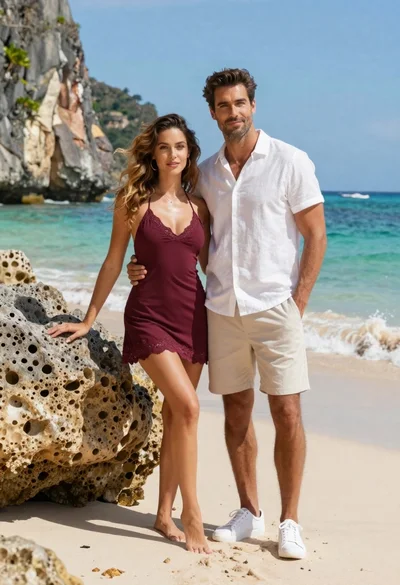
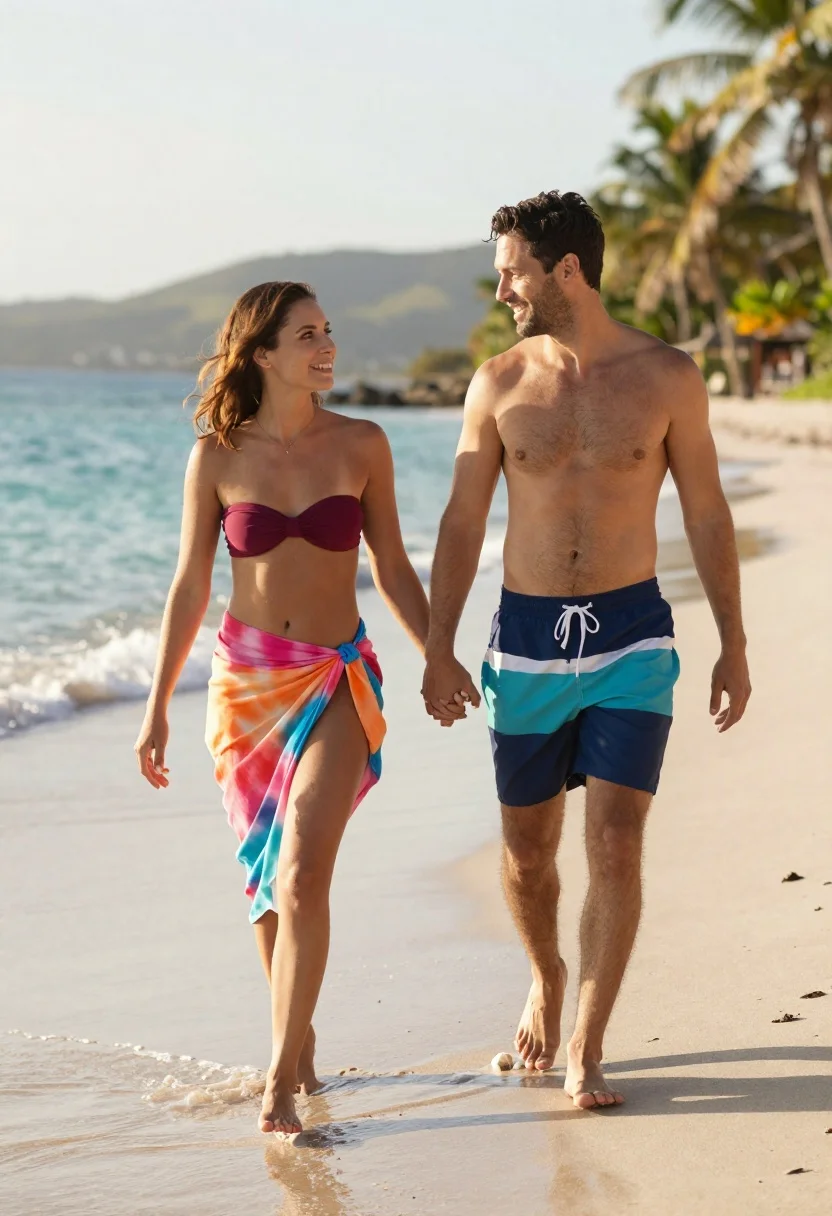
Smiling couple walking hand in hand on beach at sunset
Prompt
A smiling couple walks hand-in-hand along a sandy beach at the water's edge.

Subject: A fit woman with shoulder-length brown hair and a handsome man with short dark hair and stubble walk side-by-side holding hands.

Clothing: The woman wears a maroon strapless bikini top and a vibrant, flowing tie-dye sarong in shades of pink, orange, and blue wrapped around her waist. The man is shirtless and wears navy blue swim trunks with a teal and white horizontal stripe across the waistband.

Action: Both subjects are captured mid-stride walking barefoot on the sand; they hold hands between them and each holds a small handful of white shells in their free hand, looking at one another with happy expressions.

Environment: They walk on wet, light-colored sand where gentle waves are washing ashore; behind them is turquoise ocean water meeting a distant hilly coastline under a bright sky with palm trees visible on the right side.

Camera: The shot is framed from a medium distance capturing full-body figures walking toward the viewer, utilizing a shallow depth of field that keeps the couple sharp while softly blurring the background scenery.

Lighting: Soft, natural sunlight illuminates the scene from above and slightly behind, casting gentle shadows on the sand and creating a warm, inviting atmosphere typical of late afternoon or early evening.

Style Details: The image features high-definition realism with smooth skin textures, vibrant saturated colors, and a cinematic composition that emphasizes the romantic mood.
Description
This prompt is useful for creating travel brochures, intimate lifestyle photography, and resort advertising campaigns. The combination of 'soft, natural sunlight' casting gentle shadows and the 'vibrant, flowing tie-dye sarong' ensures the subjects are warmly lit while preventing harsh highlights on the wet sand, which grounds the romantic mood in a believable, late afternoon setting.
Suggestions
- Change 'maroon strapless bikini top' to 'deep emerald strapless bikini top' for color contrast.
- Swap 'shallow depth of field' for 'wide-angle lens' to include more background context.
- Adjust 'palm trees visible on the right side' to 'tropical foliage framing both sides' for better balance.
Category
Tags
BeachBlack HairBrown HairFemaleFull BodyMaleMedium ShotNatureOutdoorsRealisticSwimwear
Date added
June 21, 2026
Added by
PromptDexter Team
Related Prompts
More prompts with similar categories and tags.

Romantic couple in white summer outfits on luxury yacht deck

Young couple sliding down snowy hill in wooden sled action shot

Romantic couple sharing an intimate moment in front of the eiffel tower
Romantic couple in navy blue outfits sitting in wooden boat
Smiling couple embracing on sandy beach during sunset at golden hour
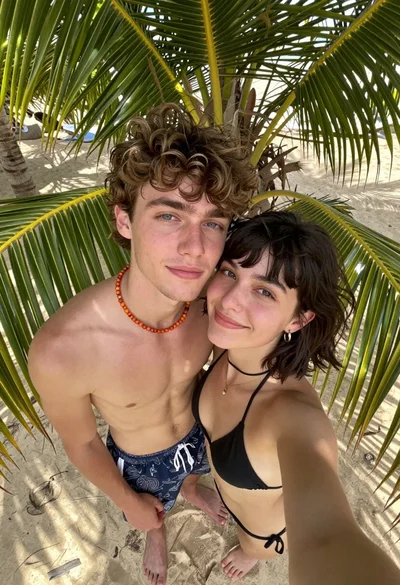
High angle selfie of young couple on sandy beach framed by palm
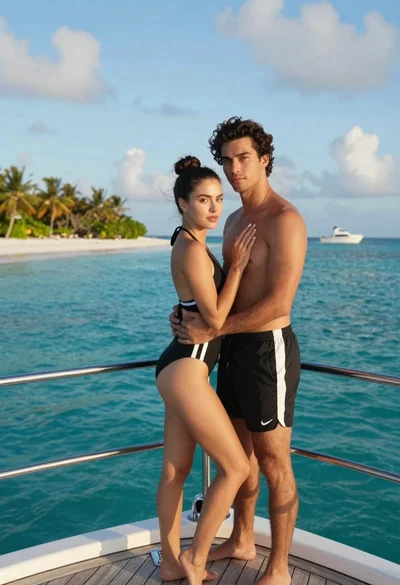
Romantic couple embracing on a luxury yacht in a tropical paradise
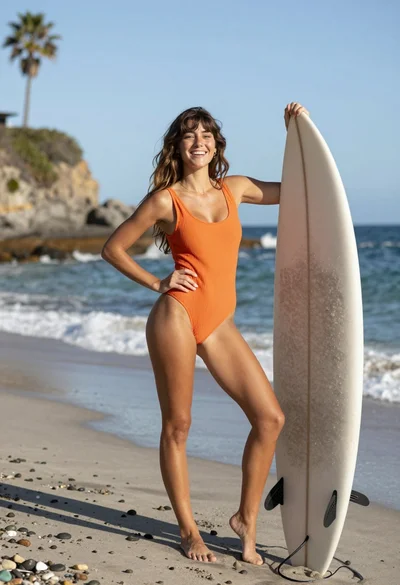
Joyful young woman in orange swimsuit holding surfboard on sunny beach
