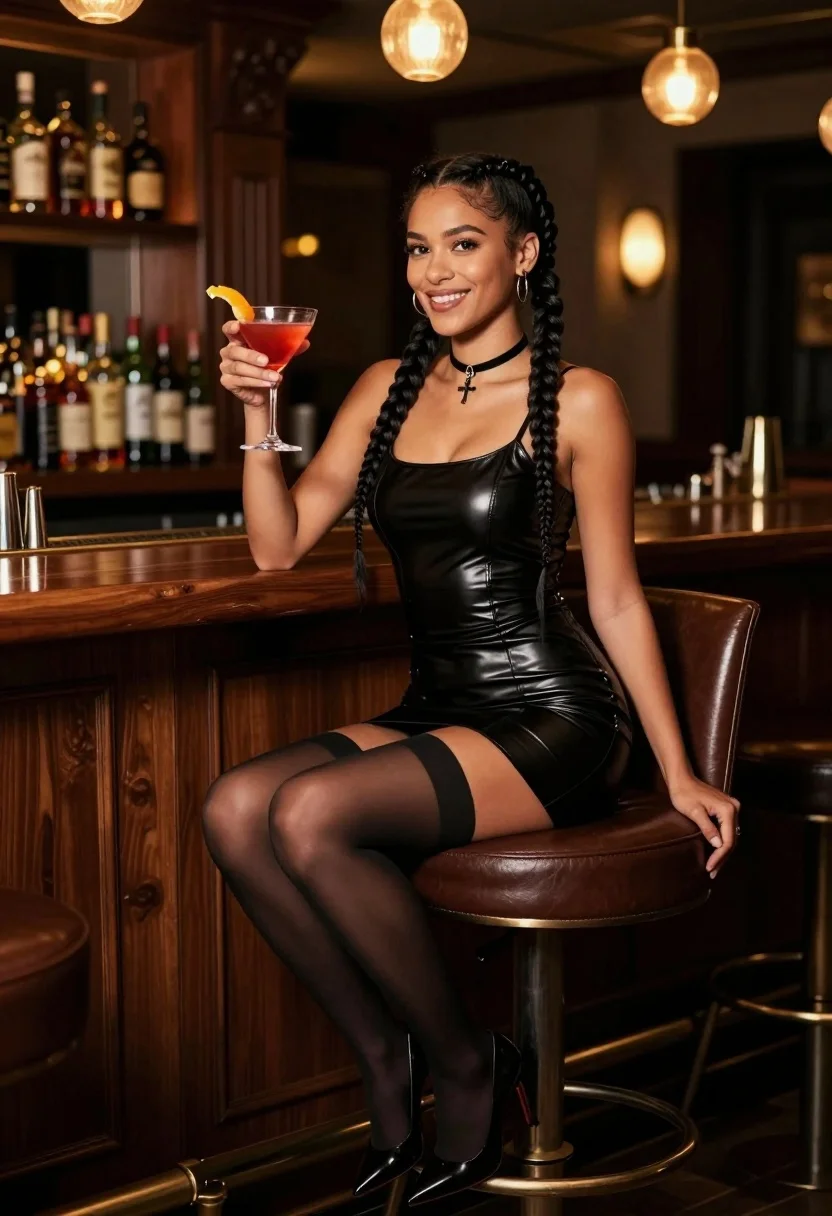
Smiling dark skinned woman with braids holding cocktail at upscale bar
Prompt
A woman with dark braided hair sits on a high leather bar stool holding a red cocktail garnished with an orange peel.

Subject: A smiling woman with dark skin and long black hair styled in two thick braids, wearing a black choker necklace with a cross pendant and small hoop earrings.

Clothing: She wears a tight-fitting black sleeveless mini dress made of a textured material resembling leather or latex, paired with shiny black thigh-high stockings and black pointed-toe high heels.

Action: The woman is seated sideways on the stool, leaning slightly forward with her left hand resting on the wooden bar counter while her right hand holds a stemmed cocktail glass up to chest level.

Environment: A dimly lit upscale bar or lounge setting featuring dark wood paneling, shelves lined with various liquor bottles in the background, and warm ambient lighting from hanging fixtures.

Camera: Medium shot capturing the subject from the waist up at eye level with a shallow depth of field that blurs the background shelves and lights to emphasize the subject.

Lighting: Warm, moody indoor lighting with soft highlights on the woman's skin and dress, creating a cozy atmosphere with deep shadows in the corners of the room.

Style Details: Photorealistic image with high detail, rich color saturation, and a cinematic composition that mimics professional portrait photography.
Description
This prompt is useful for creating editorial nightlife features, character portraits for film concepts, and sophisticated bar advertising campaigns. The combination of 'dimly lit upscale bar' with 'warm, moody indoor lighting' ensures the subject pops against deep shadows, while specifying a 'shallow depth of field' keeps the focus tightly on the woman and her cocktail rather than allowing the background shelves to become distracting clutter.
Suggestions
- Change 'red cocktail' to 'deep amber cocktail' for a more sophisticated color palette.
- Swap 'leather or latex' for 'velvet material' to soften the outfit's edge.
- Adjust 'medium shot' to 'close-up portrait' to emphasize the choker and smile.
Category
Tags
Black HairBrunetteDark SkinFemaleIndoorsMedium ShotRealistic
Date added
July 3, 2026
Added by
PromptDexter Team
Related Prompts
More prompts with similar categories and tags.
Woman kneeling in black outfit under dramatic spotlight studio lighting
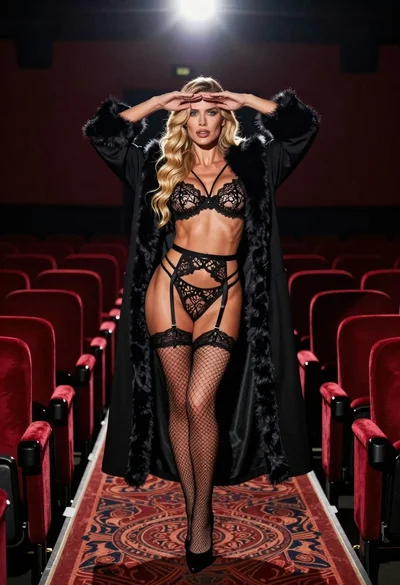
Blonde woman in black lace lingerie and robe in a theater aisle
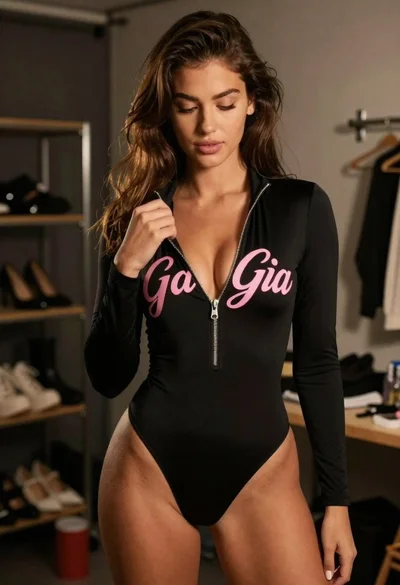
Young woman in black bodysuit standing in dimly lit dressing room
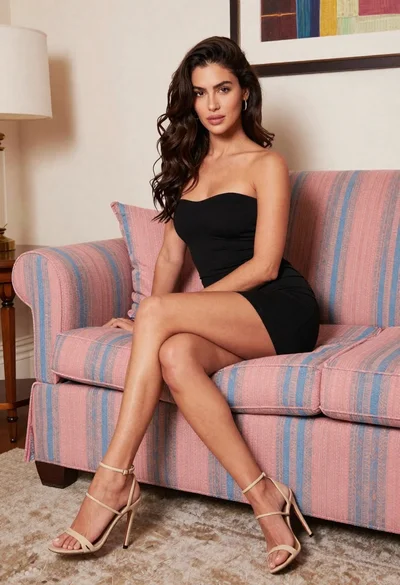
Woman in black mini dress seated on patterned sofa indoors
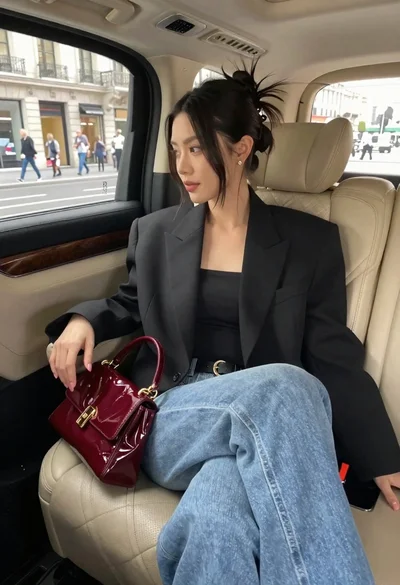
Woman seated in luxury car interior by city street
Woman with dark hair on black sofa against blue curtains indoors

Poised woman in black gown posing indoors with dramatic low key lighting
Glamorous woman in black mesh dress with fur stole indoors
Poised woman in black sequined two piece outfit indoors
Confident woman with dark hair posing in black mini dress against white