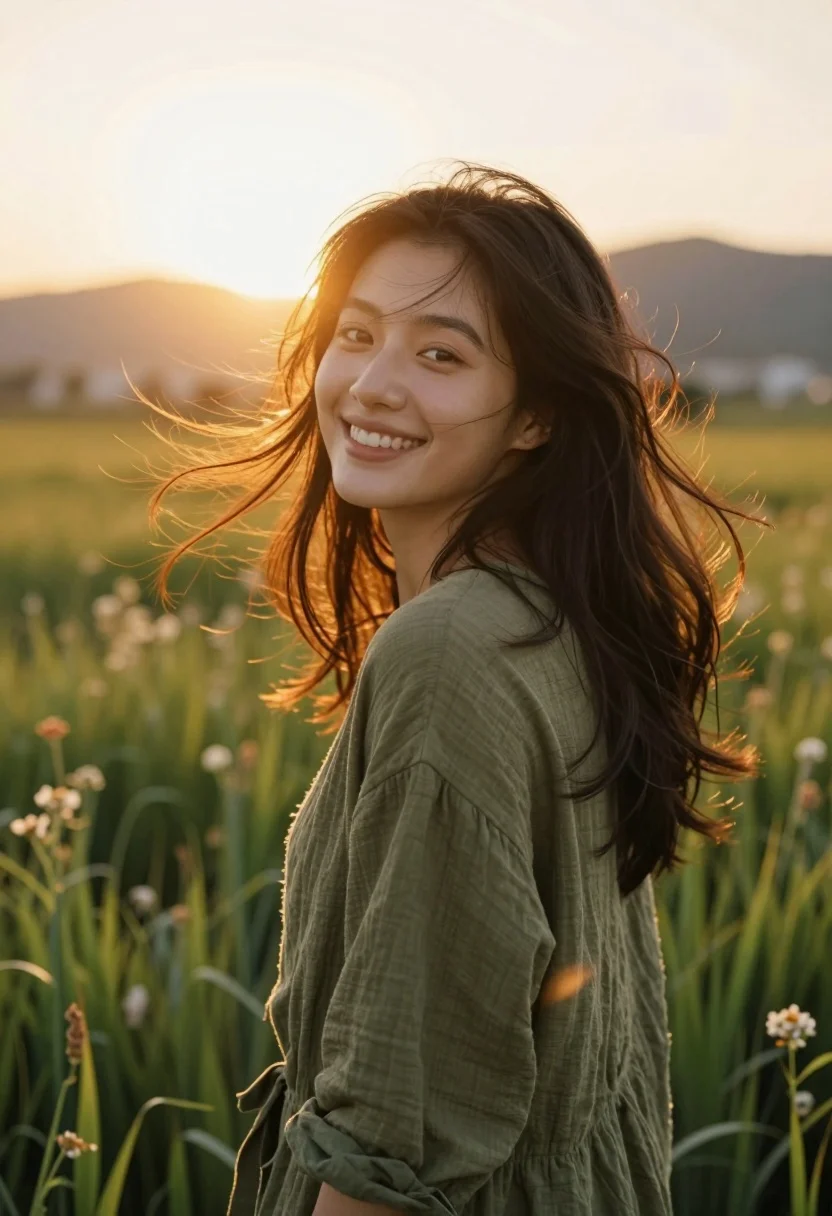
Smiling woman in olive top standing in tall grass field at sunset
Prompt
A smiling woman with dark hair stands in a field of tall grass and wildflowers during sunset.

Subject: A young woman with long, dark brown hair that is blowing gently in the wind. She has a warm, radiant smile and is looking slightly over her shoulder towards the camera. Her skin is glowing from the backlight.

Clothing: She wears a loose-fitting, olive green top made of a textured fabric like linen or cotton.

Action: The woman is standing still but turning her head to look back at the viewer with a happy expression. Her hair is being tossed by a breeze, creating dynamic movement around her face and shoulders.

Environment: She is in an open outdoor field filled with tall green grass and small wildflowers. In the background, there are rolling hills or low mountains under a soft sky.

Lighting: The scene is backlit by a bright, warm sun setting on the horizon, creating a strong golden glow and lens flare that outlines her hair and face in a halo effect. The light is soft and diffused, casting a dreamy atmosphere.

Camera: The shot is a medium close-up with a shallow depth of field that keeps the subject sharp while blurring the background into a creamy bokeh. The angle is slightly low, looking up at the sun behind her.

Style Details: The image has a cinematic and ethereal quality with high contrast between the bright backlight and the shadows, featuring warm color grading dominated by golds and greens.
Description
This prompt is useful for creating lifestyle advertising campaigns, romantic portraiture, and editorial nature spreads that require an intimate, joyful feel. The combination of 'backlit' sun creating a halo effect on her hair and the 'shallow depth of field' blurring the background into bokeh ensures the viewer's focus remains solely on her radiant smile against the rich greens.
Suggestions
- Change 'olive green top' to 'terracotta knit sweater' for warmer tones.
- Add 'golden hour haze' to the lighting description for more atmosphere.
- Adjust 'medium close-up' to 'waist up shot' to include more of the grass.
Category
Tags
Casual WearFemaleLow AngleMedium ShotNatureOlive SkinOutdoorsRealistic
Date added
August 5, 2026
Added by
PromptDexter Team
Related Prompts
More prompts with similar categories and tags.
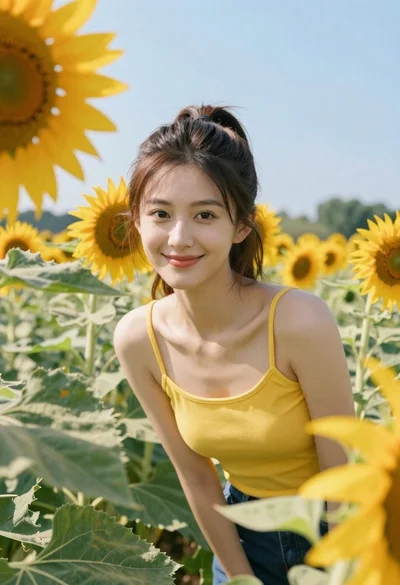
Young woman in yellow tank top smiling in sunflower field at low
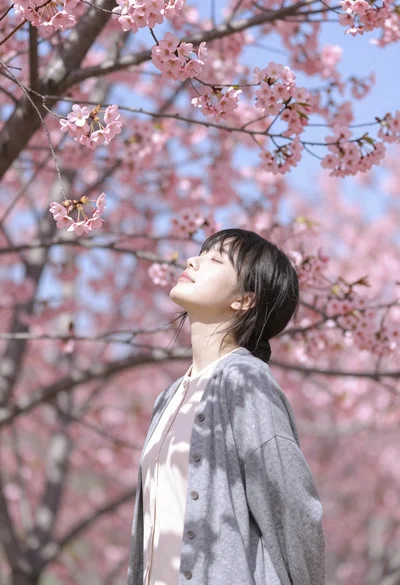
Young woman with dark hair standing under pink cherry blossom canopy
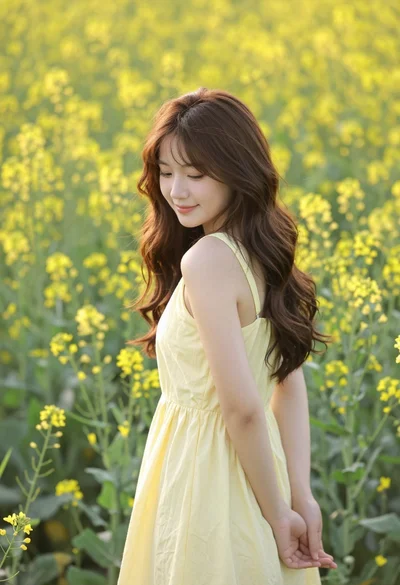
Young woman in yellow dress standing amidst dense field of wildflowers
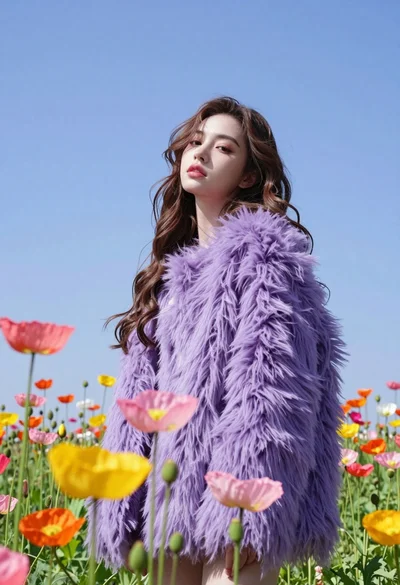
Low angle portrait of woman in purple fur coat among colorful poppy
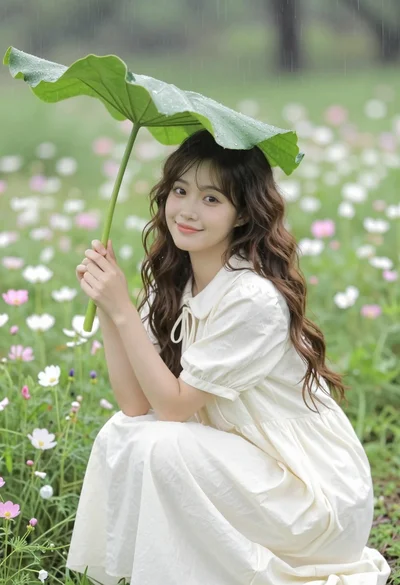
Young woman in cream dress shielding herself under large leaf in wildflower
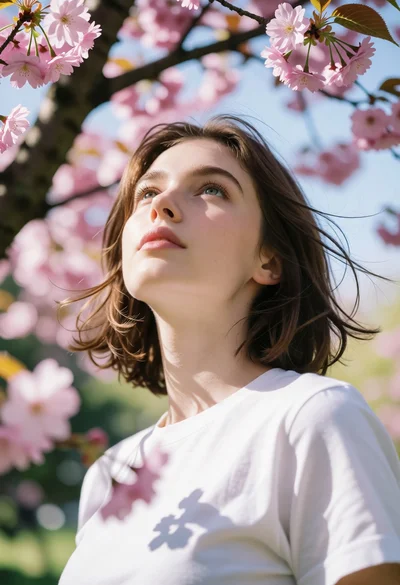
Low angle portrait of young woman under cherry blossoms with dappled light
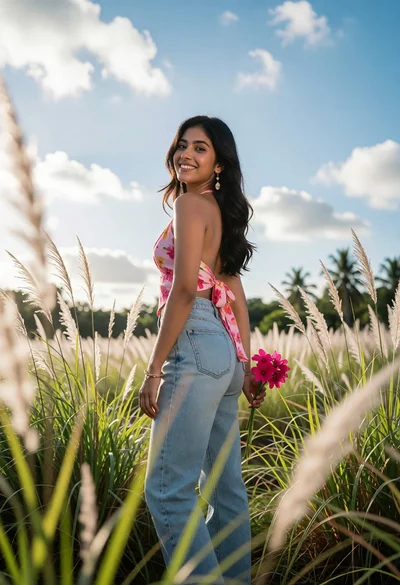
Young woman looking back over shoulder in tall green grass field
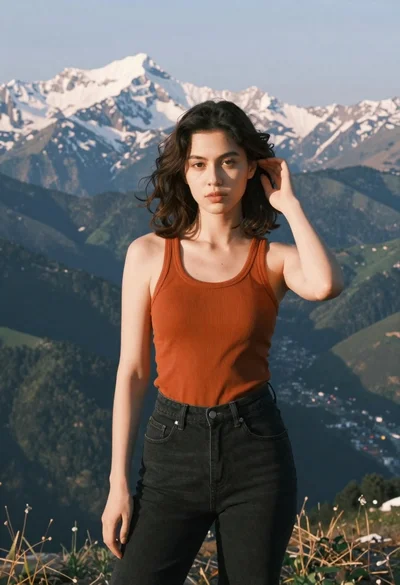
Young woman in orange tank top standing before snow capped mountains
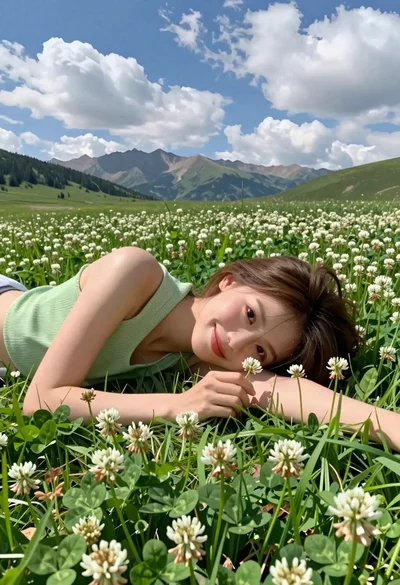
Young woman with brown hair lying in meadow of white flowers
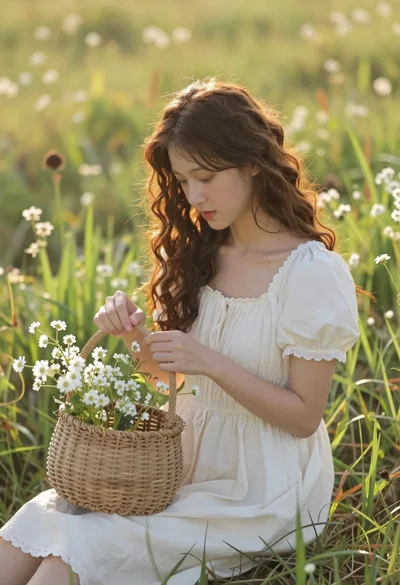
Young woman in cream dress holding flower basket in sunlit meadow