
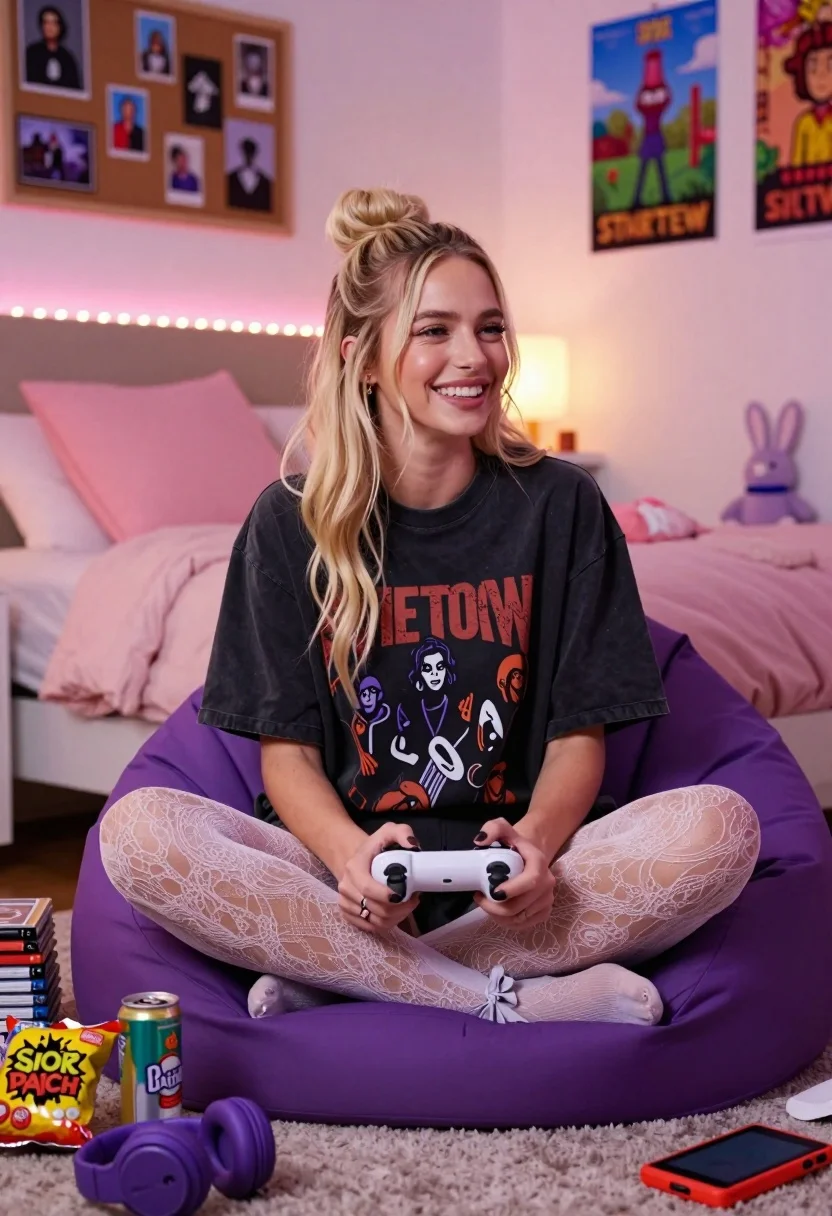
Smiling young woman with blonde hair sitting crosslegged in cozy bedroom setting
Prompt
A smiling young woman with blonde hair tied in a top bun sits cross-legged on a large purple beanbag chair while holding a white game controller.

Subject: A cheerful young woman with long blonde hair styled in a high top bun, wearing a dark oversized graphic t-shirt and sheer lace-patterned tights with small bows at the ankles.

Clothing: She wears a loose-fitting black t-shirt featuring a large band logo and artwork, paired with light-colored patterned tights that have delicate bows tied around her calves.

Action: She is seated in a relaxed cross-legged pose, holding a white game controller with both hands, looking toward the right side of the frame with a bright, joyful smile.

Environment: A cozy bedroom setting featuring a bed with pink pillows and blankets behind her, a corkboard with photos on the wall, string lights along the headboard, and posters including one for Stardew Valley and another for Chappell Roan.

Camera: Medium shot capturing the subject from the waist up, slightly angled to show her profile as she looks toward an off-screen TV or monitor.

Lighting: Warm ambient lighting with soft pink LED strips running along the headboard and a glowing lamp in the background creating a cozy, intimate atmosphere.

Objects: A stack of game cases beside her, a bag of Sour Patch Kids candy, a soda can, purple headphones on the floor, a red handheld gaming device, and a plush bunny toy on the bed.

Style Details: Photorealistic image with soft focus depth of field, warm color grading, and a candid lifestyle aesthetic reminiscent of modern bedroom photography.
Description
This prompt is useful for creating intimate lifestyle blogs, personal portrait sessions, and themed mood boards centered around hobbies or comfort. The combination of 'warm ambient lighting' with specific elements like the 'string lights along the headboard' establishes a highly curated, lived-in atmosphere that grounds the subject in a relatable, cozy narrative rather than an overly polished studio setting.
Suggestions
- Change 'large purple beanbag chair' to 'velvet armchair' for a more structured look.
- Swap 'Stardew Valley and another for Chappell Roan' with specific band posters for better focus.
- Adjust 'soft pink LED strips' to 'warm yellow fairy lights' for a different color temperature.
Category
Tags
BedroomBlack HairBlondeCasual WearFemaleIndoorsMedium ShotPortrait ShotRealistic
Date added
July 3, 2026
Added by
PromptDexter Team
Related Prompts
More prompts with similar categories and tags.

Blonde woman seated sideways in black mini dress by window

Blonde woman in black slip dress winking at table in upscale restaurant

Blonde woman looking back over shoulder against white wall
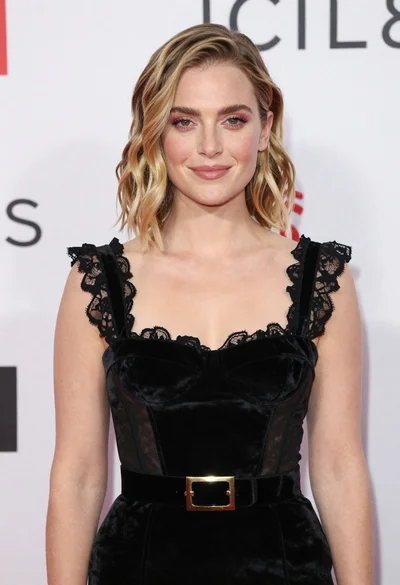
Fair skinned woman in black velvet dress at white step and repeat
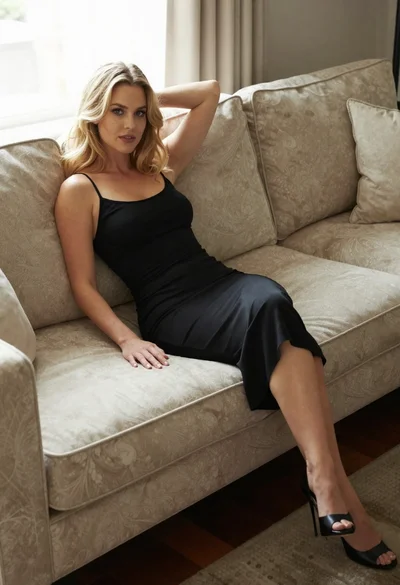
Blonde woman in black slip dress reclining on beige sofa indoors
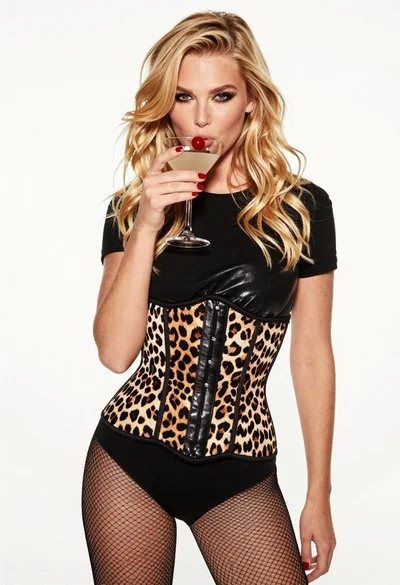
Blonde woman holding cocktail glass against a stark white studio background
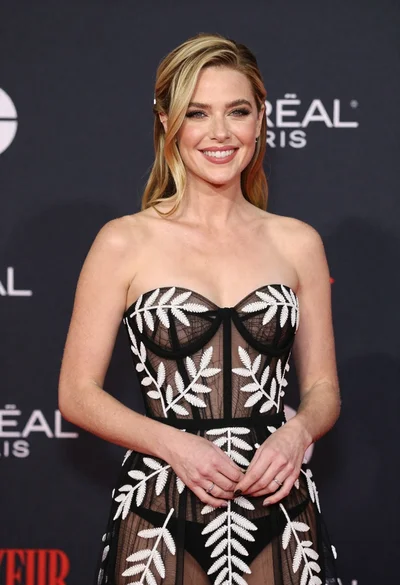
Smiling blonde woman in sheer black gown at a dark event backdrop
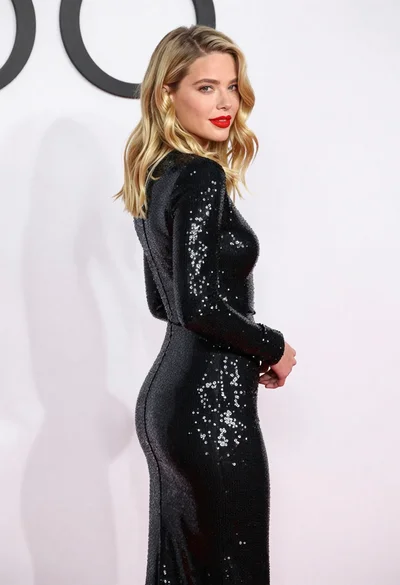
Blonde woman in sequined black dress looking back over shoulder
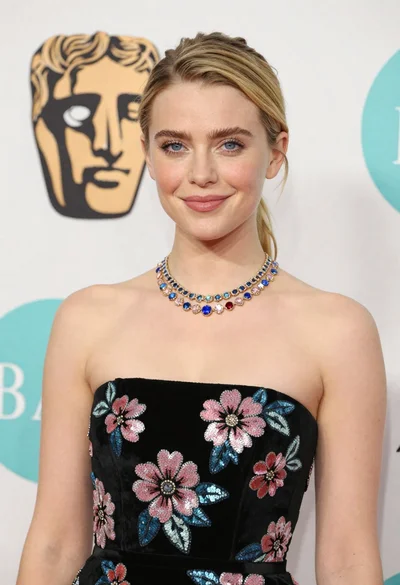
Medium close up portrait of blonde woman in black floral velvet dress
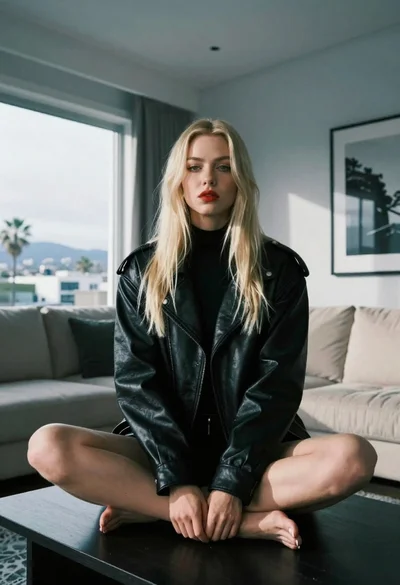
Blonde woman sitting on coffee table in modern living room setting
