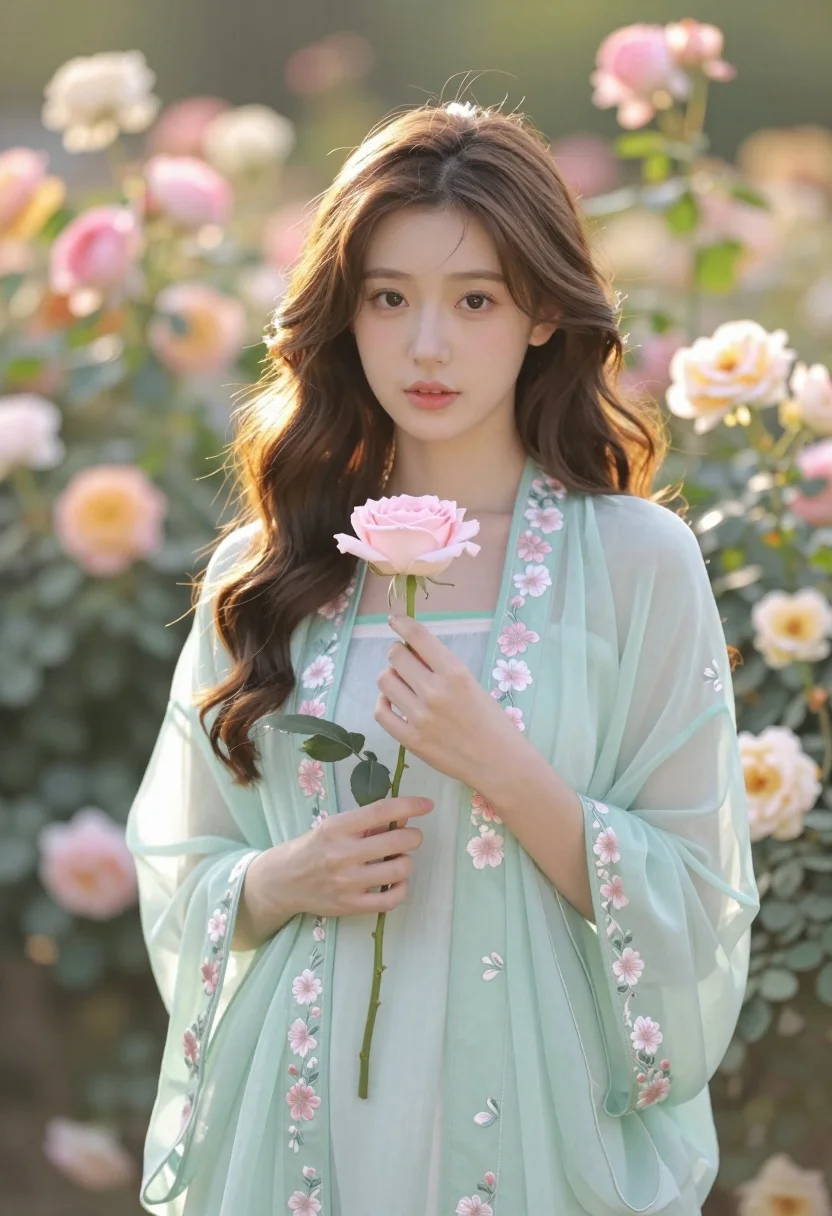
Soft portrait of young woman with brown hair holding pink rose in
Prompt
A soft-focus portrait of a young woman with long wavy brown hair holding a single pink rose in her hands.

Subject: A beautiful young woman with fair skin and dark expressive eyes looking directly at the camera with a gentle, serene expression.

Clothing: She wears an elegant light mint-green traditional tunic featuring delicate floral embroidery in soft pink and white along the neckline, sleeves, and hem. The fabric appears to be sheer and flowing, suggesting a lightweight material like chiffon or organza.

Action: Her hands are gently cupped around the stem of a pale pink rose held close to her chest. She stands still with a calm demeanor.

Environment: A lush garden filled with blooming roses in shades of pink, peach, and cream creates a soft, blurred background that emphasizes the subject.

Lighting: Warm golden hour sunlight bathes the scene, creating a dreamy atmosphere with soft highlights on her hair and shoulders and gentle shadows that add depth to her features.

Camera: Shot with a shallow depth of field using a wide aperture lens to blur the floral background into bokeh while keeping the subject in sharp focus.

Style Details: The image has a romantic, ethereal quality with pastel color grading and a smooth, high-resolution aesthetic reminiscent of professional fashion photography.
Description
This prompt is useful for creating bridal portraiture, delicate editorial beauty shots, and fine art nature prints. The combination of 'soft-focus' treatment, 'pastel color grading,' and the specific use of a 'shallow depth of field' ensures that the background bokeh frames the subject without competing with the intricate details of the 'light mint-green traditional tunic.'
Suggestions
- Change 'pink rose' to 'peachy garden roses' for better color harmony.
- Swap 'chiffon or organza' for 'silk voile' to change the fabric drape.
- Adjust 'golden hour sunlight' to 'overcast daylight' for a more diffused look.
Category
Tags
Brown HairCasual WearFair SkinFemaleFull BodyNatureOutdoorsPortrait ShotRealisticTraditional Wear
Date added
August 5, 2026
Added by
PromptDexter Team
Related Prompts
More prompts with similar categories and tags.
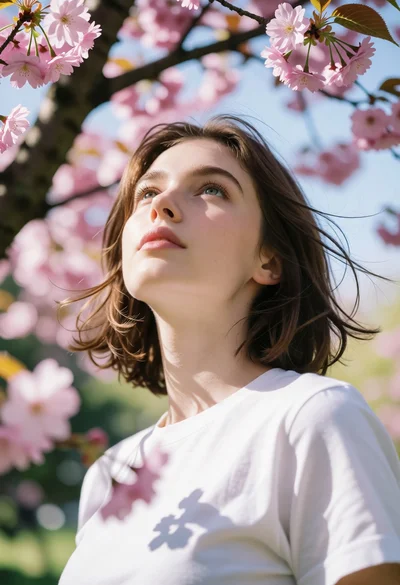
Low angle portrait of young woman under cherry blossoms with dappled light
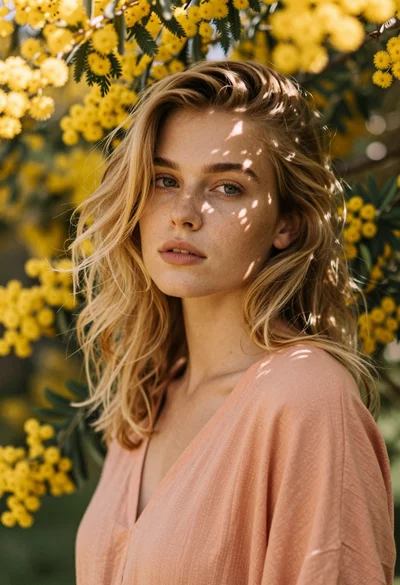
Close up portrait of blonde woman with freckles among yellow flowers
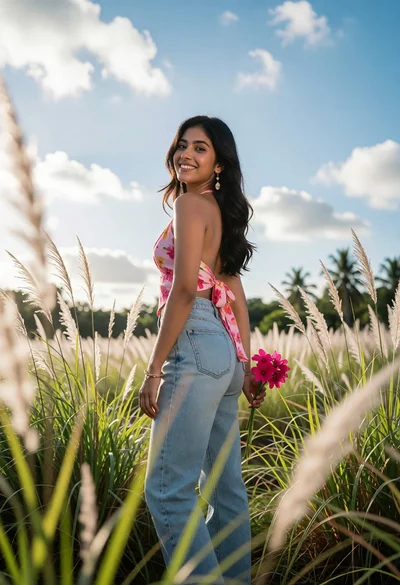
Young woman looking back over shoulder in tall green grass field
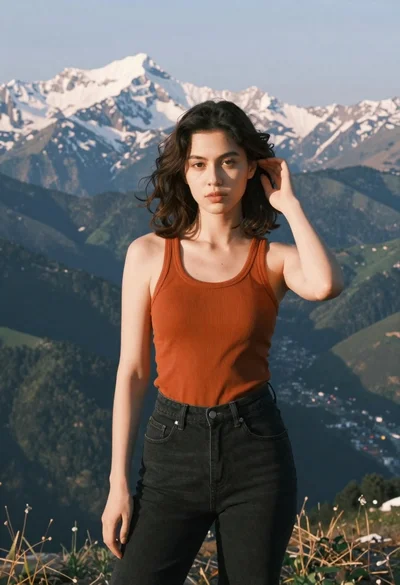
Young woman in orange tank top standing before snow capped mountains
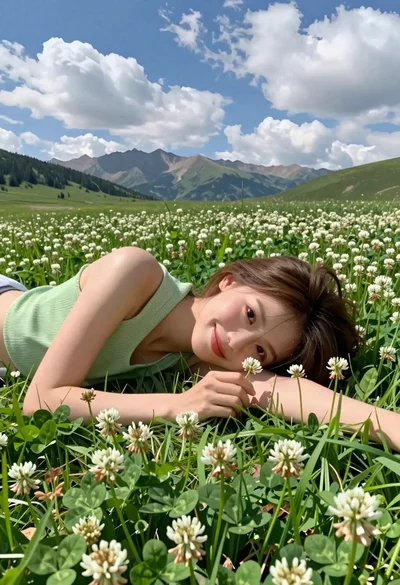
Young woman with brown hair lying in meadow of white flowers
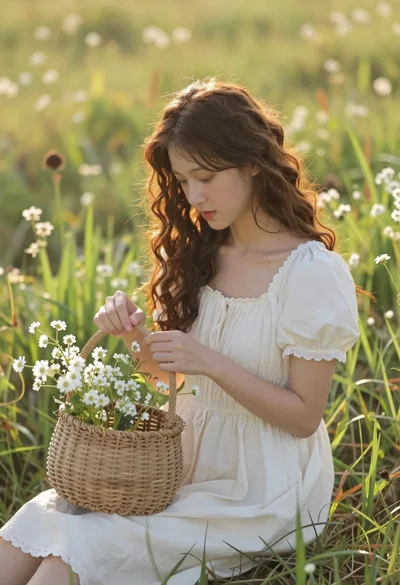
Young woman in cream dress holding flower basket in sunlit meadow
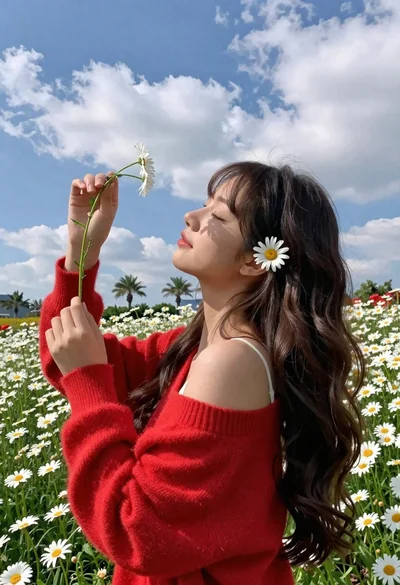
Young woman in red sweater holding flowers in daisy field
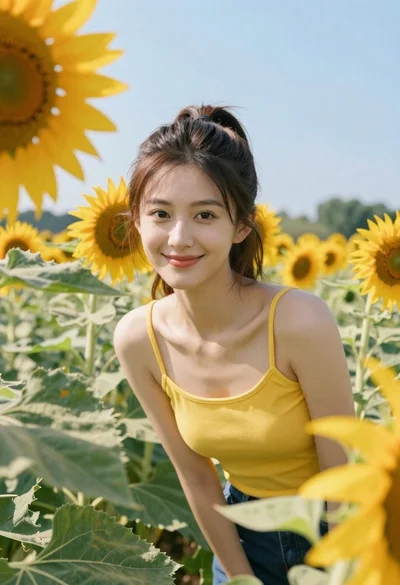
Young woman in yellow tank top smiling in sunflower field at low
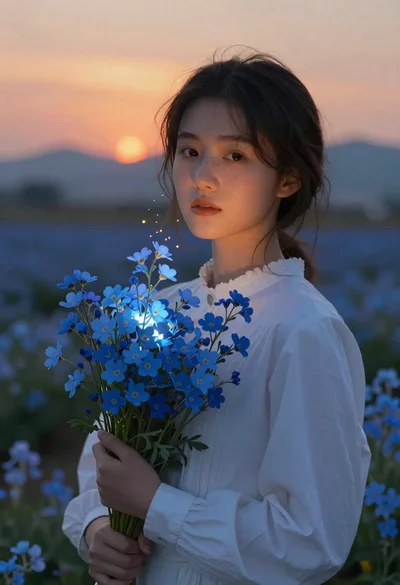
Young woman holding glowing blue flower bouquet at twilight sunset
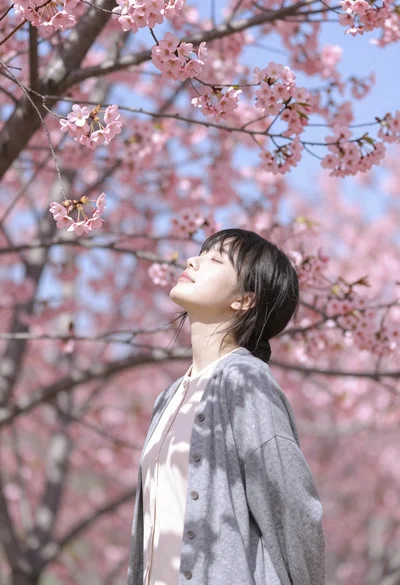
Young woman with dark hair standing under pink cherry blossom canopy